
AMD Ryzen 7 7800X3D vs 9800X3D Performance Comparison for 1080p and 1440p Gaming
Comparative analysis of AMD Ryzen 7 7800X3D and 9800X3D performance in popular multiplayer and single-player titles across different resolutions.
Hardware by Nahe Yan on Nov 16, 2025
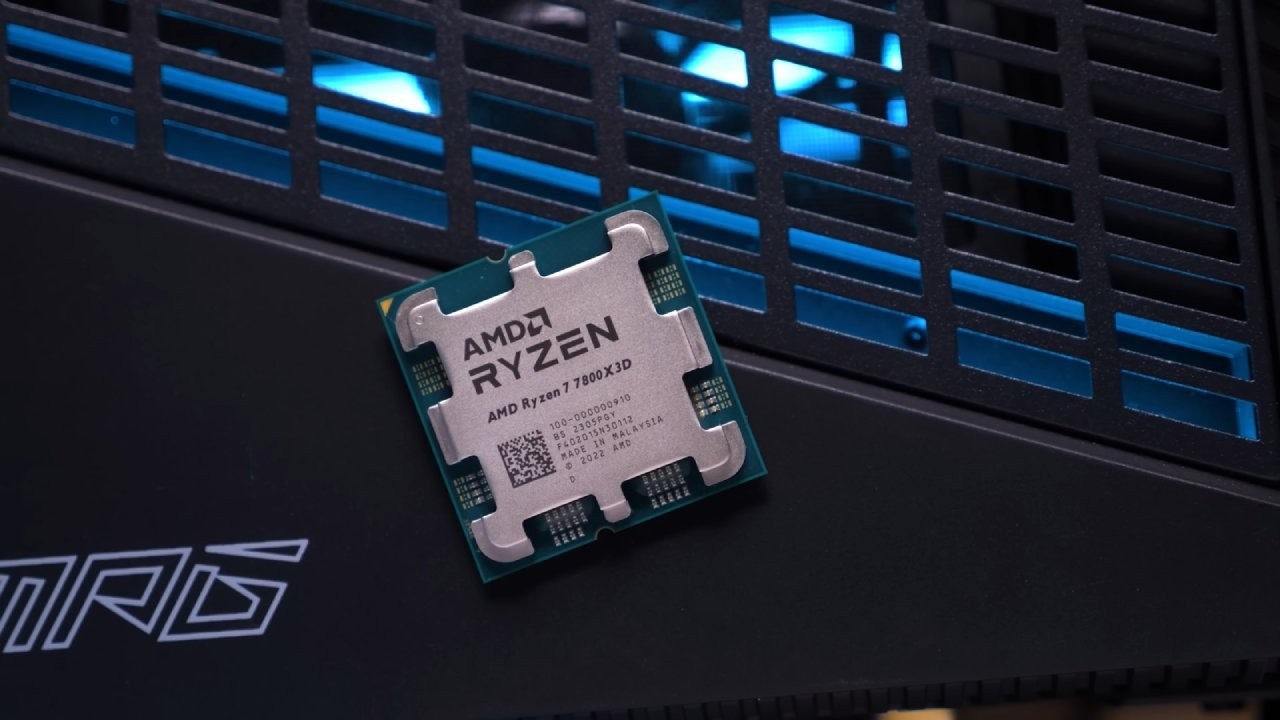
As Black Friday and Christmas get closer, many people may be shopping for a new CPU and only have two options: the Ryzen 7 7800X3D or the Ryzen 7 9800X3D. People often want to know how different various CPUs are from each other, especially when they look at them. 1% lows in well-known multiplayer games at 1080p low settings and 1440p high settings.
The RX 9070 XT, RTX 4080, or 5070 Ti are common GPUs that work with both CPUs. We want to know how each CPU works with different games and GPU setups. 1% Lows and How They Affect Gameplay.
We start with 1080p Counter-Strike 2. There isn't much difference among the scenarios, whether it's the 7800X3D with the RX 9070 XT, the RTX 4080, or the 9800X3D with the same GPUs. 1% low. The 9800X3D has a higher average FPS, but the main focus is on. 1% low score.
This value shows the lowest FPS observed during gameplay, which is very important when looking for stuttering. A game can have a high average FPS yet still not be very good. 1% lows, which makes things tough when there are sudden loads.
Different Prices and Discounts by Season
The Ryzen 7 7800X3D costs about $285 to get sent to you, whereas the Ryzen 7 9800X3D costs more than $100 more, even from AliExpress. Prices vary, and customers may have to pay tariffs depending on where they are; however, discount coupons and seasonal sales can further lower prices. During these sales, US customers can use multiple coupon codes.
Arc Raiders: Just Released and Works Well
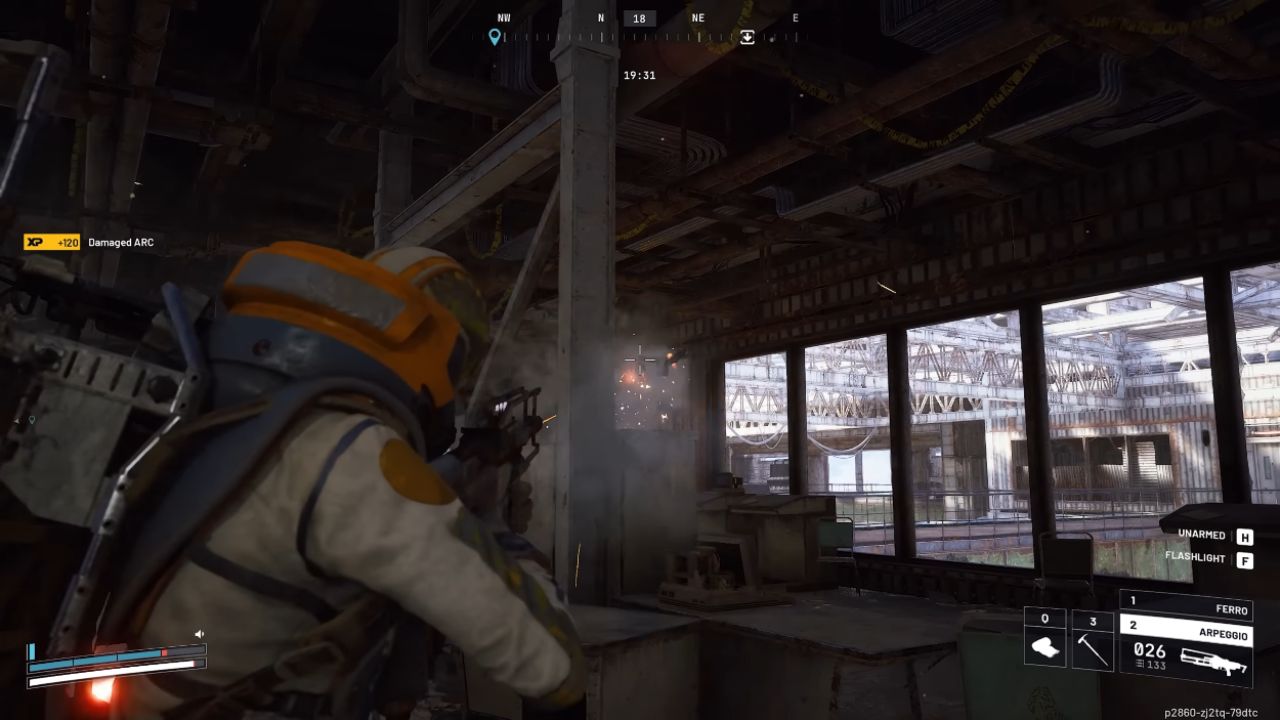
Arc Raiders is a new game that works well on both AMD and Nvidia graphics cards. It's hard to benchmark because the spawn points change, and there isn't a built-in benchmark. The 1% lows stay the same. At 1080p, you can see strange behavior. Even though the average FPS is greater, the 1% lows are lower than at 1440p.
When the FPS is too high, the game engine may behave erratically, leading to dips. For stability, it is best to limit the FPS to the monitor's refresh rate.
Escape from Duck Problems With Optimization that Affect. 1% Lows
Escape from Duck is cheap and provides fun gameplay, but the performance isn't always good. 1% lows are bad at all resolutions and on all hardware because of unpredictable vibrations, whether loading, looting, or interacting. There aren't many graphics options, and FSR 1 is still available while newer versions are available. To make the game more stable, it needs patching and optimization.
Battlefield 6: Good Performance on Both CPUs
Both CPUs in Battlefield 6 work well. 1% lows and average FPS at 1080p and 1440p. Nvidia's hardware is stronger. At 1080p, the lows are 1%; however, at 1440p, the results are normal. The 7800X3D is a great bargain alternative for people who want to pair it with mid-range GPUs, as the difference between the two CPUs is very little.
PUBG: GPU Problems at 1080p
PUBG runs well on the CPU; however, the RX 9070 XT acts strangely at 1080p. Even while benchmark captures look normal, FPS would drop a lot depending on the map position or viewing angle. In this case, the RTX 4080 delivers more consistent results. The problem becomes better at 1440p, but people using the 9070 XT at 1080p might have to wait for driver or game-side improvements. Among the APIs, DX11 Enhanced gave the most consistent results.
Fortnite: AMD GPUs have Good Driver Support
The new Fortnite update, which includes a mini-season based on The Simpsons, works fine across all tested setups. With improved AMD drivers, the RX 9070 XT works quite well. The 7800X3D and 9800X3D have lower performance disparities at 1080p than the RTX 4080 setups, due to differences in driver overhead. 1% lows are also steady. Both CPUs work well at all resolutions, and the GPU's behavior is still predictable.
Differences in How Much Power They Use
When playing Fortnite at 1440p with high settings, the wall power usage of the CPUs is about 15W different. The 7800X3D uses a little less power because its clock speeds are lower. The 9800X3D has higher clock speeds, which means it uses a little more power but also works better when it can.

Final Thoughts
The 7800X3D, which costs $285, is a good deal compared to both CPUs. It is still a high-performance choice and works almost as well as the 9800X3D in many situations. The 9800X3D is the best for gaming, though the difference in performance between the 7800X3D and the 5800X3D is less than that between the 5800X3D and the 7800X3D.
The 7800X3D and 9800X3D have comparable architectures; however, the 9800X3D is better because it runs at higher clock speeds and features minor design changes.
People who want to conserve money while still getting good performance can be sure that the 7800X3D is a good choice. The 9800X3D is the best gaming card for people who seek the best performance, no matter what the cost. Both CPUs work well with GPUs like the RX 9070 XT, RTX 4080, and 5070 Ti, so you can use them to build new computers or upgrade old ones.
Also, check our other AMD articles:
- AMD Ryzen 9 9950X3D Review: Setting The Standard For 2025 Gaming CPU
- AMD Ryzen 7 9800X3D Review: 3D V-Cache Goes God Mode with Stunning Gaming Performance
- AMD RX 9070 Performance Review: Thermals, Clocks, and Real-World FPS
- AMD Ryzen 5 7600 Review: Best Budget Gaming CPU of 2025?
- AMD Radeon RX 7800 XT Review: RDNA 3 Power For Midrange Gaming
- Sapphire NITRO+ AMD Radeon RX 9070 XT Review: The Ultimate 4K Gaming GPU
- AMD Ryzen 7 7800X3D: Delivers Gaming Performance Far Beyond Expectations
- AMD Ryzen 9 7900X Review: Powering the AM5 Era with DDR5 & PCIe 5.0
- ASRock Radeon RX 7800 XT Challenger OC Review: Best Price-to-Performance GPU of 2025
- Intel Core i9‑14900K vs. AMD Ryzen 7 7800X3D: Power Profiles & Gaming Benchmarks
Editor, NoobFeed
Gaming Hardware Updates
No Data.