
How Much Does PCIe Gen5 Matter for the RTX 5090?
RTX 5090 benchmarks, PCIe Gen5 impact, thermals, and best build tips — real-world tests and settings to maximize 4K gaming performance.
Hardware by Tanvir Kabbo on Aug 14, 2025
PCIe generations (Gen3, Gen4, Gen5) change the maximum data speed of the connection, but in real games, that extra speed usually makes only a small difference. Most games are limited by the GPU, the CPU, or the game engine rather than the PCIe link.
How many lanes a slot has (x16, x8, x4) and how the motherboard and CPU wire those lanes often matters more than the generation itself. For most players, moving to a newer PCIe generation gives only a small performance boost, except in rare, very bandwidth-heavy situations.
.jpg)
Key finding — bottom line up front
The measured difference between PCIe Gen5x16 and PCIe Gen3x16 on the RTX 5090 is about 1 to 4%, with 4% being an uncommon upper bound. Gen4 sits inside that same ~1–4% window. If you want the shortest answer, you will usually not notice the difference in gaming, but extreme edge cases and certain configurations can push the gap toward the high end of that range.
PCIe generation speed differences
We found the Gen5x16 vs Gen3x16 difference to be around 1 to 4% in the tested gaming scenarios, with a few isolated tests producing the larger end of that range. Gen3x16 is comparable in maximum theoretical bandwidth to Gen4x8, so Gen3x16 can serve as a stand-in for Gen4x8 in many comparisons.
Because PCIe generational bandwidth doubles each generation, this pattern lets us reason about Gen4x8 ≈ , Gen5x4, and so on, which simplifies testing and interpretation.
In practice, interfaces and protocols often are not the limiting factor — the device itself usually is — so the maximum theoretical bandwidth number only matters when the device or workload actually needs that extra headroom.
PCIe compatibility basics explained
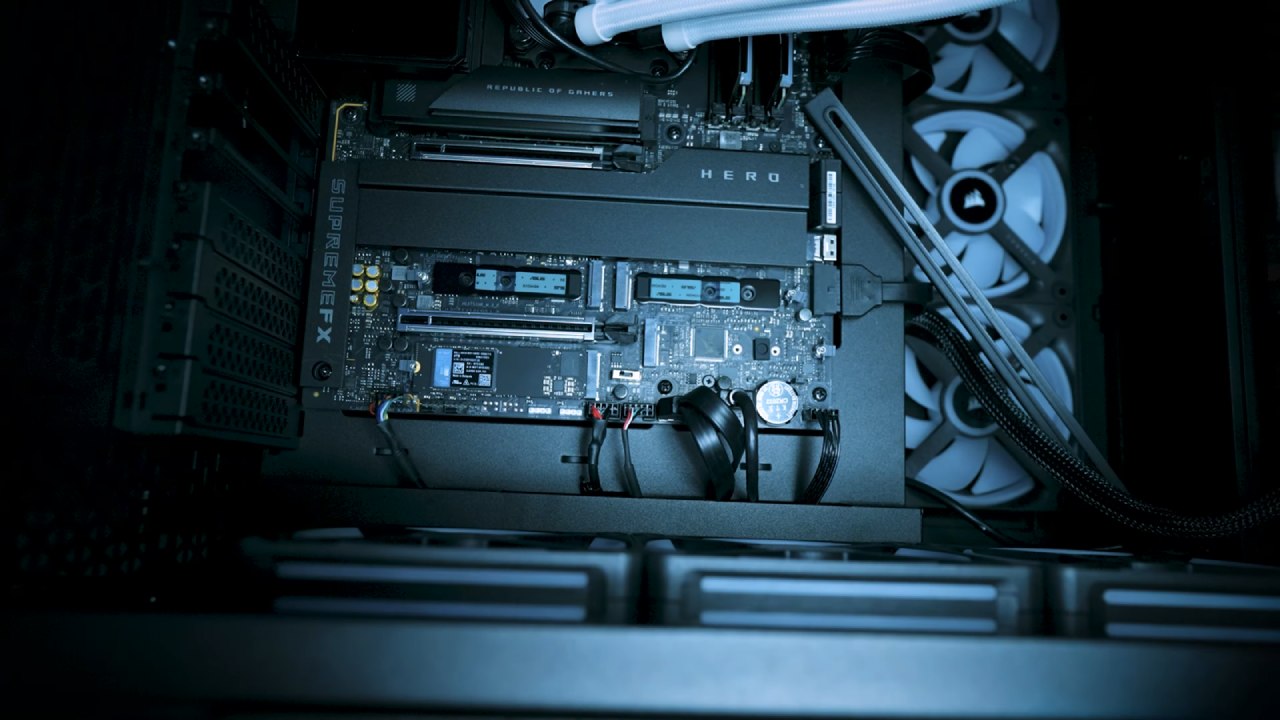
For a Gen5 GPU to run at Gen5 speeds, you need the GPU, the motherboard slot, and the CPU PCIe root complex to all support that generation. The top PCIe Graphics lanes typically come straight off the CPU; look for at least x16 assigned to the top slot if you want full-speed graphics.
A full-length physical slot is not necessarily electrically wired for x16; many slots are half-populated and actually wired x8 or x4. Slots wired from the chipset rather than the CPU can also run at an older generation and must cross a link to the CPU.
GPUs themselves can be under-wired as a cost-saving measure (for example, a card that is physically x16 might only be wired x8 or x4). That’s where you can see real generational impact: a modern high-end card that is fully wired to x16 will be fine in older systems, but a budget card wired x4 or x8 can suffer disproportionately when placed into an older or lower-bandwidth platform.
Test methodology
We ran multiple passes across a set of modern games and resolutions (4K,1440p,1080p) and included both rasterized and ray-traced runs where applicable.
We did not test machine learning or inference workloads in this set; those workloads can behave differently with respect to PCIe bandwidth and would merit a separate investigation.
The point of the methodology was to focus on representative gaming scenarios and to capture average and low performance across generations for direct comparison.
Benchmarks and selected results
Dying Light 2 at 4K showed a maximum difference of about 1fps on average between configurations. The Gen5 result measured ~26.1fps, Gen4 ~25.5fps, and Gen3 ~25.4fps. Lows were not meaningfully affected given their wider variance, so the small average difference is unlikely to be noticeable in play.
Black Myth: Wukong at 4K produced Gen5=85.5fps, Gen4=84.7fps, Gen3=83.1fps. That trend is not dramatic but is repeatable; at 1440p one run produced a ~4% spread between extremes, which is toward the upper bound of the differences we observed. At 1080p, the Gen5 result again outperformed Gen4 and Gen3, but the differences remained modest.
Ray tracing in Black Myth showed Gen4 and Gen5 effectively tied at 4K, with Gen3 trailing by about 2fps. At 1080p with ray tracing enabled, we saw Gen5≈158fps versus Gen3≈151fps, which is roughly a 4.2% improvement for Gen5 in that scenario.
Resident Evil 4 rasterized at 4K had Gen5 and Gen4 essentially identical at ~26.7fps while Gen3 ran ~24.2fps; the improvement from Gen3 to Gen5 was about 1.2% in the averaged runs at other resolutions, and Gen4 and Gen5 remained within run-to-run variance of each other.
F1 24 at 4K showed Gen5=291fps and Gen3=285fps, a ~2% lead for the higher generation in that test.

Interpretation and practical advice
We emphasize that the device is almost always the limiting factor. If you’re buying a $2,000 GPU, you will most likely pair it with a modern platform that supports Gen4 or Gen5; in that case, the observed 1–4% differences are not meaningful for most players.
Where generational bandwidth becomes important is with under-wired budget cards (x4 or x8) or when inserting a modern card into an older motherboard with lower generation support — that’s where you can see real performance penalties.
If you are sensitive to every percent of performance (for competitive or validation reasons), make sure your CPU, motherboard slot wiring, and GPU all match the target generation and lane count. Otherwise, for typical gaming, Gen3x16 vs Gen5x16 will generally be a small, often unnoticeable difference.
Final Thoughts
Across sixteen or so gaming scenarios covering rasterization and ray tracing at multiple resolutions, we observed roughly 1–4% performance differences between PCIe generations on the tested RTX 5090. Gen4 and Gen5 are frequently tied within variance; Gen3 can be up to a few percent slower in the worst cases.
You should care about PCIe generation when using budget cards that are wired x4/x8 or when inserting a modern GPU into an older, lower-generation motherboard.
For most users building a contemporary system, the generation gap is small enough that other choices, GPU model, cooling, CPU performance, and thermal management — will have a larger impact on real-world gaming performance.
Also, check our other hardware articles:
- AMD Ryzen 9 9950X3D Review: Setting The Standard For 2025 Gaming CPU
- Amazon Luna 2025 Review: Is Prime Gaming's Cloud Service Your Go-To For Casual Fun?
- AMD RX 9070 XT Review: AMD's RDNA 4 Champion for 1440p Gaming
- GeForce Now Ultimate: Ditching Your Gaming PC For Cloud RTX 4080 Power?
- NVIDIA GeForce RTX 5080 Review (2025): Still A 4K Gaming Powerhouse?
- Intel Core Ultra 9 285K Review And Performance Breakdown (2025)
- AMD Ryzen 7 9800X3D Review: 3D V-Cache Goes God Mode with Stunning Gaming Performance
- Intel Core Ultra 9 285K vs AMD Ryzen 7 9800X3D: In-Depth Gaming Performance and Benchmark Comparison
- NVIDIA GeForce RTX 5080 Super Performance In Cyberpunk 2077: Path Tracing & DLSS 4.0 Tested
- RTX 5090 Performance Testing In GTA 5 – 1080p, 1440p, and 4K Max Settings Benchmark
- AMD Radeon RX 9070 XT In Cyberpunk 2077: Ray Tracing & FSR 4.0 Tested
- Intel Arc B580 Review: The $250 GPU Revolutionizing 1440p Gaming
- Intel Arc B570 Vs. B580: Value, Specs, And Real-World Gaming Performance
- Intel Arc B570 Review: Efficient Xe2 Performance At An Affordable Price
- RTX 5090 Laptop Vs. M4 Max MacBook Pro: Ultimate Raw Performance Vs. Battery Endurance
- Intel Arc b580 Vs. RTX 4060: Game Performance And Value Analysis
- RTX5090 Hell Is Us Demo 4K Ultra Benchmark: DLSS Vs. Native Performance Guide
- NVIDIA RTX 5070 Review: Mid-Range Muscle or Marketing Hype?
- Nintendo Switch 2 Review: Handheld Performance, Features & Value Breakdown
- RTX 5070 Ti Review: Performance, Thermals & Power Efficiency Tested
- Samsung Odyssey OLED G81SF Review 2025: Ultimate 32-Inch QD-OLED Gaming Monitor
- AMD RX 9070 Performance Review: Thermals, Clocks, and Real-World FPS
- AMD Ryzen 5 7600 Review: Best Budget Gaming CPU of 2025?
- AMD Radeon RX 7800 XT Review: RDNA 3 Power For Midrange Gaming
- Asus ROG RTX 5090 Astral OC Vs. Founders Edition: The 4K Gaming Benchmark
- ASUS ROG Astral RTX 5090 OC Edition Review: 32GB GDDR7 & 4K Gaming Benchmark
- Intel Core i5-13400F Gaming Performance: Still Worth It in 2025?
- ASUS GeForce RTX 5090 LC Liquid Cooled GPU Review: Unmatched Silence & Speed
- ASUS ROG Ally X Handheld Review: Double the Battery, Double the Comfort
- Lenovo Legion Go S Review: The Ultimate Steam Deck 2 Alternative
- Sapphire NITRO+ AMD Radeon RX 9070 XT Review: The Ultimate 4K Gaming GPU
- Alienware 16 Area 51 Review: The Ultimate 2025 Gaming Laptop
- Alienware Area-51 Review: Unmatched 4K, Thermal, and Acoustic Performance
- AMD Ryzen 7 7800X3D: Delivers Gaming Performance Far Beyond Expectations
- AMD Ryzen 9 7900X Review: Powering the AM5 Era with DDR5 & PCIe 5.0
- Intel Core i9‑14900K vs. AMD Ryzen 7 7800X3D: Power Profiles & Gaming Benchmarks
- Intel Core i9 14900K: Specs, Benchmarks, and Competitor Comparison
- ASRock Radeon RX 7800 XT Challenger OC Review: Best Price-to-Performance GPU of 2025
Senior Editor, NoobFeed
Gaming Hardware Updates
No Data.