
Nvidia vs. AMD Graphics Cards: Which GPU is Better for Gaming in 2026?
Performance between Nvidia and AMD often balances out, but individual games can heavily favor one brand through optimization differences
Hardware by Tasnim Yoshi on Jan 22, 2026
Which is better: AMD or Nvidia? You will probably get this inquiry when you buy a new graphics card. Depending on whether you are on team red or team green, you will get varying amounts of FPS, features, drivers, noise levels, and that all-important VRAM. It is very important to choose wisely.
Different brands perform differently in games, but it is not just about the hardware specs. Optimising software is a big part of it. Most of the time, two cards are competing at the same price or performance level. AMD is cheaper, but the performance of both brands is usually about the same. The most important word is "average." In some instances, you will see crazy swings in favour of one team because optimisations or workloads operate better on one type of silicon.
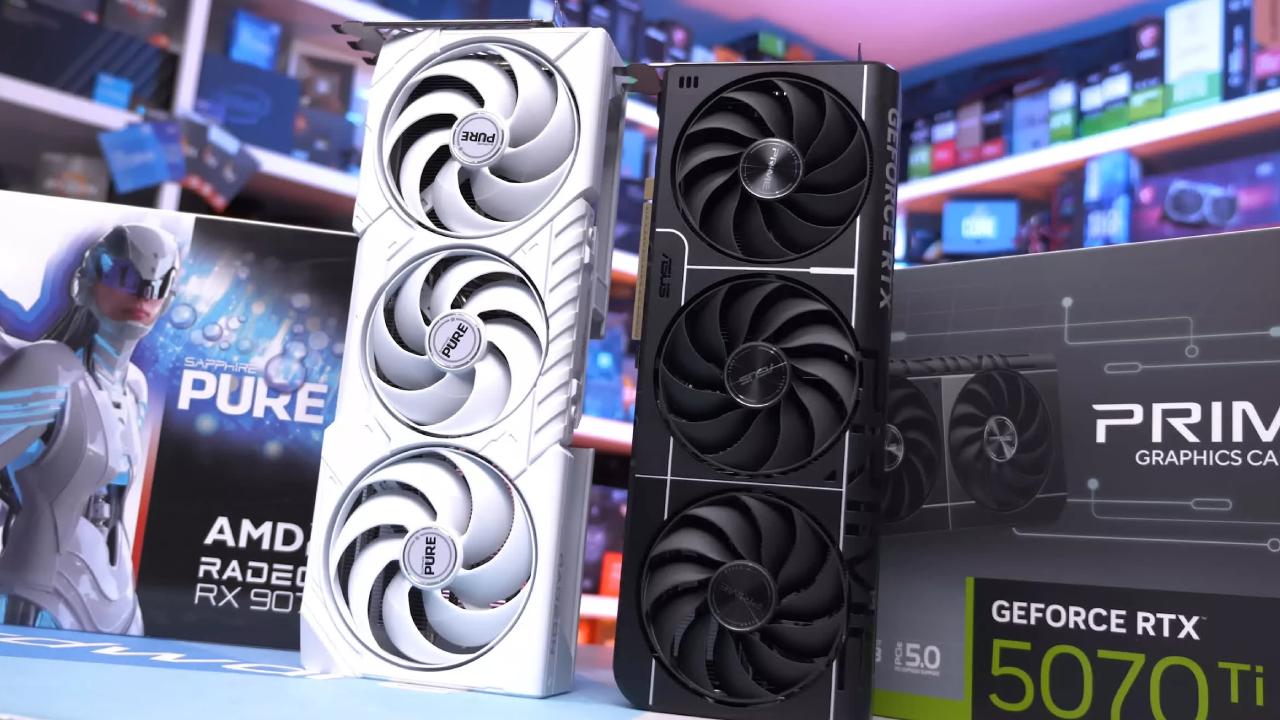
If the game you play the most loves either team red or team green, it could be a big incentive to pick one card over another.
Market Reality and Feature Lock-In
AMD cards are usually cheaper because most people buy Nvidia cards. Even though comments say otherwise, about 74.88% of users chose team green. That dominance makes people more likely to favour Nvidia. NVIDIA's plan to keep unique technologies like PhysX, DLSS, and frame generation locked down adds to this. Many purchasers see this as a more "complete" package.
Some people say that Nvidia has gotten too cocky because of this confidence. The value of cards has fallen, notably for VRAM. Many models have not kept up with the demands of modern games. We will get back to that story in a minute.
At the moment, Nvidia is the only company selling products that support DLSS, FSR, and XeSS simultaneously. If you buy something else, you can notice options that are greyed out in game menus. It stings when you have spent a lot of money on a GPU.
Things are starting to change. Because AMD switched to FSR4, AI upscaling hardware now needs newer Radeon cards. That could indicate that Nvidia owners will likewise see options greyed out in the future and have to use older, inferior ones. The world of upscalers is changing.
Upscaling: It Matters More Than You Think
People commonly say, "I don't want to use upscalers." They do not mean anything. In actuality, they make a huge difference. They can greatly improve the framerate, and there are obvious changes in image quality between FSR and DLSS.
The latest DLSS from Nvidia, with AI transformers, still looks the best. That being said, AMD has done a great job at catching up. FSR4 is so close that most users will not notice much difference when playing at 1440p or 4K. That is great progress.
We are basically not biased toward any upscalers now. We would be happy to suggest either brand. The primary problem is that it does not support games. DLSS has been around for years, but FSR4 support is still restricted. NVIDIA's edge is still in coverage and maturity.
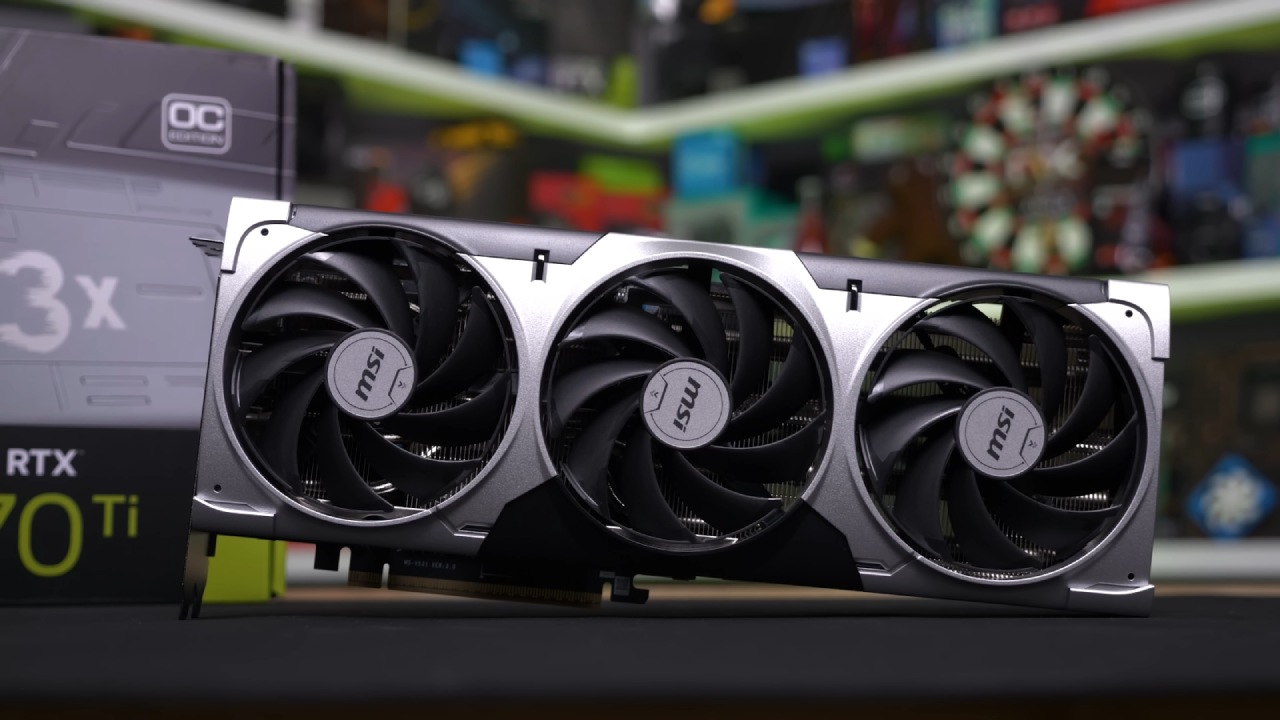
NVIDIA is still better at upscaling today, but FSR4 could steal a big chunk of the market in the next few years.
Ray Tracing and Visual Fidelity
Ray tracing determines how light reflects, bounces, and spreads across surfaces. It makes the game seem more lifelike, but it needs a lot of GPU power to do so. Even the best cards lose a lot of FPS when you turn them on.
The most advanced type of path tracing can really slow things down. The game looks better, but it costs a lot. You are right if that sounds like the tech is not ready. It has gotten a lot better, and many games now use lighter types of ray tracing as standard.
AMD is improving across most games, but if ray tracing is your top priority, Nvidia is still the best pick. Ray tracing is a terrific one-click visual boost, but it cannot make a terrible game good. There is more to graphics than just ray tracing.
VRAM: The Real Bottleneck
VRAM is one of Nvidia's main problems with certain of its models. Some GPUs can cause games to stall, not launch, or show strange graphics. This affects devices with 8GB and even more pricey cards with only 12GB.
It is all about how much something is worth in relation to other things. If you do not spend much and buy the 8GB model, that is fine for 1080p and some 1440p if you adjust the settings. The problem is that a GPU can run a game at 120 frames per second, but does not have the VRAM to keep those settings. On day one, you get stutters and crashes.
We suggest at least 12GB for everyone. Even entry-level cards should give more, however. A graphics card should last for four to five years without any problems.
There is some good Theat the next versions will have about 50% more VRAM, which would be great.
Board Partners and Card Design
AMD or Nvidia designs a GPU, but board partners make it. Two cards with the same GPU can look and act very differently.
Larger coolers can make things quieter, let you overclock more, and keep things cooler. However, many companies make cards bigger than they need to be so they can charge more. You do not always require the most expensive one.
We normally suggest getting the best cheap version of a card. Read reviews to see how loud and hot they are. You can overclock yourself if you desire greater performance.
Power draw also changes. Some cards consume less power, which saves money in the long run and lets you use smaller, cheaper power sources. Nvidia's high-end cards typically use the newer 12VHPWR connection. It looks better and is easier to route, but it is small and can be put wrong, which can cause heat problems. This is still rare, thank goodness.
Frame Generation and Latency
One of the best ways to market is to make frames. It says it will double FPS, but in reality, it adds lag. It adds fake frames between the real ones, which makes the game look smoother but feel worse.
If you are already getting more than 80 frames per second, it works best with a mouse, keyboard, and a monitor that supports 165 Hz or higher. It can feel amazing in those situations.
In our experience, Nvidia's frame generation is more consistent and performs better. It is worth trying AMD's version, although Nvidia's version usually has fewer problems.
Multi-frame generation can significantly increase FPS, but the game still plays like its base framerate. It can seem like 300 frames per second yet feel like 80. It's impressive, but only in certain situations.
NVIDIA is still the best choice if you're looking for a card just for making frames.
Price-to-Performance: The Deciding Factor
Those extra features are just the cherry on top. Price-to-performance is the most important thing. NVIDIA usually has the frosting, whereas AMD usually has the cake.
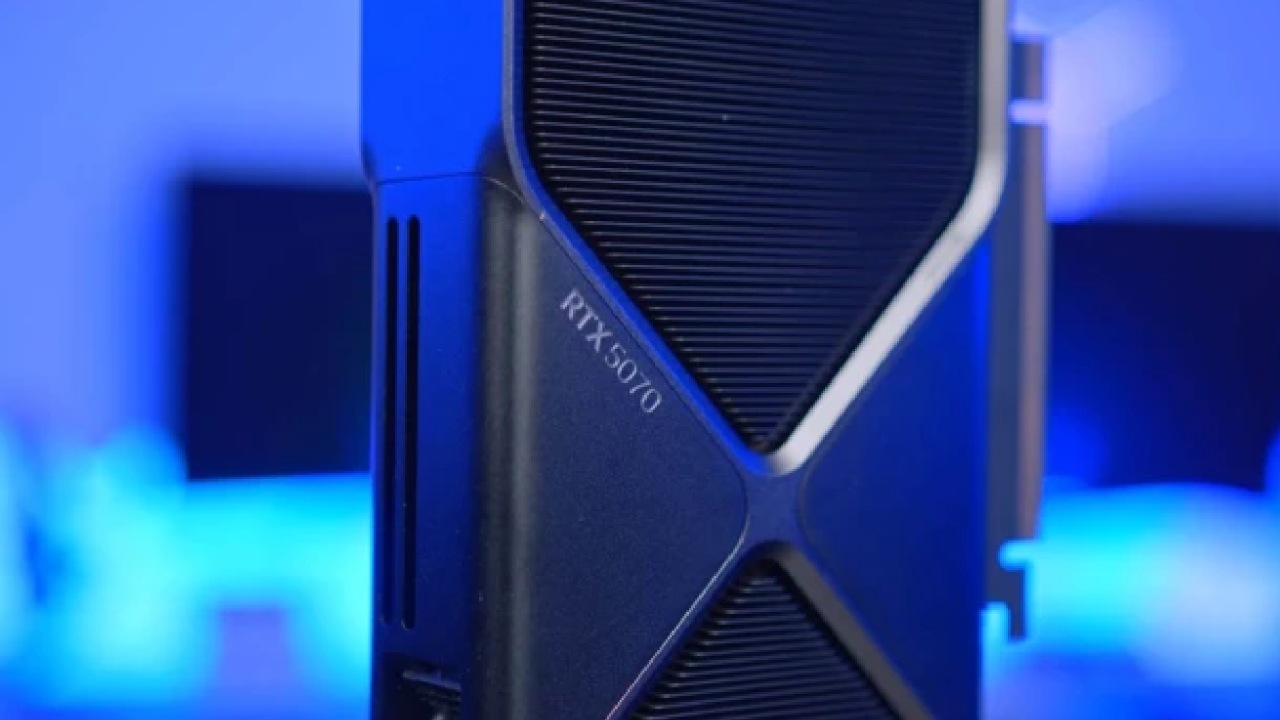
Prices change a lot. There isn't one best vendor for the whole stack. The finest cards change over time and at different price points.
Midrange AMD cards work great for 1440p and even 4K with upscaling. Some low-VRAM devices at the lower end of the price range don't work well, and other options may be better. NVIDIA still has a good way to access all its features, and higher-end models with 16GB are great options.
There isn't much competition at the very high end. If you want the best, you should go with Nvidia. It's too bad that there isn't any competition. It lets costs increase slowly, and progress slows down.
I hope that changes in the future.
Final Thoughts
There isn't just one right answer. NVIDIA has the most complete feature set. Only you can say if such qualities are important to you.
DLSS, AI, and frame creation are all fantastic, but many people won't use them, especially when playing with others. Team red and team green fight over the remaining elements.
Price and performance are what actually matter. Check out the benchmarks. Check out the games you play. Pick the card that gives you the frame rate you want at the price you're willing to pay.
If the AMD alternative is less expensive and matches your demands, you should definitely go with it. FSR4 is really good and will probably get better with time as more people use it.
Ultimately, it all boils down to whether or not you're willing to pay the Nvidia tax.
Also, check our other GPU articles below:
- NVIDIA GeForce RTX 5080 Review (2025): Still A 4K Gaming Powerhouse?
- NVIDIA RTX 5070 Review: Mid-Range Muscle or Marketing Hype?
- RTX 5070 Ti Review: Performance, Thermals & Power Efficiency Tested
- ASUS GeForce RTX 5090 LC Liquid Cooled GPU Review: Unmatched Silence & Speed
- MSI GeForce RTX 5090 32GB SUPRIM SOC Review: Power Efficiency, Cooling, and Gaming Performance
- INNO3D RTX 5060 Ti 16 GB X2 Review: Gaming Benchmarks, Temps, and Power Efficiency
- HP Omen 45L Review: RTX 5090 Performance, Thermals, and Value Analysis
- ASUS TUF Gaming GeForce RTX 5060 Ti Review: DLSS 4, Power Efficiency, and Gaming
- ASUS Prime RTX 5060 Ti OC 16GB Review: DLSS 4, Ray Tracing, & Thermals Tested
- NVIDIA GeForce RTX 5060 Review: Specs, Gaming, and Cost per Frame
- MSI GeForce RTX 5090 GAMING TRIO OC Review: A Monster Power GPU
Subscriber, NoobFeed
Gaming Hardware Updates
No Data.