
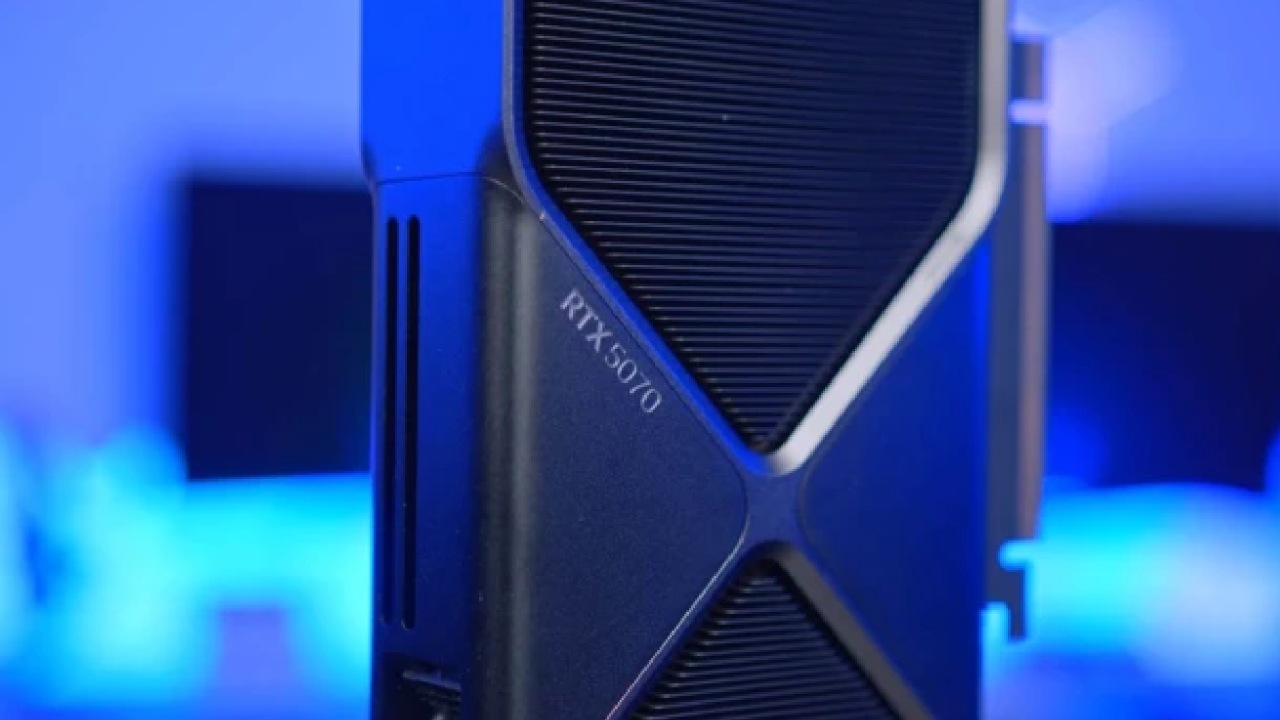
NVIDIA GeForce RTX 5070 - Dying Light: The Beast Ray-Tracing Performance Tested at 1440p
Full breakdown of performance across low, medium, high, and ultra settings highlighting native resolution and ray tracing impact
Hardware by Nahe Yan on Nov 30, 2025
The Beast adds new rendering options that can be tested across different scenarios. The focus here is on performance at various quality levels, with and without upscaling or frame generation, to understand how the game behaves across settings.
The selected water area highlights ray-traced reflections and offers a consistent environment for comparison.
Very Low Settings at Native Resolution
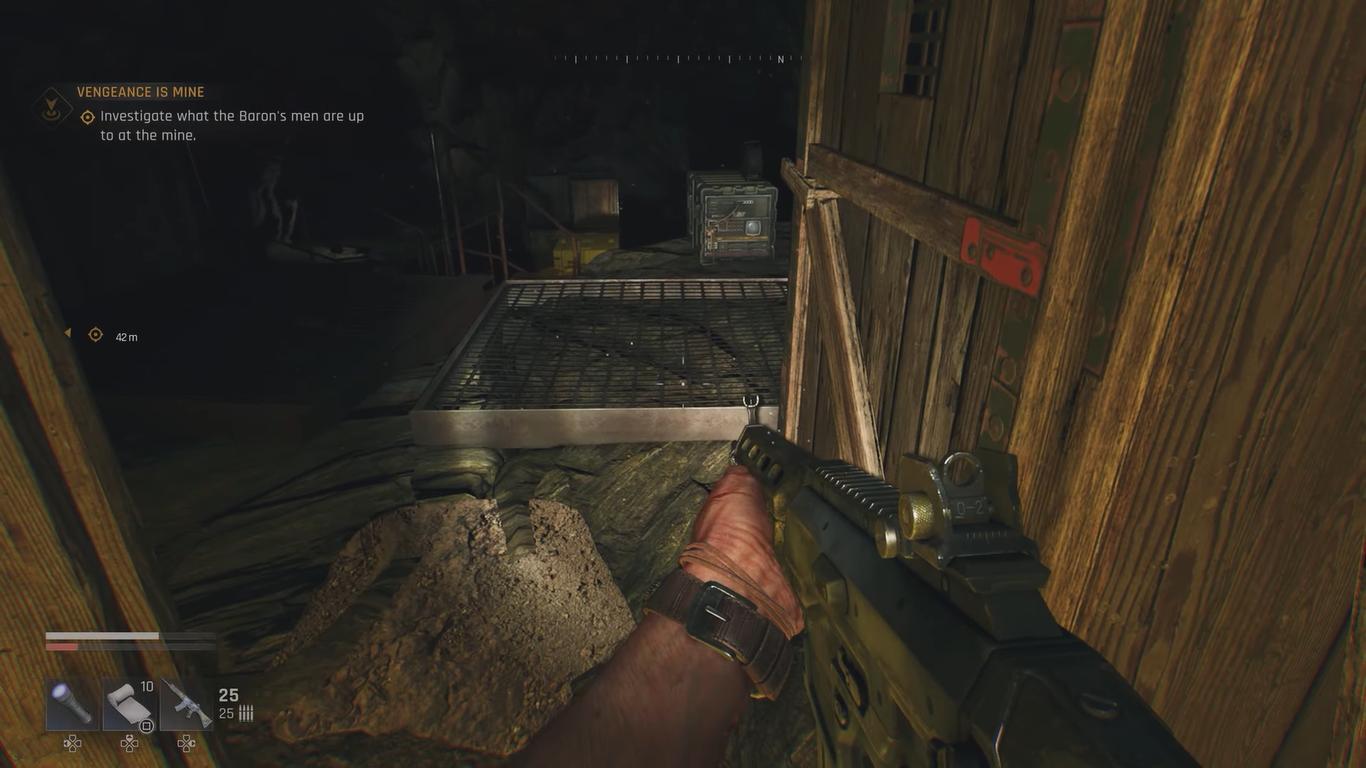
We start in the ray tracing update running at very low settings with no upscaling and no frame generation. The game runs around 86 fps, and the selected area showcases ray tracing on water surfaces. After moving into the settings, native resolution is kept with Reflex+Boost enabled. At very low, everything looks functional as we continue forward, maintaining around 85fps while clearing enemies for testing space.
Low and Medium Quality Settings
Switching to low quality at 1440p with native DLSS, Reflex+Boost, and no frame generation keeps the game around 85fps. Movement through the area maintains consistent performance.
Moving to medium quality at the same resolution drops performance slightly to around 82fps. There are no major issues at 1440p without ray tracing, and gameplay remains stable. Returning toward the water prepares the system for ray tracing tests.
High Quality Settings Without Ray Tracing
High quality represents the previous maximum setting without ray tracing. Native resolution with Reflex+Boost stays above 60 fps. Combat remains manageable as you move toward the area used for reflection testing.
Ray Tracing Enabled at Ultra Quality
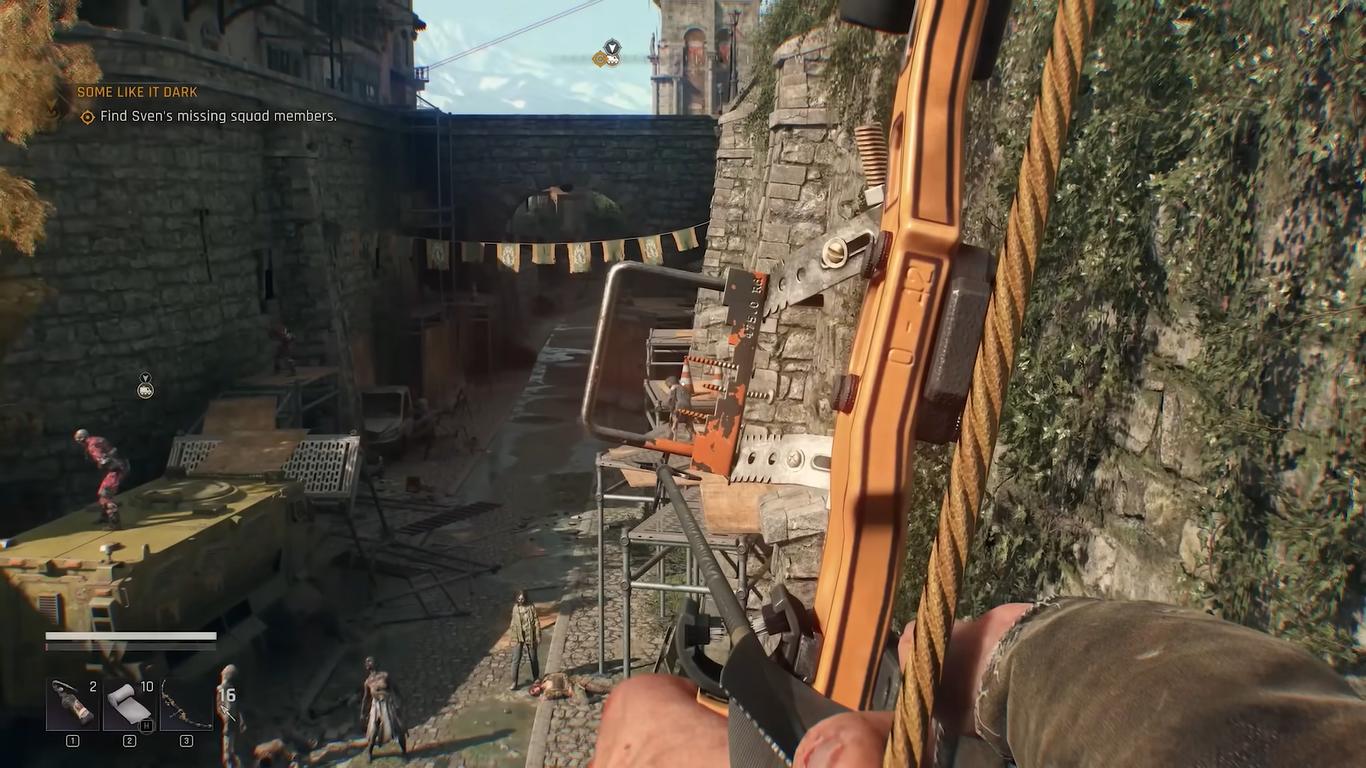
Enabling ray tracing at Ultra Quality activates all ray-traced features. Running at native resolution without upscaling or frame generation drops performance to around 34–38 fps. Movement through the water area highlights the workload created by ray-traced reflections.
Switching to DLSS Quality increases performance to around 63–67 fps. This keeps gameplay near 60 fps, resulting in a more stable experience.
Adding Frame Generation
Frame generation can further improve perceived smoothness. With DLSS Quality and frame generation enabled, PCL readings sit around 57ms, and staying near 50ms generally works when using a controller. Keyboard and mouse users may prefer slightly lower PCL.
Increasing upscaling to Balanced reduces PCL to around 49–51ms after stabilising. Performance sits near 112fps while running through the environment.
Raising frame generation to 4x raises PCL slightly to around 59ms. Moving to Performance upscaling provides tighter reaction times while keeping the overall presentation intact, especially with manual sharpening applied. With DLSS Performance and 4x frame generation, PCL sits around 53–57ms after stabilising.
Optimising PCL Further
Dropping frame generation levels while keeping DLSS Performance can further reduce PCL. Once stabilised, PCL stays around 43–50ms. This produces tighter response behaviour while still offering high framerates of 120–250 fps, depending on the scene.
Final Thoughts
The ray tracing update works well on the 5070 at 1440p. Without upscaling, native ray tracing runs at 34-38 fps. With DLSS Quality and frame creation, performance stays over 60 fps.
Depending on your input choice, you can further reduce PCL by upscaling and adjusting it. The tests demonstrate that the title still works well with ray tracing turned on and other performance settings applied.
Also, check our other NVIDIA articles below:
- NVIDIA GeForce RTX 5080 Review (2025): Still A 4K Gaming Powerhouse?
- NVIDIA RTX 5070 Review: Mid-Range Muscle or Marketing Hype?
- RTX 5070 Ti Review: Performance, Thermals & Power Efficiency Tested
- ASUS GeForce RTX 5090 LC Liquid Cooled GPU Review: Unmatched Silence & Speed
- MSI GeForce RTX 5090 32GB SUPRIM SOC Review: Power Efficiency, Cooling, and Gaming Performance
- INNO3D RTX 5060 Ti 16 GB X2 Review: Gaming Benchmarks, Temps, and Power Efficiency
- HP Omen 45L Review: RTX 5090 Performance, Thermals, and Value Analysis
- ASUS TUF Gaming GeForce RTX 5060 Ti Review: DLSS 4, Power Efficiency, and Gaming
- ASUS Prime RTX 5060 Ti OC 16GB Review: DLSS 4, Ray Tracing, & Thermals Tested
- NVIDIA GeForce RTX 5060 Review: Specs, Gaming, and Cost per Frame
- MSI GeForce RTX 5090 GAMING TRIO OC Review: A Monster Power GPU
Editor, NoobFeed
Gaming Hardware Updates
No Data.