
Project Helix and Xbox Mode Could Change How Legacy Xbox Games Work on PC
Microsoft explores Windows emulation for original Xbox and Xbox360 titles as part of long term game preservation efforts.
Hardware by Shinji Okazaki on Mar 17, 2026
A lot of the talk about Project Helix centers on backward compatibility and playing old Xbox games. People have talked about what Microsoft has said recently regarding keeping games and enjoying older ones in new ways.
These comments, along with industry speculation, have sparked debate over whether previous Xbox platforms will support emulation and how legacy games will run on future hardware and PC systems.
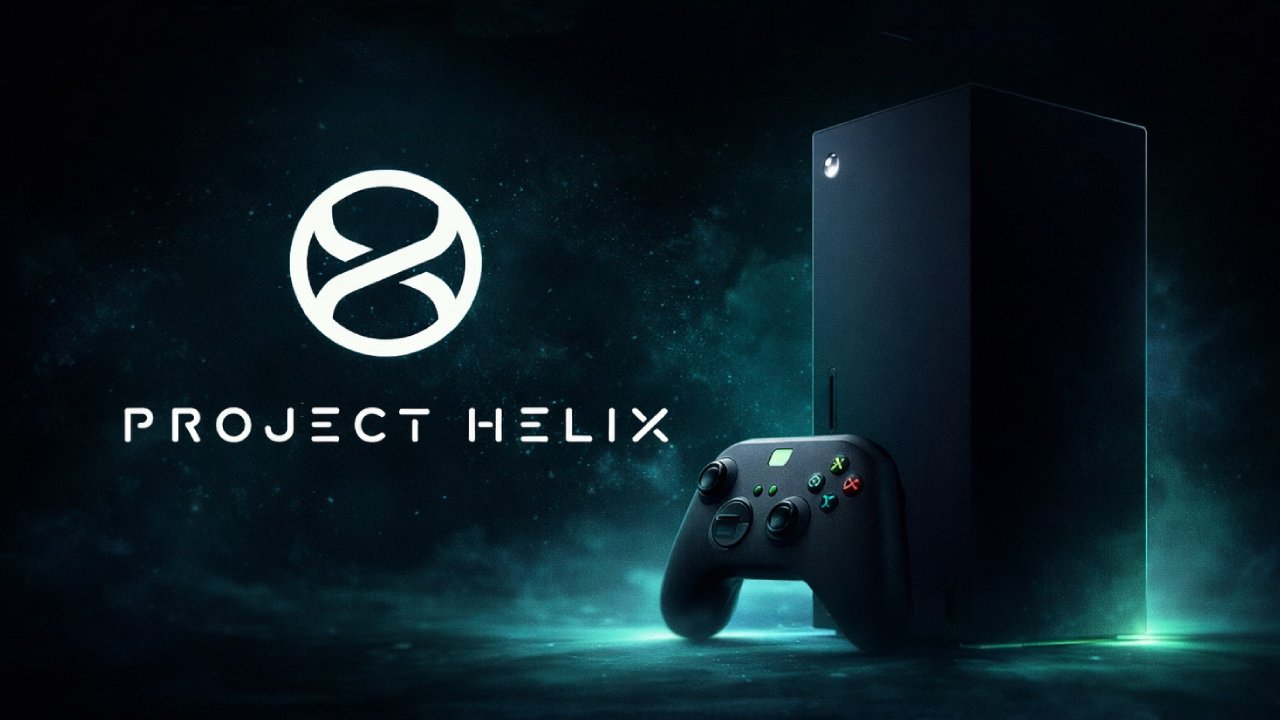
There are Rumors that Xbox and Xbox 360 Games can be Played on Windows
Microsoft recently discussed efforts to preserve games at GDC before we go any deeper into the back catalog. The company didn't make the specifics apparent. The remark hinted that older games may be played in new ways, but it wasn't clear what that meant.
Nate the Hate, a prominent leaker who has been right recently, said that Microsoft plans to bring original Xbox and Xbox 360 emulation to Windows in November. The information is still hearsay, but it aligns with Microsoft's larger preservation effort.
That rumor seems true when we look at it. Emulation on Windows lets older games run without the original hardware. But licensing issues may limit the number of games that can be played. First-party titles will likely be fully available. Still, many third-party titles may require additional clearances due to how prior contracts were structured.
Worries About Backward Compatibility in the Real World
If Microsoft adds emulation for older games, the question is whether Project Helix will still be able to run them.
One perspective holds that if emulation becomes the predominant approach, inserting an antiquated disc into contemporary technology may prove ineffective. Instead of checking actual discs, the system might use digital distribution through the Xbox ecosystem.
The best approach would be to insert a CD into the system and let it download the emulated version from the cloud. The disc would just check who owns the game, and the system would use the emulated build to run it. That method would keep the current physical collections while making them work with newer technology.
But the more likely scenario is different. The concept might work like Nintendo's classic releases, where older games are re-released in a digital store rather than played on the original medium.
The conversation also turned to Xbox Mode. Xbox Mode is a foundational layer that enables different generations of Xbox software to work together.
The initial version may only work with original Xbox and Xbox 360 games, especially on PC. It may take longer for Xbox One and Xbox Series titles to work with the new software environments because those games are already available in those environments.
The first emulation effort will probably focus on platforms that don't already have native compatibility. That method makes development easier while adding to the available inventory.
Current Backwards Compatibility Limitations
A lot of people think that previous Xbox discs will operate on current systems, but this isn't always true.
For instance, Jade Empire may work because it was made for the original Xbox. It can't run on newer consoles automatically unless it has been approved for the backward compatibility program.
Right now, that system only officially supports about 50 original Xbox games and about 600 Xbox 360 games. Any other games not on that list can't run on newer hardware, even if the disk is present. Some original Xbox games can still be played on Xbox 360 hardware; on the other hand, the Xbox 360 employed a separate compatibility scheme.
Xbox Play Anywhere and Differences in Compatibility
The structure of games on Xbox One and Xbox Series is different. A lot of new games feature Xbox Play Anywhere, which lets you play the PC version of a game you already own.
Not all Xbox One or Xbox Series games, on the other hand, enable Play Anywhere. If a game doesn't have such a feature, the user may not be able to play the PC version even if they own the Xbox version.
Because of this, those games can only work on the console or with a compatibility layer, not with regular emulation.
Microsoft's system has a hypervisor built into the operating system. The game runs in a container that keeps the software separate from the rest of the system, while allowing the executable to work correctly.
Checking Discs and Downloading Digital Files
Another option is to check the disc. Even if you use a physical disk, the system may not execute the game from that disc. Putting in the disk could prove that you possess it. Then, the console would download the validated digital version from the web provider and run it independently.
That mechanism is already in place on some recent consoles, where physical media is used to verify licenses rather than as the primary source of installation.
This method is more difficult on a PC because older Xbox discs require specific DVD drivers to be read. Standard PC drives may not be able to read the disc if the hardware is not compatible.
Possible Hardware Fixes
One proposed fix is for Microsoft to make a dedicated drive for PCs. That drive could read discs from the original Xbox and Xbox 360 and let them work as license verification devices.
There could be a comparable answer for Project Helix itself. The system might not come with a disc drive by default. Still, it could offer an aftermarket attachment specifically designed for physical media. The idea is similar to how some modern consoles use accessory-based designs that add functionality rather than integrating everything by default.
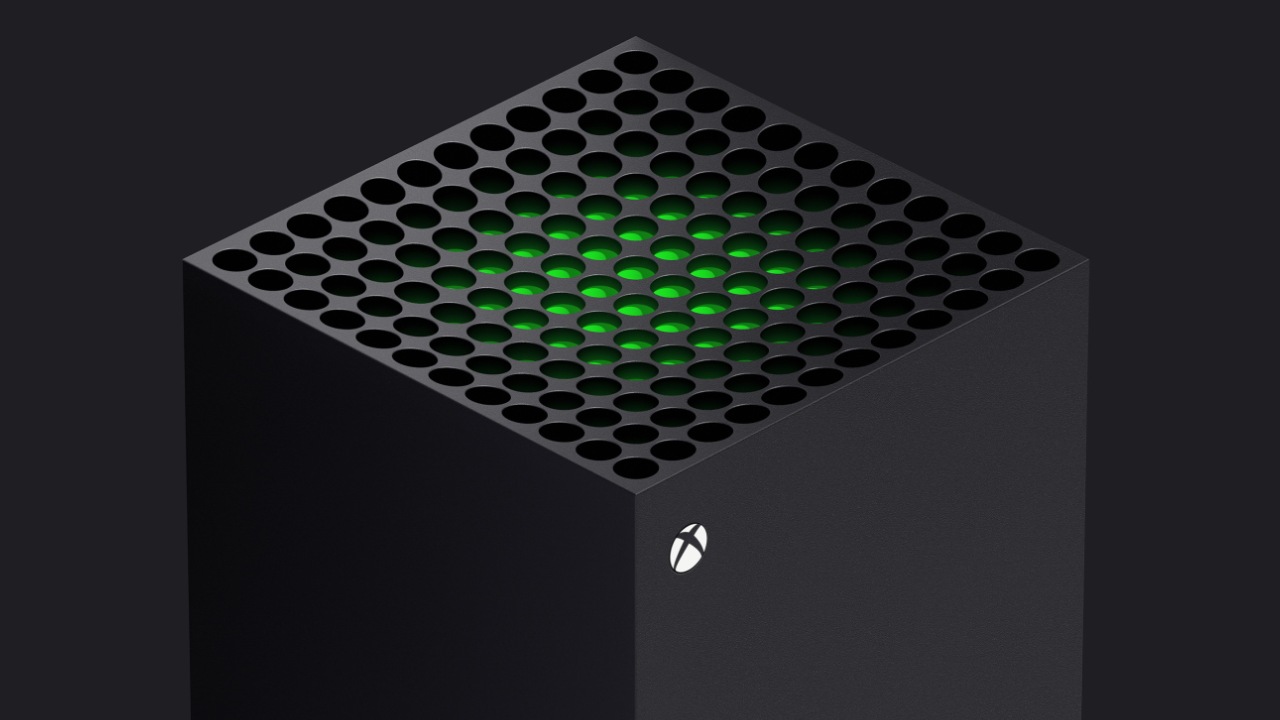
The Xbox Ecosystem and Emulation
From a technical point of view, emulation itself is not a problem. It makes sense to utilize emulation to play original Xbox and Xbox 360 games because older systems had quite distinct architectures from newer ones.
The current list of backwards-compatible games shows how well the system can work when it is supported. When you put many Xbox 360 discs into new hardware, they work right away. When compatibility breaks down, things change quickly. Even if the user has the original disc, a game might not run at all.
Making emulation available on PCs would make it easier for people to use. It would let the current list of original Xbox and Xbox 360 titles work with more devices.
Final Thoughts
The bigger concern is how all of these parts will fit together when Project Helix comes out. Emulating the original Xbox and Xbox 360 is easy. The bigger question is how Xbox One and Xbox Series games will work on both PCs and consoles going forward.
That ecosystem includes compatibility, support for playing anywhere, container systems, and digital licensing. How easily players can switch between hardware platforms while still accessing their game libraries will depend on what Microsoft does.
For long-term ecosystem design, backward compatibility remains a useful trait. Emulation expansion could be a small part of a larger change that enables access to the same program across all Xbox systems.
Also, check our other hardware articles:
- AMD Ryzen 9 9950X3D Review: Setting The Standard For 2025 Gaming CPU
- Amazon Luna 2025 Review: Is Prime Gaming's Cloud Service Your Go-To For Casual Fun?
- AMD RX 9070 XT Review: AMD's RDNA 4 Champion for 1440p Gaming
- GeForce Now Ultimate: Ditching Your Gaming PC For Cloud RTX 4080 Power?
- NVIDIA GeForce RTX 5080 Review (2025): Still A 4K Gaming Powerhouse?
- Intel Core Ultra 9 285K Review And Performance Breakdown (2025)
- AMD Ryzen 7 9800X3D Review: 3D V-Cache Goes God Mode with Stunning Gaming Performance
- Intel Core Ultra 9 285K vs AMD Ryzen 7 9800X3D: In-Depth Gaming Performance and Benchmark Comparison
- NVIDIA GeForce RTX 5080 Super Performance In Cyberpunk 2077: Path Tracing & DLSS 4.0 Tested
- AMD Radeon RX 9070 XT In Cyberpunk 2077: Ray Tracing & FSR 4.0 Tested
- Intel Arc B580 Review: The $250 GPU Revolutionizing 1440p Gaming
- Intel Arc B570 Vs. B580: Value, Specs, And Real-World Gaming Performance
- RTX 5090 Laptop Vs. M4 Max MacBook Pro: Ultimate Raw Performance Vs. Battery Endurance
- Intel Arc b580 Vs. RTX 4060: Game Performance And Value Analysis
- RTX5090 Hell Is Us Demo 4K Ultra Benchmark: DLSS Vs. Native Performance Guide
- NVIDIA RTX 5070 Review: Mid-Range Muscle or Marketing Hype?
- Nintendo Switch 2 Review: Handheld Performance, Features & Value Breakdown
- RTX 5070 Ti Review: Performance, Thermals & Power Efficiency Tested
- Samsung Odyssey OLED G81SF Review 2025: Ultimate 32-Inch QD-OLED Gaming Monitor
- AMD RX 9070 Performance Review: Thermals, Clocks, and Real-World FPS
- AMD Ryzen 5 7600 Review: Best Budget Gaming CPU of 2025?
- AMD Radeon RX 7800 XT Review: RDNA 3 Power For Midrange Gaming
- Asus ROG RTX 5090 Astral OC Vs. Founders Edition: The 4K Gaming Benchmark
Editor, NoobFeed
Gaming Hardware Updates
No Data.