
Asus ROG Flow Z13 Performance & Productivity Review: Gaming, Video Editing, and Portability
The Asus ROG Flow Z13 packs desktop-grade performance into a sleek tablet chassis with high-end gaming and productivity potential.
Hardware by Tanisha Aria on Dec 01, 2025
The 2025 Asus ROG Flow Z13 is the first laptop in a new class of performance-focused small computers. A powerful x86 Strix Halo processor is built into a thin, tablet-like chassis. This gives the device speed levels normally only seen in full desktop computers.
The design combines portability, high-end gaming, and strong work features. A system-on-a-chip layout, high-efficiency cooling, and high-quality hardware parts support this.
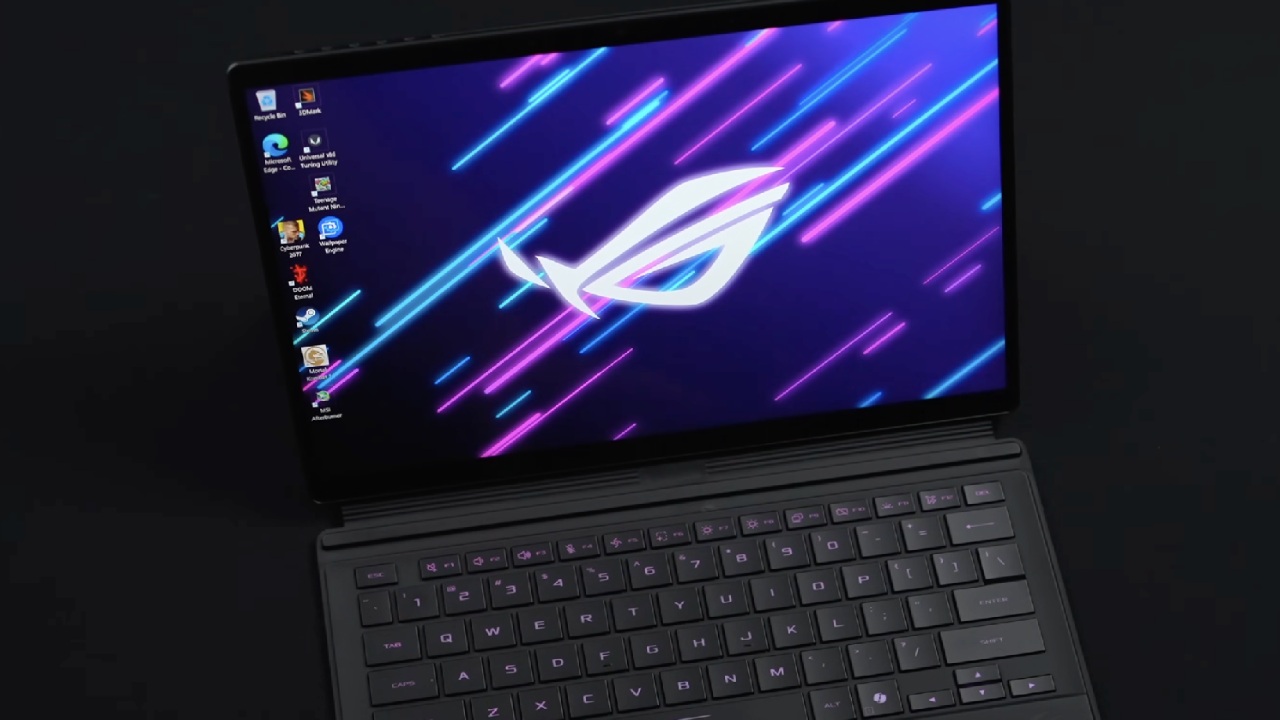
New Category of x86 Performance
We can tell right away that AMD's Strix Halo processor behaves differently from a regular x86 chip by looking at the Flow Z13. We're used to computers having a CPU and a separate GPU or ARM systems having a CPU, GPU, and NPU SoCs that are fully integrated.
This device is still x86, but it has a more uniform design like ARM devices and much more power. The CPU has 16 cores and 32 threads and can boost up to 5.1GHz. It's part of a full SoC where the CPU, GPU, and NPU all share system memory.
Shared Memory and Its Trade-Offs
We need to use memory differently since the CPU and GPU share the same RAM. It sounds like 32GB of RAM is a lot, but games and tools like Blender will use a lot of that for the GPU.
You lose the split where desktop GPUs have their own VRAM. On the other hand, you can now set up up to 128GB of RAM, which some tasks, like local LLMs, can fully utilize.
If you only have 32GB of RAM and nothing else is running, the 20B ChatGPT model will barely run. But with that big unified pool, the GPU can dynamically access huge amounts of memory without texture boundaries.
Performance of the Integrated Radeon 8060S GPU
The Radeon 8060S iGPU is on par with an RTX 5050 laptop GPU and even gets surprisingly close to the performance of an RTX 4060. After that, you can play current games at 1080p ultra or 1440p high, the same as on a low-end gaming PC.
We played GTA5 Online Advanced Edition at its original 2560x1600 resolution on very high settings and got about 120 frames per second. Ray tracing stayed over 100 frames per second.
When it comes to gaming, this tablet works about the same as a PlayStation 5, and sometimes a little better. You can play console-style games on a gadget that fits in a messenger bag.
Portability and Hardware Quality
We also get high-end parts, like a 180Hz screen, a metal body, vapor-chamber cooling, USB-C ports that work with Thunderbolt even though the chip is AMD, a full HDMI port, and a 200W charger.
At full load, the Strix Halo can handle about 120W, and the cooling system doesn't slow it down, though you can hear the fan noise. There is a microSD slot, but having a 1TB SSD already makes it hard to see why you would need another one.
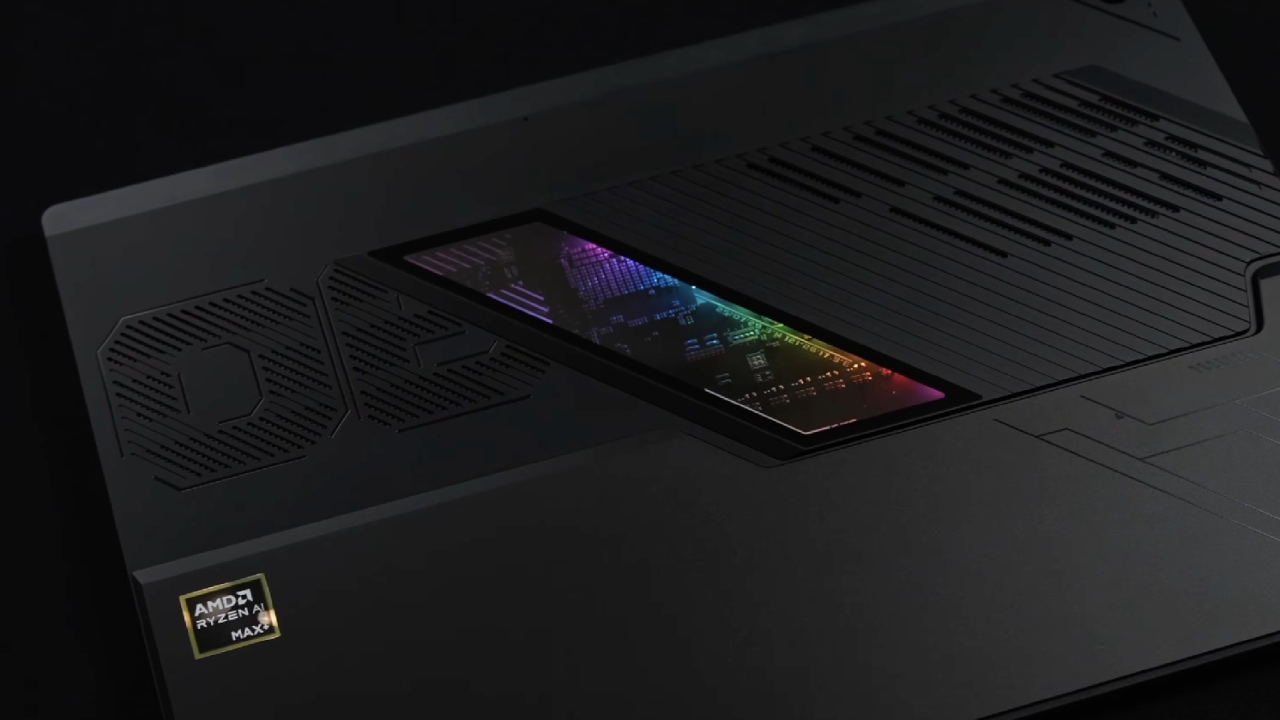
Real-World Performance vs Macs and Desktops
The Strix Halo sits between the M4 Pro and M4 Max Macs in Cinebench. The M4 Pro gets about 1300 points, the Strix Halo gets about 1500 points, and the M4 Max gets about 1700 points.
There is a difference in power, though. The M4 Pro needs about 40W, the M4 Max about 47W, and the Strix Halo about 70W to get almost the same effect.
This is shown by the battery life. Surprisingly, the Z13 is still competitive in GPU performance, even though it costs over $1,000 less than an M4 Max.
Daily Use and Productivity
We used the Z13 every day for a week, and even though we're used to Macs, the switch went more smoothly than we expected. Everything synced after we signed in to Outlook, Teams, OneDrive, and Chrome.
When working on job sites, the touchscreen and pen were very helpful for making notes on floor plans and using PDFs. We could take off the laptop and carry the tablet around like a digital clipboard, which is hard to do with a MacBook. The kickstand makes it much easier to watch videos, play games on an airplane, or look over papers.
Video Editing and Creative Work
We used DaVinci Resolve to make the video, but we changed the footage to H.264 because the free version doesn't allow H.265. The Strix Halo's media engines smoothly handled multiple 4K streams. It felt responsive and easy to scrub, play, and change in general.
The H.264 output ran at about 110 frames per second, meaning that a 12-minute, 24 frames-per-second movie was exported in 3 minutes. It's not quite M4 Max speed, but it costs a lot less and can still handle plenty of artistic work without any problems.
Upgradability and the Future of Integrated Designs
The only part that can be changed is the SSD. You can't change anything because it's all on the SoC. On a desktop, you can swap GPUs or add RAM, but with these all-in-one chips, you have to update the whole system to make a big change.
But we may be approaching a point where extra speed won't matter as much year to year. Even with a 5-year hardware gap, many everyday computer chores already feel like they can be done instantly.
.jpg)
Final Thoughts
We think the 2025 Asus ROG Flow Z13 is an incredibly powerful game and work laptop that is very easy to carry around. For about $2,000, you pay a lot for the technology that makes a tablet as fast as a laptop. A gaming laptop like the Victus 4050 is much cheaper and works just as well at 1080p.
Still, nothing else comes close to this level of speed, flexibility, and high-quality build in such a small, flexible package. We won't be giving up our Macs for good, but we could see ourselves taking the Z13 on trips when we want full PC power and console-level games wherever we go.
Also, check our other AMD articles below:
- AMD Ryzen 9 9950X3D Review: Setting The Standard For 2025 Gaming CPU
- AMD Ryzen 7 9800X3D Review: 3D V-Cache Goes God Mode with Stunning Gaming Performance
- AMD RX 9070 Performance Review: Thermals, Clocks, and Real-World FPS
- AMD Ryzen 5 7600 Review: Best Budget Gaming CPU of 2025?
- AMD Radeon RX 7800 XT Review: RDNA 3 Power For Midrange Gaming
- Sapphire NITRO+ AMD Radeon RX 9070 XT Review: The Ultimate 4K Gaming GPU
- AMD Ryzen 7 7800X3D: Delivers Gaming Performance Far Beyond Expectations
- AMD Ryzen 9 7900X Review: Powering the AM5 Era with DDR5 & PCIe 5.0
- Intel Core i9‑14900K vs. AMD Ryzen 7 7800X3D: Power Profiles & Gaming Benchmarks
Contributor, NoobFeed
Gaming Hardware Updates
No Data.