
Single vs. Dual DDR5 Memory Performance: Full Gaming Benchmarks and Analysis
Single DDR5 module performance impact across modern gaming workloads during recent memory pricing fluctuations and capacity constraints
Hardware by Nahe Yan on Dec 01, 2025
The price of DRAM has gone up, more than doubling in just a few weeks. Memory kits that used to cost $120 US are now being marketed for $270 US. This has led many new PC builders to reconsider their memory choices.
This has led others to wonder whether a single DDR5 module can deliver good gaming performance until prices drop again. Because of how the market works right now, more and more people are thinking about using 16GB for a short time and then upgrading later.
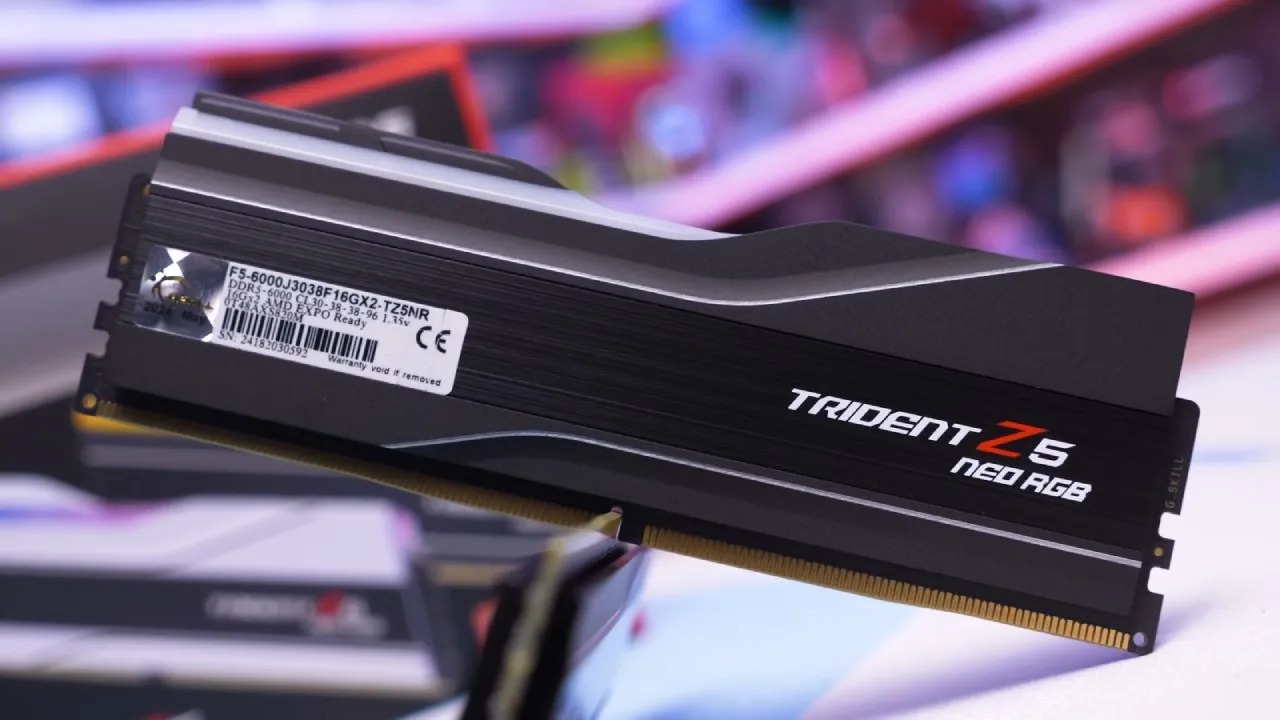
The Single-Stick Strategy and Memory Pricing
We have seen a few examples of DDR5 prices, such as the GSkill Trident Z5 Neo RGB 32GB DDR56000 CL30 kit, which went up from $120US to $270US. One 16GB Patriot Viper Elite 5 DDR56000 CL30 module can cost $100, whereas two of the same modules in a 32GB package cost $255. Buying one stick now and adding another later could save you money.
The availability of DDR5 modules is different. Some modules can be bought separately, while others can only be bought in matching sets. If you want to go with a single module, you can choose from 16GB options like the Patriot Viper Elite 5 or the GSkill Flare X DDR56000 CL36, which costs $ 116 US. Depending on the module you choose, you could save about $ 100 US.
Setting up and Testing
We utilised a Ryzen 7 9700X to stand in for the AM5 platform; however, we didn't include X3D CPUs because they work with memory differently. There were tests with both single-channel (16GB) and dual-channel (32GB) setups. Both used GSkill Trident Z5 Neo RGB DDR56000 CL30 memory with the same frequency and timings. The only thing that changed was the number of modules and the resulting capacity.
This test looks at both memory channel bandwidth differences and capacity discrepancies; however, capacity isn't as important for many games right now.
Rainbow Six Siege
There was about a 5% difference between single and multi-channel. At medium settings, the CPU was the main bottleneck, and a single 16GB module let the game run at almost 500 fps.
Battlefield 6's performance dropped by about 12% with just one module. Even yet, the game ran well, with averages over 130 fps and 1% lows near 90 fps.
.jpg)
Marvel Rivals
Using the medium preset, performance went down from 195 fps to 129 fps at 1080p. This 51% edge for dual channel was very clear. If your GPU limits performance to around 100 fps, though, the difference in practice would be smaller.
Using just one module cuts the 1% lows at 1080p by 33%. There was a 26% drop in 1% lows at 4K. Both setups worked well for playing.
The performance of Baldur's Gate 3 stayed good, with barely a 10% change between 1080p and 1440p. At 4K, the 16GB setup was up to 23% slower.
Avatar Frontiers of Pandora: Gameplay that the GPU-constrained had less of an effect on memory. At 1080p, the single module was 23% slower in 1% of the time. Both setups performed about the same at 4K when the frame rate dropped below 100 fps.
Arc Raiders
The consistency of frame time took the biggest hit, with 1% lows dropping by 27% at 1080p, 20% at 1440p, and 4% at 4K. The average frame rates stayed mostly the same.
Cyberpunk 2077
The 9700X didn't show much difference in performance across different memory configurations, unlike some CPUs..
Should you buy one stick now and add another later?
This is a good short-term fix, and you could save roughly $ 100 US, depending on current prices. But there are a few things to consider, such as the possibility that memory availability may change and that the same module may not be available later. This could cause problems if you pair different revisions.
You may also need to manually adjust the primary, secondary, and tertiary timings to keep things stable when you mix modules. Overall, having a matched kit is still the safest choice. One way around this is to share a dual-channel kit with a buddy who is also building a system. Then, when prices go down, you can buy another kit so that both systems have the same amount of RAM.
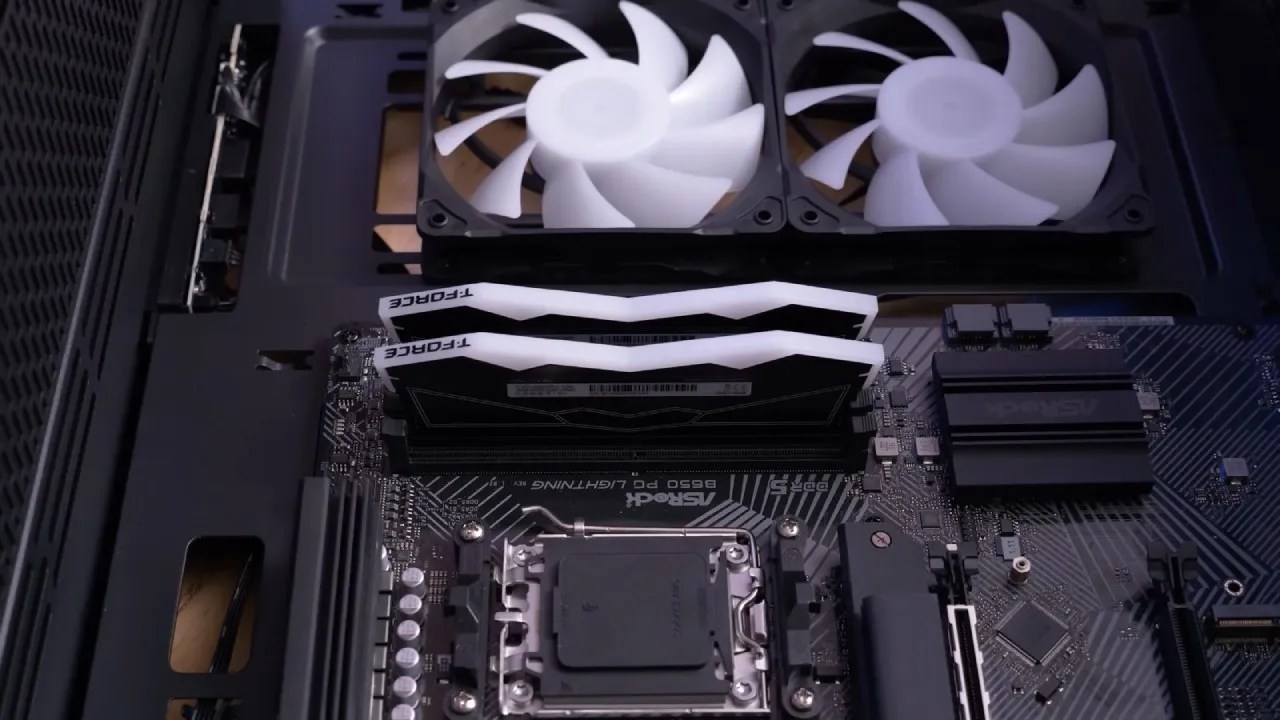
Final Thoughts
In all the games we tried, single-channel DDR5 with 16GB worked well enough to play. The biggest drops are in frame time consistency and 1% lows, although average frame rates stay rather good. If you wish to delay buying a memory kit, you can use a single 16GB module for a while. Adding a second stick is a quick fix if performance drops.
Also, check our other hardware articles below:
- AMD Ryzen 9 9950X3D Review: Setting The Standard For 2025 Gaming CPU
- Amazon Luna 2025 Review: Is Prime Gaming's Cloud Service Your Go-To For Casual Fun?
- AMD RX 9070 XT Review: AMD's RDNA 4 Champion for 1440p Gaming
- GeForce Now Ultimate: Ditching Your Gaming PC For Cloud RTX 4080 Power?
- NVIDIA GeForce RTX 5080 Review (2025): Still A 4K Gaming Powerhouse?
- Intel Core Ultra 9 285K Review And Performance Breakdown (2025)
- AMD Ryzen 7 9800X3D Review: 3D V-Cache Goes God Mode with Stunning Gaming Performance
- Intel Core Ultra 9 285K vs AMD Ryzen 7 9800X3D: In-Depth Gaming Performance and Benchmark Comparison
- NVIDIA GeForce RTX 5080 Super Performance In Cyberpunk 2077: Path Tracing & DLSS 4.0 Tested
- AMD Radeon RX 9070 XT In Cyberpunk 2077: Ray Tracing & FSR 4.0 Tested
- Intel Arc B580 Review: The $250 GPU Revolutionizing 1440p Gaming
- Intel Arc B570 Vs. B580: Value, Specs, And Real-World Gaming Performance
- RTX 5090 Laptop Vs. M4 Max MacBook Pro: Ultimate Raw Performance Vs. Battery Endurance
- Intel Arc b580 Vs. RTX 4060: Game Performance And Value Analysis
- RTX5090 Hell Is Us Demo 4K Ultra Benchmark: DLSS Vs. Native Performance Guide
- NVIDIA RTX 5070 Review: Mid-Range Muscle or Marketing Hype?
- Nintendo Switch 2 Review: Handheld Performance, Features & Value Breakdown
- RTX 5070 Ti Review: Performance, Thermals & Power Efficiency Tested
- Samsung Odyssey OLED G81SF Review 2025: Ultimate 32-Inch QD-OLED Gaming Monitor
- AMD RX 9070 Performance Review: Thermals, Clocks, and Real-World FPS
- AMD Ryzen 5 7600 Review: Best Budget Gaming CPU of 2025?
- AMD Radeon RX 7800 XT Review: RDNA 3 Power For Midrange Gaming
- Asus ROG RTX 5090 Astral OC Vs. Founders Edition: The 4K Gaming Benchmark
- Intel Core i5-13400F Gaming Performance: Still Worth It in 2025?
- ASUS GeForce RTX 5090 LC Liquid Cooled GPU Review: Unmatched Silence & Speed
- ASUS ROG Ally X Handheld Review: Double the Battery, Double the Comfort
- Lenovo Legion Go S Review: The Ultimate Steam Deck 2 Alternative
- Sapphire NITRO+ AMD Radeon RX 9070 XT Review: The Ultimate 4K Gaming GPU
- Alienware 16 Area 51 Review: The Ultimate 2025 Gaming Laptop
- Alienware Area-51 Review: Unmatched 4K, Thermal, and Acoustic Performance
- AMD Ryzen 7 7800X3D: Delivers Gaming Performance Far Beyond Expectations
- AMD Ryzen 9 7900X Review: Powering the AM5 Era with DDR5 & PCIe 5.0G
- Intel Core i9‑14900K vs. AMD Ryzen 7 7800X3D: Power Profiles & Gaming Benchmarks
- Intel Core i9 14900K: Specs, Benchmarks, and Competitor Comparison
- ASRock Radeon RX 7800 XT Challenger OC Review: Best Price-to-Performance GPU of 2025
Editor, NoobFeed
Gaming Hardware Updates
No Data.