
DDR4 vs. DDR5 Gaming Performance in 2026 Budget PC Builds
Gaming performance scaling shows minimal differences between DDR4 and DDR5 in GPU bound scenarios
Hardware by Shinji Okazaki on Jan 06, 2026
At the end of 2025, RAM costs rose sharply, and DDR5 became too expensive for many new builds, including high-end and mid-range gaming systems. That price pressure is likely to last until 2026, and it's not just about memory.
Prices for NVMe drives, SSDs, and even graphics cards are also going up. In light of this, a current system setup that uses DDR4 instead of DDR5 is a good way to test things out.
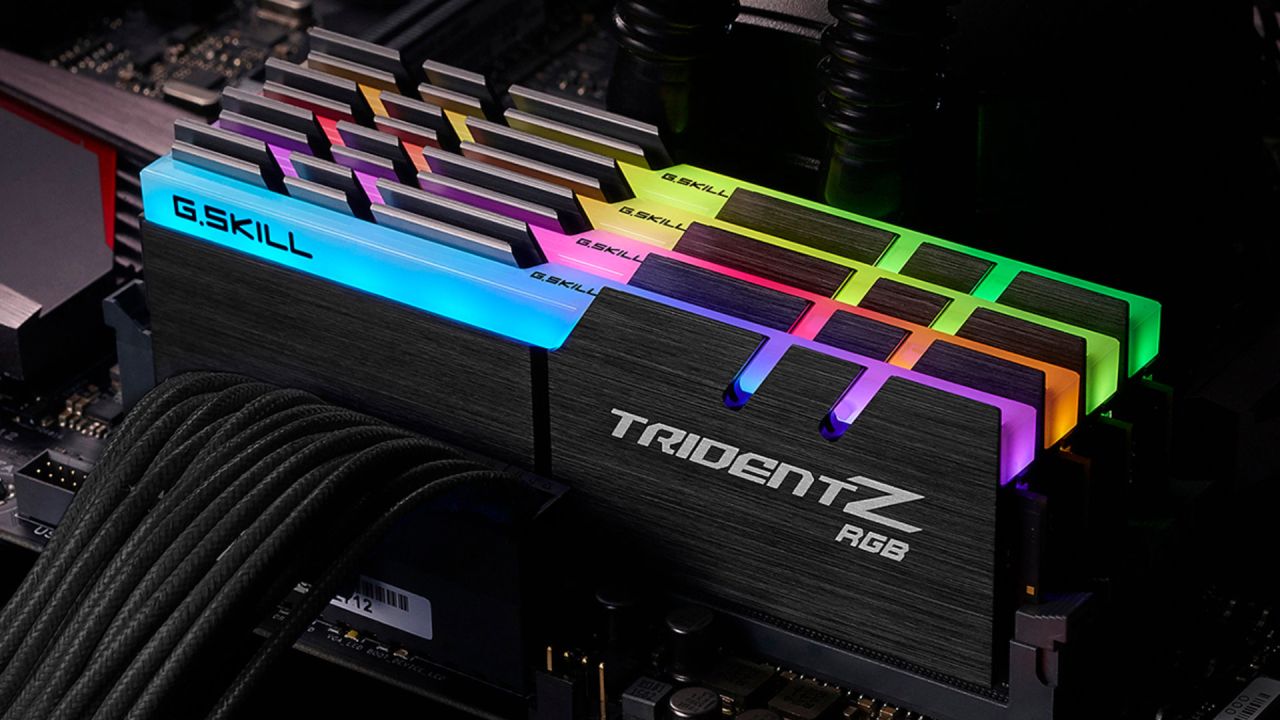
A Look at the System Configuration
The machine had a new RTX 50-series GPU and a Core i5-14600KF processor. The CPU is from the last generation of Intel, but it is still fast enough for gaming. The design has 16GB of XPG DDR4 memory running at 3200MHz instead of DDR5. The motherboard is an ASUS B760M-A WiFi D4. It supports modern connections, including DDR4, Wi-Fi6, and Bluetooth. A fully modular power supply with an 850W Gold rating from be silent! Provides electricity.
They chose DDR4 on purpose. When DDR4 is already cheap, it's hardly worth spending hundreds of dollars on a 16GB or 32GB kit when DDR5 is so expensive. The purpose was to investigate if DDR4 really hampers modern gaming results by testing real-world gaming performance at 1080p and 1440p.
Things to Think About for the Platform
The name Core i5-14600KF is important. The K signifies the processor is unlocked, and the F means there is no built-in GPU, thus you need a separate graphics card. This setup makes sense because it already has a separate GPU. After installing the games and operating system, a mix of synthetic benchmarks and real-world gaming tests was run to ensure consistent performance.
How Well Cyberpunk 2077 Works
Ray tracing was enabled, with settings set to high or ultra for the Cyberpunk 2077 test. The system ran at 1080p and averaged 107 fps, with most of the time above 80 fps. The game was still playable at 1440p with the same visual settings, averaging about 58 fps. The system handled the demand without crashing, even with ray tracing enabled.
Testing Helldivers 2
Even during big fights, the system got about 110 fps on Helldivers2 at 1080p. At 1440 p.m., the average was 87 fps. The 1% lows stayed around 73 fps, meaning the frames were delivered smoothly even with heavy motion.
Borderlands4's Performance
Borderlands 4 ran at an average of 78 fps at 1080p, resulting in seamless gameplay during heavy gunfights. At 1440 p.m., the performance stayed the same, with an average of 62 fps. During the most hectic times, 1% lows dropped, but for most of the game, the overall experience stayed above 60fps.
Arc Raiders' Benchmarks
We played Arc Raiders with high levels and dynamic low for ray tracing. For fast-paced fights, the system's average of 121 fps at 1080p is great. At 12:40 P.M., with the same settings, performance remained good, averaging 89 fps. The picture stayed clear, and the frames stayed the same, even during big fights.
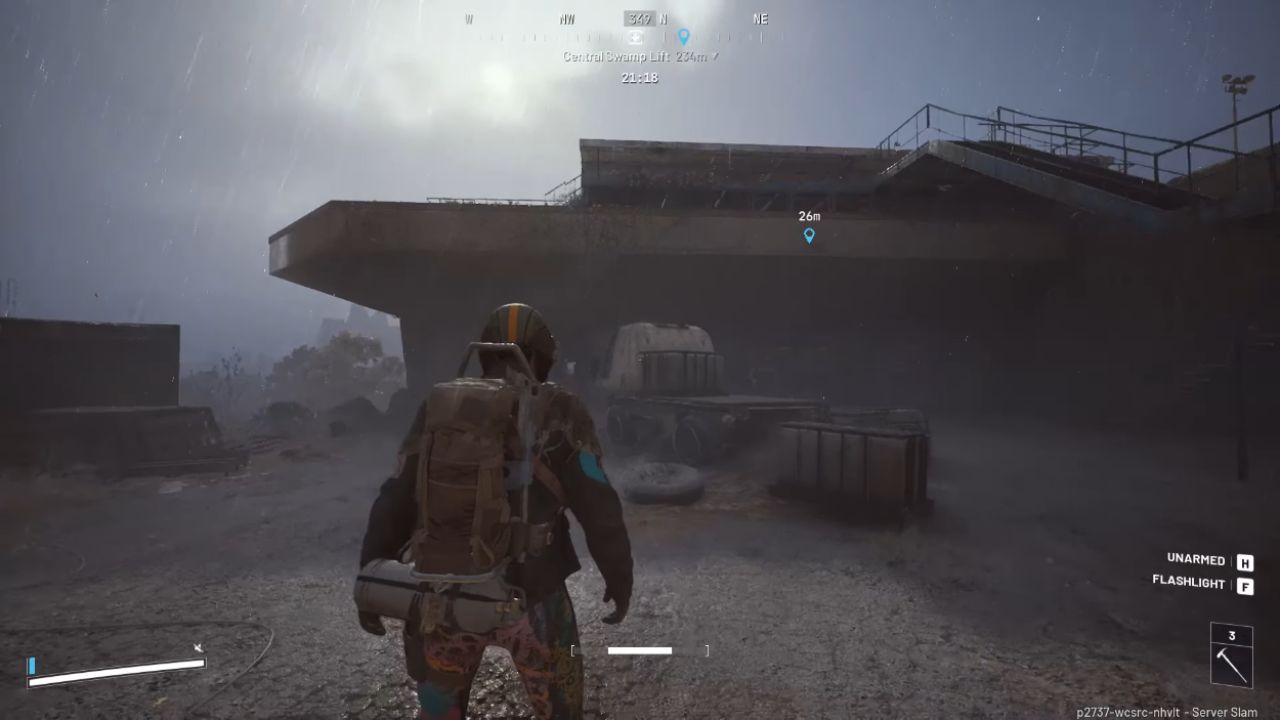
Outcomes for the Second Red Dead Redemption Game
At the highest levels, we gave Red Dead Redemption 2 a try. At 1080p, the system averaged 112 fps, resulting in smooth, consistent performance. At 1440 p.m., the average frame rate was 88 fps. This shows that the machine can play tough open-world games at higher levels.
Effect on Memory and Scaling
There was no memory-related bottleneck in any of the evaluated titles. DDR4 kept growing steadily at both 1080p and 1440p, even when things got tough. The performance and frame pace remained the same during the tests.
Talk About the Context and Value of DDR5
DDR5 is still the way to go and has clear benefits, especially for CPU-bound tasks at lower resolutions. Faster DDR5 can raise the average frame rate and tighten the 1% lows by reducing the time the CPU spends waiting. DDR5 makes sense for new projects with significant funding when the platform needs to last a long time.
But the price is still not certain. Entry-level 32GB DDR5 kits cost about $360 right now, and 64GB high-speed kits start at about $720. In situations where the GPU is the bottleneck, which happens a lot at 1440p and higher, the difference in performance between DDR4 and DDR5 gets much smaller. It can be hard to see in real gameplay.
Final Thoughts
DDR4 is still a good choice for anyone who wants to upgrade on a budget or use parts they already have. You can still get great gaming performance by pairing DDR4 with Intel 13th- or 14th-generation CPUs without paying more. The results suggest that you don't need the most expensive memory to play modern games smoothly on a balanced setup. Performance per dollar is still good, and DDR4 remains a good option heading into 2026.
Also, check our other hardware articles below:
- AMD Ryzen 9 9950X3D Review: Setting The Standard For 2025 Gaming CPU
- Amazon Luna 2025 Review: Is Prime Gaming's Cloud Service Your Go-To For Casual Fun?
- AMD RX 9070 XT Review: AMD's RDNA 4 Champion for 1440p Gaming
- GeForce Now Ultimate: Ditching Your Gaming PC For Cloud RTX 4080 Power?
- NVIDIA GeForce RTX 5080 Review (2025): Still A 4K Gaming Powerhouse?
- Intel Core Ultra 9 285K Review And Performance Breakdown (2025)
- AMD Ryzen 7 9800X3D Review: 3D V-Cache Goes God Mode with Stunning Gaming Performance
- Intel Core Ultra 9 285K vs AMD Ryzen 7 9800X3D: In-Depth Gaming Performance and Benchmark Comparison
- NVIDIA GeForce RTX 5080 Super Performance In Cyberpunk 2077: Path Tracing & DLSS 4.0 Tested
- AMD Radeon RX 9070 XT In Cyberpunk 2077: Ray Tracing & FSR 4.0 Tested
- Intel Arc B580 Review: The $250 GPU Revolutionizing 1440p Gaming
- Intel Arc B570 Vs. B580: Value, Specs, And Real-World Gaming Performance
- RTX 5090 Laptop Vs. M4 Max MacBook Pro: Ultimate Raw Performance Vs. Battery Endurance
- Intel Arc b580 Vs. RTX 4060: Game Performance And Value Analysis
- RTX5090 Hell Is Us Demo 4K Ultra Benchmark: DLSS Vs. Native Performance Guide
- NVIDIA RTX 5070 Review: Mid-Range Muscle or Marketing Hype?
- Nintendo Switch 2 Review: Handheld Performance, Features & Value Breakdown
- RTX 5070 Ti Review: Performance, Thermals & Power Efficiency Tested
- Samsung Odyssey OLED G81SF Review 2025: Ultimate 32-Inch QD-OLED Gaming Monitor
- AMD RX 9070 Performance Review: Thermals, Clocks, and Real-World FPS
- AMD Ryzen 5 7600 Review: Best Budget Gaming CPU of 2025?
- AMD Radeon RX 7800 XT Review: RDNA 3 Power For Midrange Gaming
- Asus ROG RTX 5090 Astral OC Vs. Founders Edition: The 4K Gaming Benchmark
- Intel Core i5-13400F Gaming Performance: Still Worth It in 2025?
- ASUS GeForce RTX 5090 LC Liquid Cooled GPU Review: Unmatched Silence & Speed
- ASUS ROG Ally X Handheld Review: Double the Battery, Double the Comfort
- Lenovo Legion Go S Review: The Ultimate Steam Deck 2 Alternative
- Sapphire NITRO+ AMD Radeon RX 9070 XT Review: The Ultimate 4K Gaming GPU
- Alienware 16 Area 51 Review: The Ultimate 2025 Gaming Laptop
- Alienware Area-51 Review: Unmatched 4K, Thermal, and Acoustic Performance
- AMD Ryzen 7 7800X3D: Delivers Gaming Performance Far Beyond Expectations
- AMD Ryzen 9 7900X Review: Powering the AM5 Era with DDR5 & PCIe 5.0
- Intel Core i9‑14900K vs. AMD Ryzen 7 7800X3D: Power Profiles & Gaming Benchmarks
- Intel Core i9 14900K: Specs, Benchmarks, and Competitor Comparison
- ASRock Radeon RX 7800 XT Challenger OC Review: Best Price-to-Performance GPU of 2025
Editor, NoobFeed
Gaming Hardware Updates
No Data.