
Inazuma Eleven: Victory Road Guide | How to Get Bond Stars
A guide on how to get Bond Stars in Inazuma Eleven: Victory Road.
Game Guide by Rubaiyat Shihab on Nov 21, 2025
In Inazuma Eleven: Victory Road, you will encounter Bond Stars, a resource tied closely to Chronicle Mode. These stars allow you to unlock characters through constellations, though the way you obtain them may not always appear clear at first.
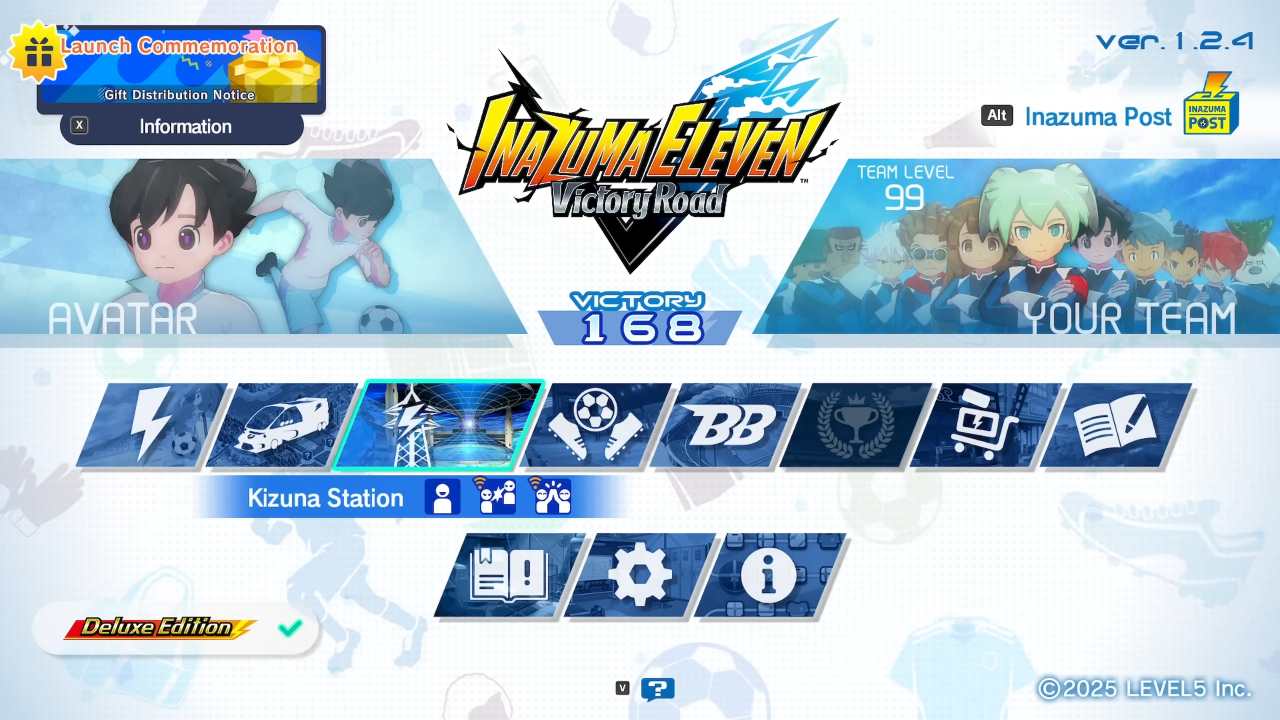
This guide explains where you should focus your time to earn Bond Stars efficiently and how to use them once collected.
Earning Bond Stars
Bond Stars come from two primary areas of the game, but one method produces them far more consistently. While you can gain a few within Chronicle Mode, you will accumulate them at a faster rate through the online portion of Competition Mode.
Competing Online
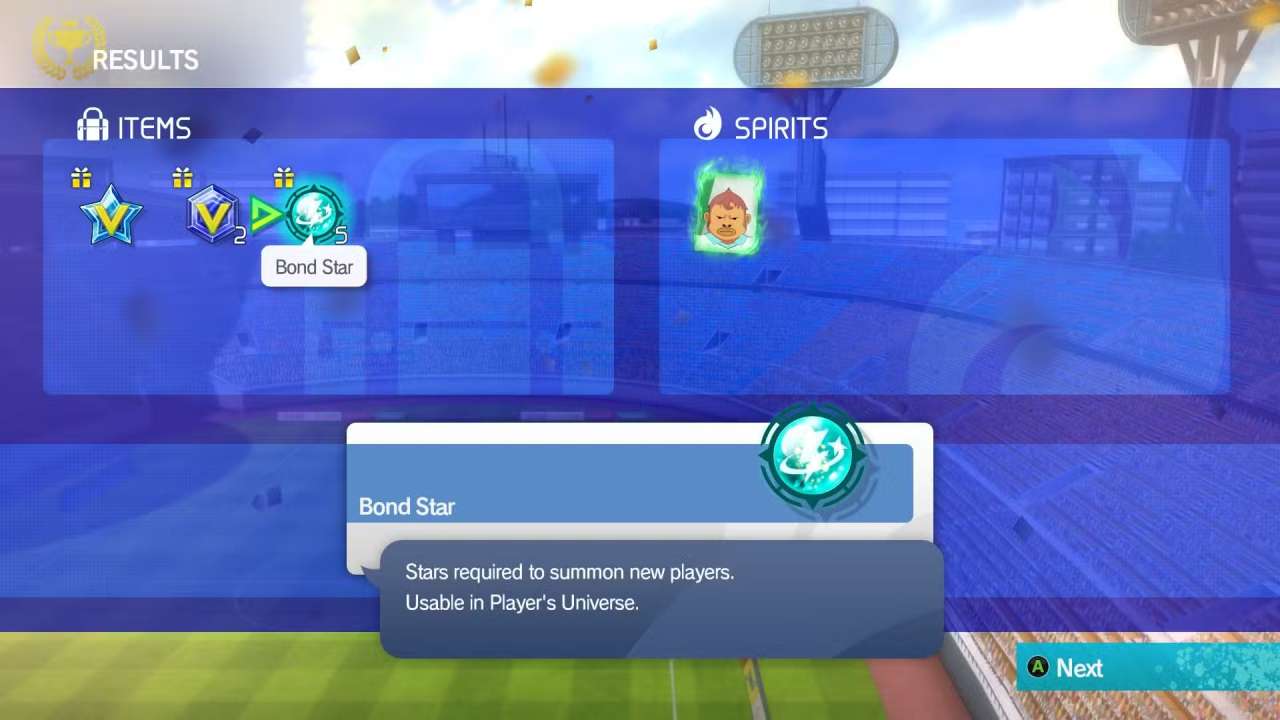
You can enter Competition Mode from the main menu. When you choose to play online matches—either through ranked play or lobby matches—you receive five Bond Stars at the end of each game. The result does not matter; you gain the same amount whether you win or lose.
There is a solo option inside Competition Mode called Free Match, but it does not reward Bond Stars.
Chronicle Competition Route
You can obtain the occasional Bond Star inside Chronicle Mode as well. After you clear a Route Unlock Battle at a node, you gain access to Rare Drop Battles. Winning these battles can grant you one or two Bond Stars. The first Rare Drop Battle you encounter involves facing a Level 21 team.
Using Bond Stars
Once you gather Bond Stars, you will spend them inside Chronicle Mode, specifically in the Player Universe. This section lets you unlock nodes on constellations tied to various characters.
Accessing the Player Universe
After collecting at least five Bond Stars, return to Chronicle Mode and select Player Universe. Choose a constellation to unlock a node, which gives you a chance to obtain Spirits belonging to the characters linked to that constellation.
Most of the characters connected to that constellation appear on the selection screen, and you can see the full roster by pressing the Available Characters option shown at the bottom-right of the interface.
Checking Spirit Rates
Using the Available Characters option also informs you of the probability of receiving a particular Spirit. Higher-tier characters have lower appearance rates, so you should not expect to receive a rare Spirit each time you spend Bond Stars.
Searching for Specific Characters
If you want Spirits for a certain character, you can rely on the constellation search feature. By pressing Start Constellation Search, you can filter by team dock or by character name. This is helpful for locating a preferred character or targeting duplicates. Duplicate Spirits allow you to enhance a character already in a dock.
Summoning and Managing Spirits
After you obtain Spirits, go to the Team Dock menu. You can reach this menu through Chronicle Mode, Kizuna Station, or Competition Mode.
Open the Spirits option to either summon new players or apply duplicate Spirits to existing ones. Summoned characters appear in the Player Bank at the bottom of the Team Dock menu. From there, you can add them to your active team.
Also, check our Inazuma Eleven: Victory Road Review and other guides below:
- Inazuma Eleven: Victory Road Guide | How to Get New Possibilities
- Inazuma Eleven: Victory Road Guide | How to Level Up Fast
- Inazuma Eleven: Victory Road Guide | How to Get the Best Heroes
- Inazuma Eleven: Victory Road Guide | How to Set Keyman Lockdown
- Inazuma Eleven: Victory Road Guide | How to Get the Best Heroes
Editor, NoobFeed
Latest Articles
No Data.