
RTX 5050 vs. Intel Arc B580: Performance, Upscaling Quality, Benchmarks, and VRAM Analysis for Budget GPUs
A detailed evaluation of RTX 5050 and Arc B580 showcasing real-world performance, upscaling quality, efficiency, and VRAM behavior
Hardware by Tasnim Yoshi on Dec 09, 2025
Entry-level GPUs can be hard for buyers to understand because they don't always know how well they perform, what features they offer, or what their real-world limits are. RTX 5050 and Intel Arc B580 are two of the most talked-about budget GPUs. A closer look shows that they use different upscaling technologies, VRAM, and games, and are not as stable overall.
Upscaling and Image Quality
We tested DLSS 4 on an RTX 5050 and XeSS on an Arc B580, and the results were the same as we had said before. Compared to XeSS, DLSS 4 offers much better upscaling quality. It sharpens images, adds more detail, reduces blur, and stabilizes motion. This gives RTX 5050 a clear edge in upscaling.
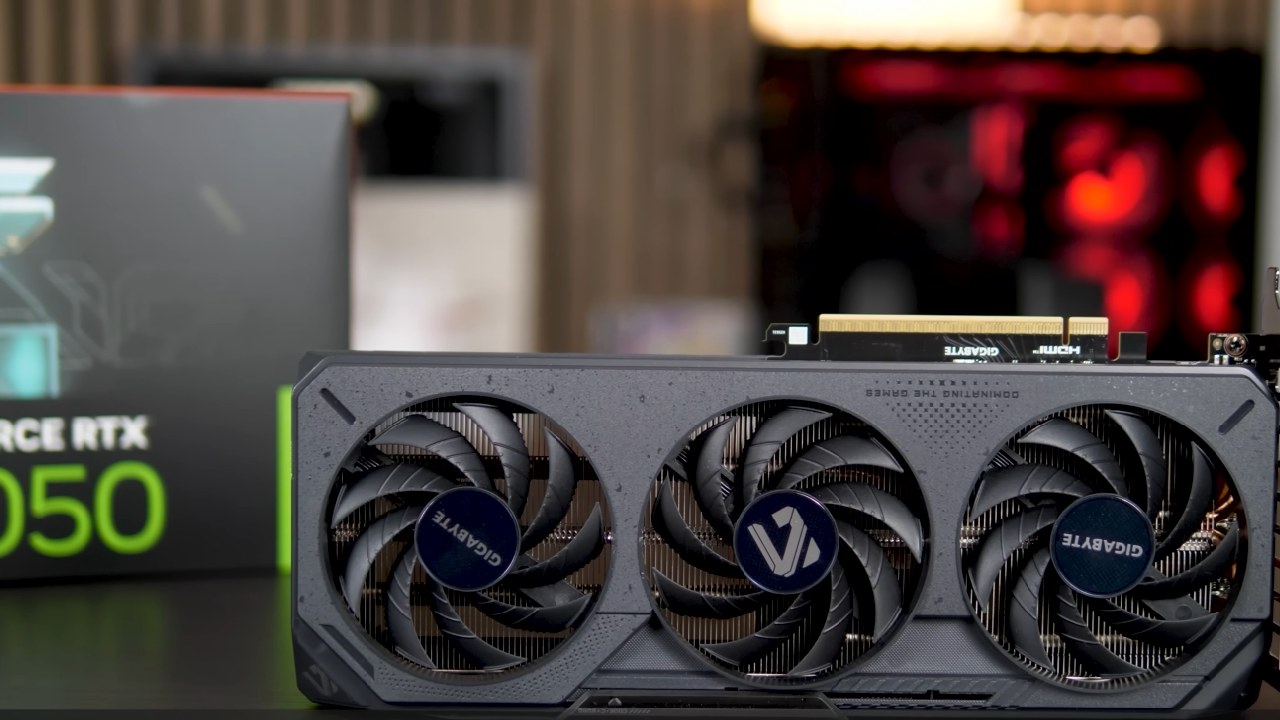
You should keep the render resolution in mind when choosing upscaling modes. DLSS 4 Quality mode increases the resolution from 1440p, while Medium Quality mode lowers it to 960p. XeSS Quality mode goes up from 1250p, while performance mode is more like 720p. The most important thing to remember is that the upscaling modes in DLSS 4 and XeSS don't match. This is especially important when we look at image quality and performance.
Overall Upscaler Quality Ranking
Based on the many games we played and the extra games we looked at off-camera, we always lean toward the following ranking:
- DLSS 4
- FSR 4
- DLSS 3 / XeSS (XMX version)
- XeSS (DP4A version)
- FSR 3
- We thought FSR 3 was very limited, especially at 1080p.
Benchmark Configuration
We had a Ryzen 7 9800X3D CPU and 32GB of DDR5-6000 CL30 memory. We used Nvidia's hotfix driver version 581.94 for RTX 5050 and Intel's driver version 8250 for B580. All tests were done at 1080p, which is what most people who use these GPUs want.
Game Performance Analysis
Ratchet & Clank: Rift Apart
RTX 5050 only averaged 51 fps on the low preset, while the Arc B580 averaged 66 fps. When upscaling is enabled, the gap widens. B580 reached 95fps on Quality mode with XeSS, while RTX 5050 reached 74fps with DLSS 4.
B580 runs XeSS well, but we had to restart the game for it to work right. B580 used more VRAM because it had a bigger 12GB capacity, while RTX 5050 used about 8.5GB.

Spider-Man 2
We also used a low preset here because of problems with super-resolution upscaling. This game put a lot of stress on both GPUs, but RTX 5050 ran out of VRAM first, using up 11GB. Both GPUs had performance issues with the game. B580 had severe frame-time issues, and RTX 5050 just couldn't keep up.
Assassin's Creed Shadows
At night, we tried out the medium preset in Suruga. RTX 5050 got 86 fps, and B580 got 82. When DLSS 4 Quality was used to upscale, RTX 5050 beat B580 by 6%. RTX 5050 was 5% faster in performance mode. The amount of VRAM used wasn't too high; it was about 5.2GB for both GPUs.
The Last of Us Part II
We used DLSS 4 Quality and XeSS Quality, in that order. Arc B580 got an average of 97 fps, while RTX 5050 only got 81 fps. The same benefit was true at native resolution as well. B580 had 128 fps, and RTX 5050 had 110 fps at higher quality. Arc B580's 12GB of VRAM was a big advantage when VRAM usage exceeded 9GB.
Ghost of Tsushima
Arc B580 was much faster at our usual benching spot. B580 reached 150 fps at DLSS4 and XeSS Quality, while RTX 5050 stayed around 95 fps. We saw some small visual bugs on B580, but restarting the game fixed them.
Stalker 2
RTX 5050 got 74 fps at its native resolution, while B580 got 110 fps. When upscaling was enabled, both GPUs performed much better. RTX 5050 got over 100 fps with DLSS 4 Quality, while B580 got 112 fps. The amount of VRAM used was 7.5GB.
Starfield
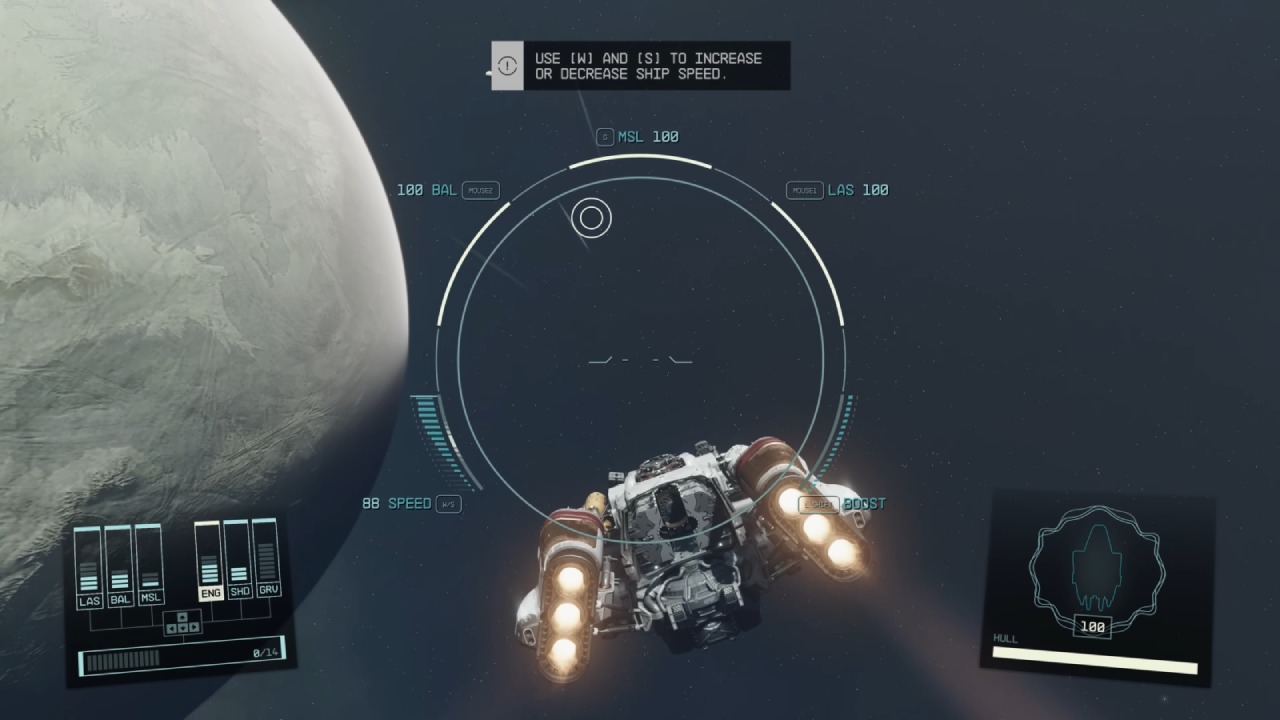
RTX 5050 averaged 45 fps with the ultra preset, while Arc B580 won by a small margin with 52 fps. When using XeSS and DLSS 4 Quality to upscale, B580 still had a small edge.
Cyberpunk 2077: Phantom Liberty
RTX 5050 did okay here, getting 64 fps, which is less than Arc B580's 70 fps. Differences got a little smaller at higher presets. RTX 5050 ran more smoothly in DLSS 4 Quality mode than the B580's XeSS implementation.
Immortals of Aveum
This title was all about Arc B580. At native low settings, it got 78 fps, but RTX 5050 only got 58 fps. Upscaling made the gap even bigger. B580's larger 12GB VRAM buffer also improved frame times.
Alan Wake 2
In terms of stability, Alan Wake 2 was more like RTX 5050. RTX 5050 got 47 fps at native 1080p, while the B580 got 51 fps but had issues with frame pacing. Turning on upscaling improved performance, but it didn't completely fix B580's frame-time issues.
Avatar: Frontiers of Pandora
Arc B580 also performed better here, with native results of 78 fps compared to RTX 5050's 65 fps. RTX 5050 got 91 fps with DLSS 4 Quality, and B580 got 116 fps with XeSS Quality.
Horizon Forbidden West
The medium preset worked well on both GPUs. RTX 5050 stayed at 84 fps, while Arc B580 reached 110 fps. Upscaling kept this difference in performance.
Overall Performance Summary
We tested 16 games, and Arc B580 finished 15% faster on average at native resolution. B580 had a 12% advantage when the resolution was raised. In games that use more than 8GB of memory, the Arc B580 often had the edge thanks to its VRAM capacity.
Power Usage and Value
We checked how much power the whole system used. Arc B580 used a lot more power than RTX 5050. B580 had slightly better performance per watt, but it used more power overall.
Arc B580 is a better choice for games that need a lot of VRAM because it has better rasterization performance and smoother results. RTX 5050 has better upscaling quality and stability in some newer engines.
Final Thoughts
We recommend RTX 5050 if you want the best upscaling quality and use less power. Arc B580 is a better choice if you need more raw performance, more VRAM, and better results in tough games. It all comes down to whether you care more about image quality and power efficiency or performance and VRAM capacity.
At $250 price point, Arc B580 offers better rasterization performance and smoother results in games with large VRAM demands. RTX 5050 delivers superior upscaling quality and better stability in some newer engines.
If you prioritize the absolute best upscaling quality and prefer lower power consumption, we recommend RTX 5050. If you need more raw performance, more VRAM, and better results in demanding titles, then Arc B580 is a stronger performer. Better choice comes down to whether you value image quality and power efficiency or performance and VRAM capacity.
Also, check our other Intel articles below:
- Intel Core Ultra 9 285K Review And Performance Breakdown (2025)
- Intel Core Ultra 9 285K vs AMD Ryzen 7 9800X3D: In-Depth Gaming Performance and Benchmark Comparison
- Intel Core i5-13400F Gaming Performance: Still Worth It in 2025?
- Intel Core i9‑14900K vs. AMD Ryzen 7 7800X3D: Power Profiles & Gaming Benchmarks
- Intel Core i9 14900K: Specs, Benchmarks, and Competitor Comparison
- Intel Core Ultra 5 245K Review: Gaming, Productivity & Power Efficiency Tested
- Intel Core Ultra 9 285 K's iGPU Gaming: In-Depth Benchmarks & Analysis
- Intel vs. AMD Gaming Laptop: Performance, Thermals & Battery Life Compared
- AMD Ryzen 7 9800X3D vs.7800X3D vs. Intel Core Ultra 7 265K: Gaming, Thermals & Price Analysis
- GeForce RTX 5090 Unleashed: Is NVIDIA's New Flagship the Ultimate 4K Gaming GPU?
- NVIDIA GeForce RTX 5080 Review (2025): Still A 4K Gaming Powerhouse?
- RTX 5090 Performance Testing In GTA 5 – 1080p, 1440p, and 4K Max Settings Benchmark
- RTX 5090 Laptop Vs. M4 Max MacBook Pro: Ultimate Raw Performance Vs. Battery Endurance
- NVIDIA RTX 5070 Review: Mid-Range Muscle or Marketing Hype?
- RTX 5070 Ti Review: Performance, Thermals & Power Efficiency Tested
- Asus ROG RTX 5090 Astral OC Vs. Founders Edition: The 4K Gaming Benchmark
- ASUS ROG Astral RTX 5090 OC Edition Review: 32GB GDDR7 & 4K Gaming Benchmark
- ASUS GeForce RTX 5090 LC Liquid Cooled GPU Review: Unmatched Silence & Speed
Subscriber, NoobFeed
Gaming Hardware Updates
No Data.