
16GB vs 32GB RAM: What You Actually Need for Gaming in 2026
Current DDR5 shortages create a challenging environment for builders seeking balanced performance without excessive component costs or long-term limitations.
Hardware by Tanvir Kabbo on Nov 14, 2026
If there's one PC building issue right now that many people are aware of, it's the ongoing shortage of DDR5 memory. Trying to find this memory at a reasonable price point, and potentially at all, for a new gaming PC build is proving harder than ever. This leads to a natural question: is it truly necessary?
More specifically, is all 32GB really essential? As 32GB has become the standard for a gaming PC build, it's worth examining whether managing with 16GB is a viable temporary solution to save money in the short term or whether doing so creates more problems than it solves.
Testing Approach and Hardware Selection
To test the difference between 16GB and 32GB of memory and determine whether this is a realistic solution, we ran several gaming benchmarks across some of the most popular titles.
The goal was to choose a range of games that broadly represent the titles you might want to play—everything from Indiana Jones and Call of Duty to Arc Raiders, Cyberpunk 2077, and a variety of Unreal Engine games known for heavier memory usage such as Fortnite, The Finals, and Expedition 33.
We also tested with different GPUs at various resolutions to see whether dropping the memory capacity makes sense in some scenarios but not others, or whether it consistently leads to the same outcome.
For the top-end GPU, we chose the RTX 5080, which is effectively the highest-end mainstream GPU, since the 5090 is far more expensive and most users building a high-end system would choose the 5080. In the mid-range, we opted for a 9070 XT, and for the lower end, a 9060 XT. While the 9060 XT box used for reference is the 8GB version, we tested using the 16GB card to avoid GPU memory bottlenecks rather than CPU DRAM bottlenecks.
For the 32 GB scenario, we tested with a single 16GB DIMM and two 16GB DIMMs. 8GB DDR5 DIMMs are hard to find, and many builders want to keep their options open for upgrades. So, using a single 16GB DIMM today, with the option to add another later, is a good way to show how upgrades really work.
1080p Gaming Results
The results were startling at 1080p, where lower-resolution, lower-power machines usually don't care as much about system memory. With 16GB of RAM, Call of Duty: Black Ops 7 Zombies ran at 149 fps at 1080p high settings. With 32GB of RAM, it ran at 156 fps, which is less than 5% faster.
Cyberpunk 2077 showed an even smaller difference, with 16GB averaging 128 fps and 32GB averaging 129 fps. But with 32GB, the 0.1% and 1% lows improved more noticeably, making performance more consistent.
Arc Raiders had strange results: 16GB got just under 137 fps, while 32GB lost almost 3 fps on average. Again, the 0.2% lows were about 15 fps higher with 32GB, suggesting it was more stable. Indiana Jones followed a similar pattern, though with modest variances in average frame rates and minor gains in frametime consistency with 32GB.
Across all 1080p testing, including Unreal Engine titles, the differences remained minimal. This indicates that at 1080p, 16GB is generally a workable solution—great news if you're shopping on a budget, where saving around $160 (as of January 13, 2026) by choosing 16GB instead of 32GB could be invested into a GPU upgrade that yields a more meaningful performance increase.
1440p Gaming Results
When I switched to 1440p with the 9070 XT, Call of Duty Black Ops 7 ran at 166 fps on 16GB and 177 fps on 32GB. The difference was less than 10%. Cyberpunk 2077 got the same results on both memory configurations, down to one decimal place: 145.5 fps. This means that something else in the system was slowing it down.
Arc Raiders again showed higher averages on 16GB (152 fps) versus 143.6 fps on 32GB, but the lows favored 32GB significantly, with 0.2% lows more than 20 fps higher and stronger 1% lows. This highlights that the real limitation of using 16GB may be frame consistency rather than average framerate.
Indiana Jones produced nearly identical averages, with 32GB being only 1fps faster. 16GB, on the other hand, had slightly better 1% and 0.1% lows, breaking the pattern seen elsewhere.
A breakdown of all 1440p games, including those made with Unreal Engine, still showed small variations between 16GB and 32GB.
4K Gaming Results and How High-End Hardware Works
At 4K, with the RTX 5080 putting a lot of strain on the system, both the 16GB and 32GB setups worked almost the same. In Call of Duty Black Ops 7, the 16GB version averaged 103 frames per second (fps), whereas the 32GB version averaged 101 fps. On 16GB, Cyberpunk ran at 92fps, while on 32GB, it ran at 90.9fps, which is only 1.7fps faster.
Arc Raiders again showed that 16GB was better than 32GB in average FPS (129fps vs. 121fps), but 32GB still had the edge in consistency because it had better 1% and 0.2% lows. In Indiana Jones, 32GB averaged just over 4fps faster, although the lows were a little poorer.
Including additional Unreal Engine titles showed the same trend: 16GB slightly faster in Expedition 33 and The Finals, and only half a frame slower in Fortnite. Ultimately, at 4K, bottlenecks shift from system memory to other components, such as GPU processing power or video memory. System RAM has little effect in these scenarios.
Understanding Virtual Memory and Why 16GB Performs Well
When the computer runs out of memory, it uses virtual memory by turning part of the storage into RAM. This still isn't perfect, but it's much better than it used to be because modern SSDs are so fast. We employed a Gen4 NVMe SSD (Lexar NM790) in our test system.
It could read data at about 7000MB/s, much faster than traditional hard drives, which could only read data at 500–600MB/s. Because newer games use video memory more than system memory, 16GB works better than you might think.
Productivity and Content Creation Performance
We ran editing tests in DaVinci Resolve to see how well it handled tasks beyond gaming. It took 1m54s to render a short clip with 3D tracking and objects on 16GB and 1m52s on 32GB, which is only a 2s difference.
A full-length Geek YouTube video took 27 minutes and 18 seconds on 32GB and 28 minutes and 14 seconds on 16GB. The difference was small, even though 32 GB was faster. The small difference shows that 16GB is still plenty for even the most demanding productivity tasks, thanks to the Ryzen 7950X and 4080 Super reducing CPU/GPU bottlenecks.
Practical Recommendations for Builders
If you're building a gaming PC for the first time, 16GB of RAM is a fine temporary fix until DDR5 becomes more widely available. 32GB is still the best long-term goal. While memory prices will likely fall from their current elevated point, they may never return to the very low levels seen 6 months ago, where a 32GB kit sometimes cost around $95.
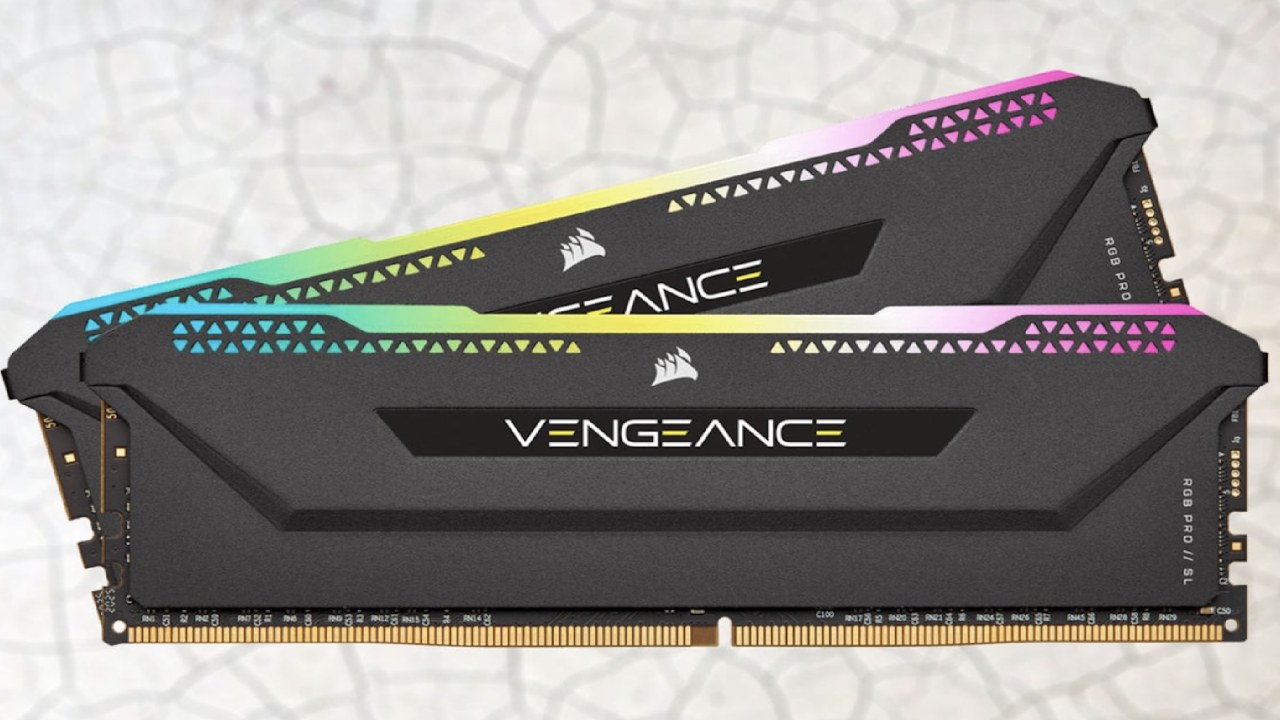
If you start with a single 16GB DIMM and upgrade later, choose a popular mainstream kit so you can find a matching stick later—whether new or secondhand. Matching speeds and latencies are essential for optimal performance. Kits such as the Corsair Vengeance RGB line are widely available and easier to pair.
Final Thoughts
From one perspective, it's unfortunate that gamers must compromise because of component shortages. From another, the testing reveals that if we were building a gaming PC right now, choosing 16GB and adding another module later would be a completely reasonable choice. It raises the question: would you consider 16GB for your next build? Is 16GB the new 32GB for sub-$500 systems?
FAQ
Q. Is 16GB of RAM enough for gaming in 2026?
A. Yes. Testing across multiple games and resolutions shows that 16GB can still deliver playable performance, particularly at 1080p and 1440p, although 32GB generally provides better frame-time consistency.
Q. Does 32GB of RAM improve gaming performance compared to 16GB?
A. Not always. Average FPS differences were generally small across the tested games, but 32GB often delivered better 1% and 0.2% lows, resulting in smoother and more consistent gameplay.
Q. Is a single 16GB DDR5 RAM stick good for a gaming PC?
A. It can be a reasonable temporary solution during the DDR5 shortage, especially when planning to add another matching 16GB module later. However, a single DIMM operates in single-channel mode, which can reduce memory bandwidth and affect performance compared with two modules.
Q. Should gamers choose 16GB or 32GB RAM for a new PC build?
A. 32GB remains the recommended long-term choice for modern gaming and multitasking. However, 16GB is a viable budget alternative for entry-level systems, especially when you can invest the savings in a more powerful graphics card.
Senior Editor, NoobFeed
Gaming Hardware Updates
No Data.