
Doubling Steam Deck RAM: What 32GB Ram Upgrade Really Changes
Expanded system memory significantly reduces stuttering, improves frame stability, and prevents crashes in resource-heavy modern titles.
Hardware by Tanvir Kabbo on Dec 23, 2025
Closest upgrade to a Steam Deck 2 right now is doubling the OLED Steam Deck's RAM. After almost a year of going back and forth, it finally became possible to increase the RAM, and the results were more interesting than expected.
It turned out to be more useful than anticipated, and the experience highlighted some surprising performance gains.
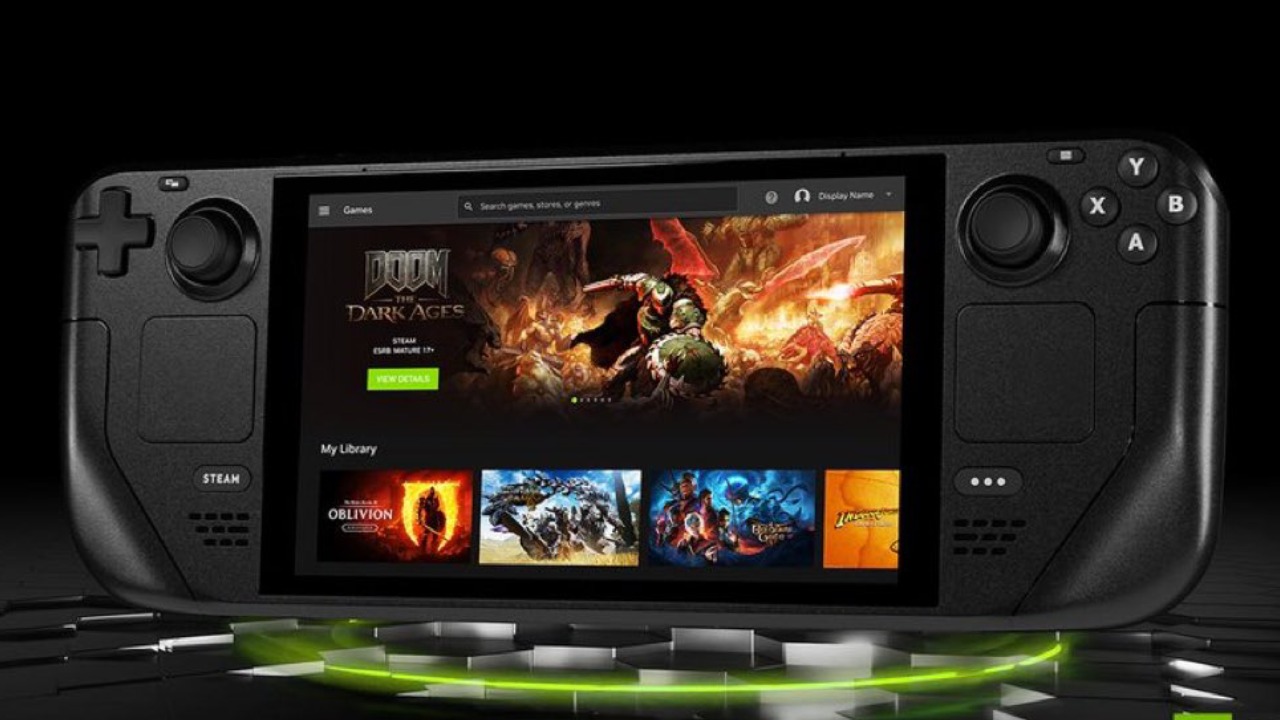
Revisiting Earlier Testing
Last year, we took a look at a modded LCD Deck, which showed a noticeable FPS bump over the stock model without any major downsides. It still clearly wasn't as efficient as the OLED Deck. Frame times went down, which inherently offered a smoother experience, but that was about it.
At first, nothing was pushing the needle that much, but when we took it on a flight with a battery bank, it moved a lot. We wanted to try it out with games that used a lot of RAM, and we also wondered if carrying something that looked like a bomb would get people's attention.
When we started up Hogwarts Legacy and walked around the castle, there was a lot less delay when graphics were loading between locations.
We tried testing a physics-heavy game that uses a lot of RAM and saw that both stock Decks warned us that they were running out of memory. When we put everything back together, the Steam Deck with twice the RAM worked considerably better. It was more stable, didn't crash, and really became better. But in general, it didn't do much compared to the OLED except in those specific situations.
Understanding How Steam Deck Manages RAM
Most handheld devices, like Steam Deck, have an APU, which combines a CPU and a GPU. The same CPU handles all processing and graphical operations. This means that they share RAM equally, with no VRAM set aside for them.
The CPU receives half, and the GPU gets half. If you have 16GB of RAM and the CPU needs more than half of it, it pulls from the GPU, which can cause stuttering, lower frame rates, longer frame times, or crashes. With double the RAM, you inherently get less stuttering, better FPS, and a smoother experience on paper.
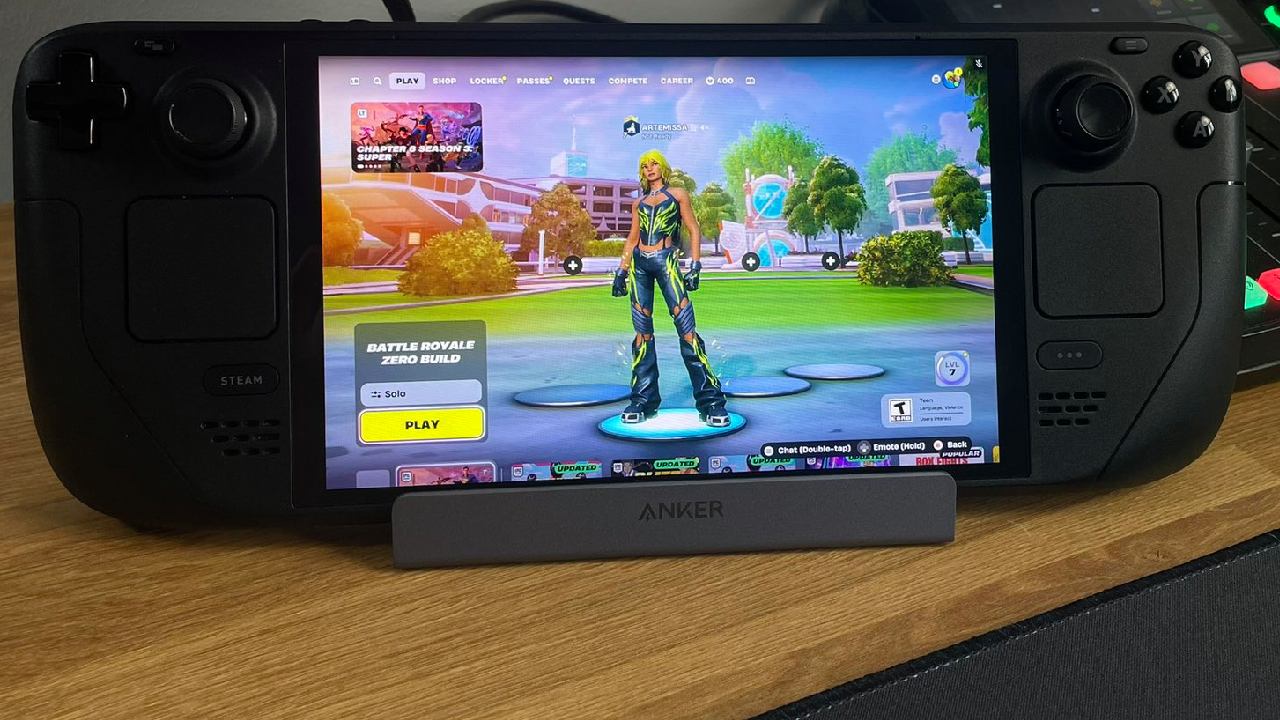
Performance Testing on the OLED Model
Right off the bat in Cyberpunk, when comparing a stock OLED to a modded OLED, there was a 3–5fps bump using the stock Steam Deck preset. We noticed less stuttering overall, higher max and average FPS, and lower minimums.
Another intensive physics title showed a similar story, with a slight performance advantage—except in extremely heavy scenarios, where the modded Deck used over 20GB of RAM. During this test, the stock OLED broke. These are times when having 32GB of RAM is quite important.
Heavily modded games also got better. Baldur's Gate 3 had a small increase in FPS compared to the stock OLED. Act 3 still pushes Steam Decks hard, but overall performance has improved.
Battery Life and Game-Specific Behavior
It didn't seem to have any effect on the battery life. The screen was on for about the same amount of time as the stock Deck. The benefits show up in games that make you play better. Elden Ring ran perfectly at a locked 45 fps. No Man's Sky also got a substantial boost and always came out on ahead of the stock OLED Deck.
Games that weren't very demanding, like top-down shooters and low-poly indie games, didn't use extra RAM; there wasn't much of a difference at high FPS levels. The mod was less beneficial when the texture quality was lower, especially on an 800p display.
External Display and Desktop Use
Using a portable OLED panel showed me how much the extra RAM helps. I could have more browser tabs, background programs like Spotify, and light tasks without any concerns with a desktop-style experience. Playing games makes things easier to utilize.
There are still other things to test, like scaling plugins, emulation, and input lag. These locations are still unexplored. The mod requires a custom BIOS and desoldering the existing RAM modules to replace them, which is an overkill process. Huge credit goes to Isaac at Slick Buys for working on the project.
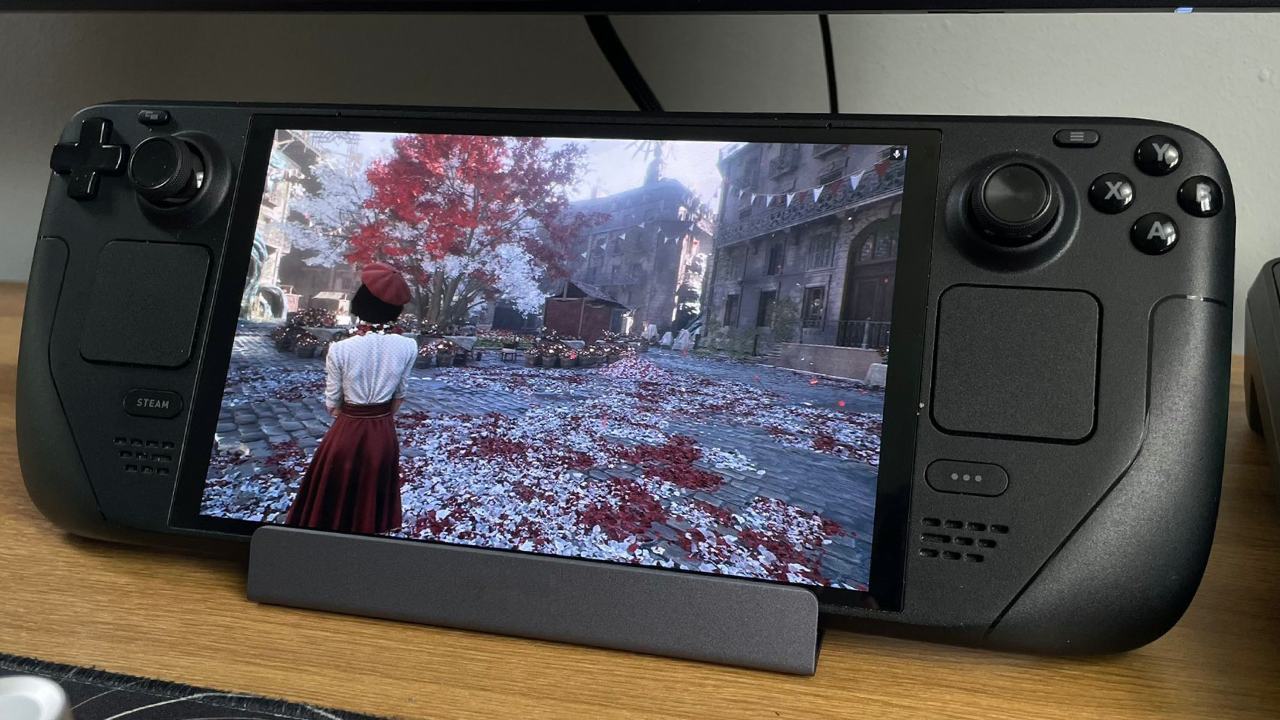
Accessories and Charging Convenience
During testing, everything stayed charged thanks to a new 100W desktop charger. It can connect up to six devices and has four USB-C connectors and two USB-A ports. It can also handle Power Delivery 3.0 and QC4 Plus, and delivers up to 65W from a single port.
Charging several gadgets with a single little brick made installations neat and effective, and it included safety mechanisms to control current and temperature. It was easy to use on handheld devices and for everyday tasks.
Should You Upgrade?
There's only so much you can do with existing Steam Deck hardware, and this mod pushes things further. But you don't need to modify a stock device to get the most out of it.
Update is only a fun "what if" unless you're a serious power user who plays heavily modded games or someone who needs the extra RAM for everyday PC operations. It's an excellent project if you like to try new things. If not, the stock OLED experience is already quite good.
Also, check our other Handheld articles below :
- ASUS ROG Ally X Handheld Review: Double the Battery, Double the Comfort
- Nintendo Switch 2 Vs. Original Switch 1: A Full Comparison
- How To Connect A Camera And Join Voice Chat With Nintendo Switch 2
- Nintendo Switch 2 Review: Handheld Performance, Features & Value Breakdown
- ROG Xbox Ally X Vs. ROG Ally X: Display, Battery & Controls
- ASUS ROG Ally X vs. Steam Deck OLED: Display, Battery & Gaming Benchmarks
- MSI Claw 8 AI+ Review: Display, Controls & Gaming
- Nintendo Switch 2 vs. Steam Deck OLED: Gaming, Performance, Battery, Display and Value
- PlayStation Portal Review: Remote Play, Cloud Streaming & Travel Gaming
- PlayStation Portal vs. Lenovo Legion Go: Best Portable Gameplay
- Cyberpunk 2077 Patch 2.3 FPS Test on MSI Claw 8 AI+
Senior Editor, NoobFeed
Gaming Hardware Updates
No Data.