
ASRock X3D CPU Failures: Causes, Patterns, and Current Testing Insights
Detailed testing highlights unexplained CPU deaths linked to BIOS behavior and unpredictable voltage states on ASRock platforms
Hardware by Nahe Yan on Nov 29, 2025
Users are still unsure about the X3D CPU problems reported on several ASRock motherboards. This trend isn't limited to ASRock, but there are many more problems with these boards, including the 600- and 800-series chipsets.
The scenario raises questions about what caused it, which BIOS behaviour is involved, and whether any current models can be trusted to be safe.
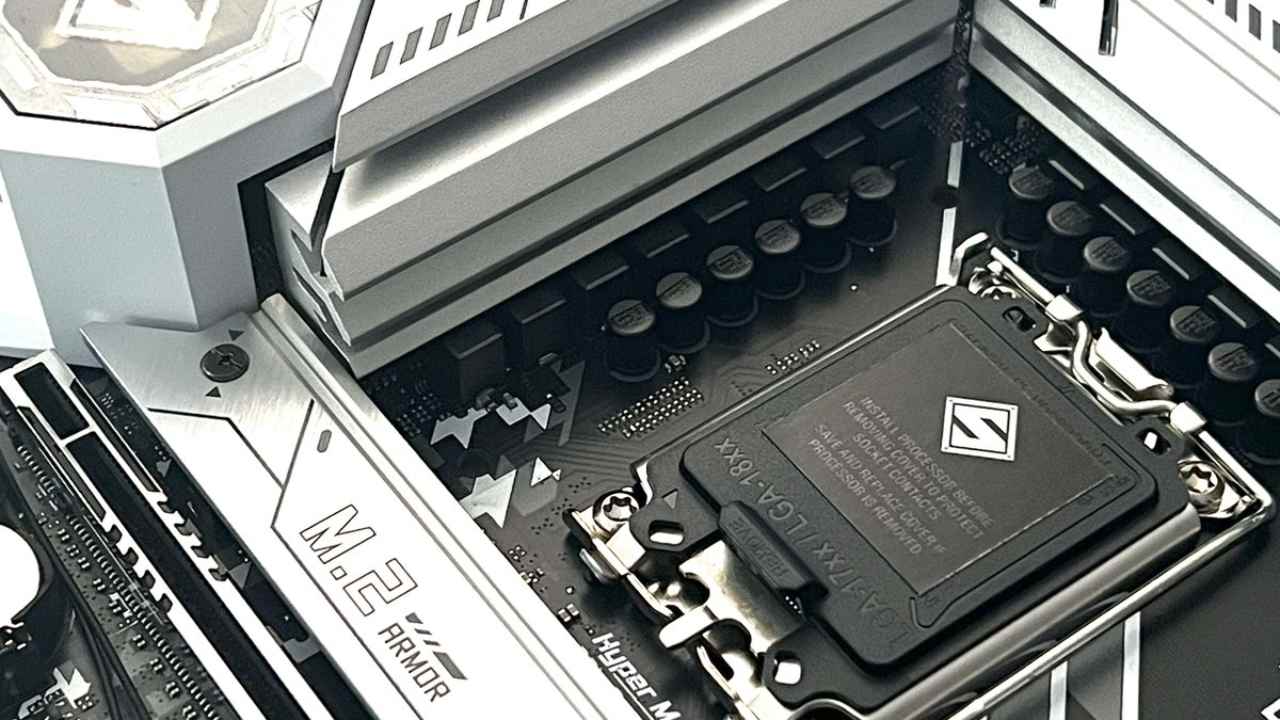
Initial Results and Early Failures
We saw early instances of CPUs that died suddenly, such as an ASRock Steel Legend motherboard that was proven to have killed a CPU. People thought that if a board broke a CPU, it could break another one. But after the socket was changed, the board didn't fail again. The user had not messed up that system; it had worked fine for a while and then stopped.
In August, we started studies to find a failure scenario. We set up a test environment with sensor data logging, temperature probes, and custom RISC-V mini KVM units that could change BIOS settings via automated keyboard input. These computers went through sleep, wake, load, and reboot cycles repeatedly, often hundreds of times a day.
Ways to Test and Try to Reproduce
We installed several motherboards at different stations and attempted to replicate the failure scenarios discussed online. We kept an eye on things like PBO settings, sleep-resume loops, automated memory training, boot cycles into diagnostic tools, and long-term workloads. Even after cycling through known problem boards many times, the failures could not be repeated. The closest we got was a broken BIOS that made diagnostic LEDs flash but wouldn't boot. Reflashing fixed everything.
A new socket was put on a motherboard that had already been proven to have killed a CPU, and the motherboard was tested again. That board hasn't shown any damaging behaviour since then. The failure can't be reproduced, which suggests the cause may be timing- or state-dependent, possibly involving BIOS behaviour or unpredictable voltage sequences.
ASRock Failure Rates and CPU Batch Observations
According to community data, ASRock boards have a higher failure rate than their market share would suggest. We often see batch numbers 2449 and 2448 in failure reports, and they matched the samples that failed that we had. This doesn't prove that there is a problem with the manufacturer, but the trend is interesting.
Some users reported issues caused by incorrectly installing the CPU, which crushed the socket pins and caused the system to die immediately. These are different from examples where CPUs worked fine for a while before breaking down. When looking for root causes, it's vital to distinguish between instant and delayed failures.
BIOS Behaviour and Possible Cases of Corruption
We saw that damaged BIOS areas could look like a dead CPU. A B850i Lightning gaming board ultimately stopped booting and just showed diagnostic LEDs. Flashing the BIOS made it work again. This is similar to problems that happen with ASRock Rack models when the BIOS chip stops working.
A BIOS chip can contain restricted areas and exclusive board-specific information, including Ethernet MAC addresses. If you don't program a replacement chip yourself, it may not have these settings. If the BIOS doesn't read correctly during startup or sleep-resume cycles, voltage regulation states may not be read correctly. This may hurt the CPU.
Long-Term Testing of New ASRock Boards
X870 Taichi Creator, X870 LiveMixer Wi-Fi, and Phantom Gaming X870 Nova Wi-Fi are three newer ASRock boards that have undergone continuous stress testing to see whether the new designs make failures less likely. All three support PCIe Gen5 M.2 without taking lanes away from the GPU and offer more connection options.
These three boards have been running nonstop for weeks. None of them has failed during testing. The main problem so far is that 256GB memory setups haven't yet exceeded 6000 megatransfers. We have been told that ASRock is working on this.
Prices for some models have changed because there is still some doubt about allegations of CPU failures. After testing is done, each board will have its own coverage.
Problems Finding the Root Cause
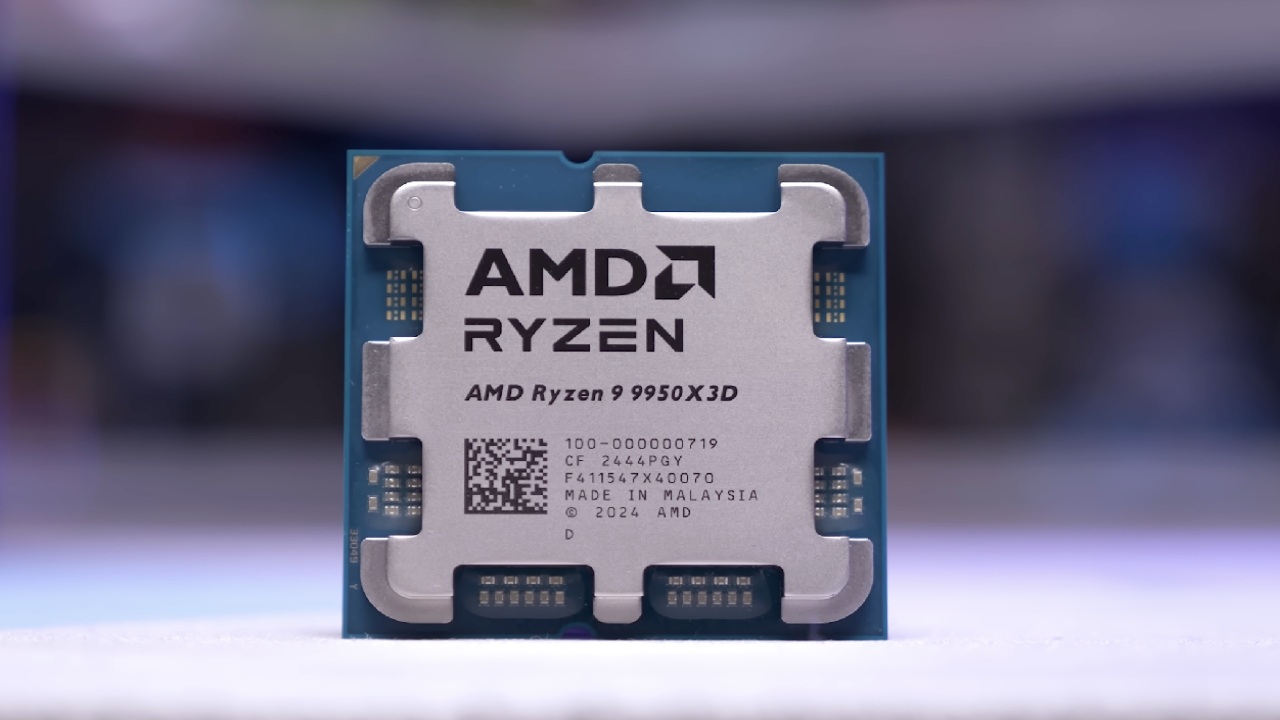
We have looked at several boards and CPUs that community members have sent us. One caused a BIOS-level error, two seemed to have user-caused socket damage, and one verified murder board has not failed again after being fixed. We haven't been able to make destructive behaviour happen again and again, even when we try to do so deliberately by messing with sleep-resume cycles or BIOS settings.
Server boards from third-party vendors have also had problems with BIOS integrity. In many cases, Ethernet addresses and board-specific variables had to be reprogrammed by hand. Since version 3, ASRock has included more strict BIOS integrity checks. This may be to stop corrupted states that cause unexpected behaviour.
What the Future Holds and Why the Community Matters
The Reddit community thread remains the main source for ongoing cases, and it continues to add reports. There are about 150 known examples, and ASRock's failure rate is higher than projected. However, it is still tiny compared to the total number of installations.
We are still running long-term experiments to determine whether BIOS corruption, voltage issues, sleep states, or manufacturing issues cause these failures. So far, attempts to repeat harmful behaviour have not worked.
Final Thoughts
If you've had similar failures, providing details such as dates, CPU batch numbers, BIOS versions, and whether the incident occurred immediately or later may help identify trends. We will keep an eye on the test systems and let you know if we find out anything new.
Also, check our other hardware articles below:
- AMD Ryzen 9 9950X3D Review: Setting The Standard For 2025 Gaming CPU
- Amazon Luna 2025 Review: Is Prime Gaming's Cloud Service Your Go-To For Casual Fun?
- AMD RX 9070 XT Review: AMD's RDNA 4 Champion for 1440p Gaming
- GeForce Now Ultimate: Ditching Your Gaming PC For Cloud RTX 4080 Power?
- NVIDIA GeForce RTX 5080 Review (2025): Still A 4K Gaming Powerhouse?
- Intel Core Ultra 9 285K Review And Performance Breakdown (2025)
- AMD Ryzen 7 9800X3D Review: 3D V-Cache Goes God Mode with Stunning Gaming Performance
- Intel Core Ultra 9 285K vs AMD Ryzen 7 9800X3D: In-Depth Gaming Performance and Benchmark Comparison
- NVIDIA GeForce RTX 5080 Super Performance In Cyberpunk 2077: Path Tracing & DLSS 4.0 Tested
- AMD Radeon RX 9070 XT In Cyberpunk 2077: Ray Tracing & FSR 4.0 Tested
- Intel Arc B580 Review: The $250 GPU Revolutionizing 1440p Gaming
- Intel Arc B570 Vs. B580: Value, Specs, And Real-World Gaming Performance
- RTX 5090 Laptop Vs. M4 Max MacBook Pro: Ultimate Raw Performance Vs. Battery Endurance
- Intel Arc b580 Vs. RTX 4060: Game Performance And Value Analysis
- RTX5090 Hell Is Us Demo 4K Ultra Benchmark: DLSS Vs. Native Performance Guide
- NVIDIA RTX 5070 Review: Mid-Range Muscle or Marketing Hype?
- Nintendo Switch 2 Review: Handheld Performance, Features & Value Breakdown
- RTX 5070 Ti Review: Performance, Thermals & Power Efficiency Tested
- Samsung Odyssey OLED G81SF Review 2025: Ultimate 32-Inch QD-OLED Gaming Monitor
- AMD RX 9070 Performance Review: Thermals, Clocks, and Real-World FPS
- AMD Ryzen 5 7600 Review: Best Budget Gaming CPU of 2025?
- AMD Radeon RX 7800 XT Review: RDNA 3 Power For Midrange Gaming
- Asus ROG RTX 5090 Astral OC Vs. Founders Edition: The 4K Gaming Benchmark
- Intel Core i5-13400F Gaming Performance: Still Worth It in 2025?
- ASUS GeForce RTX 5090 LC Liquid Cooled GPU Review: Unmatched Silence & Speed
- ASUS ROG Ally X Handheld Review: Double the Battery, Double the Comfort
- Lenovo Legion Go S Review: The Ultimate Steam Deck 2 Alternative
Editor, NoobFeed
Gaming Hardware Updates
No Data.