
EA Sports FC 27 Guide | Best Controller Settings
Here's a guide on best controller settings for EA Sports FC 27.
Game Guide by Navid Kabbo on Sep 19, 2026
The right controller settings can make a noticeable difference in EA Sports FC 27, especially when defending, passing, shooting, and switching between players. While the default configuration works well for beginners, changing a few options can give you greater control and make your inputs more consistent.
This EA Sports FC 27 guide covers the best controller settings to use for both beginners and competitive players.
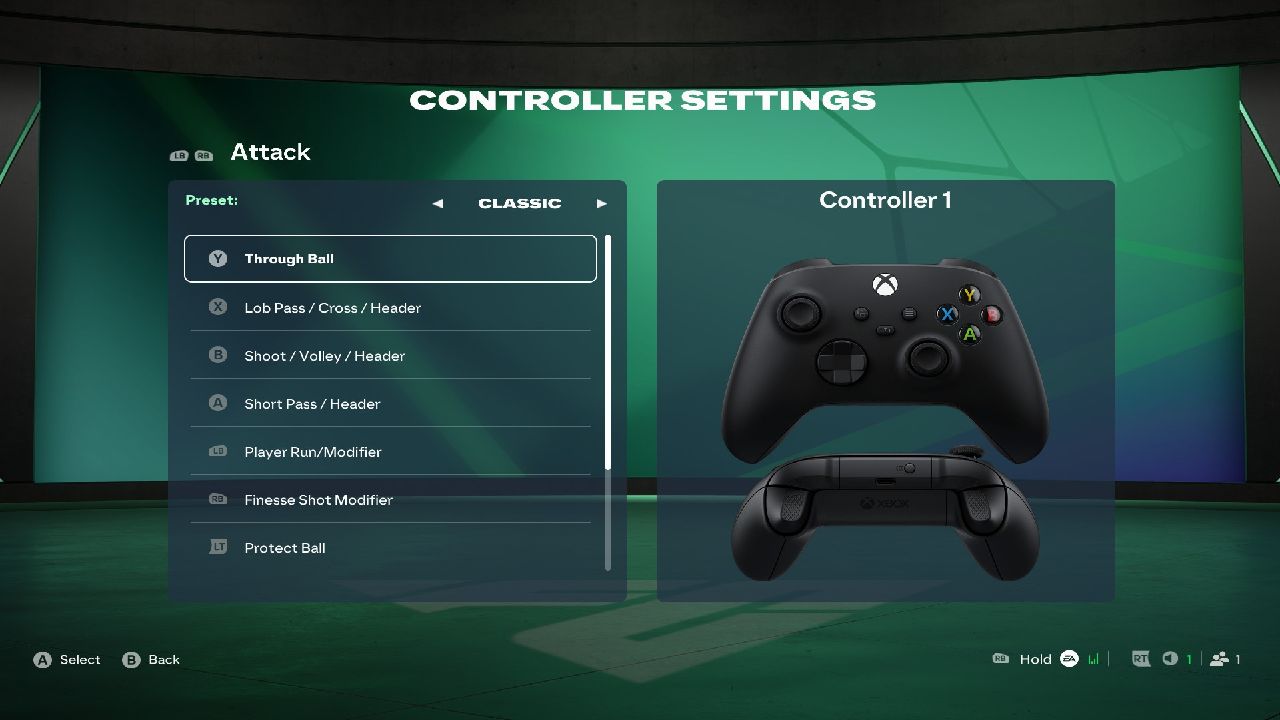
Best Controller Settings in FC 27
The following setup provides a good balance between assistance and control. It is particularly useful for players who spend most of their time in Ultimate Team, Career Mode, or other competitive game modes.
Recommended Controller Settings
- Competitive Master Switch: On
- Through Pass Assistance: Semi
- Lobbed Through Pass: Semi
- Ground Pass Assistance: Assisted
- Shot Assistance: Assisted
- Cross Assistance: Assisted
- Lob Pass Assistance: Assisted
- Lobbed Through Pass Assistance: Semi
- Save Assistance: Assisted
- Analog Sprint: Off
- Pass Receiver Lock: Late
- Pass Receiver Lock Target: Receiver Relative
- Precision Pass Sensitivity: Normal
- Defending: Advanced
- Pass Block Assistance: On
- Auto Switching: Air Balls and Loose Balls
- Auto Switching Move Assistance: None
- Right Stick Switching: Classic
- Right Stick Switching Reference: Player Relative
- Right Stick Switching Sensitivity: 5
- Next Player Switching: Classic
These settings are designed to give you reliable basic assistance while keeping important defensive and passing decisions under your control.
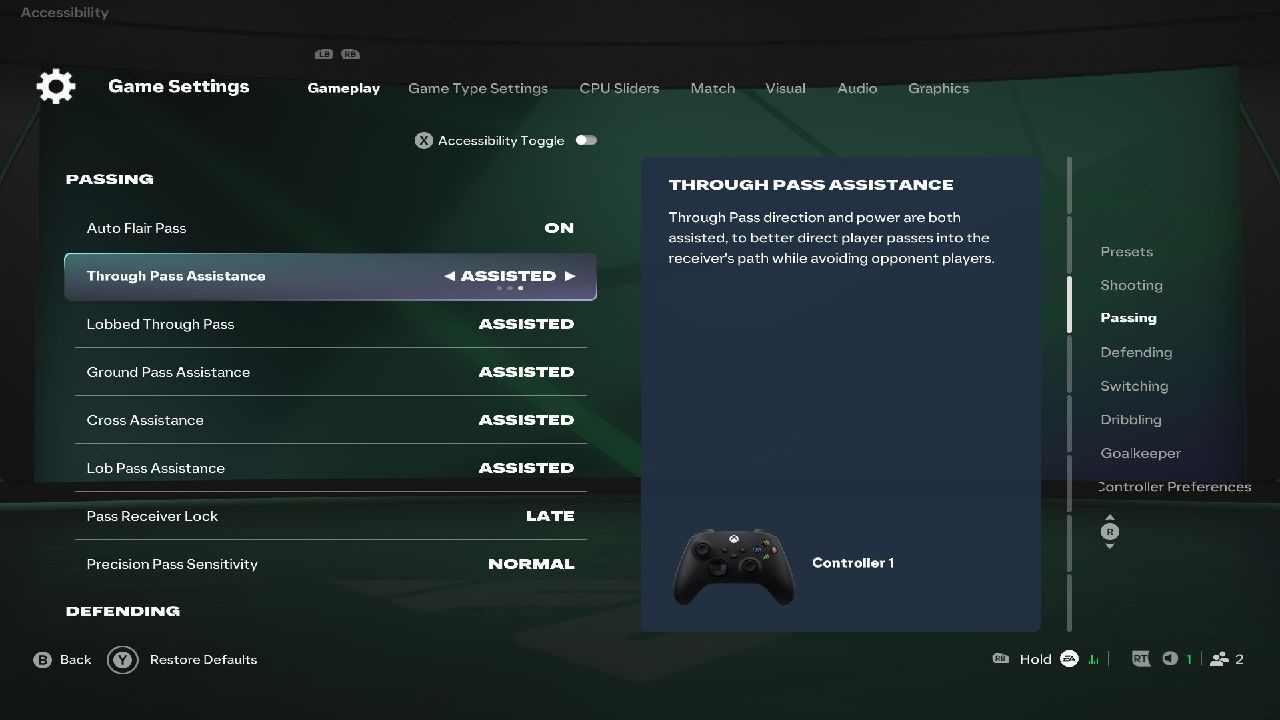
Best Passing Settings
Passing is one of the most important parts of FC 27, and your controller settings can determine how much control you have over the ball.
Set Ground Pass Assistance to Assisted if you want consistent short passes. This is particularly useful when playing quickly around the edge of the box or moving the ball through midfield.
For Through Pass Assistance, Semi is a better choice for experienced players because it gives you additional control over the direction and power of your through balls.
Keep Pass Receiver Lock on Late. This allows you to change your intended receiver later during the passing animation, giving you more flexibility when multiple players are making runs.
Best Shooting Settings
For most players, Shot Assistance: Assisted is the safest option. It provides reliable targeting while allowing you to focus on timing and shot selection.
If you're already comfortable with FC 27's shooting mechanics, you can experiment with more manual options later. However, switching several shooting assists off at once can make finishing significantly less forgiving.
Focus on learning when to use regular shots, Finesse Shots, Power Shots, and other finishing options before changing your shooting assistance.
Best Defending Settings
Defending is one of the areas where controller settings can have the biggest impact.
Set Defending to Advanced if you want greater control over defensive actions. This gives you more responsibility for deciding when and how to challenge an opponent.
Keep Pass Block Assistance enabled so your players can react to certain passing situations automatically.
For Auto Switching, Air Balls, and Loose Balls is a useful middle ground. It provides assistance during unpredictable situations without constantly taking control away from you during normal defending.
Best Player Switching Settings
Player switching is essential when defending in FC 27.
Set Right Stick Switching to Classic and use Player Relative as the reference. This makes the right-stick input easier to understand because your selection is based on the position of the players around your currently controlled player.
A Right Stick Switching Sensitivity of 5 provides a balanced starting point. If you regularly select the wrong player, lower the sensitivity. If switching feels too slow or difficult, increase it gradually.
Avoid relying completely on automatic switching. Learning to manually select the correct defender will give you much more control over defensive situations.
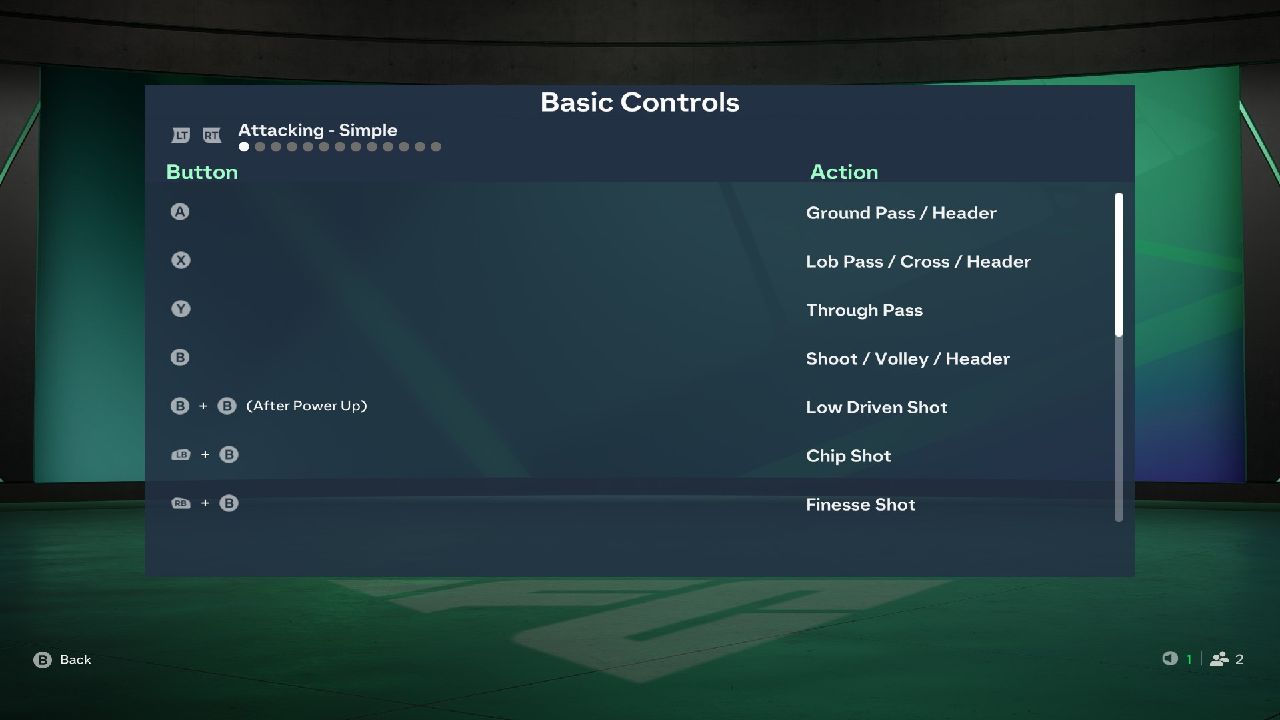
Should You Use Analog Sprint?
For most players, Analog Sprint should be turned off.
With Analog Sprint enabled, the pressure you apply to the sprint trigger affects your player's sprint speed. While this can provide additional control, it can also make sprinting less consistent.
Turning it off lets you use the sprint button more reliably, which is especially useful during fast counterattacks and defensive recovery runs.
Best Controller Settings for Beginners
If you're new to FC 27, you don't need to use advanced or manual controls right away.
Start with the following:
- Ground Pass Assistance: Assisted
- Through Pass Assistance: Assisted
- Shot Assistance: Assisted
- Cross Assistance: Assisted
- Lob Pass Assistance: Assisted
- Save Assistance: Assisted
- Defending: Advanced
- Pass Block Assistance: On
- Auto Switching: Air Balls and Loose Balls
- Right Stick Switching: Classic
- Analog Sprint: Off
Once you're comfortable, gradually experiment with Semi and Manual options.
Best Controller Settings for Competitive Play
Competitive players generally benefit from reducing unnecessary automation while keeping basic inputs consistent.
A good competitive setup is:
- Ground Pass Assistance: Assisted
- Through Pass Assistance: Semi
- Shot Assistance: Assisted
- Cross Assistance: Assisted
- Defending: Advanced
- Auto Switching: Air Balls and Loose Balls
- Right Stick Switching: Classic
- Right Stick Switching Reference: Player Relative
- Auto Switching Move Assistance: None
- Analog Sprint: Off
- Pass Receiver Lock: Late
The goal isn't to turn every assistance option off. Instead, keep assistance where it improves consistency and take manual control of the mechanics where precision matters most.
How to Change Controller Settings
You can change your controller configuration from the main menu.
Go to Settings, select Game Settings, and then open the relevant controller or gameplay options. Make your changes before entering a competitive match, so you have time to adjust to the new controls.
It's a good idea to test your setup in Kick Off or the Practice Arena before using it in Ultimate Team.
Final Thought
The best FC 27 controller settings are ultimately the ones that give you consistent control without making the game unnecessarily difficult. Assisted passing and shooting help most players, while manual player switching and Advanced Defending can give experienced players more control.
Start with the recommended settings above and change one option at a time. Once you know exactly what each setting does, you can build a controller setup around your own playstyle rather than simply copying someone else's configuration.
FAQ
Q. What are the best controller settings in FC 27?
A. A strong setup uses Assisted Passing and Shooting, Advanced Defending, Classic Right Stick Switching, Air Balls and Loose Balls for Auto Switching, and Analog Sprint turned off.
Q. What is the best defensive setting in FC 27?
Q. Advanced Defending is recommended for players who want greater control over defensive actions and are comfortable manually positioning their defenders.
Q. Should Analog Sprint be on or off in FC 27?
A. Turning Analog Sprint off provides more consistent sprint inputs and is recommended for most players.
Q. What is the best Right Stick Switching setting?
A. Classic Right Stick Switching with Player Relative as the reference gives you direct control over selecting nearby players and is a strong choice for competitive play.
Editor, NoobFeed
Latest Articles
No Data.