
GeForce NOW on Samsung TV: The Easiest Way to Play PC Games Without a Console or PC
Explore a new way of gaming using your smart TV and Nvidia's powerful cloud streaming technology
Hardware by Masaru Hoshino on Jul 27, 2025
Cloud gaming has come a long way and is easier to use than ever before. You no longer need to buy or build an expensive gaming PC or wait in line for the latest graphics card. Instead, you simply open an app on your TV, laptop, tablet, or phone, choose a game, and start playing within seconds.
Powerful computers in data centers do all the hard work, sending the game video to your screen over the internet. As long as you have a steady connection, you'll enjoy smooth gameplay, clear graphics, and fast response times.
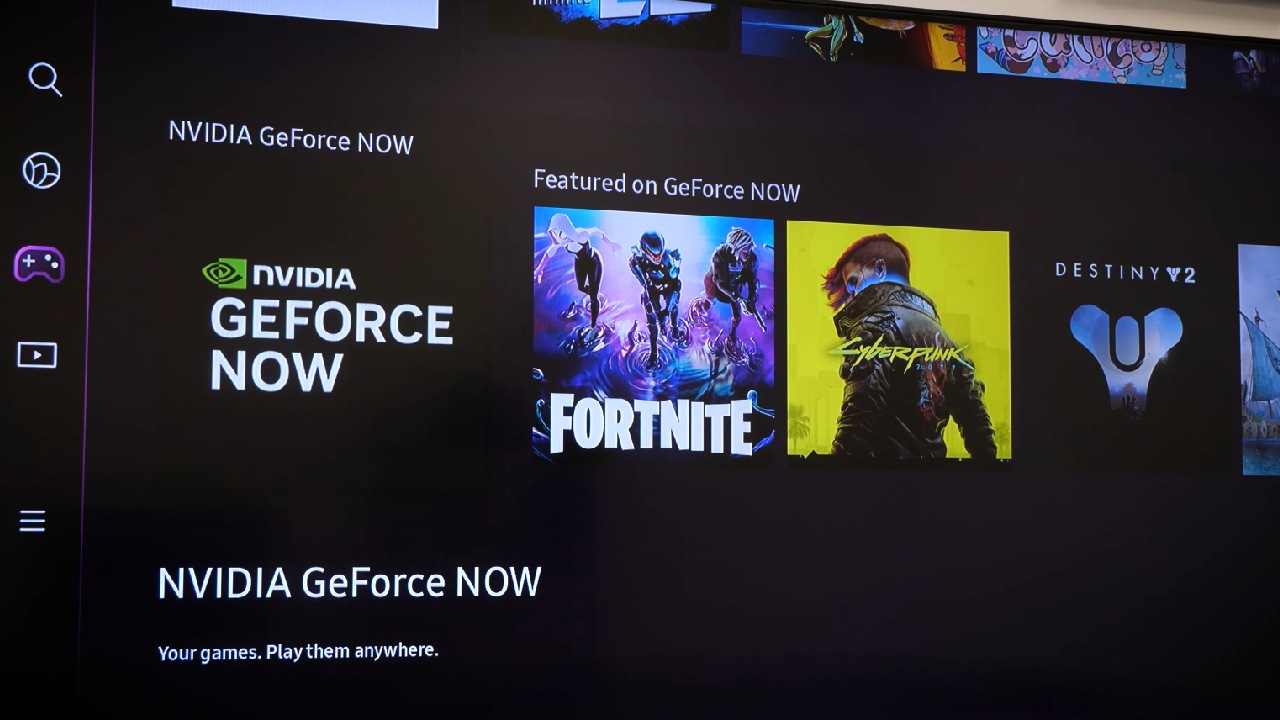
This means you can relax on your sofa and jump into your favorite titles, just like you would on a console, without the high cost or complex setup.
Samsung Gaming Hub and GeForce Now Integration
Samsung Gaming Hub, exclusive to Samsung TVs, combines a streamlined user interface with a selection of top name game streaming apps.
Among these, Nvidia's GeForce Now app lets you tap into the power of Nvidia GPUs for ray tracing, high fps rendering, and ultra smooth gameplay—all on your TV.
Getting Started
To begin, navigate to the Gaming Hub menu on your Samsung TV and select the GeForce Now app. Since everything runs via streaming, there's no downloading or installation process.
If you don't have an Nvidia account yet, you can create one right from your TV and choose a membership tier; otherwise, simply log in to your existing account.
Membership and Features
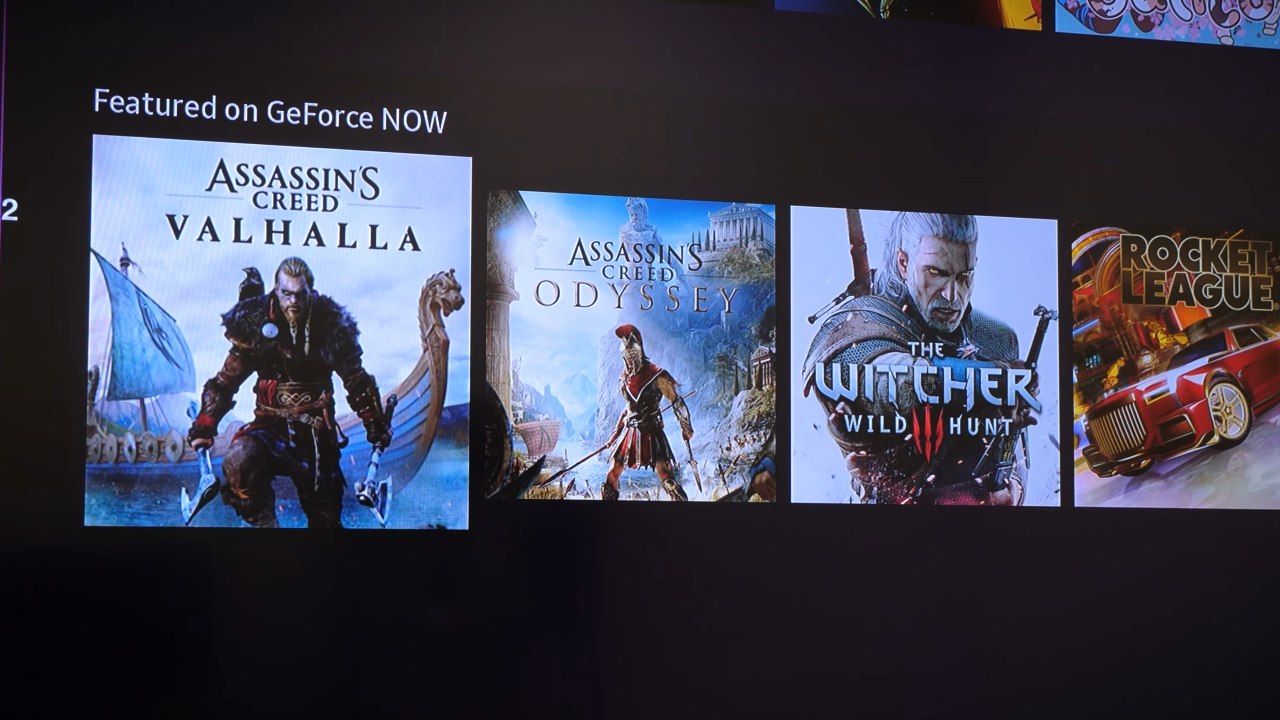
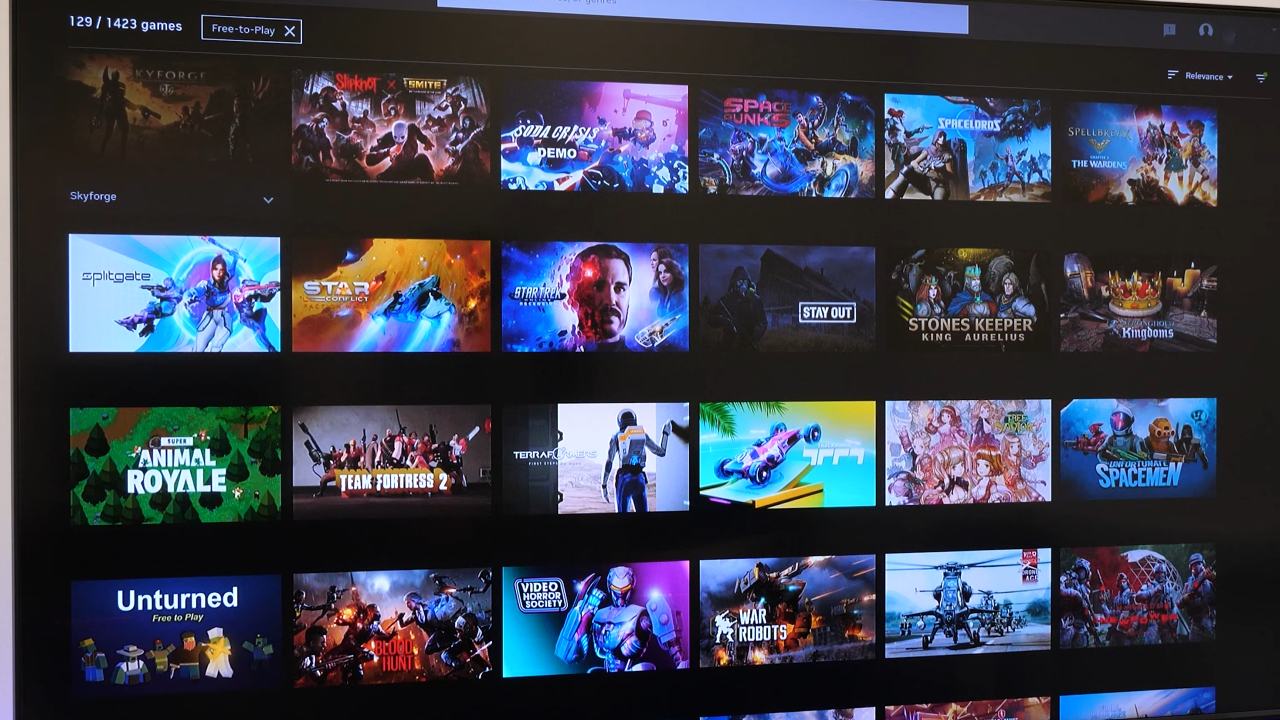
GeForce Now has both free and paid tiers. With the free tier, you can play free to play titles from Steam, Epic, and Origin without a subscription.
If you opt for a membership, you unlock features such as 4K resolution, 8-hour session times, and access to dedicated servers that reduce queue times and optimize performance.
Linking Your Game Libraries
Once logged in, you can connect your Steam, Epic, and Origin accounts by scanning on screen QR codes with your smartphone.
We've found this method straightforward and secure, keeping all your game libraries in one place without juggling multiple controllers or remotes.
Gameplay and Controls
GeForce Now on Samsung TV supports most game controllers; when you select a title, the app indicates which accessories you'll need.
While most of the games require keyboard and mouse, the majority work seamlessly with standard console controllers, though you might occasionally see PC control prompts.
Performance Considerations
Your experience will vary based on your TV's resolution and processing capabilities, as well as your internet speed and stability.
We recommend a consistent, high speed connection to make the most of ray tracing and high FPS streaming.
Save Data and Continuity
You can start new save files directly on your TV or continue playing with synced stats from your online profiles. GeForce Now's cross platform support ensures that your progress in compatible games remains up to date, regardless of where you last played.
Why You Should Try It
By combining the accessibility of a console setup with the raw power of PC grade GPUs, the GeForce Now app on Samsung's Gaming Hub offers a unique and cost effective way to enjoy modern titles.
Whether you're looking to tide yourself over until the next GPU release or simply prefer relaxing on the sofa, you'll appreciate the convenience, performance, and ongoing updates that make cloud gaming increasingly compelling.
Check our Other Handheld Articles :
- ASUS ROG Ally X Handheld Review: Double the Battery, Double the Comfort
- Nintendo Switch 2 Vs. Original Switch 1: A Full Comparison
- How To Connect A Camera And Join Voice Chat With Nintendo Switch 2
- Nintendo Switch 2 Review: Handheld Performance, Features & Value Breakdown
- ROG Xbox Ally X Vs. ROG Ally X: Display, Battery & Controls
- ASUS ROG Ally X vs. Steam Deck OLED: Display, Battery & Gaming Benchmarks
- MSI Claw 8 AI+ Review: Display, Controls & Gaming
- Nintendo Switch 2 vs. Steam Deck OLED: Gaming, Performance, Battery, Display and Value
- PlayStation Portal Review: Remote Play, Cloud Streaming & Travel Gaming
- PlayStation Portal vs. Lenovo Legion Go: Best Portable Gameplay
Editor, NoobFeed
Gaming Hardware Updates
No Data.