
Lenovo Legion Go 2 with SteamOS: Gameplay, Battery Life, and Benchmarks
SteamOS deployment on the Legion Go 2 delivers strong compatibility and performance across a wide range of modern titles.
Hardware by Masaru Hoshino on Jan 22, 2026
Lenovo recently announced that the Legion Go 2 will be released with SteamOS pre-installed, with an expected arrival around June. Although official details remain limited, there is very little preventing users from installing the current main-branch version of SteamOS at the moment.
Most of the functions already work on the Legion Go 2, and the experience is really smooth even without official support.
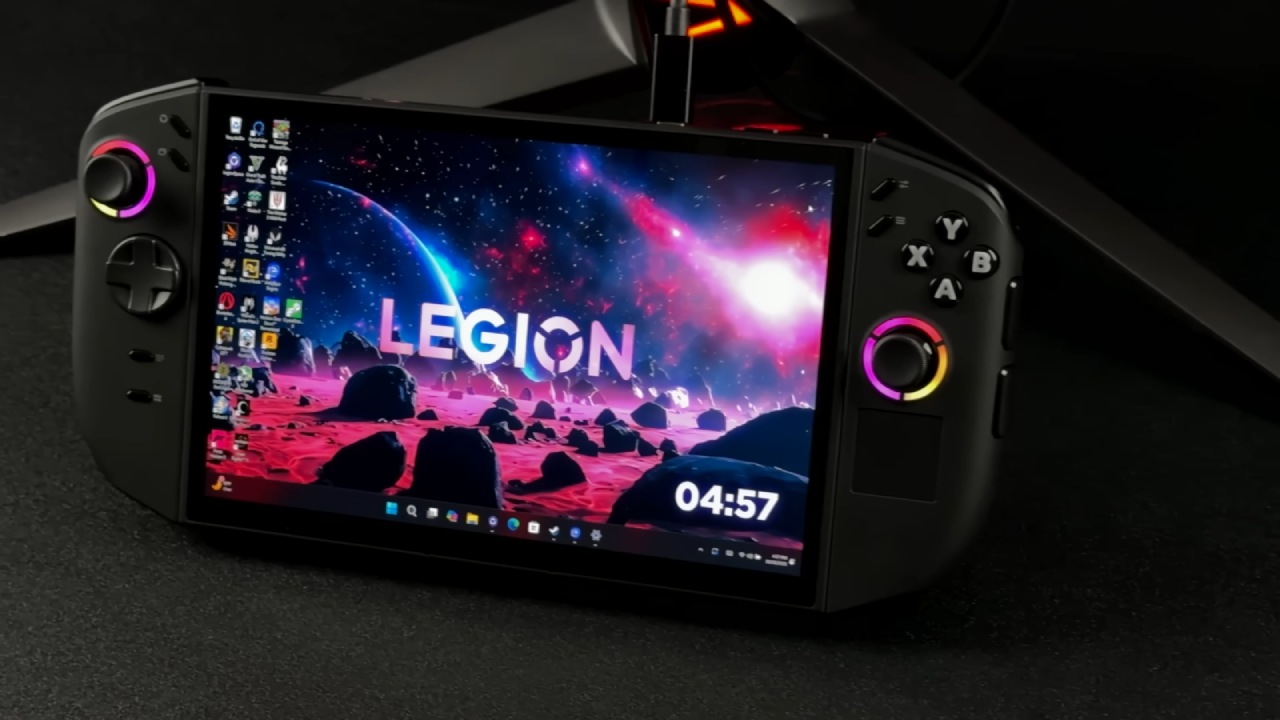
Installing and Running SteamOS on the Legion Go 2
We tried out official SteamOS on the Legion Go 2 Z2 Extreme edition, and almost everything worked as it should. RGB control is the most important thing that is missing right now. The LEDs stay illuminated, and, as with the original Legion Go running SteamOS, it may take some time before RGB customization becomes officially supported.
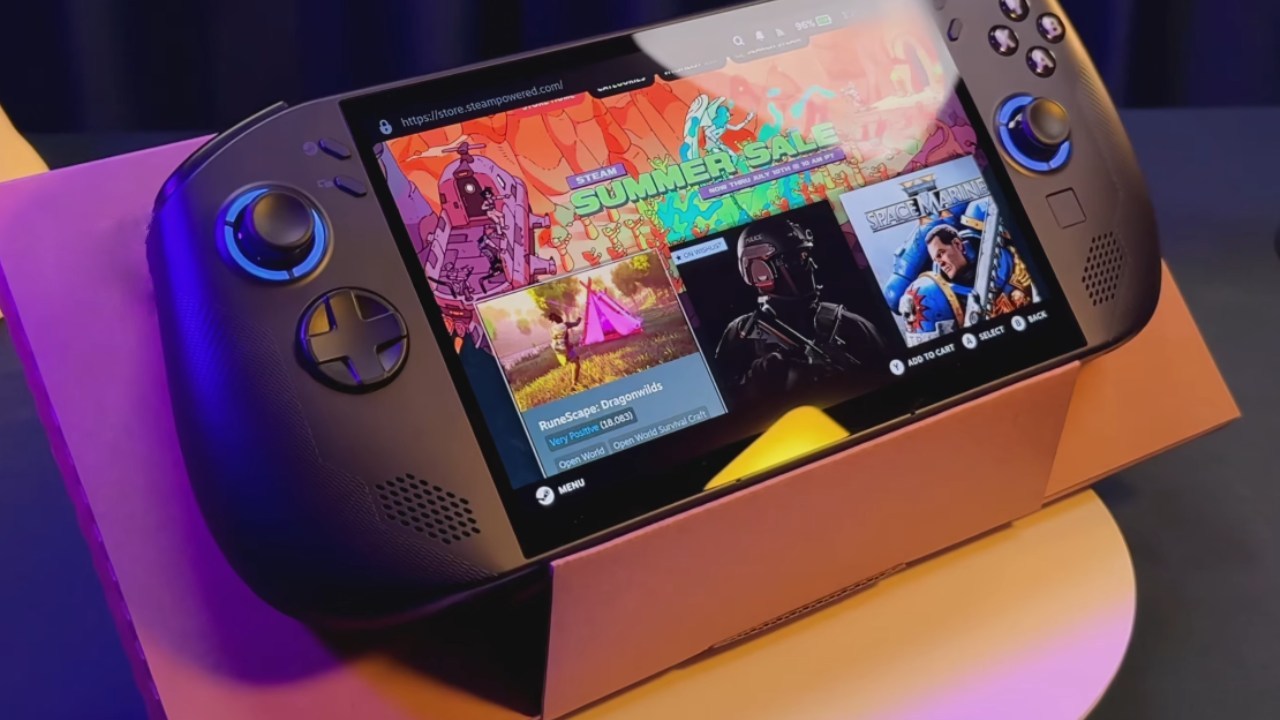
While third-party plugins could provide this functionality, the official build does not include it yet. Aside from that, Wi-Fi, Bluetooth, haptics, and the performance menu all work correctly. It was surprising that built-in performance profiles like low power, balanced, and custom were available.
This is because unlicensed SteamOS installs on unsupported handhelds generally require plugins to enable this level of customization. You can change the TDP from 5W to 35W, and system-wide functions like FSR and half-rate shading work as they should.
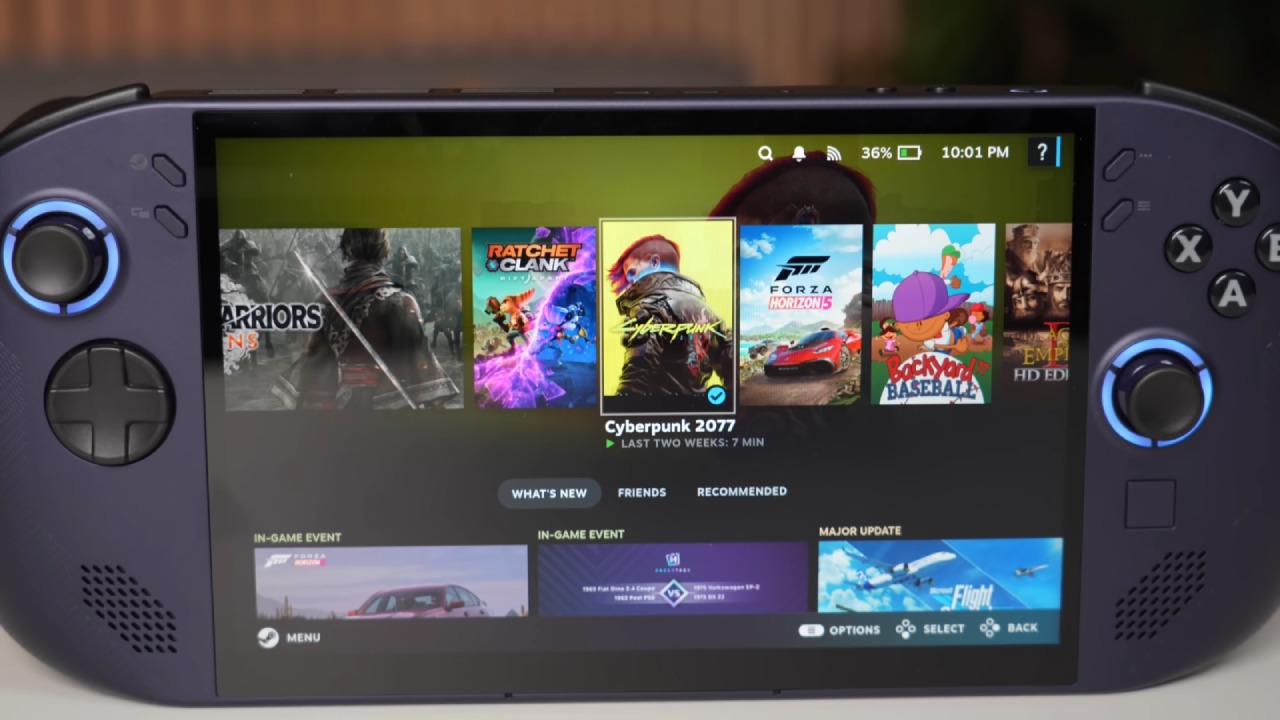
The software identifies itself as SteamOS Halo 3.9 on the Steam Deck Beta channel, and hardware such as the AMD Ryzen Z2 Extreme with 8 cores and 16 threads is fully recognized. Our model includes 32GB RAM, but we allocated 16GB to the iGPU, the AMD Radeon 890M, through the BIOS. Desktop mode launches and functions normally as well.
Cyberpunk 2077 Performance
When running Cyberpunk 2077 at a balanced TDP of around 16W, we tested with the Steam Deck preset at 1600×1000 resolution. We achieved an average of about 49 fps. On a Steam Deck at similar settings, but at the lower 800p resolution, performance averages around 43 fps.
This means the Z2 Extreme provides a noticeable improvement at the same wattage. Performance mode at 35W makes a big difference. With motion blur off and the Steam Deck preset, we averaged 61 fps at 1200p.
Going back to a 1600×1000 resolution raised the average to about 68 fps. But the total battery draw is close to 50W, which quickly shortens the 76Wh battery's life.
Low-Wattage and Indie Game Testing
When the battery is in low-power mode, it consumes just over 9W. There are no problems with lighter indie and 2D games, and decreasing the TDP even more, maybe to 5W, might let the battery last longer while still allowing full-speed gameplay.
Borderlands 4
Borderlands 4 has an update for portable devices. Without adding a launch command, graphics settings cannot be manually changed. Still, the game appears to run at very low settings with FSR enabled at 800p.
With the performance profile enabled, handheld mode averages around 58fps, offering smoothly playable performance.
Mortal Kombat 1
At 1200p with medium settings and FSR set to quality running on a 25W TDP, Mortal Kombat 1 consistently holds 60fps. Fighting games work really well on the Legion Go 2 with SteamOS. Street Fighter 6 and other comparable games work even better.
Spider-Man 2
Spider-Man 2 was tested at 1200p with medium settings, FSR set to balanced, and a 35W TDP. In real life, it utilized roughly 32–33 watts.
This game is hard, and lowering the resolution to 800p would either increase the frame rate or reduce power consumption, making the battery last longer. Frame generation would have made things a lot faster, but it wasn't used here.
Doom: The Dark Ages
Doom: The Dark Ages has a handheld mode that works well on portable devices and runs smoothly on many of them.
Legion Go 2 maintains a consistent 60 fps in handheld mode at 1200p with FSR set to balanced. Even with the framerate unlocked in SteamOS and in-game, it stays around 60 fps.
Battery Life Expectations
Using the unofficial SteamOS 3.9 installation on the Legion Go 2's 74Wh battery, low power mode for indie and 2D titles reaches over 7 hours of runtime. Balanced mode for demanding AAA titles lasts around 2h45m, while running at 35W performance mode results in about 1h20m of use.
Once Lenovo comes out with the official SteamOS model with profiles that work best with the Z2 Extreme, the battery life should go better.
Final Thoughts
Legion Go 2 runs SteamOS 3.9 really well. It works well, is compatible with a lot of things, and runs well overall. Things should get better once the real SteamOS version with hardware-specific improvements is released.
Also, check our other Handheld articles below:
- ASUS ROG Ally X Handheld Review: Double the Battery, Double the Comfort
- Nintendo Switch 2 Vs. Original Switch 1: A Full Comparison
- How To Connect A Camera And Join Voice Chat With Nintendo Switch 2
- Nintendo Switch 2 Review: Handheld Performance, Features & Value Breakdown
- ROG Xbox Ally X Vs. ROG Ally X: Display, Battery & Controls
- ASUS ROG Ally X vs. Steam Deck OLED: Display, Battery & Gaming Benchmarks
- MSI Claw 8 AI+ Review: Display, Controls & Gaming
- Nintendo Switch 2 vs. Steam Deck OLED: Gaming, Performance, Battery, Display and Value
- NVIDIA GeForce Now on Steam Deck: Battery Life, Gameplay, Streaming
Editor, NoobFeed
Gaming Hardware Updates
No Data.