
Lunar Eclipse Guide | Elevator Power Lever Puzzle Solution
A clean walkthrough to restore power, unlock the elevator, and move forward fast.
Game Guide by Faviyan Mustafiz on Mar 07, 2026
In Lunar Eclipse, the elevator power setup can be hard to understand because the game makes you look for small interactions in a small space. To get the Elevator back online, this guide focuses on the right flow: find the right room, use the right Control Panel, and set the Power Levers in the right order.
Get to the Elevator Control Area
Once you get to the blocked elevator section, look around for the access point that is close by and leads to the power side of the area.
The key is to stay close to the elevator area instead of going deeper into rooms that aren't related. Once you find the way into the control space, go inside and look around the edges of the room for prompts to interact.
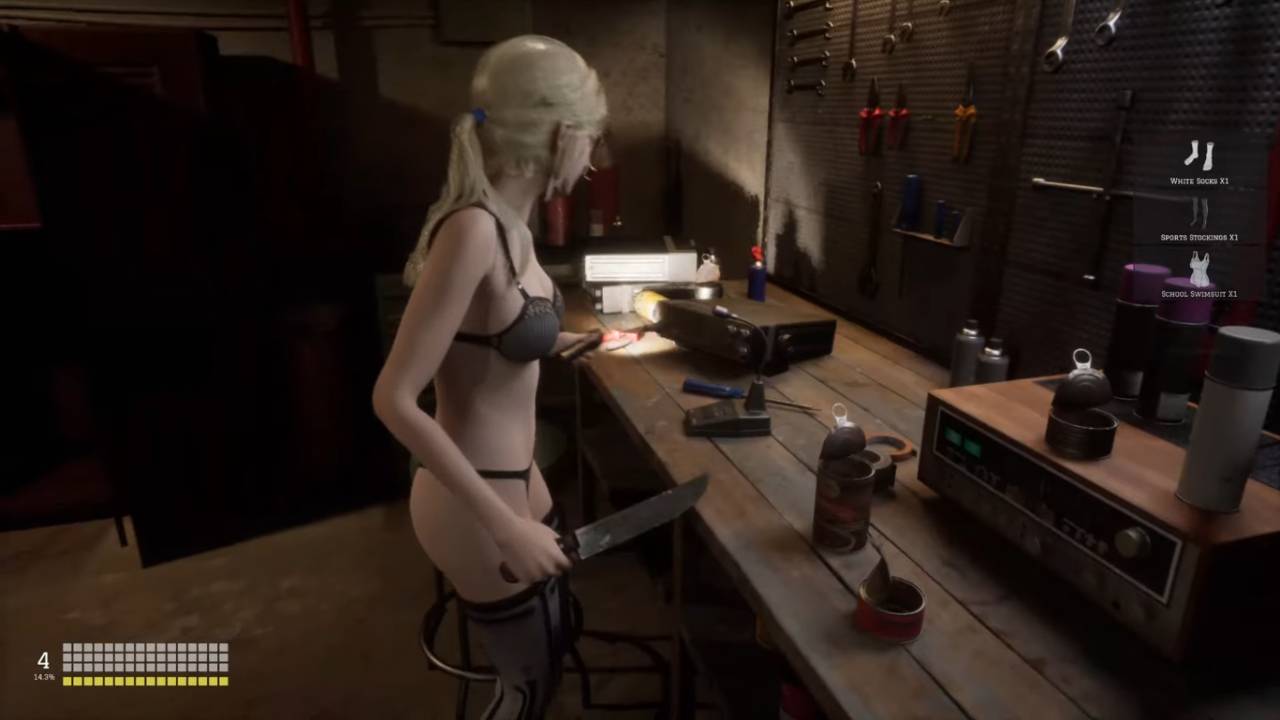
Find the Control Panel and make sure it's the right one
Find the main Control Panel inside the control area. This panel usually looks more "official" than regular switches, and it is in a place where you can easily see it.
First, touch it. If the panel shows that power is missing or routing is incomplete, that means you're in the right place and not wasting time on a side switch.

Put the Power Levers in the Right Order
Now pay attention to the Power Levers that are close by. The real answer lies in these levers. Instead of flipping them at random, flip them with a purpose.
If a lever clearly changes a state on the panel, treat it as step one and then move on to the next lever that changes the same system. Not just to hear a click, but to get to a stable "powered" state.
After you change the lever, stop and check the Control Panel again. This stops you from making too many changes and saves you a lot of time.
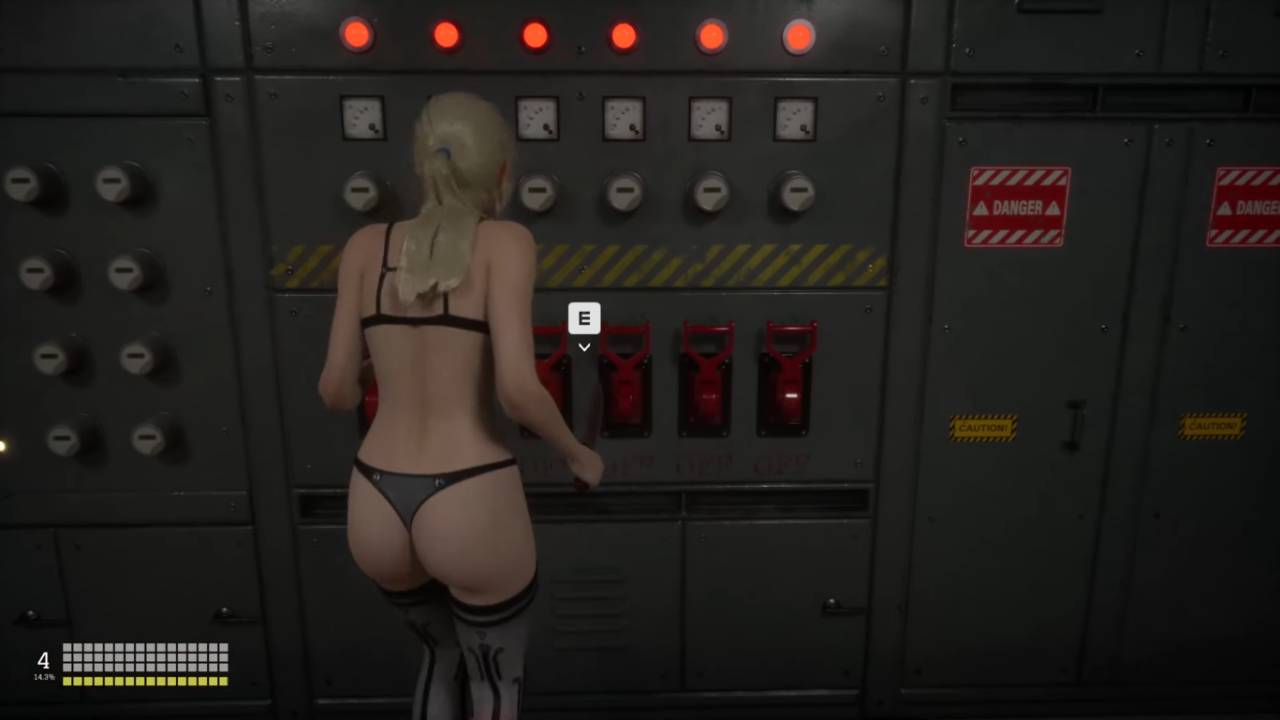
Check the power and use the elevator
Check the Control Panel to make sure the right lever setup is in place. Once the panel state looks like it's done, go back to the Elevator and use it again. You can move on to the next area without having to go back if the elevator works.
If the elevator still doesn't work, go back to the Control Panel and check the lever again very carefully. One common mistake is to leave one lever in a half-solved state because it looked "on" but didn't actually lock the routing. Keep the interactions short, check the panel after each change, and the elevator power will stay on.
Also, check our other guides below:
Contributor, NoobFeed
Latest Articles
No Data.