
NVIDIA Titan X Pascal 2025 Gaming Benchmarks: Still a Beast at 1080p
Comprehensive look at how the Titan X Pascal handles demanding modern titles across diverse graphical workloads in 2025
Hardware by Nahe Yan on Nov 17, 2025
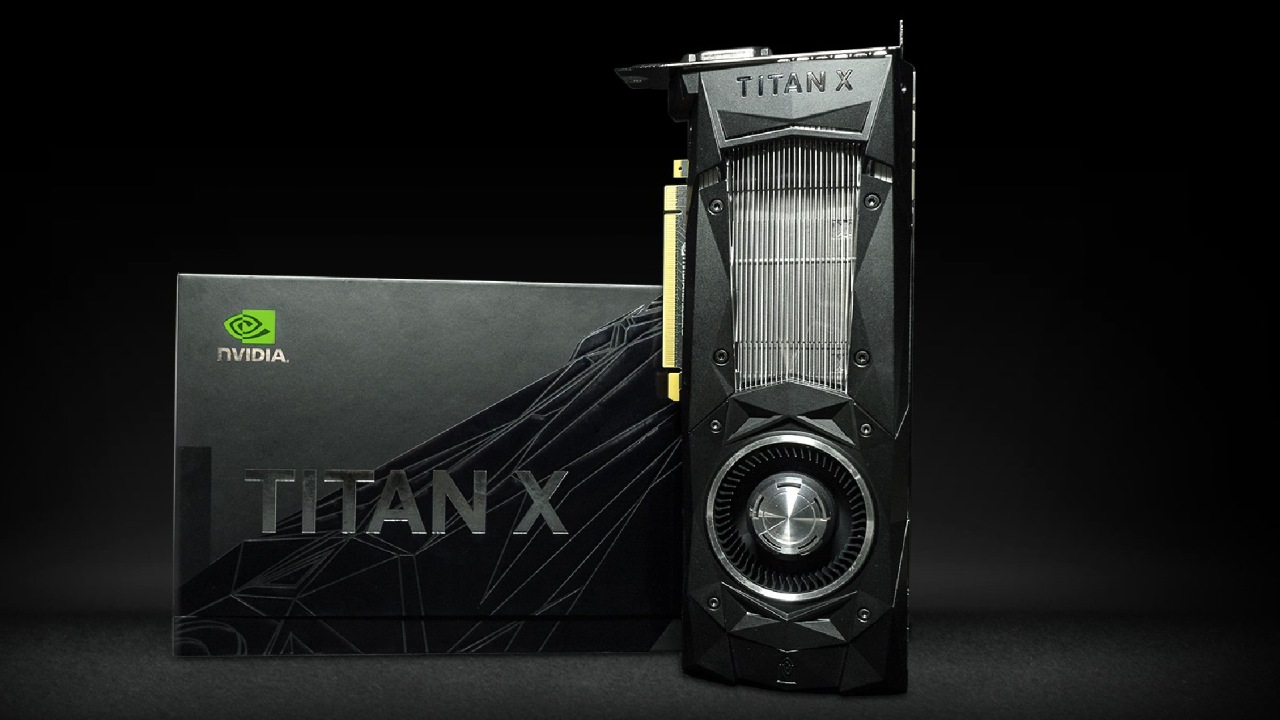
The Nvidia Titan X (Pascal) was first released in 2017 for $1,200. Eight years later, it is still a great GPU. It has a fully unlocked core configuration with 3,840 CUDA cores, 240 TMUs, 96 ROPs, and 12 GB of GDDR5X memory on a 384-bit bus. It is based on the Pascal GP102 architecture.
It was made for professional work, yet it has long been known for its great gaming performance. The card doesn't have tensor cores, thus it can't run DLSS, yet it still performs fairly well in recent games till 2025. The next sections show how it works across a wide range of games, including those with different engines and levels of optimization.
Cyberpunk 2077: High Settings at 1080p
Cyberpunk 2077 looks great at 1080p high settings, native resolution, and no upscaling. In general, you can expect temperatures in the mid-70s, although they may drop to the low 60s in very busy locations. The experience is still smooth, visually amazing, and stable throughout the city.
We can see that the GPU is handling this hard game with ease, even though it's old. The driver says it supports ray tracing, but in-game RT settings are still locked out.
Borderlands 4 – Problems with Performance
When you switch to Borderlands 4, you can instantly see that it has serious optimization problems. At 1080p on medium settings, we get performance in the 30s, which is far lower than you would expect given Cyberpunk's scores.
Things go a little better when you drop to low, however, the game still has trouble keeping 50–60 FPS. The visuals become very unclear, and even FSR upscaling at 720p doesn't make them smooth enough. This title just isn't well optimized.
Battlefield 6: High Settings at 1080p
The Titan X works quite well in Battlefield 6. With high settings with FSR Native AA set to 100% resolution, the game runs at a steady 60 FPS, dropping to the mid-60s just sometimes when you're inside. You can even get crisper graphics for competitive play and a better frame rate by turning off AA completely. This is one of the best performances for the card.
Arc Raiders-1080p with High Settings
Arc Raiders is another recent game that runs smoothly. We get 80-100 fps across the area when using high settings and FSR 3 Native AA. The picture is really clear, and there's no shimmering. This title shows what a well-optimized Unreal Engine 5 game may look like, which is very different from Borderlands 4.
Red Dead Redemption 2: Best Settings at 1080p
With Benchmark King's optimized settings (which deliver near-optimal visual quality), we get 70–80 FPS in hard areas like Strawberry. The game still looks great, even without modern AA methods like DLAA or FSR Native AA. There are no stuttering problems with this title because it has 12 GB of VRAM, unlike 8 GB GPUs.
The Last of Us Part II Remastered - 1080p High Settings
When running at 1080p with high settings and TAA, the frame rate typically stays at 60 FPS; however, it sometimes drops to 58 in areas with many trees. The extra VRAM keeps the frame rate steady. You can slightly overclock the GPU to eliminate minor dips. The graphics stay great, and the game is incredibly fun to play. Counter-Strike 2 – High Settings at 1080p (No MSAA).
We eliminate CPU bottlenecks and see the Titan X hit very high frame rates when paired with a fast CPU like the Ryzen 9 9800X3D. The performance is stable, quick, and good for competitive gaming. Turning off MSAA frees up more GPU space while still keeping the images clean.
Kingdom Come: Deliverance 2 - 1080p High Settings
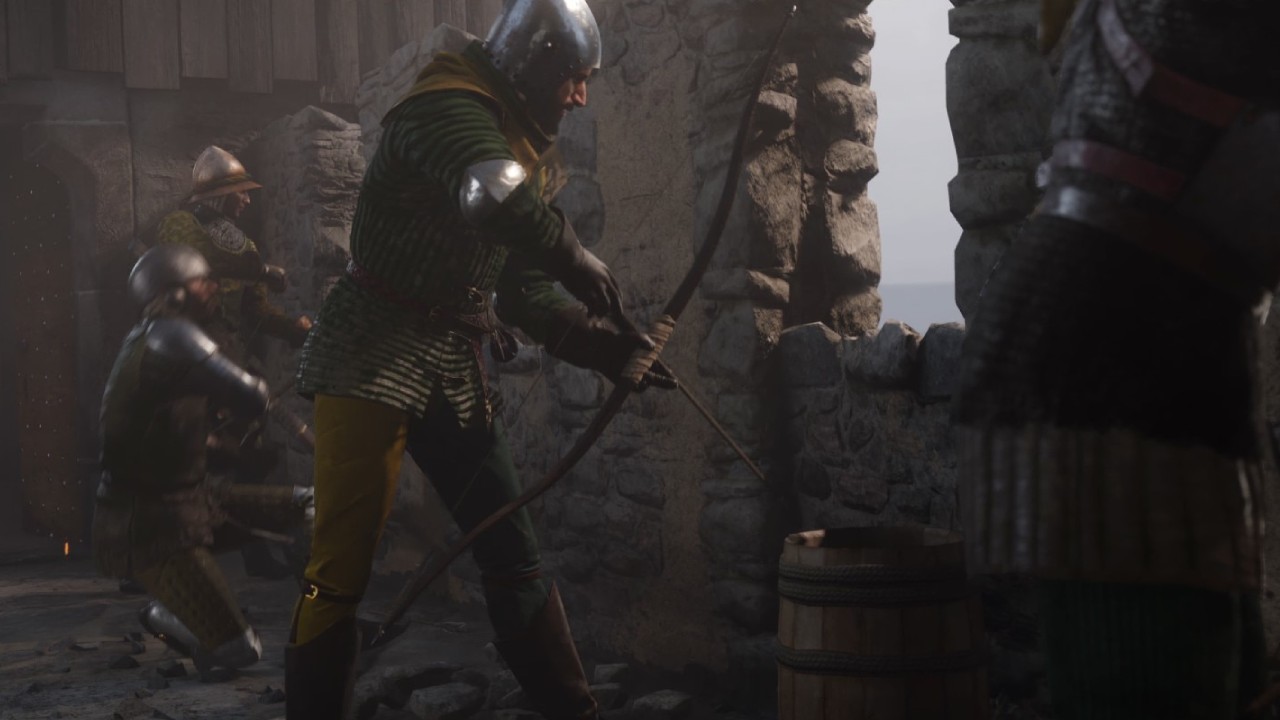
This new RPG runs great on high settings and with FSR 3.1 Native AA. Even in thick woodlands, we get 65–75 FPS. Some GPUs can use more than 8 GB of VRAM, but the Titan X's 12 GB capacity handles it with ease. The frame-time graph is very stable, resulting in a pleasant, immersive experience.
The Elder Scrolls IV: Oblivion Remastered-Not Well Optimized
Another example of bad optimization is Oblivion Remastered. With FSR Native AA set to low, the framerate is often in the 50s, and there are often stutters when moving about and unpredictable frame timing. The game is much harder than it should be, even though the graphics are simple.
GTA V Enhanced: Very High Settings at 1080p
The Titan X makes GTA V Enhanced Edition look great. With very high settings and FSR 3 Native AA, the GPU lets you play games at a high refresh rate with no stuttering. The experience looks excellent and runs really smoothly, even without ray tracing. This makes it a great match for the card.
Silent Hill F at 1080p With Medium Settings
When played at 1080p on medium settings, Silent Hill F usually runs around 60-80 fps; however, it drops to the 50s in areas with many plants. There are times when the game slows down when you are moving about in UE5, which affects all GPUs. The ghosting and 30 FPS-locked cutscenes make the game less fun to play unless they are changed.
Low Settings at 1080p for Marvel Rivals
Even though Marvel Rivals is a UE5 competitive shooter, it works great on the Titan X. At 1080p on low settings, the frame rate stays high throughout without needing to be upscaled. The GPU handles the effects-heavy action while remaining quick enough for competitive bouts.
Fortnite (Current Season) - 1080p High Settings
This season of Fortnite has a major style change, making it easier than the last few chapters. The Titan X runs well at 1080p on high settings, but this benchmark won't last long since the seasons are changing soon. After the next upgrade, a more accurate test will be needed.
Low Settings for Alan Wake 2 at 1080p
Even with the update that adds support for Pascal GPUs, Alan Wake 2 is still quite hard. The Titan X gets 30-40 fps at modest settings with FSR2, depending on the scene. This isn't great, but it's a big step higher from the initial unplayable performance before patches. The experience is almost acceptable, but not quite.
Dying Light: The Beast in 1080p With Medium Settings
With FSR Native AA and medium settings, this game runs well and maintains a good frame rate. It doesn't look like anything new, but it runs well on the Titan X and remains above 60 FPS in most places.
Final Thoughts
The Nvidia Titan X (Pascal) is still impressive in well-optimized recent games, but it struggles with poorly optimized ones. It has 12 GB of VRAM, which makes it run smoothly in demanding games. In most cases, it still works well at 1080p high settings.
Even though it doesn't support DLSS or hardware ray tracing, it's still a wonderful GPU for collectors, vintage gamers, and hobbyists, especially if you can locate it for a fair price on the used market. It still works great with games like Battlefield 6, Arc Raiders, and The Last of Us Part II Remastered.
This shows that older GPUs can still be helpful if you use software that works well with them. Overall, the Titan X is a superb piece of hardware in 2025, thanks to its ample raw power, VRAM headroom, and long lifespan. But people shouldn't anticipate too much from it when playing unoptimized or cutting-edge next-gen games.
Check Our Other NVIDIA Articles:
- GeForce RTX 5090 Unleashed: Is NVIDIA's New Flagship the Ultimate 4K Gaming GPU?
- NVIDIA GeForce RTX 5080 Review (2025): Still A 4K Gaming Powerhouse?
- RTX 5090 Performance Testing In GTA 5 – 1080p, 1440p, and 4K Max Settings Benchmark
- RTX 5090 Laptop Vs. M4 Max MacBook Pro: Ultimate Raw Performance Vs. Battery Endurance
- NVIDIA RTX 5070 Review: Mid-Range Muscle or Marketing Hype?
- RTX 5070 Ti Review: Performance, Thermals & Power Efficiency Tested
- Asus ROG RTX 5090 Astral OC Vs. Founders Edition: The 4K Gaming Benchmark
- ASUS ROG Astral RTX 5090 OC Edition Review: 32GB GDDR7 & 4K Gaming Benchmark
- ASUS GeForce RTX 5090 LC Liquid Cooled GPU Review: Unmatched Silence & Speed
- MSI GeForce RTX 5090 32GB SUPRIM SOC Review: Power Efficiency, Cooling, and Gaming Performance
- INNO3D RTX 5060 Ti 16 GB X2 Review: Gaming Benchmarks, Temps, and Power Efficiency
- HP Omen 45L Review: RTX 5090 Performance, Thermals, and Value Analysis
- ASUS TUF Gaming GeForce RTX 5060 Ti Review: DLSS 4, Power Efficiency, and Gaming
- ASUS Prime RTX 5060 Ti OC 16GB Review: DLSS 4, Ray Tracing, & Thermals Tested
- NVIDIA GeForce RTX 5060 Review: Specs, Gaming, and Cost per Frame
- MSI GeForce RTX 5090 GAMING TRIO OC Review: A Monster Power GPU
Editor, NoobFeed
Gaming Hardware Updates
No Data.