
On-Together: Virtual Co-Working Guide | How to Get a Cat
Here's a guide on how to get a cat in On-Together: Virtual Co-Working.
Game Guide by Subaiyta Jahan on Jan 25, 2026
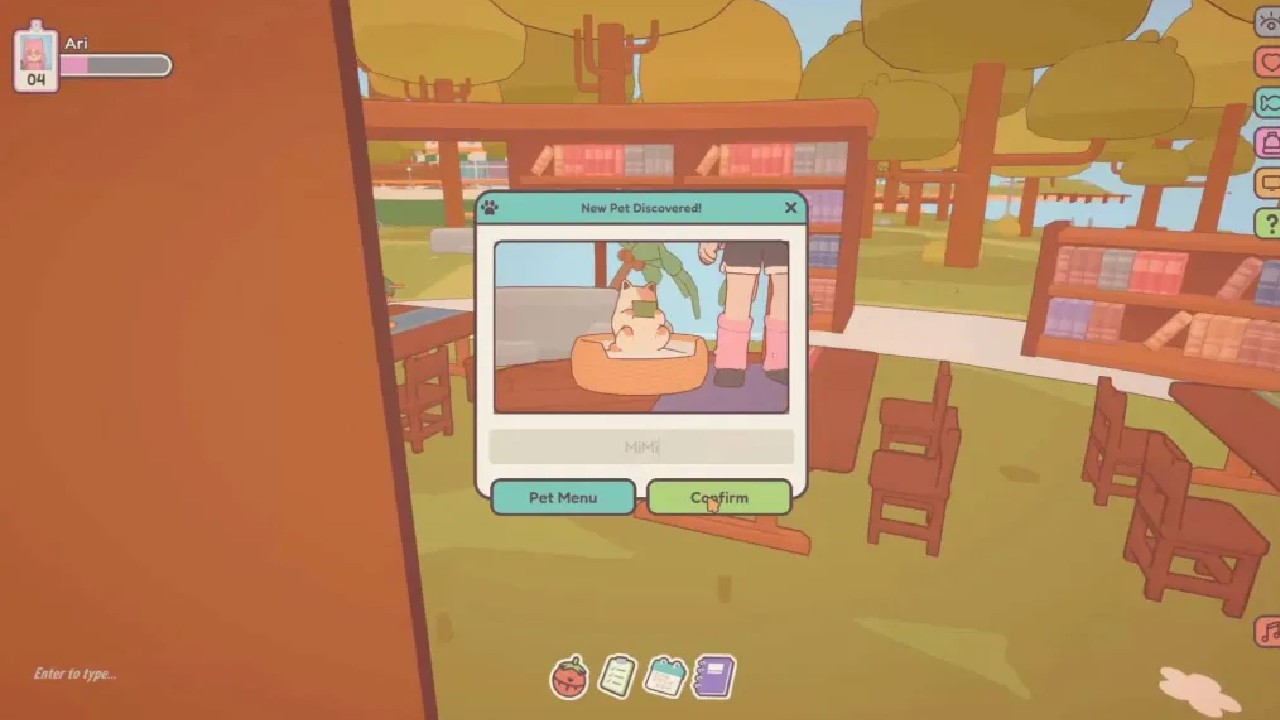
You can get a cat in On-Together: Virtual Co-Working by equipping the right items and spending some time in focus mode. This guide explains the full process clearly and simply so you can unlock the cat without confusion.
Items You Need
You must have two items equipped before the cat can be unlocked. The first item is the Cat Tail. This item is already unlocked, so you can equip it right away in On-Together: Virtual Co-Working.
The second item is the Cat Glasses. You need to buy this item using Tickets. Make sure both items are equipped at the same time.
How to Unlock the Cat
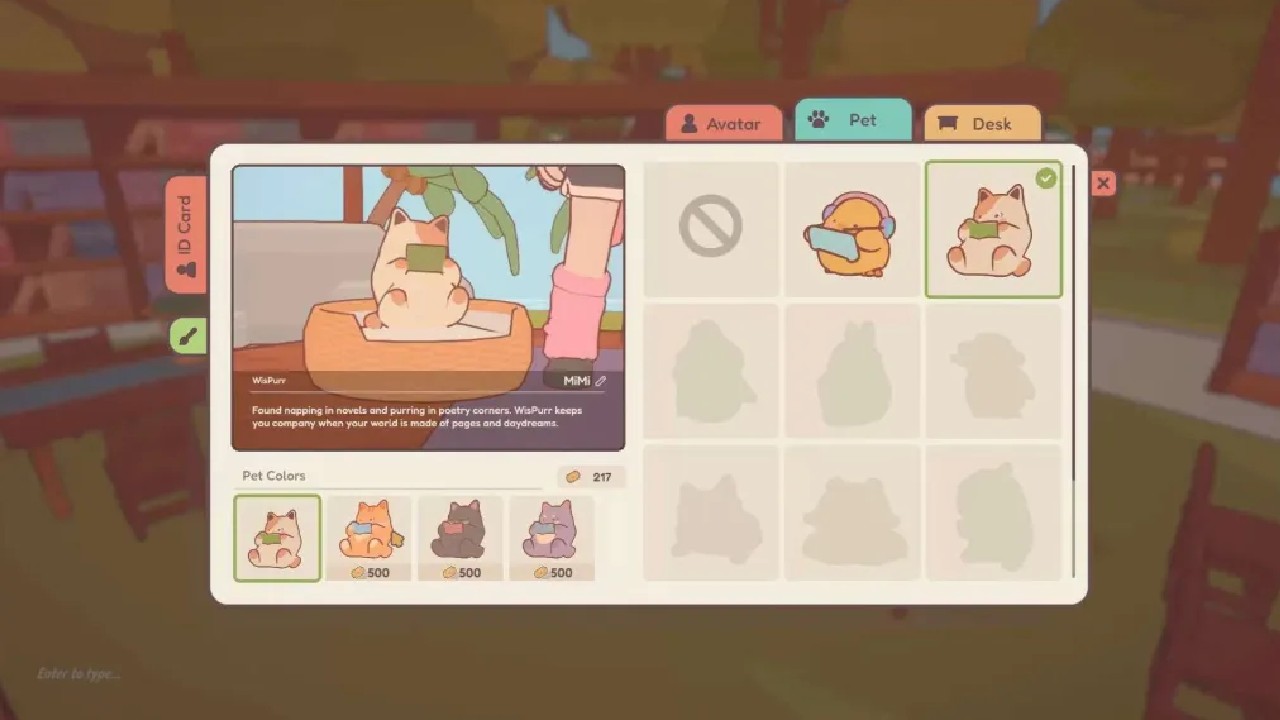
After equipping the Cat Tail and Cat Glasses, go to the Library. The Library is behind the Canteen. Once you are inside, sit at any table. Then choose a focus option. You must select Reading Focus for this to work in On-Together: Virtual Co-Working.
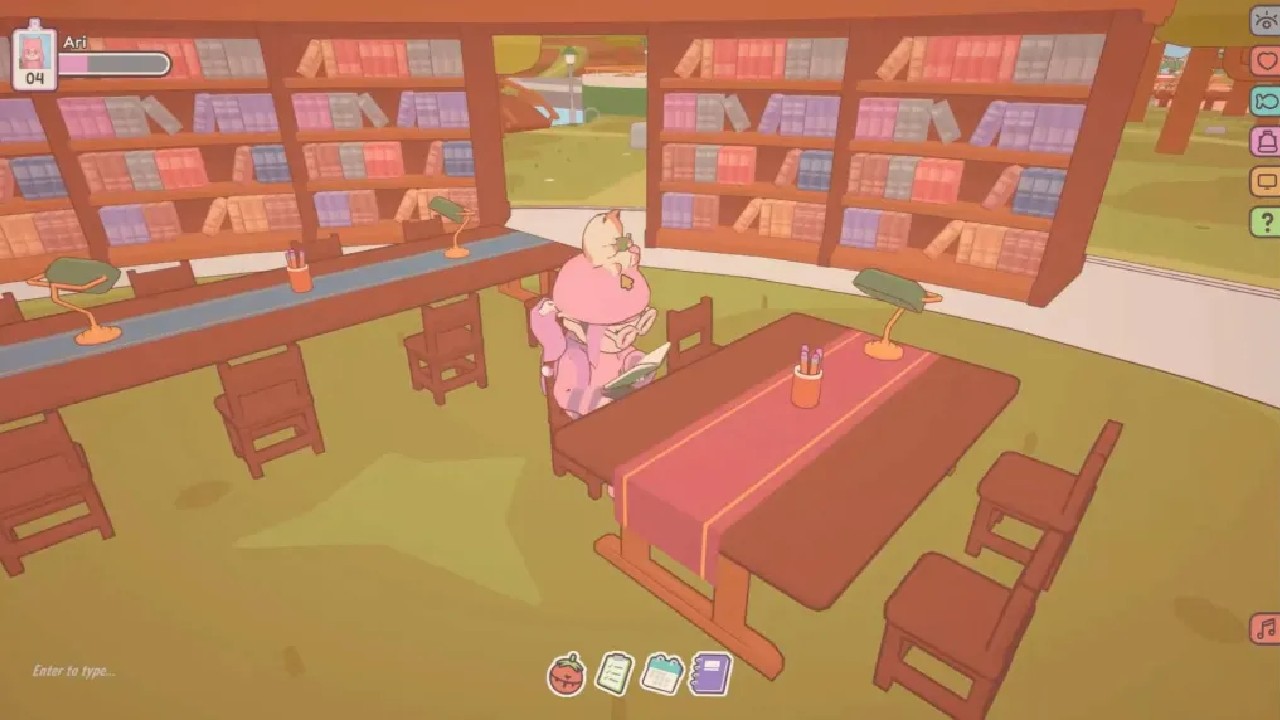
Stay in Reading Focus for about 5 to 20 minutes. Do not leave the focus during this time. After a while, a pop-up will appear on your screen. This pop-up means you have received the cat.
Also, check our other guides below:
Contributor, NoobFeed
Latest Articles
No Data.