
PC Building Mistakes in 2026: GPUs, CPUs, RAM, and SSDs You Should Not Buy
Many bestselling graphics cards in 2026 still ship with insufficient VRAM, causing performance and visual quality issues.
Hardware by Tanisha Aria on Jan 02, 2026
There are still many mistakes people make when buying PC parts on big online stores, even after looking at the bestsellers. As we move deeper into 2026, a quick look at the most popular parts shows that people are still buying things based on bad value, outdated specs, and bad priorities.
A lot of people who build their own computers don't know what they're doing, from graphics cards that don't have enough VRAM to RAM and SSDs that cost way too much. In 2026, if you're either building a new computer or updating one you already have, knowing what not to do is just as important as knowing what to do.
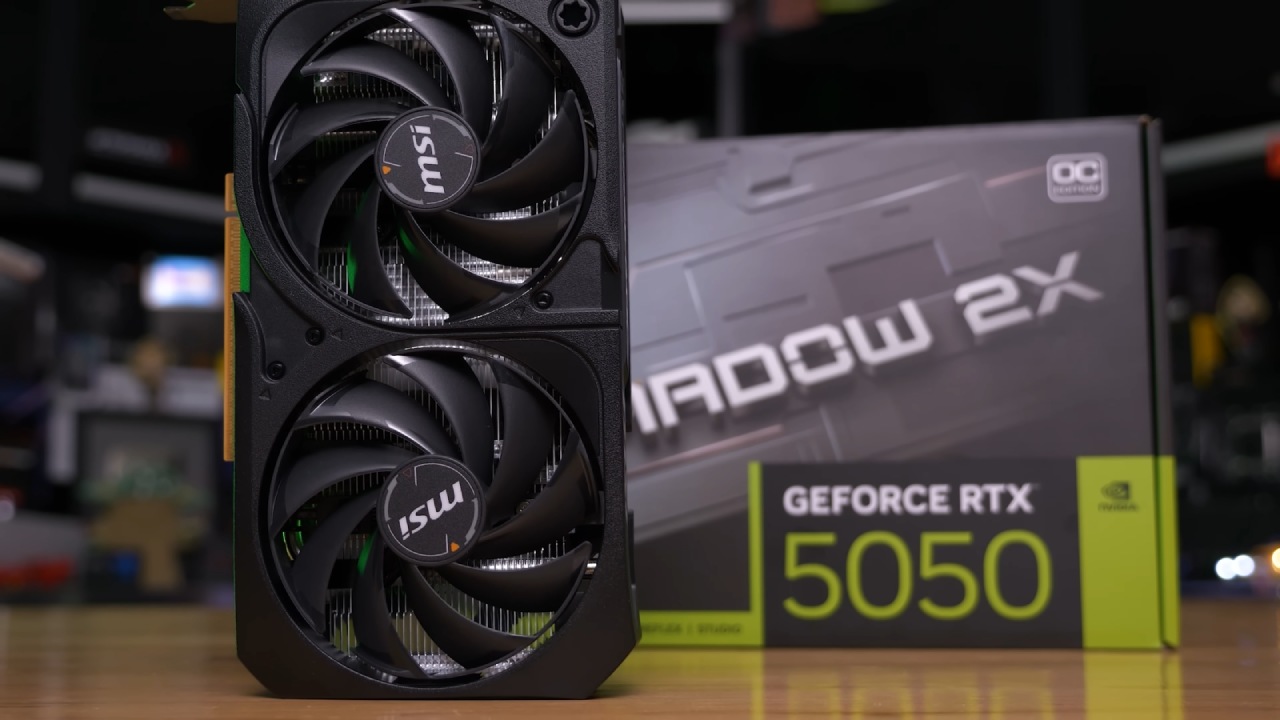
Graphics Cards to Avoid in 2026
VRAM capacity is one obvious problem when we look at the most popular graphics cards. In 2026, it's hard to believe that several top-selling GPUs still come with 8GB or less of VRAM.
Since new game consoles came out with a lot of shared memory, game makers haven't bothered making their games work well on PC graphics cards with little memory. Because of this, GPUs with 8GB of VRAM are past their prime.
These cards might still be okay for playing older games, but they struggle with many newer games at higher or ultra settings, even at 1080p. From then on, they aged very quickly.
The issue isn't always clear right away, either. A lot of games now lower texture quality without saying anything when VRAM is used up, instead of stuttering or breaking. A lot of players don't realize that their GPU is the real problem because frame rates seem fine, but the graphics get blurry and lose clarity.
How Much VRAM Do You Actually Need
For 1080p at high or ultra settings, we suggest at least 10GB of VRAM in 2026. For gaming at 1440p with higher or ultra settings, 12GB should be considered the minimum. If you want to use higher ray tracing settings at 1440p or play games at 4K with rasterization, 16GB of VRAM is a smart goal.
Sadly, graphics cards with more than 8GB of VRAM are becoming more expensive due to ongoing pressure on the memory market. That means choosing wisely is even more important.
Better GPU Choices Instead
Instead of getting new GPUs with insufficient VRAM, there are better choices at the same price. The RX 9060 X 16GB and RTX 5060 Ti 16GB cards have a lot more space and will last longer. For builds focused on the budget, options like the ARC B580 12GB can still work well even with low VRAM.
Paying too much for older, high-quality graphics cards is another common mistake. Graphics cards like the RX 7900 XT and RX 7900 XTX are still strong.
Still, they are often priced too close to newer options that offer similar or better performance with newer upscaling technologies. When newer GPUs have better features and similar speeds for the same amount of money or a little more, paying more for older models doesn't make sense unless you get a really good deal.
RAM Prices and the Biggest Memory Mistake of 2026
RAM is the second-most-important part you shouldn't spend too much on in 2026. In late 2025, demand for data centers drove up RAM and SSD prices, leading to a dramatic increase in memory costs. In early 2026, prices became somewhat more stable, but they are still much higher than the lowest prices seen previously.
Buying way more RAM than you need is still the most common mistake. For a long time, 16GB was more than enough memory for games. When RAM prices dropped, suggesting that 32GB became an easy choice, many users even jumped to 64GB without any real gain. These days, that extra capability costs a lot.
How Much RAM Do You Really Need
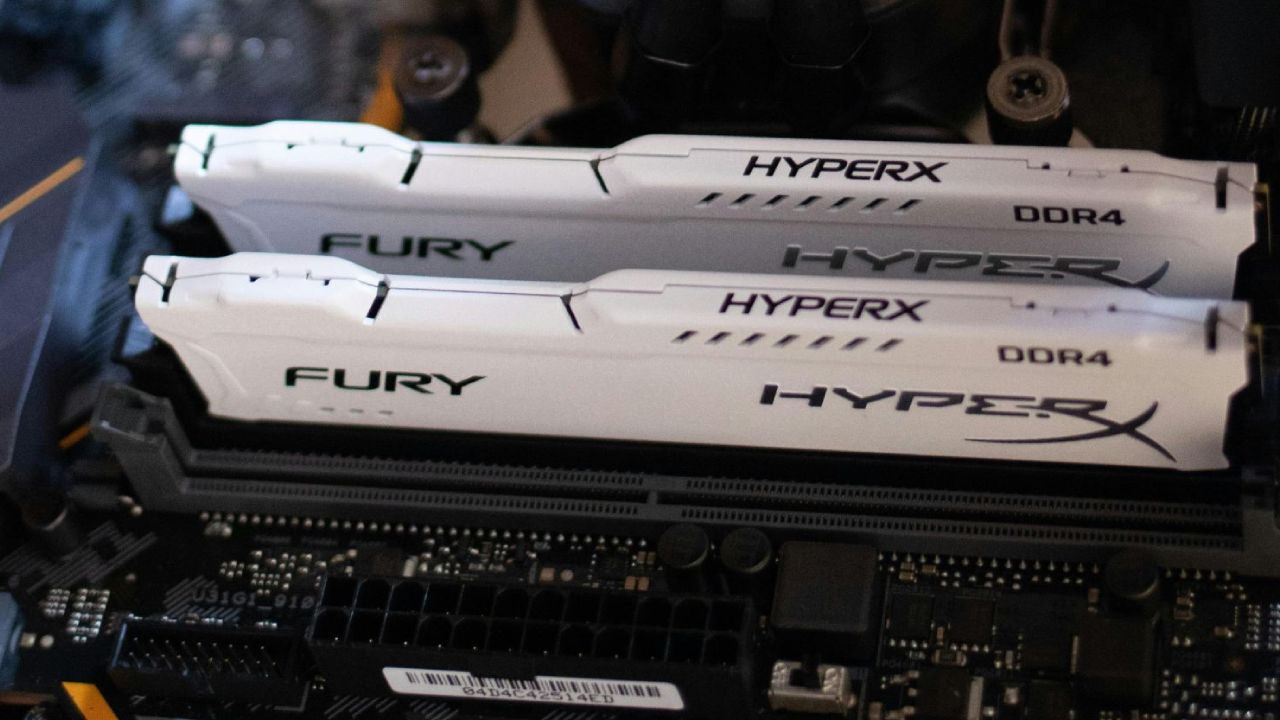
If you play video games and want to save money, 16GB of RAM can still be a good starting point in 2026, especially if your GPU has more than 8GB of VRAM. If you don't have a lot of money, you should think about DDR4 platforms because they are still much cheaper than DDR5 at the same capacity.
64GB of RAM is only useful for people who do memory-intensive work, such as video editing or other creative jobs. In those situations, the cost can be seen as an investment in output. For everyone else, buying too much RAM often means having to make adjustments to more important parts like the GPU or CPU.
CPUs to Reconsider in 2026
The amount of memory available now has also changed the value of CPUs. Some budget CPUs were said to have limited PCIe support or lower speed in earlier suggestions. But deficits and changing prices have changed things. When current midrange GPUs are used with older, cheaper CPUs, especially at 1440p, where GPU speed is more important, it makes more sense now.
At the same time, several well-liked CPUs are still not worth the money. When it comes to gaming, 8-core computers don't do much more than 6-core ones, but they often cost a lot more. In the past, for gaming tasks, it was better to spend more on a graphics card than on extra CPU cores.
Smarter CPU Buying Advice
For most gamers, the best balance of cost and speed comes from sticking with Ryzen 5-class CPUs from recent generations.
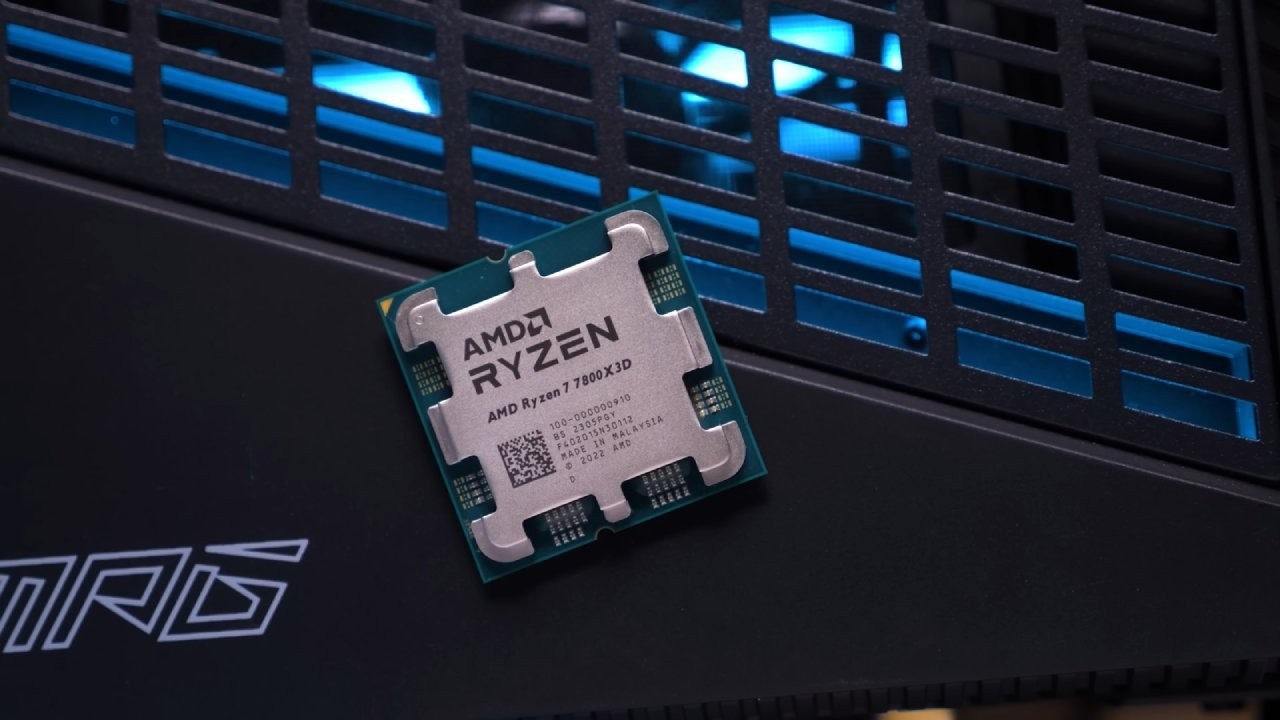
If you want to significantly improve your game performance, it makes a lot more sense to buy a high-end CPU that focuses on cache than to pay more for a standard 8-core model that only gives you small benefits. Getting a cheaper CPU can often mean the difference between getting a much better GPU.
SSD Mistakes That Cost You Money
Storage is another area where marketing usually takes precedence over value. On a per-terabyte level, SSDs are more than twice as expensive as they used to be.
However, there is still very little difference in gaming performance between high-end PCIe Gen5 NVMe drives and cheaper NVMe or even SATA SSDs. In most games, there is no change in frame rates or loading times, which are measured in seconds at most.
Even so, popular SSD lists are full of high-quality, pricey drives. For most people, these don't make a difference in daily games or general use.
The Persistent Boot Drive Myth
One more old idea that won't go away is that you need more than one drive, like a separate storage drive and a dedicated boot drive. This way of thinking was reasonable when SSDs were small, slow, and costly. These days, NVMe SSDs with higher capacities are much better, in terms of cost per terabyte, than smaller ones.
It is usually much more expensive to buy several small drives than one big SSD, and it also makes things more complicated without helping in any way. A single, well-sized NVMe SSD is normally the most useful and cost-effective answer.
Final Thoughts
The general theme across all these errors is a poorly planned budget. When you spend too much on RAM, storage, or CPUs that aren't worth the money, you usually have to give up on GPU speed, which is the most important thing for gaming.
You can build or improve a PC that works better and lasts longer without wasting money by focusing on VRAM capacity, actual memory needs, sensible CPUs, and value-oriented storage.
In 2026, the best way to avoid these common mistakes isn't to buy the cheapest parts, but to buy the right ones for your specific situation and to spend money where it really counts.
Also, check our other hardware articles:
- AMD Ryzen 9 9950X3D Review: Setting The Standard For 2025 Gaming CPU
- Amazon Luna 2025 Review: Is Prime Gaming's Cloud Service Your Go-To For Casual Fun?
- AMD RX 9070 XT Review: AMD's RDNA 4 Champion for 1440p Gaming
- GeForce Now Ultimate: Ditching Your Gaming PC For Cloud RTX 4080 Power?
- NVIDIA GeForce RTX 5080 Review (2025): Still A 4K Gaming Powerhouse?
- Intel Core Ultra 9 285K Review And Performance Breakdown (2025)
- AMD Ryzen 7 9800X3D Review: 3D V-Cache Goes God Mode with Stunning Gaming Performance
- Intel Core Ultra 9 285K vs AMD Ryzen 7 9800X3D: In-Depth Gaming Performance and Benchmark Comparison
- NVIDIA GeForce RTX 5080 Super Performance In Cyberpunk 2077: Path Tracing & DLSS 4.0 Tested
- AMD Radeon RX 9070 XT In Cyberpunk 2077: Ray Tracing & FSR 4.0 Tested
- Intel Arc B580 Review: The $250 GPU Revolutionizing 1440p Gaming
- Intel Arc B570 Vs. B580: Value, Specs, And Real-World Gaming Performance
- RTX 5090 Laptop Vs. M4 Max MacBook Pro: Ultimate Raw Performance Vs. Battery Endurance
- Intel Arc b580 Vs. RTX 4060: Game Performance And Value Analysis
- RTX5090 Hell Is Us Demo 4K Ultra Benchmark: DLSS Vs. Native Performance Guide
- NVIDIA RTX 5070 Review: Mid-Range Muscle or Marketing Hype?
- Nintendo Switch 2 Review: Handheld Performance, Features & Value Breakdown
- RTX 5070 Ti Review: Performance, Thermals & Power Efficiency Tested
- Samsung Odyssey OLED G81SF Review 2025: Ultimate 32-Inch QD-OLED Gaming Monitor
- AMD RX 9070 Performance Review: Thermals, Clocks, and Real-World FPS
- AMD Ryzen 5 7600 Review: Best Budget Gaming CPU of 2025?
- AMD Radeon RX 7800 XT Review: RDNA 3 Power For Midrange Gaming
- Asus ROG RTX 5090 Astral OC Vs. Founders Edition: The 4K Gaming Benchmark
- Intel Core i5-13400F Gaming Performance: Still Worth It in 2025?
- ASUS GeForce RTX 5090 LC Liquid Cooled GPU Review: Unmatched Silence & Speed
- ASUS ROG Ally X Handheld Review: Double the Battery, Double the Comfort
- Lenovo Legion Go S Review: The Ultimate Steam Deck 2 Alternative
- Sapphire NITRO+ AMD Radeon RX 9070 XT Review: The Ultimate 4K Gaming GPU
- Alienware 16 Area 51 Review: The Ultimate 2025 Gaming Laptop
- Alienware Area-51 Review: Unmatched 4K, Thermal, and Acoustic Performance
- AMD Ryzen 7 7800X3D: Delivers Gaming Performance Far Beyond Expectations
- AMD Ryzen 9 7900X Review: Powering the AM5 Era with DDR5 & PCIe 5.0
- Intel Core i9‑14900K vs. AMD Ryzen 7 7800X3D: Power Profiles & Gaming Benchmarks
- Intel Core i9 14900K: Specs, Benchmarks, and Competitor Comparison
- ASRock Radeon RX 7800 XT Challenger OC Review: Best Price-to-Performance GPU of 2025
Contributor, NoobFeed
Gaming Hardware Updates
No Data.