
Silent Hill f Guide | How To Check Weapon Durability
Here’s how you can check your weapons' durability without opening the inventory tab.
Game Guide by Joy Rahman on Sep 30, 2025
In Silent Hill f you’ll notice that weapons will gradually lose their durability with use, and keeping track of the degradation is important as you wouldn’t want to be caught off guard and unprepared.
There are two easy ways for you to check the durability without opening the inventory tab.
For the first method, you’ll easily be able to see the visual wear over time, and it’ll reflect on the weapon as it will also show signs of damage, giving you a clear idea of the weapon's durability.
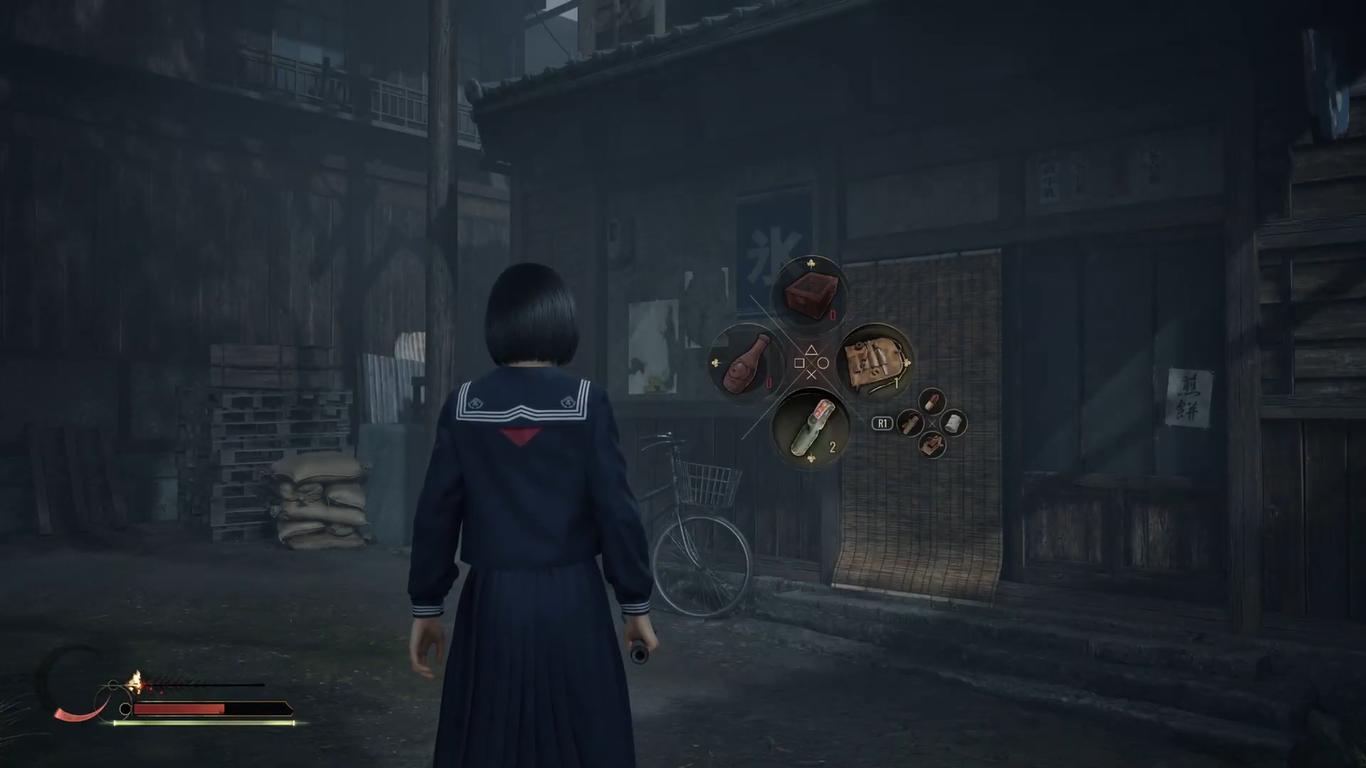
Paying attention to these changes will help you plan out when to repair which weapons before your next encounter.
The second method is visible on your HUD screen, there’s a small moon icon on the bottom left of your screen the focus bar circle around it represents the durability on your weapon and as the durability will decrease the icon will change and the moon icon will slow slowly deplete.
Using your tool kit to increase your durability will fill up the on icon showing that the weapon has been repaired.
Doing so well also returns the weapon to its initial, undamaged look.
Using these two methods will allow you to monitor open durability without constantly pausing your gameplay for a more immersive experience, making sure that you’re always ready for the next encounter
If you do end up defeating her without being struck by her flaming dolls, you will unlock a special achievement.
- Silent Hill f Guide | How to Solve The Classroom Secret Box Puzzle
- Silent Hill f Guide | How to Solve All Middle School Locker Puzzles
- Silent Hill f Guide | How to Use Focus Attacks
- Silent Hill f Guide | How To Defeat Sakuko-like Entity (First Boss)
- Silent Hill f Guide | How to Get Lightsaber
- Silent Hill f Beginner's Guide | Gameplay Tips & Tricks
- Silent Hill f Guide | How to Use The Fox Arm
- Silent Hill f Guide | How to Solve Altar Puzzle
- Silent Hill f Guide | How to Do Counter Attacks
- Silent Hill f Guide | How to Solve Worship Hall Cage Puzzle
- Silent Hill f Guide | How to Solve Scarecrow Puzzle (Lost in The Fog Difficulty)
- Silent Hill f Guide | How to Solve Scarecrow Puzzle (Hard Difficulty)
- Silent Hill f Guide | How to Solve Scarecrow Puzzle (Story Difficulty)
- Silent Hill f Guide | How to Get Ebisugaoka in Silence Ending
- Silent Hill f Guide | How to Get The Fox Wets Its Tail Ending
- Silent Hill f Guide | How to Get Coming Home to Roost Ending
- Silent Hill f Guide | How to Purify The Sacred Sword
- Silent Hill f Guide | How to Get The Sacred Sword
- Silent Hill f Guide | How to Defeat Rinko Entity Boss
- Silent Hill f Guide | How to Defeat Ara-abare Boss
- Silent Hill f Guide | How to Defeat Mother & Father Boss
- Silent Hill f Guide | How To Check Weapon Durability
- Silent Hill f Guide | How to Solve Treasure Hall Inari Statue Puzzle (Sly Like the Fox Trophy)
- Silent Hill f Guide | How to Solve Shrine Vault Puzzle (Untouchable Trophy)
Contributor, NoobFeed
Latest Articles
No Data.