

MSI Prestige 14 AI+ Review: Intel Panther Lake Delivers Impressive Efficiency and Battery Life
Intel Panther Lake brings notable efficiency gains and strong integrated graphics performance to premium thin-and-light laptops.
Hardware by Nakiro on Jun 26, 2026
Intel's Panther Lake generation is a big stride forward for mobile computing, delivering the new Core Ultra 300 series CPUs to laptops in several categories. Some of the earlier Panther Lake systems have concentrated on distinctive form factors and premium experiences, but the MSI Prestige 14 AI+ offers a more typical approach. It combines Intel's latest architecture with a lightweight chassis, an OLED display, and exceptional battery life, promising modern performance without a quirky appearance.
Understanding Intel Panther Lake and Core Ultra 300
Intel Panther Lake or Core Ultra 300 comes in three basic versions: an 8-core version, a 16-core version, and a 16-core version with 12Xe3 graphics. Alternatively, they can be viewed as small, medium, and large variants.
.jpg)
The small version features 8 processor cores, consisting of 4P cores and 4LP E cores. It includes 12 PCIe lanes and 4 Xe3 graphics cores. The medium version increases the CPU core count to 16 by adding 8E-cores alongside the existing 4P-cores and 4LP E-cores. PCIe connectivity expands to 20 lanes, although graphics remain at 4Xe3 cores. This configuration is clearly intended for systems that may add dedicated graphics.
The largest configuration retains the same 16-core CPU arrangement as the medium model but reduces PCIe connectivity to 12 lanes, as there is no intention to pair it with dedicated graphics. Instead, it incorporates 12Xe3 graphics cores.
At first glance, these configurations might appear to align neatly with Core Ultra 5, Core Ultra 7, and Core Ultra 9 branding. However, Intel's product stack tells a different story. The flagship Core Ultra X9 388H sits at the top with 16 CPU cores and the full Intel Arc B390 GPU featuring 12Xe3 graphics cores. Directly below it is the Core Ultra X9 378H, a slightly slower variant.
Interestingly, the Core Ultra X7 368H appears virtually identical to the Core Ultra X9 378H. Core counts, power ratings, boost clocks, base clocks, and graphics configurations are effectively the same. The primary distinction is support for vPro technology. Normally, this type of differentiation would result in a Pro designation rather than a separate X9 branding tier, making Intel's naming decisions somewhat puzzling.
MSI Prestige 14 AI+ Hardware Overview
The MSI Prestige 14 AI+ reviewed here is equipped with the Core Ultra X7 358H processor. Compared to the Core Ultra X9 388H found in the previously reviewed Zenbook Duo, specifications remain largely identical. The primary differences are clock speeds, with the Core Ultra X7 operating approximately 200MHz to 300MHz slower than its Core Ultra X9 counterpart.
Although the processor specifications are close, actual performance depends heavily on power settings determined by individual laptop manufacturers. As a result, the Prestige 14 AI+ shares much of its internal hardware DNA with significantly more expensive Panther Lake systems while maintaining a far more conventional design.
An interesting detail emerged during testing. The unit was initially expected to be a convertible model, but it turned out to be a standard clamshell notebook rather than a flip design. While the display can fold back slightly, it does not offer the full convertible functionality associated with MSI's flip models.
The Prestige 14 AI+ features a 14-inch OLED display with a 1920x1200 resolution and integrated graphics only. There is no provision for adding dedicated graphics within this chassis.
The review configuration includes the Core Ultra X7 358H processor with 16 cores, consisting of 4P-cores, 8E-cores, and 4LP E-cores. Graphics duties are handled by the Intel Arc B390 GPU featuring 12XE3 graphics cores.
The memory is 32GB of LPDDR5X-8533, and the storage is a 1 TB PCIe Gen 4 M.2 SSD. Connectivity options include Wi-Fi 7 and Bluetooth 6.
Port selection includes two Thunderbolt 4 USB-C ports supporting DisplayPort and 100W charging, along with an HDMI 2.1 port on the left side. On the right side, there are two USB 3.2 Gen2 Type-A ports and a headset jack.
Power is supplied by an 81Wh battery and a 65W USB-C charger. The laptop itself weighs 1.3kg, while the charger adds approximately 200g.
Thunderbolt Confusion and Storage Testing
One unusual detail is the absence of Thunderbolt branding next to the USB-C ports. The Prestige 14 AI+ supports Thunderbolt 4, although it doesn't have any visual indicators like rival systems that show Thunderbolt connectivity.
Testing with a USB4 SSD enclosure, a USB 3.2 enclosure, Gen 5 SSDs, and a Thunderbolt 4 hub strongly suggests that both USB-C ports are indeed Thunderbolt capable. The missing logos simply create unnecessary confusion.
CrystalDiskMark results show both the MSI Prestige 14 AI+ and the Zenbook Duo achieving approximately 7 GB/s read and 6 GB/s write speeds from their internal Micron Gen4 SSDs.
Installing a Gen5 SSD in the USB4 enclosure yielded read speeds of roughly 4GB/s and write speeds of around 1GB/s. Using the USB 3.2 enclosure reduced both read and write performance to approximately 1GB/s.
Display Quality
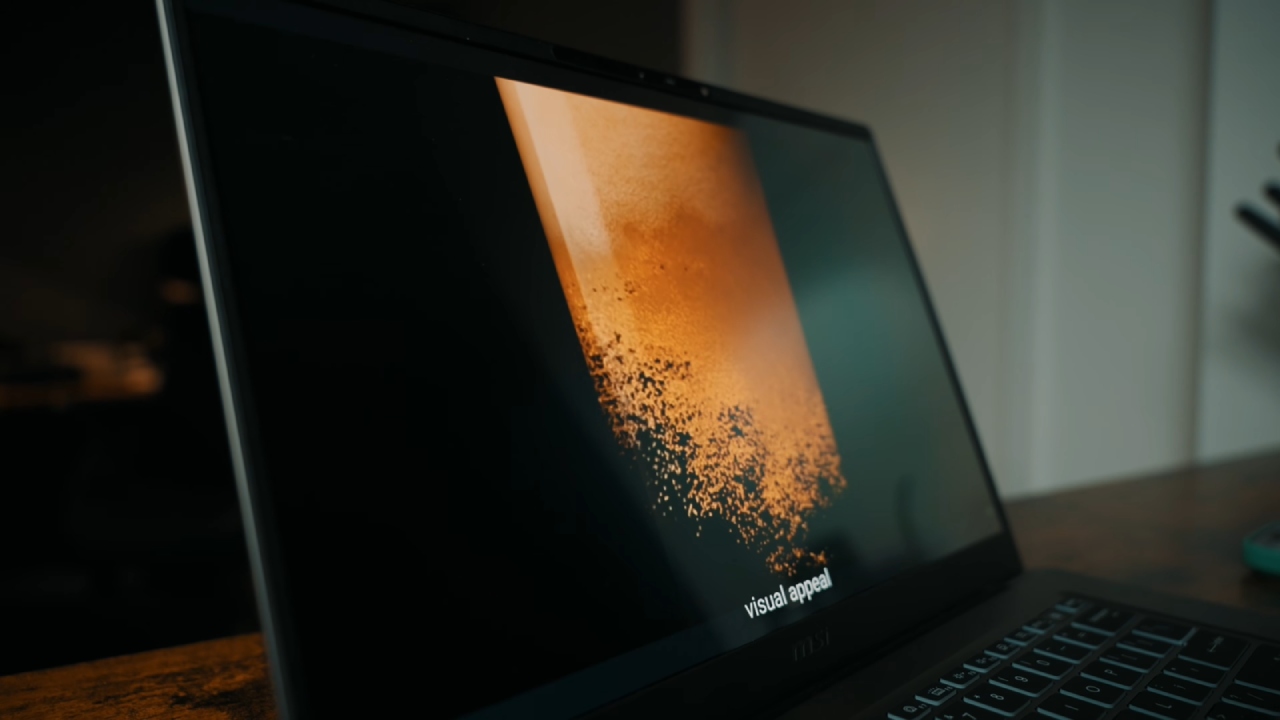
The OLED display utilizes a 16:10 aspect ratio and a 1920x1200 resolution. Brightness is rated at 400 nits, which is sufficient for typical indoor use.
The display is comfortable at about 60% brightness under normal office lighting conditions. When the brightness is cranked up to 100%, the picture becomes much brighter. But outdoor use remains limited, particularly under direct sunshine.
The display is adequate for general work and media consumption, but it's nothing to write home about compared to higher-end OLED implementations.
CPU Performance
The Geekbench 6 multicore results chart is topped by the Zenbook Duo with Core Ultra X9 388H. The MSI Prestige 14 AI+ follows closely behind, trailing by only a few percentage points.
Single-core performance tells a similar story. The Zenbook Duo remains the fastest Panther Lake system tested, while the Prestige 14 AI+ occupies fourth place with only a modest deficit.
The Cinebench 2026 multicore test gives us a better glimpse of persistent performance behavior. AMD's Strix Halo platform has the #1 position. Behind this, the Zenbook Duo runs at around 3.1GHz using 40W of power. Then there's the Prestige 14 AI+ at around 2.7GHz and 27W.
The Zenbook Duo delivers superior absolute performance, but its efficiency statistics tell a different story. The MSI Prestige 14 AI+ is also more efficient, as evidenced by Cinebench scores per unit of CPU power consumption.
Productivity and Memory Performance
7-Zip testing puts AMD's Strix Halo platform out in front with the Zenbook Duo close behind. The MSI Prestige 14 AI+ isn't as good, but it still delivers solid overall productivity performance.
Another difference is evident in AIDA64's memory bandwidth testing. The Zenbook Duo features LPDDR5X-9600 RAM, whereas the Prestige 14 AI+ has LPDDR5X-8533. Both setups are lightning fast, and the faster RAM in the Zenbook Duo gives it the edge.
Gaming Performance
Both Panther Lake laptops use the same Intel Arc B390 integrated graphics, but the gaming results highlight the impact of power constraints and system optimization.
The Zenbook Duo's performance in Assassin's Creed Mirage is substantially better at 1920x1200 with the Ultra High preset with Frame Generation enabled. The Prestige 14 AI+ is about 15 fps behind.
TAA without Frame Generation closes the gap. The Zenbook Duo averages 45 fps; the Prestige 14 AI+ averages 38 fps. The gap gets smaller, but neither setup is great to game at those settings.
The difference is even more stark in Cyberpunk 2077 at 1920x1200 with the Ultra setting and Frame Generation turned on. The Zenbook Duo averages 103 fps with 65 fps at 1% lows. The Prestige 14 AI+ averaged 75 fps, but its 1% lows were much lower at 25 fps, making for a less consistent experience.
When XeSS is disabled, the difference is substantially smaller. Zenbook Duo averaged 37fps, and the Prestige 14 AI+ averaged 31fps. This makes the considerable gain seen with Frame Generation enabled more fascinating.
Outstanding Battery Life
Battery durability is one of the Prestige 14 AI+'s strong points.
When tested in PCMark 10 battery, the Zenbook Duo scored 1,428 minutes, or nearly 24 hours. The Prestige 14 Al+ took a close second place with 1,342 minutes, or more than 22 hours of use.
The Zenbook Duo's one-of-a-kind dual-battery design gives the Prestige 14 AI+ unexpectedly strong endurance for a traditional thin-and-light notebook.
Keyboard and User Experience
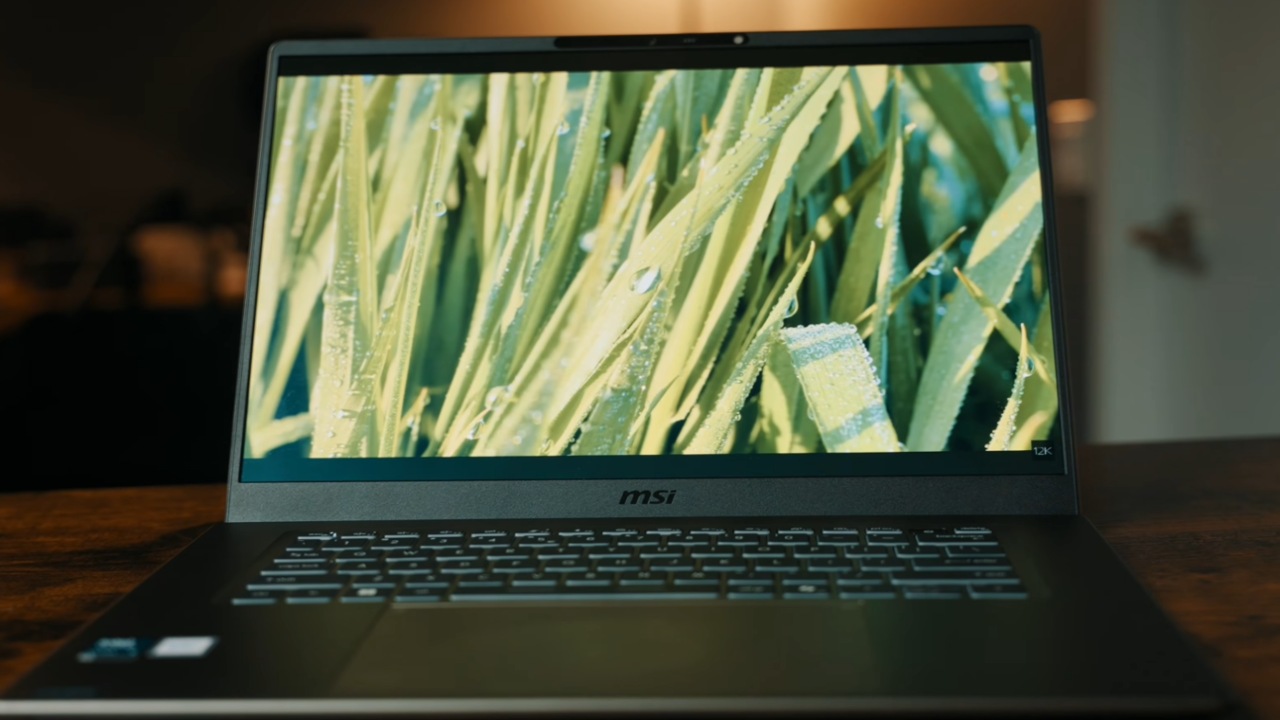
The keyboard works properly and doesn't call attention to itself. Even after extensive use, the typing remains comfortable; the only thing to note is the French layout on the review unit.
The touchpad is decent as well, delivering a solid experience with nothing really standing out.
Pricing and Value
Pricing remains one of the more difficult aspects of evaluating the Prestige 14 AI+. Based on comparable configurations currently available, the expected price falls around £1,550.
That places it firmly within premium territory for a thin-and-light notebook featuring integrated graphics. While the hardware specification is solid across the board, there are no particularly unique features, expandable graphics options, or standout extras to justify the cost beyond the platform itself.
At the same time, rising prices have become a common reality throughout the notebook market, making this pricing less surprising than it might have been in previous years.
Final Thoughts
The MSI Prestige 14 AI+ delivers excellent battery life, a slim and lightweight chassis, and strong Panther Lake performance. That's a huge step up from Lunar Lake systems, but no less outstanding in terms of efficiency.
The OLED display is serviceable rather than extraordinary, the port spacing can seem cramped, and the total pricing is hard to ignore. Still, the mix of contemporary Intel hardware, good battery life, fast memory and decent integrated graphics make this a capable premium productivity laptop.
It doesn't revolutionize the category, but it does strike a good balance of performance, portability, and efficiency in the traditional notebook form factor, making it a solid choice for anyone who wants a Panther Lake-powered ultrabook.
Editor, NoobFeed
Latest Articles
No Data.