
Nintendo Switch 2’s ‘Game Boost Mode’ Delivers Stunning Upgrades—But There’s a Battery Trade-Off
New firmware enhances visuals and performance for older titles, though early tests reveal noticeable battery drain in handheld play.
News by Wasbir Sadat on Mar 21, 2026
A big system firmware update has quietly changed how older Nintendo Switch games are played by adding a powerful new feature called Game Boost Mode. Rolled out as part of version 22.0.0, the update is already being described as one of the most impactful enhancements to the system so far.
The main thing that Game Boost Mode does is let the system run a lot of the original Nintendo Switch games in a faster mode. Even though not every game totally benefits, most games get better just by being released on newer hardware.
.jpg)
This function makes compatible games work as if the console were docked, even when it's being held in your hand.
This uses more power, but the visual output and performance are much better, which fixes a problem that had been there for a long time with the previous system.
One big problem with the old model was that it could only handle 720p quality in handheld mode. Since the current system has a 1080p screen, some older games looked stretched or had other visual problems. This problem is fixed by Game Boost Mode, which boosts resolution and frame rates, making old games look better and more reliable.
Nintendo has said that turning on Game Boost Mode can shorten the battery life, and early tests seem to back this up.
Users who have tried out the function say that the playtime is significantly shorter when the mode is on. A popular example is the 2016 video game Doom, where a player taped about 3 hours and 43 minutes of gameplay while Game Boost was turned on. Turning off the feature, on the other hand, cuts the playtime down to about 5 hours and 5 minutes, which is a big difference for mobile users.
This trade-off could be a deal-breaker for people who often play games on the go. When on longer trips or when they can't charge their phones, players may have to choose between longer battery life and better graphics. Nintendo has thankfully made the tool very flexible. It is possible to turn Game Boost Mode on or off from the system settings, so users can change their experience whenever they want.
Many people think it was smart to make it possible to switch between speed and battery life. Players who care about the quality of the graphics can leave the feature on, but players who want to save power can quickly turn it off when they need to. This is especially useful for people who are traveling or who don't have access to charging devices like power banks immediately available. In certain cases, turning off Game Boost Mode can give you extra playtime without having to do anything complex.
On the other hand, the shorter battery life might not be a big deal for players who usually have access to charging ports or carry portable batteries.
In exchange for better graphics and smoother gameplay, many people are happy to make the trade-off. Game Boost Mode has caused more than just practical concerns. It has also led to wider discussions about Nintendo's approach to backward compatibility. Instead of just using fixes or remasters, the company has used the extra power of its new hardware to make older games better on their own.
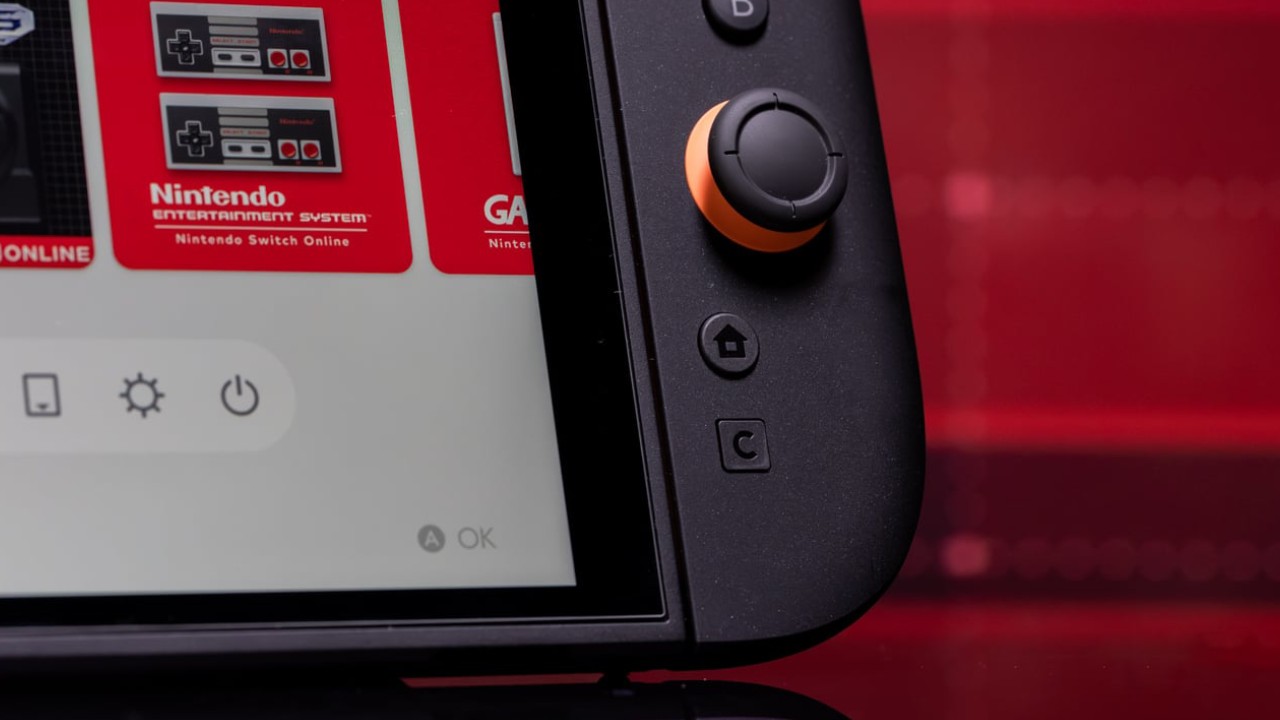
For some players, this was a surprise but a good change.
Many people didn't think that older games could be run at a higher power level in tablet mode, but it has worked out well. From what I've seen so far, Game Boost Mode looks like a clear win for Nintendo. The fact that it drains batteries is a big problem, but the function is easy to use and has real benefits that make it worth adding to the system.
It will be easier to see how consistently the tool works as more players test it in different games. Right now, though, Game Boost Mode stands out as a useful addition that makes the old games better while giving players the freedom to pick how they want to play.
Contributor, NoobFeed
Related News
No Data.