
NVIDIA GeForce RTX 5080 4K Performance Review with DLSS and Optimized High Graphics Settings
4K high-refresh-rate experiences are feasible with the RTX 5080 using proper graphics optimization and Nvidia Reflex enabled.
Hardware by Shinji Okazaki on Dec 05, 2025
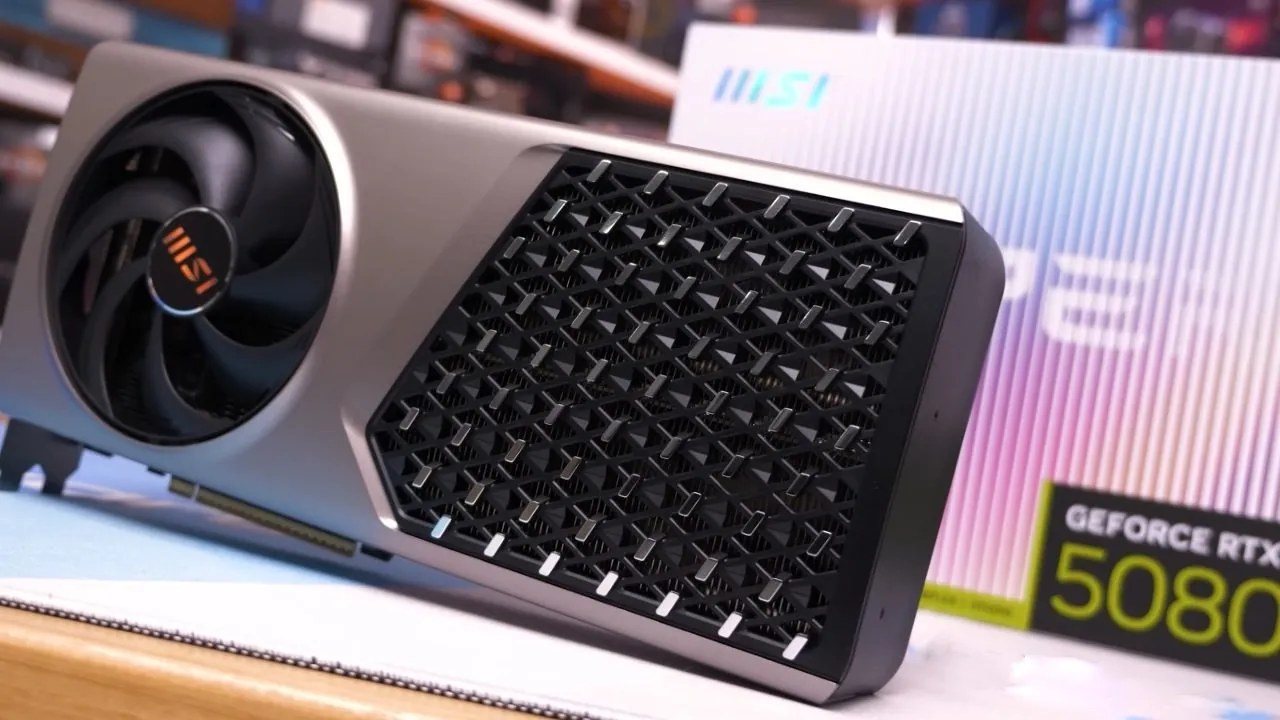
We tested the RTX 5080 with MSI Expert OC Edition and Ryzen 79800X 3D CPU. The goal is to find out how well it runs the newest games at native 4K resolution with the highest graphical settings.
We enabled Nvidia Reflex and tested DLSS upscaling across different modes to see how well it performed and how the images looked. RTX global lighting was set to "dynamic epic," and all the other graphics settings were set to their highest levels.
How well Arc Raiders Works
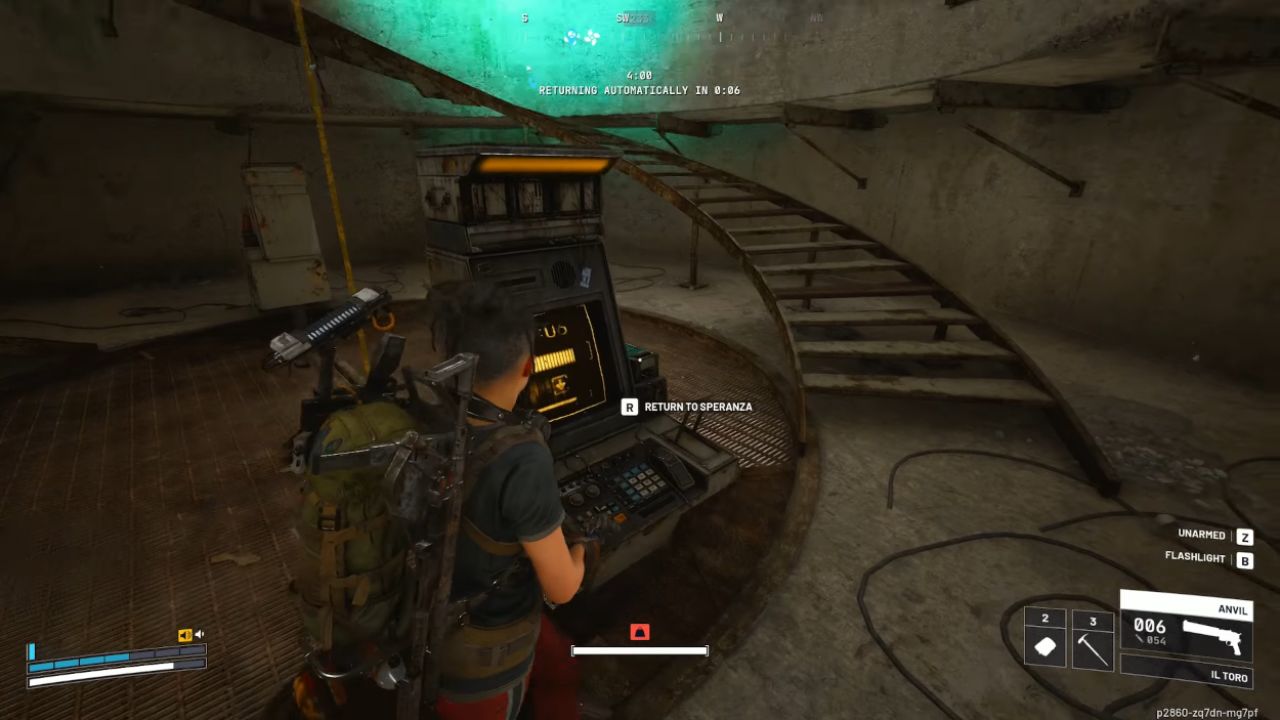
When everything was set to the highest settings and the resolution to 4K, interior sections ran at about 80 fps. At the same time, outside areas with many trees dropped to the low 70s. You can play the experience, but it's not the kind of game I want to play at high refresh rates.
Using Nvidia DLSS in quality mode increased the FPS significantly, to well over 100, though it didn't always reach 120.
DLSS balanced mode gave a little bit more FPS while still keeping the image quality usable. In performance mode, the frame rate reached 120 fps and sometimes even 130 fps; however, the picture was less sharp, and some small details were lost.
DLSS quality mode is better for competitive gameplay, where you need to see enemies at a distance. The best settings were Nvidia DLSS quality mode with a transformer model, RTX global illumination set to dynamic high, post-processing set to low, and shadows set to epic.
Some scenarios that used a lot of GPU power still didn't reach 120 fps, even with these settings. Limiting the frame rate to 120 fps with RTSS made the experience smoother and less prone to frame drops. In close-quarters areas, GPU usage ranged from 75 to 80 percent. Unlocked frame rates might reach 140-150 fps, but this made the visuals less fluid and caused noticeable spikes.
The game ran at 120 fps, even in crowded sections, with graphics set to high and DLSS enabled. This showed that texture quality could be improved without lowering FPS, since the 16GB GPU had enough VRAM. DLSS balanced mode gave the FPS a slight increase while keeping the game running smoothly at 120 fps.
PVP Settings for Competition
To get the best FPS for competitive play, you might lower graphics settings, turn off RTX global lighting, and use DLSS performance mode. In these settings, the FPS may exceed 240, but the 1% lows fell to 130.
Setting the FPS to 200Hz made things smoother, and CPU usage stayed around 60%, indicating that GPU was still the problem. Nvidia Reflex made things even more responsive in competitive situations.
How Well does Battlefield 6 Work
Battlefield 6 was tested at its highest settings and native 4K resolution. The performance was okay; however, memory utilization exceeded the 16GB GPU limit, causing the FPS to plummet. Lowering the graphics settings fixed memory issues while keeping the graphics and FPS above 90.
When DLSS quality mode was enabled, the FPS rose to mostly over 120 fps. When performance mode was enabled, the FPS rose to 150+ in close quarters. DLSS quality option with the high graphics preset delivered a good balance between competitive FPS and visual quality.
Dying Light : The Beast Ray Tracing
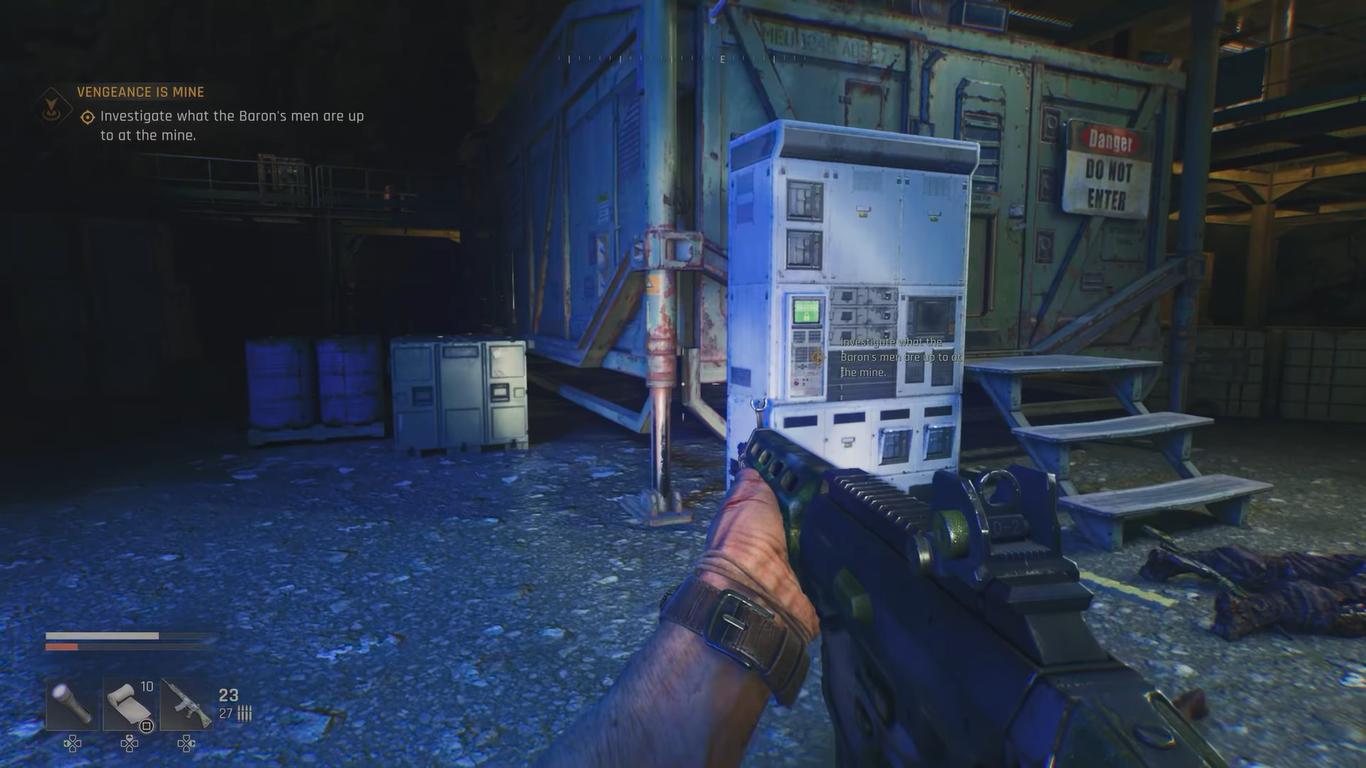
Ray tracing was added to Dying Light: The Beast. Ray-traced shadows, global illumination, and reflections were all possible with ultra graphics settings. At native 4K, the frame rate dropped to about 30–50 fps, making it hard to appreciate.
DLSS performance mode raised the FPS to 60-90, depending on the scenario, making the game playable. However, ray tracing still caused frame rates to drop significantly. Frame generation in 2X mode improved perceived FPS to 100–140 fps, but degraded visual quality by making DLSS flaws more noticeable.
Using 4X frame generation gave me more than 200 FPS, though picture quality was a little poorer. With DLSS quality mode and high graphics settings, the game ran more smoothly. It offered a better balance between FPS and visual fidelity, maintaining around 90 fps.
Ray tracing on the RTX 5080 is playable, but to keep the game running smoothly, you have to lower image quality or upscaling settings.
Final Thoughts
RTX 5080 performs well in recent games on a 4K monitor, delivering high FPS in DLSS quality or balanced modes while maintaining good-looking graphics. Competitive gamers can improve FPS by enabling performance mode and lowering graphics settings.
Ray tracing is possible, but it will significantly slow down your computer. Overall, RTX 5080 delivers a great 4K experience, but ray tracing comes at a cost to visual quality.
Also, check our other NVIDIA articles below:
- NVIDIA GeForce RTX 5080 Review (2025): Still A 4K Gaming Powerhouse?
- NVIDIA RTX 5070 Review: Mid-Range Muscle or Marketing Hype?
- RTX 5070 Ti Review: Performance, Thermals & Power Efficiency Tested
- ASUS GeForce RTX 5090 LC Liquid Cooled GPU Review: Unmatched Silence & Speed
- MSI GeForce RTX 5090 32GB SUPRIM SOC Review: Power Efficiency, Cooling, and Gaming Performance
- INNO3D RTX 5060 Ti 16 GB X2 Review: Gaming Benchmarks, Temps, and Power Efficiency
- HP Omen 45L Review: RTX 5090 Performance, Thermals, and Value Analysis
- ASUS TUF Gaming GeForce RTX 5060 Ti Review: DLSS 4, Power Efficiency, and Gaming
- ASUS Prime RTX 5060 Ti OC 16GB Review: DLSS 4, Ray Tracing, & Thermals Tested
- NVIDIA GeForce RTX 5060 Review: Specs, Gaming, and Cost per Frame
- MSI GeForce RTX 5090 GAMING TRIO OC Review: A Monster Power GPU
Editor, NoobFeed
Gaming Hardware Updates
No Data.