
GeForce RTX 5090 Red Dead Redemption 2 DLSS 4.5 Performance and 4K Quality Analysis
DLSS 4.5 performance evaluation on RTX 5090 highlights image clarity differences across native, quality, and performance modes.
Hardware by Shinji Okazaki on Jan 08, 2026
Red Dead Redemption 2 is still a good game to serve as a benchmark for modern GPUs, and DLSS4.5 lets you check out how well high-end hardware works and how well the graphics look again.
This article mostly covers how the RTX 5090 Founders Edition performs at 4K with the latest NVIDIA drivers that support DLSS 4.5.
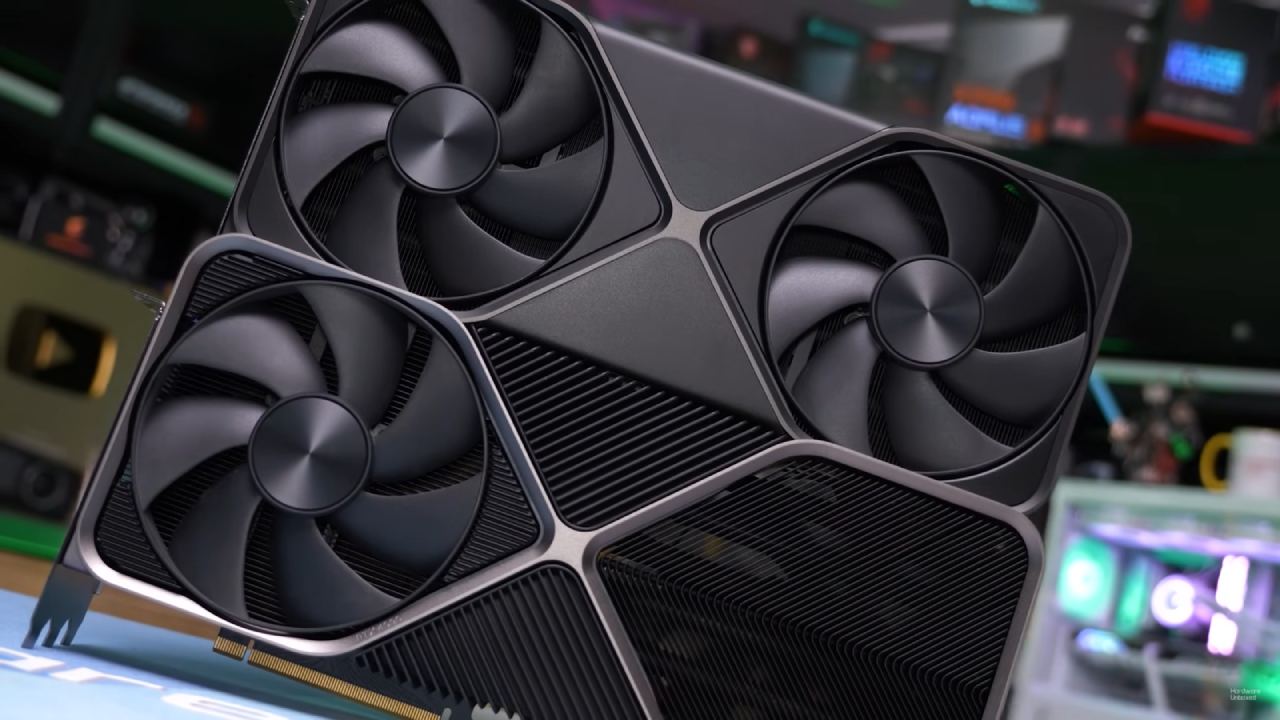
System and Setup for Testing
RTX 5090 Founders Edition comes with a Ryzen 9 7980X3D and 32GB of RAM. The latest NVIDIA drivers are installed on the machine, which are required for DLSS4.5 to work. Before testing starts, GPU-Z checks the GPU's parameters to ensure everything is working as it should.
You can enable DLSS4.5 in the NVIDIA app by opening the game profile for Red Dead Redemption 2 and selecting the DLSS override model preset. This title doesn't allow frame generation or ray reconstruction; the only option is the super-resolution upscaling model. You can also enable DLAA for native-resolution testing via the override options.
Native 4K Baseline With TAA
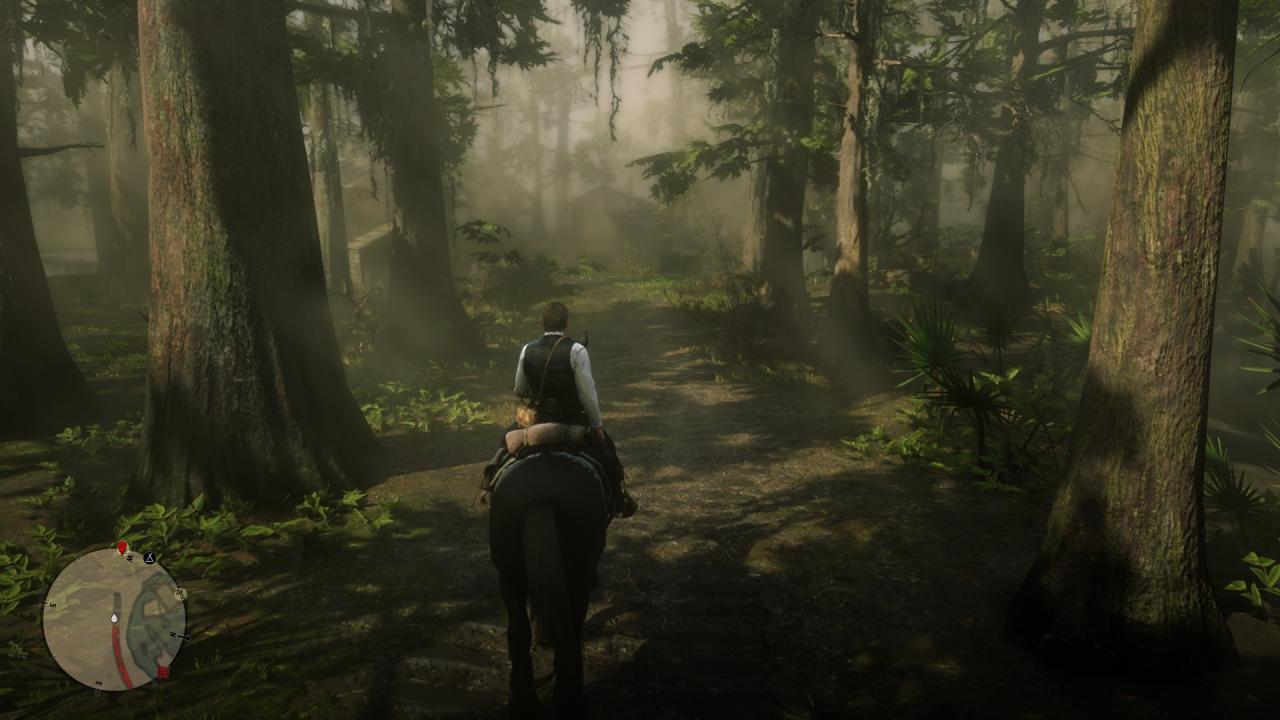
Testing starts at 4K with the highest settings, but not MSAA. TAA is turned on to set a standard before DLSS is added. With these settings, the average frame rate is about 115fps. At first glance, the picture quality seems fine. Still, when the camera moves, you can see softness, smearing, and other TAA artifacts. Even though the resolution is excellent, the overall presentation is less clear since grass and leaves lose clarity when they move.
Results for DLSS 4.5 Quality Mode
DLSS4.5 is then turned on in Quality mode, which means that it renders at 1440p and upscales to 4K. Performance is almost the same as TAA, averaging 113-116 fps. Even without a performance boost, image quality improves. The picture looks sharper, and moving objects are clearer, especially in plants and small details. There are still a few little artifacts in the foliage, like in older versions of DLSS. Still, the overall clarity is better than TAA.
Results for DLSS4.5 Performance Mode
Moving to DLSS In performance mode, the internal resolution drops to 1080p, but the output remains at 4K. Performance peaks at about 140 fps, with 1% lows near 112. The image quality remains the same, but it looks slightly softer than in Quality mode, and there is some subtle shimmering in the grass and trees. There is a small but obvious change in how they look when you compare them side by side. Quality option gives you a cleaner picture with only a little drop in fps, while Performance mode gives you higher frame rates.
A Comparison with TAA Revisited
After evaluating DLSS to ensure the visual problems are resolved, TAA can be turned back on. The picture looks softer right away, and motion artifacts are easier to see. The frame rate drops to about 100 fps, but the game is still fluid enough for one player. TAA is still watchable, although it doesn't look as clear as DLSS upscaling.
DLAA is the most visually consistent choice, especially in tough places with water physics and lots of stuff around. Even in scenes with more action, performance usually stays between 90 and 100 fps.
A comparison of DLSS4.0 and DLSS4.5
Drivers are brought down to 591.59 so that DLSS4.5 can be compared to DLSS4. The conditions for testing stay the same. Native4K with TAA again averages 115-120 fps. When you turn on DLSS4.0 Quality mode, the results are almost the same as when you turn on DLSS4.5, both in terms of performance and image quality. There are no significant variations in Quality mode.
DLSS4.0 Performance mode seems a little louder in foliage than DLSS4.5, but the difference isn't significant. In Red Dead Redemption 2, both versions act in the same way, which means that DLSS4.5 is more of a small upgrade than a big change for this game.
Final Thoughts
Red Dead Redemption 2 runs smoothly at 4K on the RTX 5090 across all modes we tested. DLAA at original resolution gives the clearest picture and stays above 90 fps in tough settings. DLSS4.5 Quality mode works just as well as TAA but makes everything clearer, so it's a good option. The DLSS Performance option raises frame rates further, but only at the cost of a few visual details.
There aren't many variations between DLSS4.0 and DLSS4.5 in this game. The performance stays the same, and the gains in visual quality are small. Updating to the newest drivers doesn't hurt performance and makes upscaling work a little better. DLAA or DLSS Quality are still the best choices for this title, depending on whether you want clearer images or greater frame rates.
Also, check our other NVIDIA articles below:
- NVIDIA GeForce RTX 5080 Review (2025): Still A 4K Gaming Powerhouse?
- NVIDIA RTX 5070 Review: Mid-Range Muscle or Marketing Hype?
- RTX 5070 Ti Review: Performance, Thermals & Power Efficiency Tested
- ASUS GeForce RTX 5090 LC Liquid Cooled GPU Review: Unmatched Silence & Speed
- MSI GeForce RTX 5090 32GB SUPRIM SOC Review: Power Efficiency, Cooling, and Gaming Performance
- INNO3D RTX 5060 Ti 16 GB X2 Review: Gaming Benchmarks, Temps, and Power Efficiency
- HP Omen 45L Review: RTX 5090 Performance, Thermals, and Value Analysis
- ASUS TUF Gaming GeForce RTX 5060 Ti Review: DLSS 4, Power Efficiency, and Gaming
- ASUS Prime RTX 5060 Ti OC 16GB Review: DLSS 4, Ray Tracing, & Thermals Tested
- NVIDIA GeForce RTX 5060 Review: Specs, Gaming, and Cost per Frame
- MSI GeForce RTX 5090 GAMING TRIO OC Review: A Monster Power GPU
Editor, NoobFeed
Gaming Hardware Updates
No Data.