
NVIDIA GeForce RTX 3060 12GB Performance Review in Call of Duty Black Ops 7 at 1080p
Comprehensive evaluation of in-game fluidity, frame stability, and visual behavior across multiple Black Ops 7 environments and modes.
Hardware by Naheyan Tahmin on Nov 15, 2025
The information discusses how well the game performs, how the graphics appear, its stability, and what happens when using an RTX 3060 12GB with an i5-12600KF overclocked to 5.1GHz and 32GB DDR5 while playing Call of Duty: Black Ops 7.
It includes notes on frame timings, anti-aliasing options, DLSS modes, texture utilization, and how different maps and settings affect performance throughout the experience.
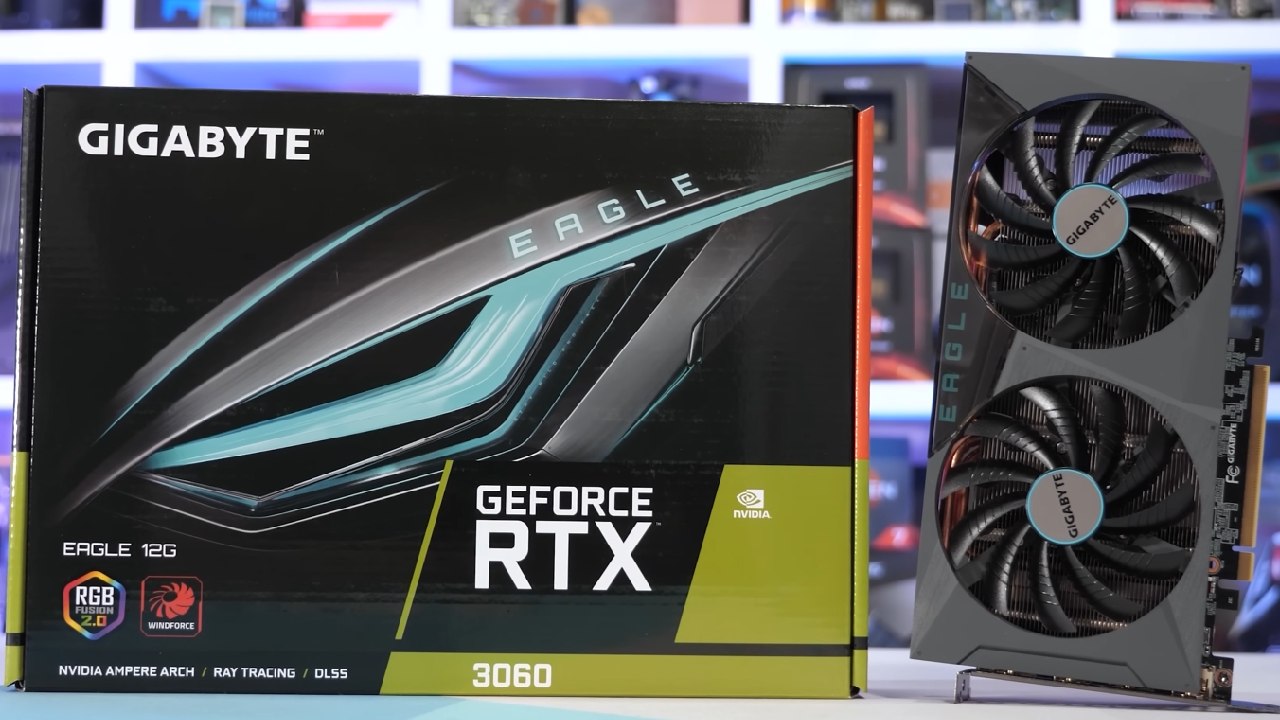
An Overview of the First Setup and Testing
We begin by testing the RTX 3060 12GB AOX model with the latest Nvidia drivers and without manual overclocking. The game starts at 1080p with the Ultra setting, FidelityFX CAS for sharpening enabled, depth of field disabled, 110 FOV, and motion blur disabled.
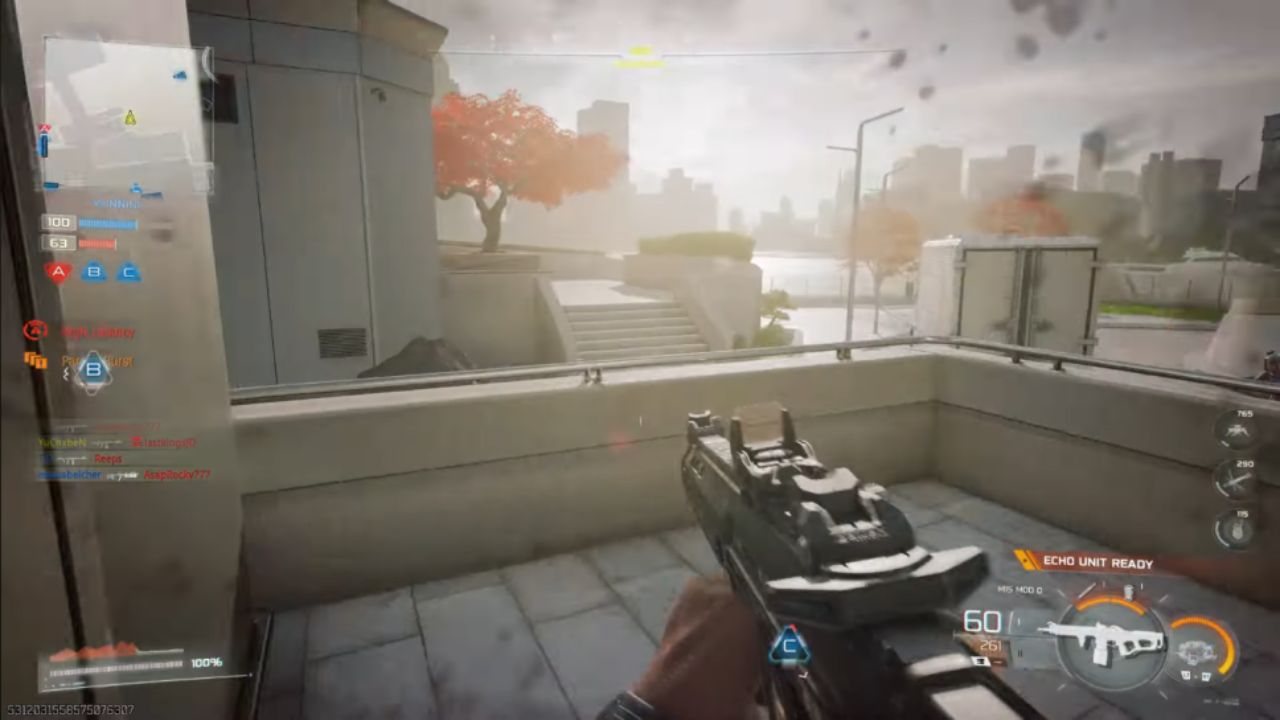
The first map runs well at close to 100 fps, with stable frame times and no noticeable drop in quality from beta to release. The performance is as expected, since the 3060 is one of the suggested requirements. Although the style of play may not appeal to everyone, the game runs smoothly.
Observations of Gameplay and Frame Stability
As the game progresses, the frame time graphs remain consistent, and the 1% lows remain solid. In Call of Duty multiplayer, we often face opponents who move a lot, engage quickly, and change positions quickly. The GPU does a good job of handling the workload, even though the playstyle may feel strange to anyone used to other shooters.
There is no more stuttering after death, and performance stays the same across all engagements. The setting stays stable, so everyone can have a good time playing, no matter their preferences.
Testing Nvidia DLAA and How It Affects Performance
We move to Nvidia DLAA, which has a lot worse performance. Frame rates drop to the 60s and even the 50s, with 1% lows around 52fps. DLAA makes the picture clearer than FidelityFX CAS, but it costs more to run on a 3060, so it's not as useful.
If you need to maintain a frame rate of 60 fps or higher, Nvidia NIS or FidelityFX CAS are better options. DLAA doesn't work well with this GPU at 1080p.
DLSS Quality Mode and the Way the Transformer Model Works
With FidelityFX CAS, DLSS Quality mode gives you a slight boost in fps above native resolution. It uses the DLSS 4 transformer model, which makes graphics look a lot like DLAA while maintaining better performance.
The CNN model is blurrier and works with a lower native rendering resolution; hence, it's vital to use the transformer model. DLSS Quality keeps everything stable while making the images clear enough for gaming.
More Gameplay Sessions and Other Maps
Changing the maps changes how the game runs. Some maps, like Hijacked, are more demanding, with frame rates around 90. The gameplay is still good, with 1% lows maintaining a high enough level to keep the stutter from becoming too noticeable. The visual clarity and responsiveness are still there, and the 3060 shows it can consistently handle the game in these situations.
Minimum Settings for Playing Against Others
We switch to minimal settings and keep the textures on Low so that the game doesn't look too old. Shader preloading means you have to restart the game. With minimum settings, you can get frame rates up to 156 fps and as low as 1% over 100 fps.
Shadows on Low look distracting, yet many professional players still use them. Although people have different preferences, the performance outcome is strong, making these settings suitable for competitive situations.
Improving and Sharpening Behavior at Low Settings
Unlike games, where turning off AA makes the picture crisper, turning off sharpness makes the picture fuzzy. This means that there is a built-in TAA or something similar. FidelityFX CAS fixes blur and restores clarity without sacrificing frame rate.
DLSS Quality also sharpens everything and matches or slightly reduces the frame rate compared to the native resolution. DLSS Quality appears to be sufficient for practical gameplay, even at 720p.
Different Levels of Performance With DLSS and VRS
DLSS Quality may result in slightly lower average fps than intended, since variable-rate shading is enabled by default. There are still just a few visual variations; therefore, it's still okay to turn on VRS. DLSS Quality delivers the best overall experience, but the performance difference between it and native resolution with CAS is rare for an upscaler.
Things to Think About When it Comes to VRAM and Textures
When using regular texture settings, VRAM usage exceeds 8GB. If you lower texture quality, systems with 8GB GPUs may stutter. Low textures appear a lot worse, yet they are still needed on devices with limited memory. VRAM usage shows a pattern observed in current games, where texture packs require more memory than in the past.
.jpg)
Last Stretch of Gameplay and Visual Comparison With DLAA
We turn DLAA back on for a short time and see a significant performance drop, bringing the GPU back down to 60 fps. DLAA looks a lot like DLSS Quality when using the transformer model, but it puts much more strain on the GPU. So, DLSS Quality is the best choice for clearer graphics with less impact on performance.
Final Thoughts
The RTX 3060 12GB runs Call of Duty: Black Ops 7 at 1080p smoothly and reliably, regardless of the settings, DLSS modes, or map modifications used. FidelityFX CAS or DLSS Quality (Transformer model) offers the best balance between sharpness and frame rate.
DLAA won't work on this GPU because it would significantly slow down performance. Minimum settings deliver very high fps for competitive play, but you need to sharpen them to avoid blurriness. If you have a GPU with 8GB of VRAM, you can't use more than that with regular textures. You can only use more if you lower the textures.
The results of the gaming show that the experience is reliable, with no stutters and constant frame pacing throughout testing.
Check Our Other NVIDIA Articles:
- GeForce RTX 5090 Unleashed: Is NVIDIA's New Flagship the Ultimate 4K Gaming GPU?
- NVIDIA GeForce RTX 5080 Review (2025): Still A 4K Gaming Powerhouse?
- RTX 5090 Performance Testing In GTA 5 – 1080p, 1440p, and 4K Max Settings Benchmark
- RTX 5090 Laptop Vs. M4 Max MacBook Pro: Ultimate Raw Performance Vs. Battery Endurance
- NVIDIA RTX 5070 Review: Mid-Range Muscle or Marketing Hype?
- RTX 5070 Ti Review: Performance, Thermals & Power Efficiency Tested
- Asus ROG RTX 5090 Astral OC Vs. Founders Edition: The 4K Gaming Benchmark
- ASUS ROG Astral RTX 5090 OC Edition Review: 32GB GDDR7 & 4K Gaming Benchmark
- ASUS GeForce RTX 5090 LC Liquid Cooled GPU Review: Unmatched Silence & Speed
- MSI GeForce RTX 5090 32GB SUPRIM SOC Review: Power Efficiency, Cooling, and Gaming Performance
- INNO3D RTX 5060 Ti 16 GB X2 Review: Gaming Benchmarks, Temps, and Power Efficiency
- HP Omen 45L Review: RTX 5090 Performance, Thermals, and Value Analysis
- ASUS TUF Gaming GeForce RTX 5060 Ti Review: DLSS 4, Power Efficiency, and Gaming
- ASUS Prime RTX 5060 Ti OC 16GB Review: DLSS 4, Ray Tracing, & Thermals Tested
- NVIDIA GeForce RTX 5060 Review: Specs, Gaming, and Cost per Frame
- MSI GeForce RTX 5090 GAMING TRIO OC Review: A Monster Power GPU
Editor, NoobFeed
Gaming Hardware Updates
No Data.