
Steam Deck Price Jumps to $789 and $949: Does Emulation Still Make Sense?
Valve raised Steam Deck OLED pricing, pushing the 512GB model to $789 and the 1TB model to $949.
News by Maisie Scott on Aug 04, 2026
Steam Deck has spent years as a go-to option for portable emulation, offering enough power and flexibility to appeal to anyone looking to play retro and current-generation titles on the go. A recent price increase, along with the discontinuation of the LCD lineup, has reopened the question of whether buying one specifically for emulation still makes sense.
Stock issues affected the Steam Deck in some regions before the latest development, but the price hike had a bigger impact. The 512GB OLED model now costs $789, and the 1TB OLED model costs $949, while every remaining LCD Steam Deck model has been discontinued entirely.
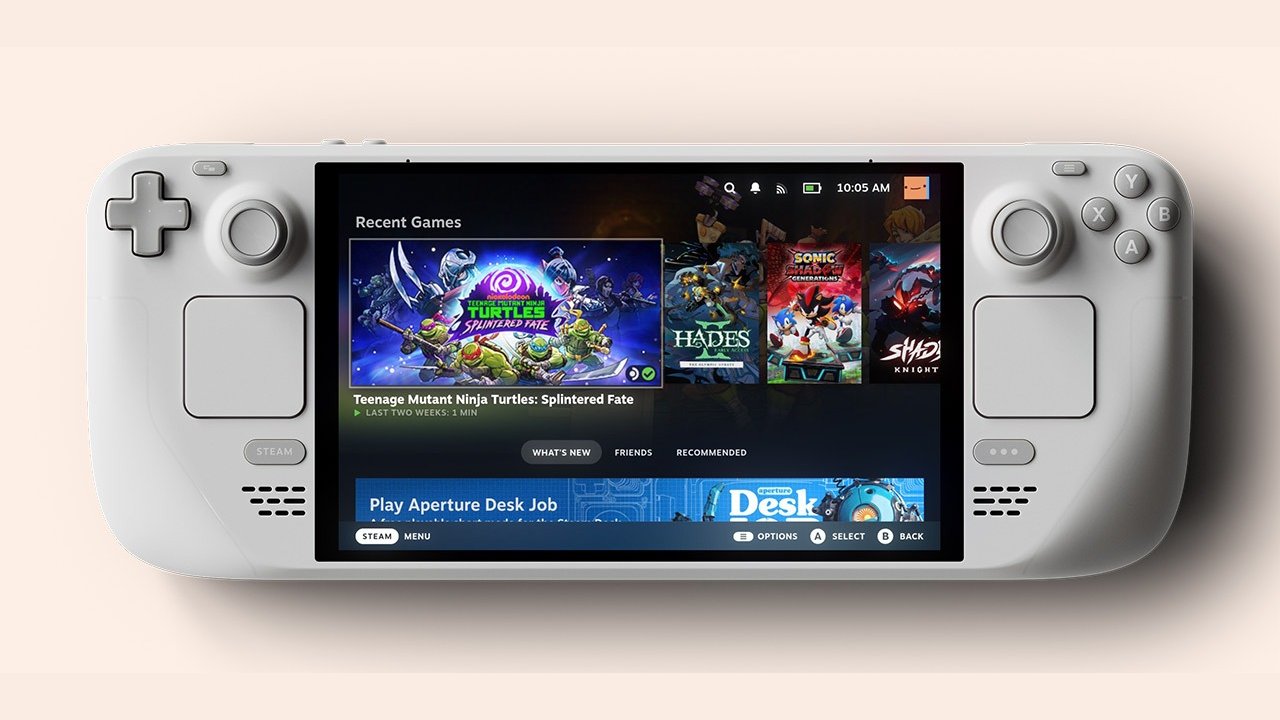
Valve discontinued every remaining LCD Steam Deck model, leaving the OLED lineup.
When the Steam Deck first launched, the 64GB LCD model sold for around $400, placing it close enough to dedicated emulation handhelds that many people chose it over a conventional Android device for that exact purpose. Beyond the added power, running Linux on the Steam Deck brought flexibility that most Android-based handhelds could not match, on top of the ability to download Steam titles directly.
Newer, more capable competitors have since outpaced Steam Deck, yet it remains capable enough that plenty of people continue using it. Emulation has become one of its more common uses, and the software supporting that use case has only gotten easier to set up over time. That said, at current pricing, we do not recommend buying a Steam Deck specifically for emulation.
Spending close to $800 or $1,000, depending on the model, is not a reasonable investment if a dedicated emulation handheld is the goal. Much of the software that made emulation strong on the Steam Deck has since made its way to Windows, so any existing Windows handheld you already own, or one you plan to buy, should support the same tools.
Many of those programs also have official Windows versions, or work with SteamOS directly, so the choice comes down to what you already have on hand. Linux itself tends to introduce friction for anyone used to doing everything on Windows, and once that friction shows up, switching back to a familiar Windows setup is often the easier path.
For anyone willing to work through that friction, software like EmuDeck handles most of the setup automatically, covering the primary emulators most people would want to use. ROMs are not included, so tracking those down separately is necessary, and a standard search usually turns up what you need. Caution matters here, since some of the links that surface are not reputable, so this approach is not one to try without prior experience.
One common source of ROMs comes from handhelds sent out for review, several of which arrive with a microSD card already loaded with games. Copying those onto a dedicated storage drive for later use is common practice among reviewers, even if the quality of those particular ROM dumps is not always great. For basic use, the Steam Deck covers most emulation needs well.
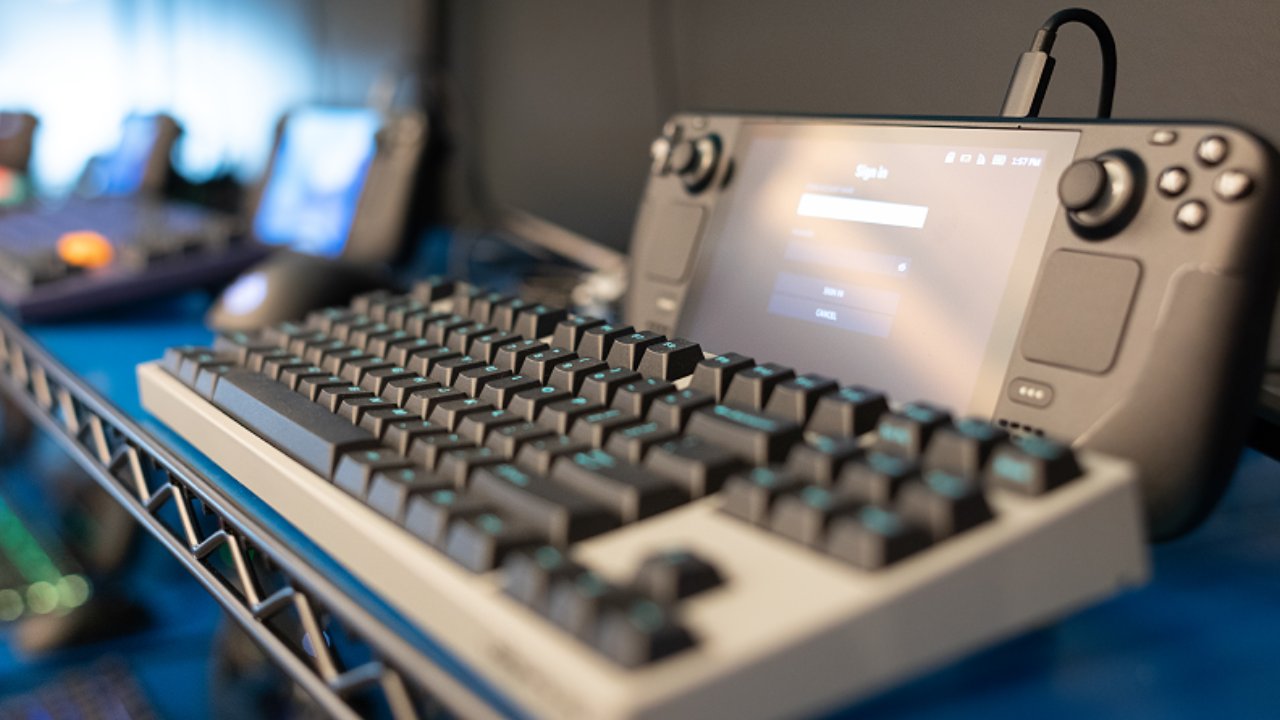
GameCube and PS2 titles, including games like Kingdom Hearts and Mario Kart Double Dash, remain frequent choices for casual sessions. Once you're no longer relying on the Steam Deck as a primary handheld or mobile gaming device, it settles comfortably into the role of a secondary device dedicated to a specific task.
In this case, emulation on the go, or docked and paired with controllers for local multiplayer titles like Smash Melee or Mario Kart Double Dash on a TV. Switch emulation performs at a level fairly close to the original Nintendo Switch.
However, that assessment comes from someone still running an old build of Yuzu, an emulator that stopped receiving active development after legal pressure from Nintendo. XBOX 360 and PS3 emulation has become functional for some users as well, though that territory raises more legal questions, especially for anyone who already owns the original hardware and games.
Community tools such as EmuDeck and Batocera have expanded the Steam Deck.
Button feel and a larger screen than most comparable emulation handhelds help the Steam Deck hold up well in that role, and the option to fall back on native PC gaming adds further value for anyone who wants it. For anyone who already owns a Steam Deck sitting unused after an upgrade, converting it into a dedicated emulation handheld is a practical way to keep it in service rather than letting it go unused.
Community-built software like EmuDeck or Batocera has effectively expanded what the Steam Deck can do beyond its original purpose, and the result covers most emulation needs well enough that buying an additional handheld, such as an Odin device or something from Anbernic, becomes unnecessary for most people. Repurposing hardware you already own is often the better move compared to buying something new.
Buying a new Steam Deck specifically for emulation in 2026 is still not something that's recommended. At close to $800 or $1,000, the value does not hold up against dedicated emulation handhelds built for that exact purpose. An Odin3, for example, works well as a dedicated emulation device and can still run Steam titles for anyone who wants that functionality, covering essentially the same use case in reverse.
Editor, NoobFeed
Related News
No Data.