
ASUS ROG Strix XG32UCWG Review: 32-inch OLED with 4K 165Hz and HDR
We Explore Strix XG32UCWG, a glossy OLED gaming monitor with 4K 165Hz, dual refresh modes, HDR True Black, 0.3ms response time, and versatile connectivity for gamers and creators.
Hardware by Tanvir Kabbo on Aug 15, 2025
Asus ROG Strix XG32UCWG is the first glossy OLED gaming monitor to arrive in the 32-inch category. While that might not sound groundbreaking at first, this display is a major statement in OLED technology as it combines 4K 120Hz performance with a 32-inch panel in one package.
Asus has built on its previous OLED offerings by introducing a true black glossy panel, enhanced optical layering, and versatile performance modes. It aims to refine nearly every criticism found in its predecessor while delivering exceptional visual clarity and gaming versatility.
Glossy OLED Panel and Visual Enhancements
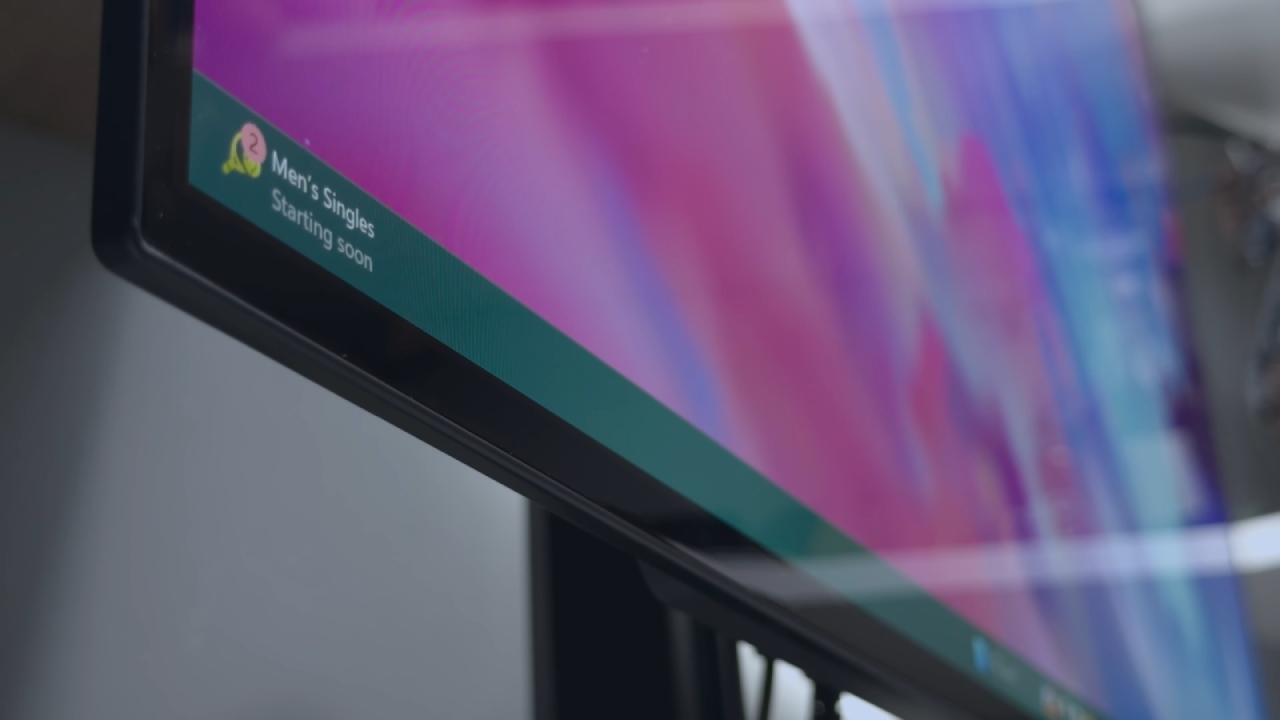
Unlike last year's Asus ROG Swift PG32UCDP OLED, which featured a matte finish that divided opinions, the XG32UCWG boasts what Asus calls a true black glossy display. The glossy panel helps produce richer blacks thanks to its glass surface, which minimizes scattered light refraction. Under the glass, a new zero-phase optical layer cleans up the image further, and the top coating is 38% less reflective.
The monitor also features Asus's 3rd-generation OLED panel and dual-mode support. With a quick OSD setting or shortcut button, you can switch between a 1080p 330Hz mode and a 4K 165Hz mode. This versatility means you can enjoy both high refresh rate competitive gaming and high-resolution visual fidelity on the same screen.
Setup and Build Quality
Setting up the monitor is simple. The display has a detachable stand, a back arm bracket, and an additional VESA mounting bracket. Attaching the stand, securing it in position, and clipping the arm into the rear are the steps involved in installation. The arm can be held up during installation to avoid using too much force, and a rear toggle button helps release it when necessary.
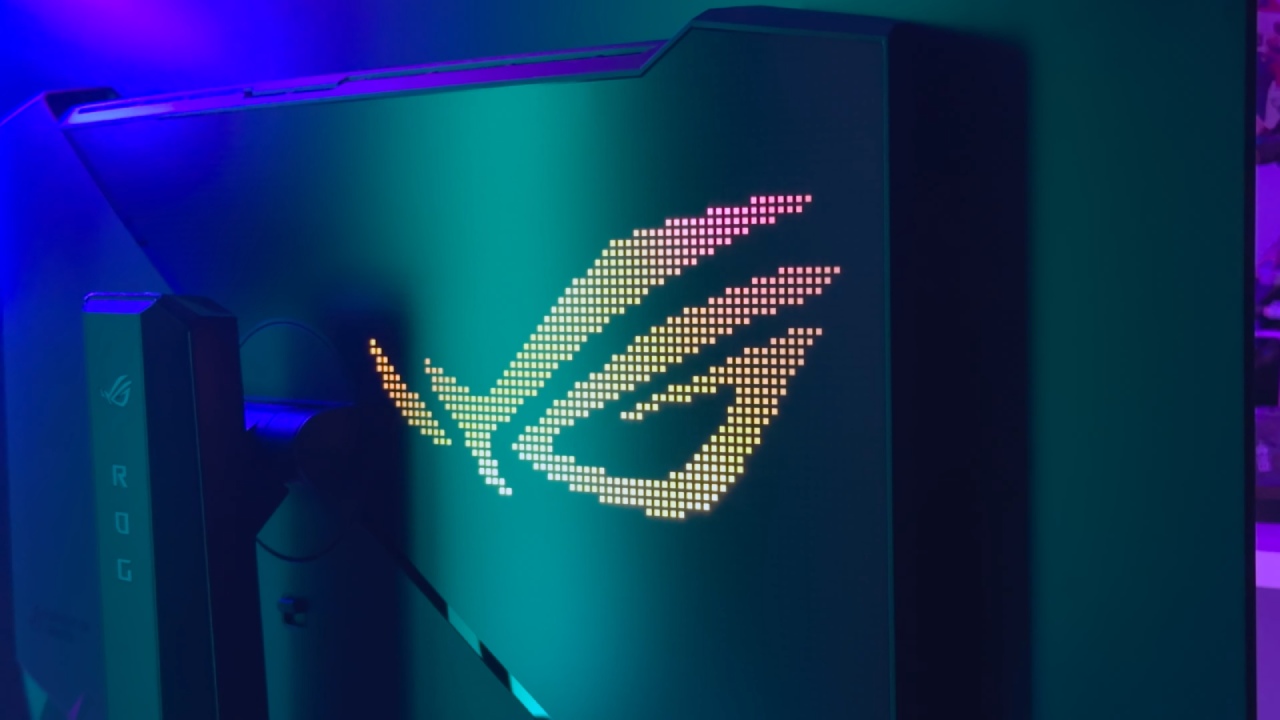
The panel is lightweight—7.3kg with the stand and 4.5kg without—making it easy to move, tilt, and adjust. Measuring 71.4cm wide, 57.9cm tall, and only 7.1cm thick (27.4cm with the stand), it fits comfortably on most desks. It can tilt up by 15°, down by 5°, and swivel 20° in either direction. RGB lighting on the back can be adjusted through the OSD or Asus Armory Crate.
Ports and Connectivity
The monitor offers one DisplayPort 1.4, two HDMI 2.1 ports, a USB-C with DisplayPort alt mode and 15W power delivery, a headphone jack, and a USB hub. The hub includes a Type-A upstream port for PC connection and firmware updates, plus three USB 3.2 Gen 1 Type-A ports for accessories.
Cable management is streamlined with routing space built into the stand. Included in the box are a DisplayPort 1.4 cable, a USB Type-A cable, a power cable, manuals, and a cleaning cloth.
Missing Built-in Speakers
The absence of integrated speakers is one noteworthy omission. For short media playback or casual listening, even simple speakers can be convenient, but in these situations, you'll require outside alternatives. For complete audiovisual functionality, many customers choose small desktop speakers, which are simple to combine with this display.
Image Performance and Display Quality
The sleek, true black panel looks quite impressive. The blacks appear even deeper, the colors are vivid, and the clarity is astounding. The visual quality more than compensates for the thicker-than-expected bezels.
Text clarity is excellent thanks to a clean subpixel layout, making daily work tasks like browsing and document editing sharp and comfortable.
The uniform brightness setting helps prevent dimming in wide or bright content by lowering peak brightness evenly, though you can disable it if you prefer full dynamic range. HDR performance is enhanced by an HDR True Black mode, which deepens low-light scenes by capping peak brightness. Additional HDR profiles include Cinema HDR, Console HDR, and Gaming HDR, with Console HDR delivering the brightest results at around 1100nits peak in a 2% windows.
Brightness and HDR Performance
In HDR mode, the display reaches 713 nits in a 10% window and 1100 nits in a 2% window. While not as bright as the highest-end non-OLEDs, it's more than adequate for immersive visuals. Like many HDR displays, very bright highlights can sometimes blow out details, requiring per-game adjustments.
Still, dark scene performance is refined, with balanced detail retention in both shadows and highlights.
Dual-Mode Gaming Versatility
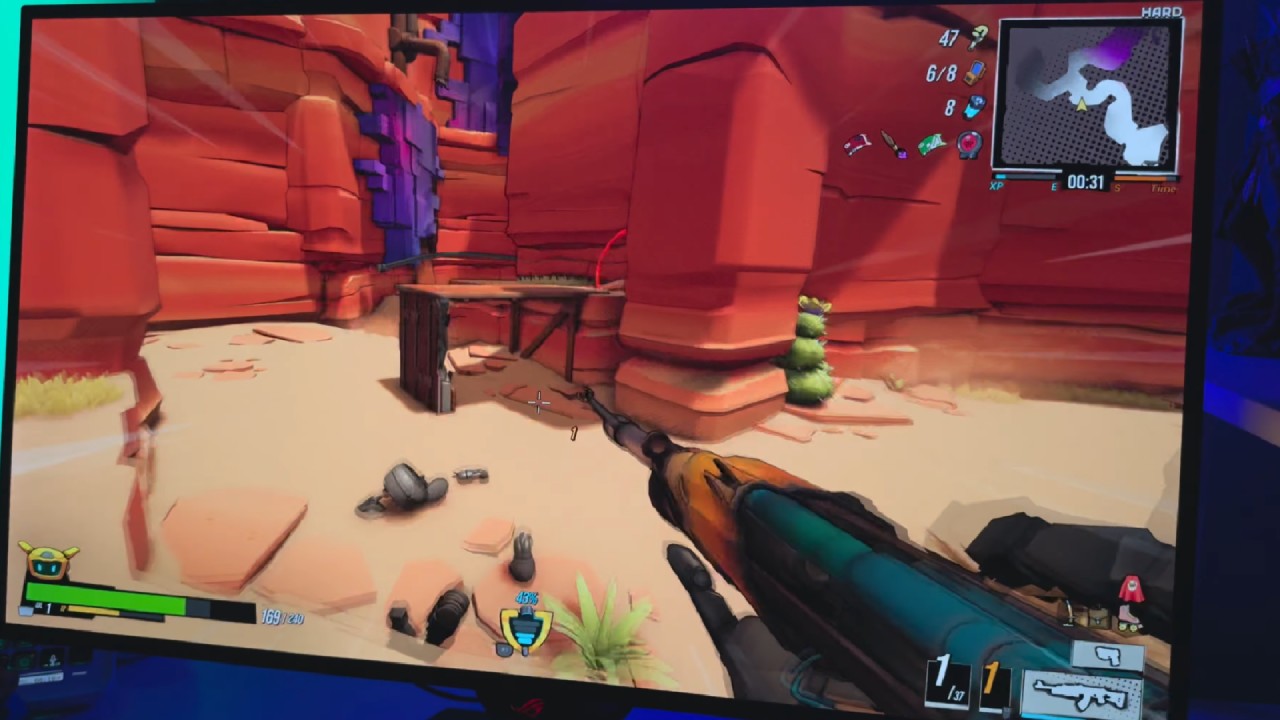
Switching between 4K 165Hz and 1080p 330Hz is seamless. While some HDR depth and text clarity are sacrificed, the high refresh option performs incredibly well in competitive, fast-paced games. The 4K option offers a richer, more detailed experience for games with a lot of action or plot.
Excellent motion clarity is maintained in both modes, and the OLED's 0.3 ms reaction time ensures fluid, ghost-free gameplay.
Final Thoughts
Asus ROG Strix XG32UCWG is one of the most potent OLED screens available. Its true black glossy panel, excellent HDR performance, adjustable dual refresh rates, and superb motion control make it a desirable choice for both visual enthusiasts and competitive gamers.
While the lack of built-in speakers is disappointing and the price is high, the overall performance and flexibility more than justify the investment for those who value top-tier display technology.
Check Our Other Upscaling Articles:
- FSR vs. XeSS vs. DLSS: Best Upscaling Technology for Gaming in 2025
- FSR 4 vs. DLSS 4 at 4K: A Detailed Comparison
- FSR 4 vs. DLSS 4 in 1440p Gaming: Visual Fidelity and Frame-Rate Uplift Analysis
- DLSS 4 Ray Reconstruction: Elevating Ray Traced Visuals with AI
- DLSS 4 vs. DLSS 3: How Transformer‑Based Upscaling Sharply Outpaces the Old AI Model
- AI Upscaling on PS5 Pro: Can PSSR Finally Match DLSS?
- DLSS 4 Balanced vs. Performance: Striking the Perfect FPS and Image Quality Balance
Senior Editor, NoobFeed
Gaming Hardware Updates
No Data.