
Cyberpunk 2077 Patch 2.3 FPS Test on MSI Claw 8 AI+
Patch 2.3 enhancements, including autosave and frame generation 3.1, elevate portable performance benchmarks on the MSI Claw 8 AI+ system
Hardware by Tanvir Kabbo on Jul 29, 2025
Cyberpunk 2077 has just received patch 2.3, introducing a host of improvements that expand both functionality and visual fidelity. Among the most notable are new jobs, autosave for more straightforward navigation, AMD’s FSR 4 upscaling, frame generation 3.1, and Intel’s XeSS2 upscaling and frame generation—features that require Intel hardware to activate.
These updates come long after many expected the game to stop receiving major support, proving that Night City still has surprises in store.
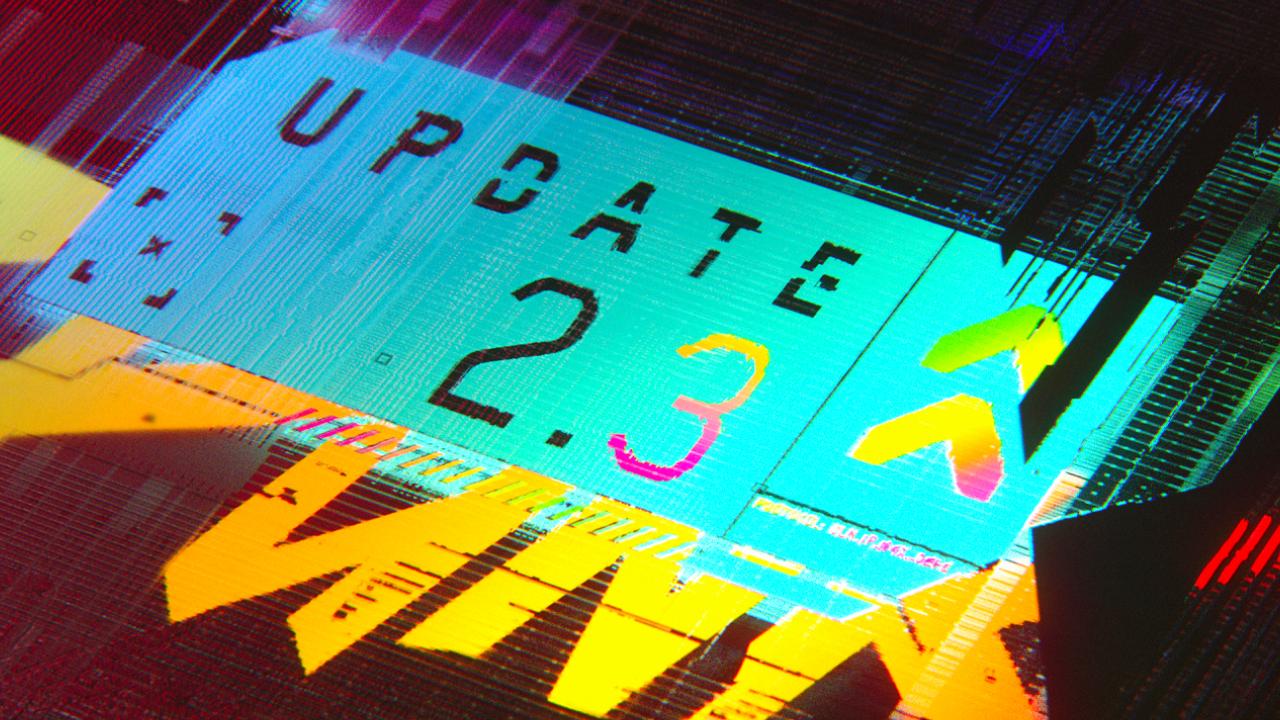
Cyberpunk 2077 Patch 2.3 Overview
With patch 2.3, we see enhanced stability across quests, fresh side jobs to tackle, and the seamless integration of autosave that takes care of navigation while you soak in the world around you.
Alongside these gameplay tweaks, visual upgrades arrive in the form of FSR 4 for AMD GPUs and XeSS2 for Intel platforms.
Frame generation 3.1 also debuts, promising smoother motion by interpolating frames on compatible hardware.
While FSR 4 isn’t yet available on handhelds, XeSS2 is fully supported on devices like Claw 8, opening new doors for portable Night City adventures.
Testing at 1200p vs 800p
We opted to maintain a TDP of 30W for consistency—this was the previous limit before handheld power sliders became common—and ran side by side tests at 1200p and 800p. In our 1200p trials with performance mode, XeSS2, and frame generation on, the average held around 45 fps on ultra quality.
Dropping the preset to quality boosted that to roughly 48 fps, while performance mode climbed into the mid 50s, and ultra performance peaked at around 61 fps.
If you switch to 800p or dial the TDP down to 17–20W, you can chase even higher frame rates, but we found that 1200p performance mode struck the best balance of image clarity and smoothness on the Claw 8’s screen.
.jpg)
Balancing Upscaling and Frame Rate
When you cycle through XeSS2 quality presets, every step down in fidelity yields a modest fps gain. We noticed that moving from ultra quality to quality added about 3 fps, while stepping into performance delivered another 5–7 fps, and ultra performance pushed us just above 60 fps.
You’ll want to decide if you prioritize razor sharp visuals or consistently high frame rates—on handheld hardware, that choice can define your experience.
We recommend performance mode at 1200p for most players, since it maintains smooth gameplay without introducing too many upscaling artifacts.
Impact of Frame Generation
Frame generation 3.1 brings a noticeable boost in perceived fluidity by creating intermediate frames, though it does add a bit of input latency even with low latency settings enabled.
We compared footage with frame gen off and on at identical XeSS2 presets and found that, while competitive players might opt to disable it, the added smoothness often makes exploration and story sequences feel more immersive.
If you do decide to turn it off, XeSS2 still offers superior upscaling compared with FSR, especially on Intel hardware.
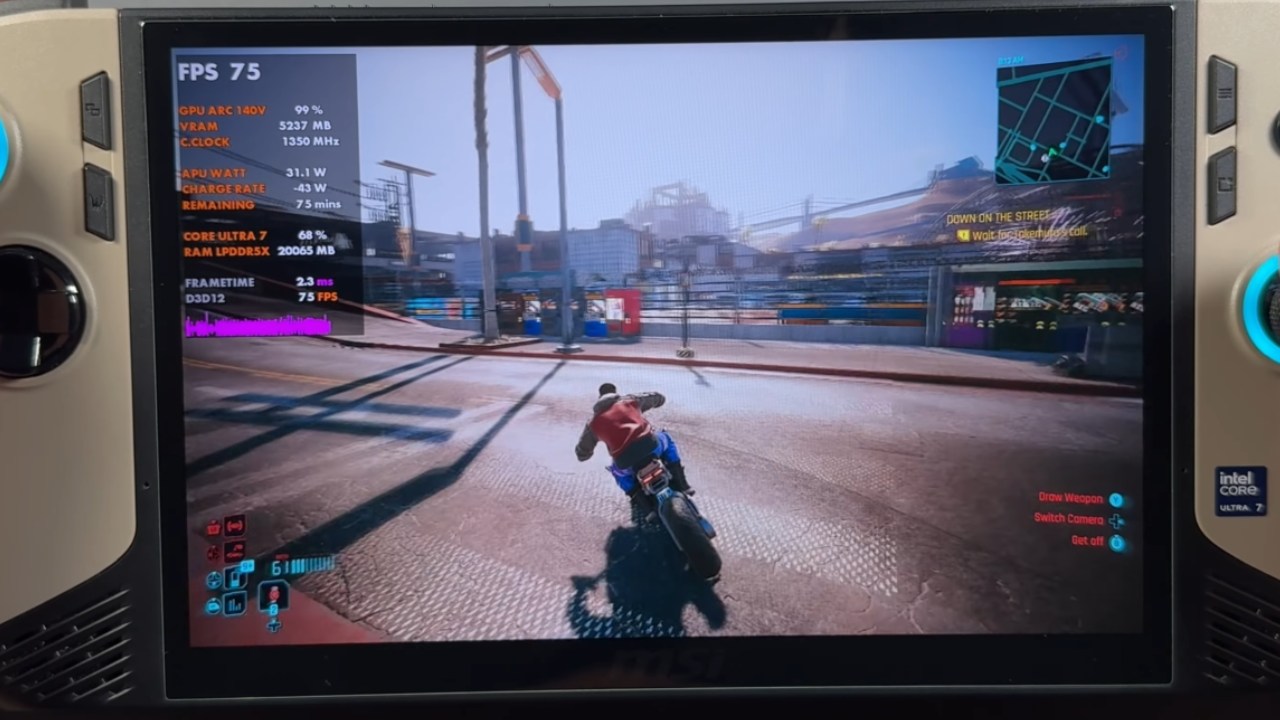
Claw 8 Experience and Future Outlook
Playing Cyberpunk 2077 on Claw 8 at 1200p upscaled by XeSS2, feels remarkably smooth on a VRR screen, with stutters all but eliminated and frame pacing held tightly.
Intel’s progress since the release of the Series 2 Ultra in January has challenged lingering doubts about their handheld performance, and XeSS2 now stands as a best in class upscaling solution.
We’re eager to see that more devices adopt both Intel and AMD upscaling options, so you can choose your preferred ecosystem without compromise.
With patch 2.3 and XeSS2 in hand, Cyberpunk 2077 is more polished and accessible than ever, whether you’re exploring on desktop or carrying Night City in your pocket.
Check our Other Handheld Articles :
- ASUS ROG Ally X Handheld Review: Double the Battery, Double the Comfort
- Nintendo Switch 2 Vs. Original Switch 1: A Full Comparison
- How To Connect A Camera And Join Voice Chat With Nintendo Switch 2
- Nintendo Switch 2 Review: Handheld Performance, Features & Value Breakdown
- ROG Xbox Ally X Vs. ROG Ally X: Display, Battery & Controls
- ASUS ROG Ally X vs. Steam Deck OLED: Display, Battery & Gaming Benchmarks
- MSI Claw 8 AI+ Review: Display, Controls & Gaming
- Nintendo Switch 2 vs. Steam Deck OLED: Gaming, Performance, Battery, Display and Value
- PlayStation Portal Review: Remote Play, Cloud Streaming & Travel Gaming
- PlayStation Portal vs. Lenovo Legion Go: Best Portable Gameplay
Senior Editor, NoobFeed
Gaming Hardware Updates
No Data.