
NVIDIA GeForce RTX 5090 Test: 4K, 1440p, 1080p Ray Tracing Benchmarks in Dying Light the Beast
Ray tracing performance analysis in Dying Light the Beast using the RTX 5090 across multiple resolutions and DLSS modes.
Hardware by Shinji Okazaki on Dec 04, 2025
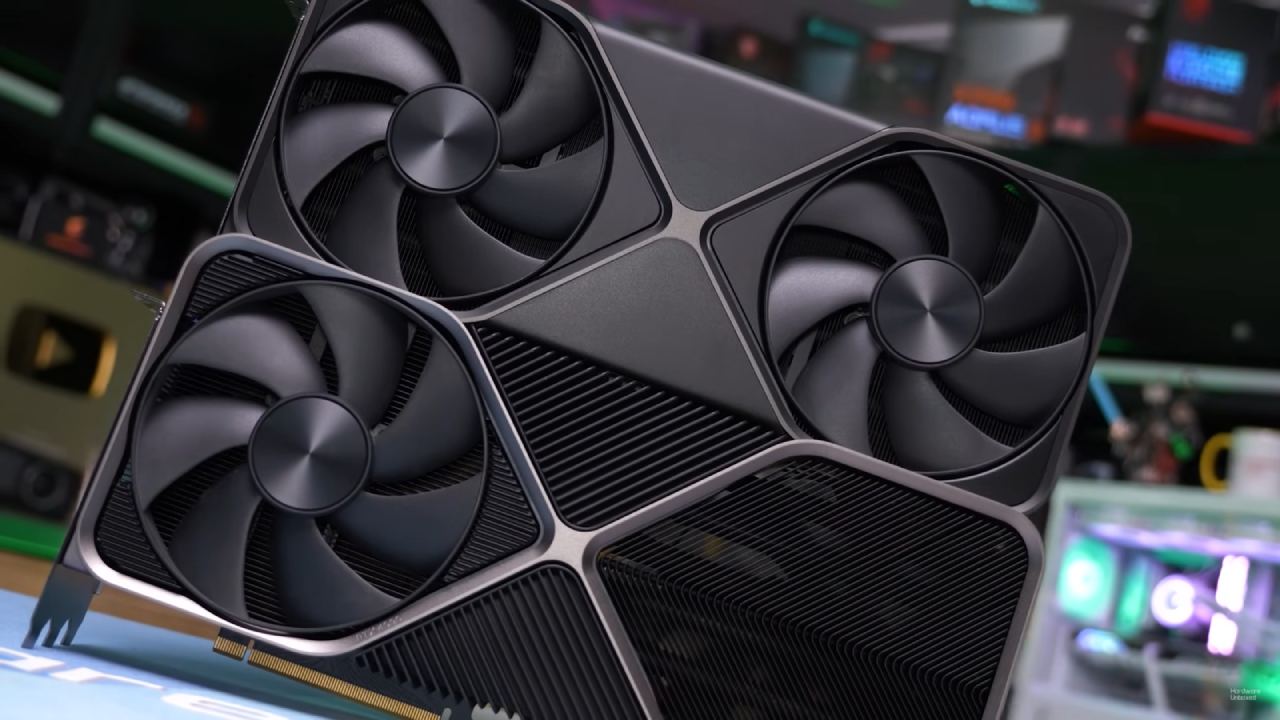
In this test, we run the GeForce RTX 5090 Founders Edition paired with a Ryzen 7 9800X3D and 32GB of RAM on the latest Nvidia drivers without manual overclocking. We start at 4K resolution using DLSS set to Native with frame generation disabled.
The new Ultra Quality preset is enabled, replacing the previous High Quality maximum. The update adds ray-traced shadows, ray-traced global illumination, and ray-traced reflections. While the overall image improves, some areas still show limited ambient occlusion, and performance takes a large hit with RT enabled.
Ray Tracing Performance at 4K Native
We see the GPU pushed above its 575W TDP while achieving roughly 30–40 fps in heavy areas. The visual difference is present in some scenes, especially on walls and bounce lighting. Still, reflections appear low-resolution, and performance drops sharply.
Without a side-by-side comparison, the improvement in fps feels limited for the cost. Previously, the same sections rendered at nearly 100 fps without RT, showing how demanding the effects are.
DLSS Quality Mode at 4K
Switching to DLSS Quality immediately lifts performance to 60–90 fps. With 69% sharpness, the image is similar to DLAA, with only minor softness. Vegetation-heavy zones and water reflections still cause dips, but staying above 60 fps is still possible.
We can run through dense foliage or open areas and still achieve acceptable results. However, the lowest frame rate sometimes drops to 60 fps.
Frame Generation Enabled at 4K
Turning on DLSS Frame Generation shifts performance from the 60–90 fps baseline to 100–130 fps. The gameplay stays stable, and input latency remains manageable as long as the underlying fps is high enough.
We should avoid FG on top of DLAA because the baseline is too low, introducing noticeable latency. With FG plus DLSS Quality, the game plays smoothly, and we can consider DLSS Performance for even better responsiveness.
Four-Times Frame Generation at 4K
Using 4× Frame Generation yields 300 fps or more. Input latency increases compared with 2× FG, but with a 280Hz 4K OLED display, the experience feels smooth. Visual softness becomes noticeable on vegetation and grass, where details tend to blend. Still, the fast frame rate makes it easy to move around. We keep fighting and moving around with little trouble.
DLSS Performance at 4K
Turning off FG and switching to DLSS Performance gives you 90 to 100 fps before you get to the heavier parts. This mode has the least amount of lag among the alternatives for upscaling. Even when you're traveling through thick brush or fighting foes, it stays responsive. If we want to make sure we get at least 60 fps, Balanced mode is in the middle of Quality and Performance.
Frame Generation with DLSS Performance
If you turn FG back on with DLSS Performance, you should get 200 to 220 fps in most scenarios. When the base framerate is greater, input latency is nearly nonexistent. In single-player mode, a baseline of 120fps+ makes sure FG stays comfortable.
Four times the frame rate pushes the game up to 300–350fps, but the softness goes up again, notably on moving leaves. The display refresh rate and the fact that it doesn't get clearer at a certain point limit the benefit.
1440p Testing with DLAA and FG
Even without upscaling, heavier regions dip into the mid-50s at 1440p DLAA. DLSS FG at 1440p 2× makes the game run at 160–180fps while keeping the sharpness of the original.
Ray-traced illumination is easier to see inside, but the differences aren't big enough yet to make the high performance cost worth it for everyone. We move through nighttime scenes and pursuit scenes, and the responsiveness is fine.
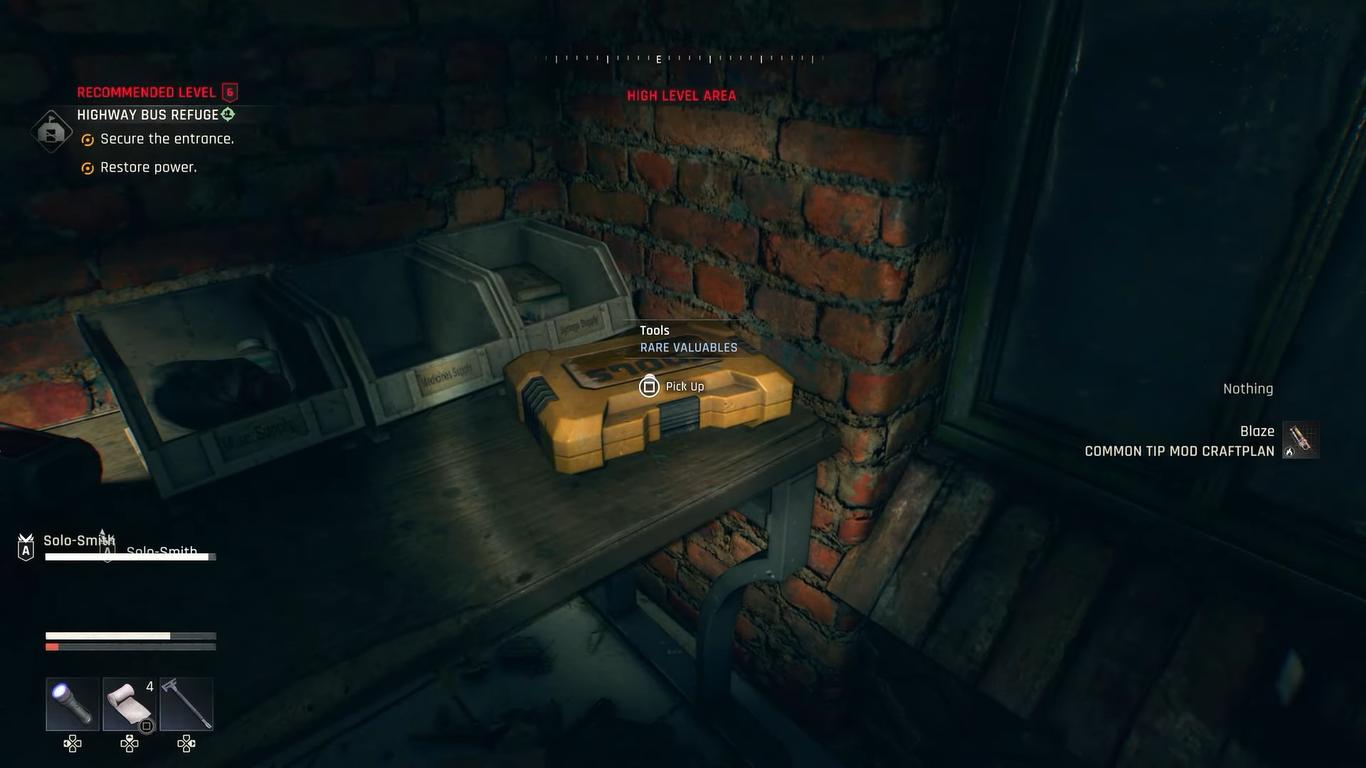
Additional 1440p Fullscreen Confirmation
Changing the display to true full-screen and running the forest stress test again verifies the earlier results. In areas with a lot of plants, the framerate drops back down to the mid-50s. Without FG, town areas get about 80–90fps on average.
Ray Tracing at 1080p Native
RTX 5090 finally stays at 100fps+ at 1080p with RT on and no upscaling. This resolution isn't excellent for a GPU of this level, and a 1080p panel that is bigger than 24 inches shows distinct pixel structure. Even so, the test shows how much headroom the card has at lower resolutions. Enabling 4× FG at 1080p yields 400–600 fps, though the image softens and performance becomes CPU-limited by the Ryzen 7 9800X3D.
Final Thoughts
The ray-tracing update introduces new possibilities, but it only improves some situations in a few ways. Reflections generally don't look very detailed, and native RT performance is still hard to get.
We can turn off RT completely, which is good because certain UE5 games have built-in fixes. DLSS or other upscalers make RT playable, though people without high-end RTX 50-series GPUs might want to play without it. The game still runs nicely with RT off, and the graphics are still good.
Also, check our other NVIDIA articles below:
- GeForce RTX 5090 Unleashed: Is NVIDIA's New Flagship the Ultimate 4K Gaming GPU?
- NVIDIA GeForce RTX 5080 Review (2025): Still A 4K Gaming Powerhouse?
- RTX 5090 Performance Testing In GTA 5 – 1080p, 1440p, and 4K Max Settings Benchmark
- RTX 5090 Laptop Vs. M4 Max MacBook Pro: Ultimate Raw Performance Vs. Battery Endurance
- NVIDIA RTX 5070 Review: Mid-Range Muscle or Marketing Hype?
- RTX 5070 Ti Review: Performance, Thermals & Power Efficiency Tested
- Asus ROG RTX 5090 Astral OC Vs. Founders Edition: The 4K Gaming Benchmark
- ASUS ROG Astral RTX 5090 OC Edition Review: 32GB GDDR7 & 4K Gaming Benchmark
- ASUS GeForce RTX 5090 LC Liquid Cooled GPU Review: Unmatched Silence & Speed
- MSI GeForce RTX 5090 32GB SUPRIM SOC Review: Power Efficiency, Cooling, and Gaming Performance
- INNO3D RTX 5060 Ti 16 GB X2 Review: Gaming Benchmarks, Temps, and Power Efficiency
- HP Omen 45L Review: RTX 5090 Performance, Thermals, and Value Analysis
- ASUS TUF Gaming GeForce RTX 5060 Ti Review: DLSS 4, Power Efficiency, and Gaming
- ASUS Prime RTX 5060 Ti OC 16GB Review: DLSS 4, Ray Tracing, & Thermals Tested
- NVIDIA GeForce RTX 5060 Review: Specs, Gaming, and Cost per Frame
- MSI GeForce RTX 5090 GAMING TRIO OC Review: A Monster Power GPU
Editor, NoobFeed
Gaming Hardware Updates
No Data.