
Image Quality vs Performance: How DLSS, FSR, and XESS Transform PC Gaming
Modern upscaling technologies deliver sharper images and smoother frame rates while reducing system load across demanding gaming experiences.
Hardware by Masaru Hoshino on Sep 11, 2025
In the gaming world, upscaling technologies have been the subject of contentious discussions for many years. Many gamers are still confused. They don't believe Intel's XESS, think DLSS is useless, and call FSR trash. But the truth is a lot more complicated.
These technologies are changing the way modern games work by finding a balance between performance and image quality that can make your experience much better.
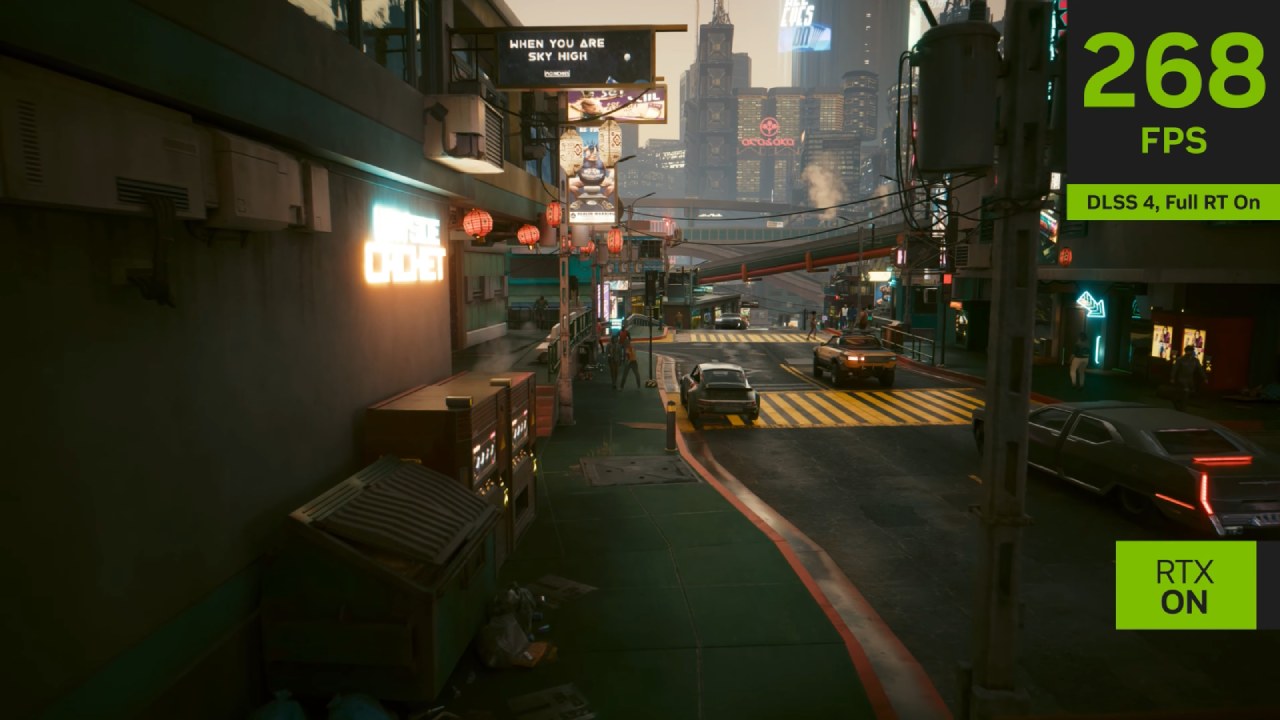
Understanding the difference between super resolution, frame generation, and how latency fits into the equation is essential to knowing when and where to use them.
Upscaling Isn't New
Upscaling technologies like DLSS, FSR, and XESS all aim to achieve the same core purpose: making games look sharper at lower rendering costs. When you run a game at 4K, it takes a huge amount of GPU power.
If you drop the resolution to 1080p or 1440p, you gain performance but lose clarity. Upscaling solves this by rendering at a lower resolution and using advanced algorithms—or in DLSS and newer FSR/XESS, AI—to reconstruct and sharpen the image back up to your display's native resolution.
We've seen upscaling before with TVs converting SD content to HD, but modern approaches are far more intelligent.
Instead of simply multiplying pixels, they use motion vectors and AI models to determine what each pixel should look like. This means sharper lines, more accurate details, and less blur, even when scaling from lower input resolutions.
Native vs. DLSS Presets
With DLSS, you get different presets such as Performance, Balanced, and Quality. These essentially determine how low the input resolution can be before it's upscaled.
Performance offers the highest frame rate boost but sacrifices image sharpness. Quality runs closer to native resolution, keeping the visuals crisp while providing a modest performance increase.
Over the years, DLSS has advanced from its rougher early iterations to DLSS 4, which uses AI transformers and motion vectors for extremely sharp and convincing reconstruction.
In some cases, DLSS can even look better than native rendering with traditional TAA, since anti-aliasing sometimes introduces blur that DLSS avoids.
AMD FSR
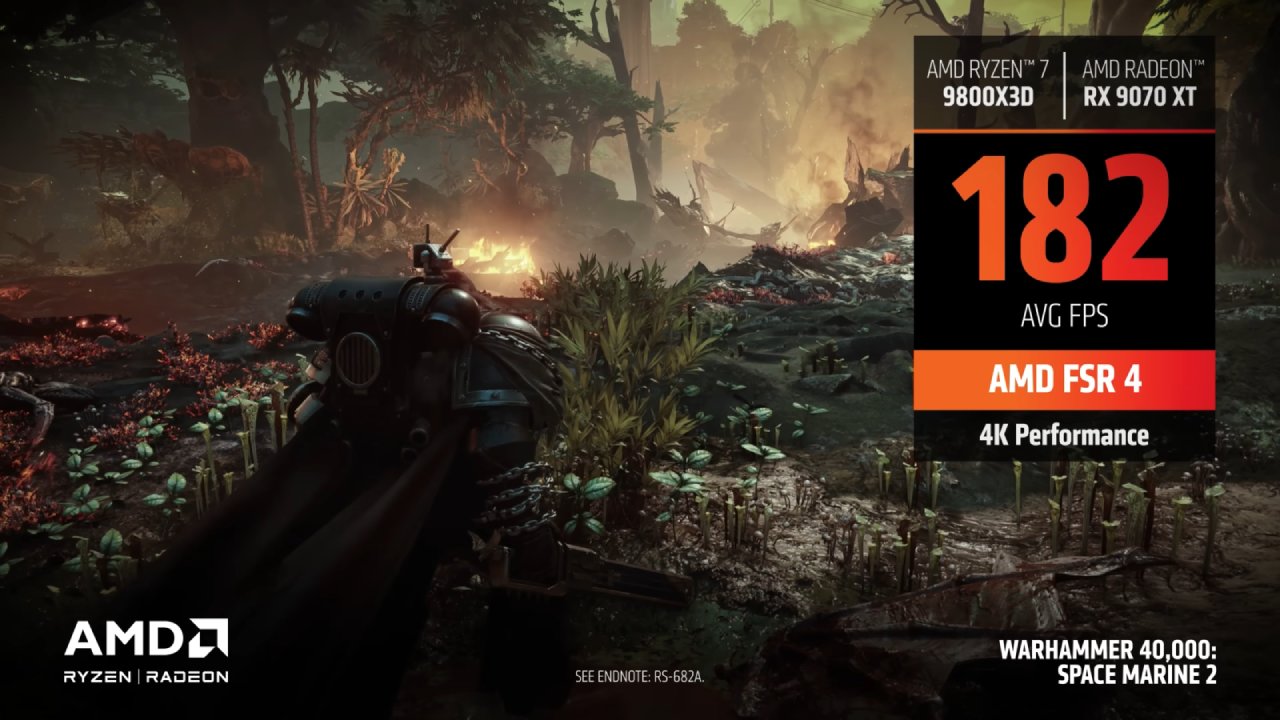
FSR began as a purely algorithm-based solution without AI, meaning it wasn't as sophisticated as DLSS. It was easy to implement and worked on almost any GPU, but the image quality—especially at 1080p—often looked blurry or artifact-heavy. At 4K and higher quality modes, results were passable, but they never matched DLSS.
That changed with FSR 4, which now uses AI and AMD's dedicated hardware in their newer GPUs. The results are far closer to DLSS, with sharper details and significantly fewer artifacts.
However, the main limitation is the lack of support. Not many games have FSR 4 integration yet, and while some workarounds exist, adoption is still catching up.
Intel XESS
Intel entered the scene with XESS, aiming to offer something between FSR and DLSS. It works on a wide range of hardware, doesn't require a specific GPU, and often produces better results than older versions of FSR.
While it doesn't quite reach DLSS's level, it provides a strong middle ground and is worth trying if your game supports it. Games such as Fortnite demonstrated that XESS could provide visuals that were cleaner and smoother with little sacrifice in speed.
Upscaling Reduces Latency
The idea that DLSS and other upscalers cause latency to increase is among the most widespread misunderstandings. That is untrue. These technologies actually lower latency and improve game responsiveness by increasing frame rates.
With DLSS Super Resolution, your GPU renders more frames efficiently, improving both smoothness and responsiveness.
You can monitor this using tools like Nvidia FrameView or built-in overlays to see render latency in real time. The benefit is especially noticeable in fast-paced games where every millisecond counts.
The Issue With Nvidia's Marketing
Where confusion arises is with DLSS Frame Generation. Unlike Super Resolution, frame generation doesn't actually render more frames—it creates "in-between" frames using AI. This boosts the frame rate number but also adds latency, making your inputs feel less responsive.
The additional smoothness is worth it for some players, particularly those who use controllers or play slower single-player games.
However, the additional latency may cause a disconnection between your inputs and the action on screen in fast-paced or competitive games.
Nvidia's decision to bundle both features under the DLSS brand makes it more difficult for players to distinguish between the two, leading to potential misconceptions.
The Big Problem With Frame Generation
Frame generation can smooth gameplay visually, but the artifacts and latency penalties make it far from perfect. AI-created frames sometimes produce ghosting, "wobbling," or unnatural artifacts, especially when combined with ray tracing or path tracing.
Nvidia's latest GPUs can push frame generation up to 4x, meaning you see three AI-generated frames for every real one. While this inflates the frame counter, the actual responsiveness suffers. Even at high frame rates like 120fps, the latency increase is noticeable compared to running at 70-80fps natively with DLSS alone.
In practice, if you already have a solid base frame rate around 70-80fps, frame generation often feels unnecessary. It may look smoother, but the loss in responsiveness outweighs the gain for most players.
When to Use These Technologies
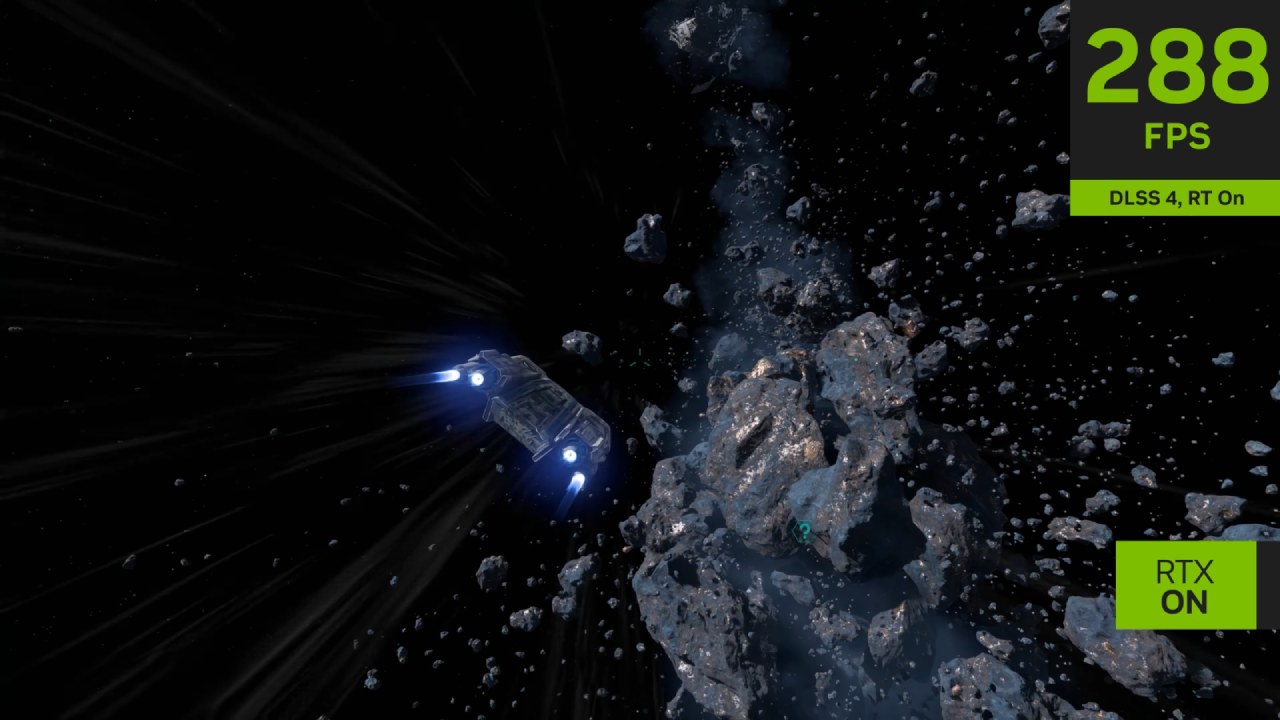
If you're running demanding games at high resolutions, DLSS Super Resolution should almost always be enabled. FSR 4 and XESS are strong alternatives, especially if you don't own an Nvidia GPU.
These technologies deliver higher frame rates with minimal image quality trade-offs, making them useful for nearly every type of game.
Frame generation, however, should be treated as optional. It works well in slower-paced single-player games or motion picture experiences when responsiveness is less crucial than fluidity.
To preserve the lowest latency possible, we advise leaving it off in situations that are fast-paced or competitive.
Final Thoughts
There are no tricks with DLSS, FSR, or XESS. They are useful technologies that help modern games run better and look better at the same time. To get the most out of your experience, it's important to know the difference between frame generation and upscaling.
Even while marketing can often make things complicated, making smart use of these features will make gaming more responsive, smooth, and sharp without compromising on anything important.
Check Our Other Articles:
- GeForce RTX 5090 Unleashed: Is NVIDIA's New Flagship the Ultimate 4K Gaming GPU?
- NVIDIA GeForce RTX 5080 Review (2025): Still A 4K Gaming Powerhouse?
- RTX 5090 Performance Testing In GTA 5 – 1080p, 1440p, and 4K Max Settings Benchmark
- NVIDIA RTX 5070 Review: Mid-Range Muscle or Marketing Hype?
- RTX 5070 Ti Review: Performance, Thermals & Power Efficiency Tested
- ASUS ROG Astral RTX 5090 OC Edition Review: 32GB GDDR7 & 4K Gaming Benchmark
- ASUS GeForce RTX 5090 LC Liquid Cooled GPU Review: Unmatched Silence & Speed
- MSI GeForce RTX 5090 32GB SUPRIM SOC Review: Power Efficiency, Cooling, and Gaming Performance
- INNO3D RTX 5060 Ti 16 GB X2 Review: Gaming Benchmarks, Temps, and Power Efficiency
- HP Omen 45L Review: RTX 5090 Performance, Thermals, and Value Analysis
- ASUS TUF Gaming GeForce RTX 5060 Ti Review: DLSS 4, Power Efficiency, and Gaming
- ASUS Prime RTX 5060 Ti OC 16GB Review: DLSS 4, Ray Tracing, & Thermals Tested
- NVIDIA GeForce RTX 5060 Review: Specs, Gaming, and Cost per Frame
- MSI GeForce RTX 5090 GAMING TRIO OC Review: A Monster Power GPU
Editor, NoobFeed
Gaming Hardware Updates
No Data.