
Intel Panther Lake B390 Gaming Performance Tested Across Modern AAA Titles
Intel Panther Lake B390 demonstrates strong integrated GPU gaming performance across modern titles at 1080p and 1440p resolutions.
Hardware by Shinji Okazaki on Apr 06, 2026
Intel Panther Lake B390's gaming performance test demonstrates that contemporary integrated GPUs are getting close to dedicated graphics levels. To keep things consistent across devices, the system runs games at 1080p.
XeSS is enabled when needed to boost performance without compromising visual clarity.
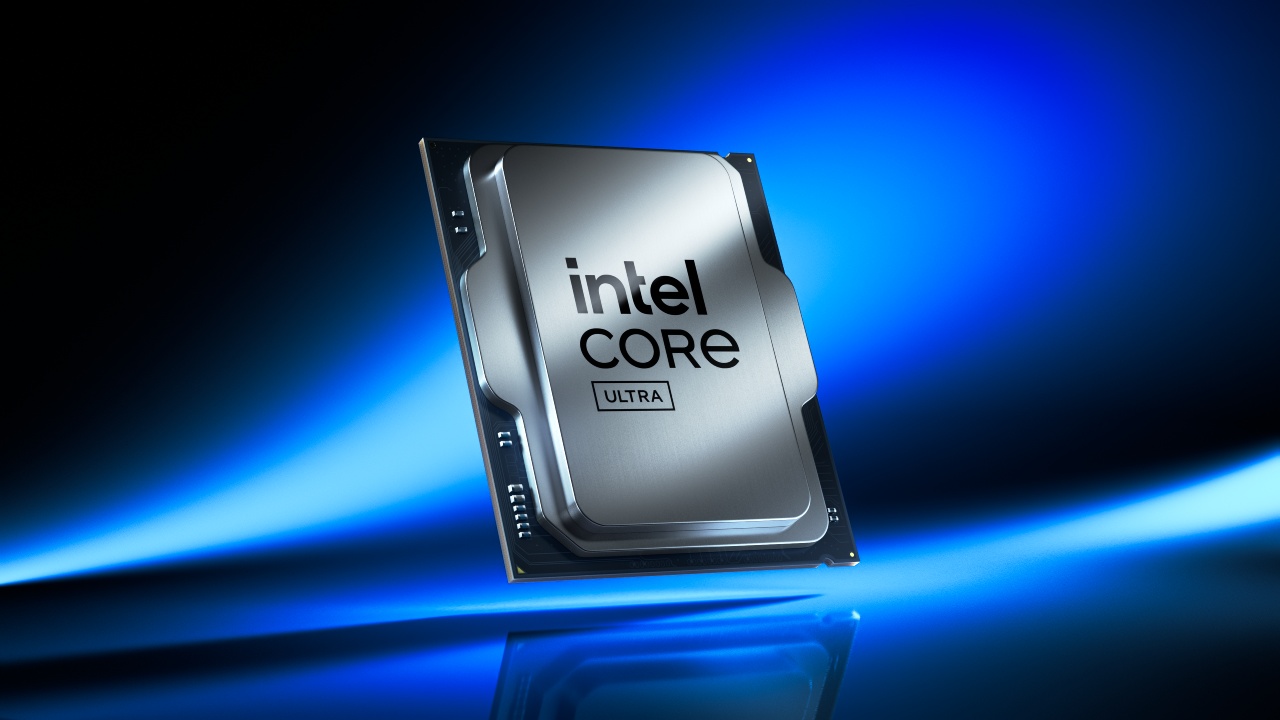
ARC Raiders at 1080p
We start with ARC Raiders at 1080p and use balanced XeSS scaling. Even in detailed scenes, visual stability remains consistent, and there aren't many artifacts. The image quality stays good during gameplay, even though the resolution isn't too high.
When you switch to native rendering without scaling, the frame rate goes up to about 70 fps on medium settings. Compared to standard laptop setups, power use is far lower. The total use is just about 30W, while systems with discrete GPUs and heavier CPU loads use 80–85W. This shows a significant efficiency benefit.
When you set the settings too high, the frame rate drops to about 50–55 fps, which is still enjoyable. To make the game more competitive, settings can be improved by lowering options that aren't as obvious and raising textures and foliage. This method maintains the quality of visuals in crucial areas while increasing frame rates.
When you enable XeSS in balanced mode, the frame rate exceeds 100 fps. There are a few stability issues in distant fine details, but switching to the quality setting fixes them and keeps the frame rate at roughly 96 fps. This means that quality mode is a good choice for steady images and great performance.
Borderlands 4 Optimization and Scaling Effects
When you test Borderlands 4 at 1080p on low settings without scaling, you get about 30–35 fps. The game doesn't work well on all systems.
Applying XeSS scaling significantly improves performance, raising frame rates to about 60 per second. Switching to quality mode makes the image more stable because balanced mode causes visual problems. With small changes, like making the foliage denser and mixing medium and low settings, performance stays consistent without needing to generate frames.
Scaling up even a little bit makes a big difference in performance, so the game is entirely playable with some careful settings.
Cyberpunk 2077 with Ultra Settings
Running Cyberpunk 2077 at 1080p extreme settings without scaling works well. Performance approaches 60 fps when XeSS quality mode is enabled. In balanced mode, frame rates exceed 60 fps, even in tough places like Dogtown.
This shows that a 25W integrated GPU can handle ultra settings in a hard game. You can also turn on ray tracing at low settings with scaling, which keeps the game playable. It displays what the hardware can do, even when it's not needed.
Gaming performance at 1440p
On an external screen, testing will go on until 1440p. The frame rate stays at around 60 fps with scaling and medium levels. Performance stays stable even in scenes with a lot of detail, allowing you to use higher resolutions. Frame rates vary from 60 to 75 fps at native 1440p, depending on the scene. Using performance scaling gives you an extra 10–15% boost, but balanced mode is a better balance between visual quality and performance.
Doom: The Dark Ages at 1440p
If you set Doom: The Dark Ages to low settings and balanced scaling, you should get about 60 fps. These are native frames that don't need frame generation. The performance stays steady while playing, with just slight decreases during fighting.
Even under heavy stress, the frame rate remains constant, showing that this integrated GPU can handle 1440p gaming.
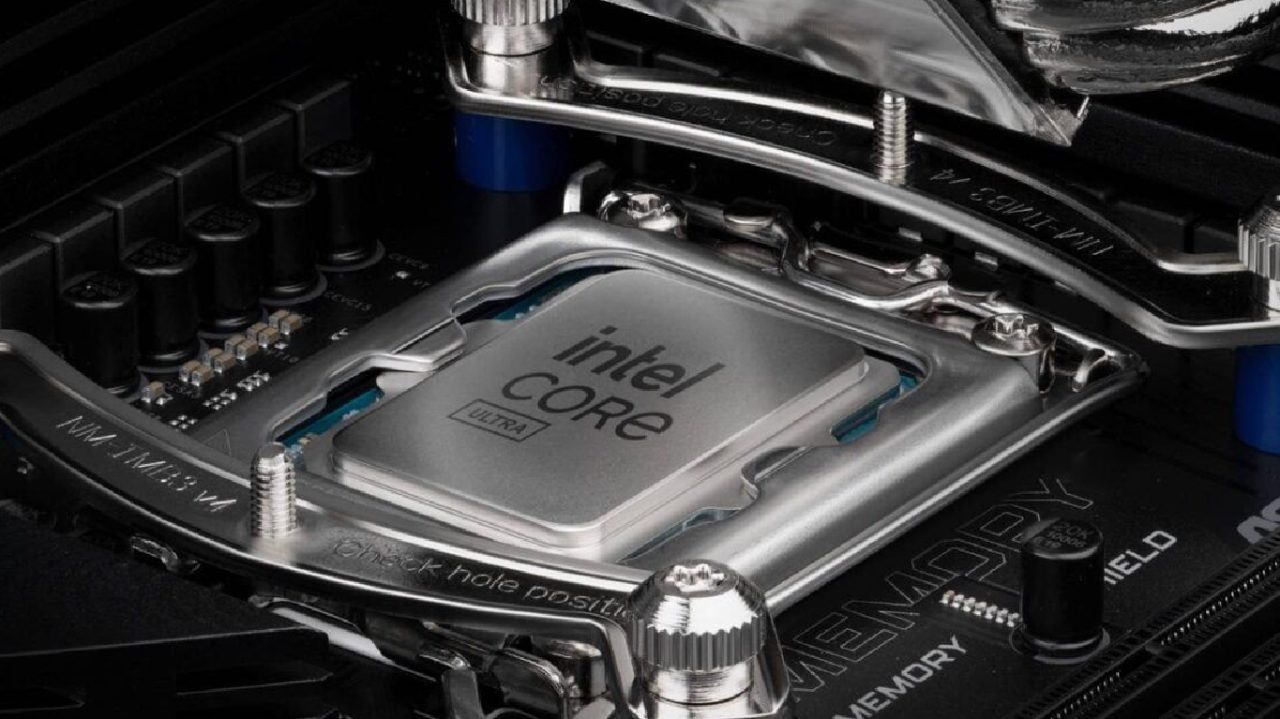
Better Architecture and Efficiency
Compared to earlier generations, we see significant improvements in performance and efficiency. Intel's older integrated GPUs fell behind those of its competitors; the ones available now work very well.
The CPU is now more efficient and powerful, and the built-in GPU is now very close to higher-wattage options. This system works better and uses less power than older AMD integrated graphics like the 780M and even later 890M models.
Final Thoughts
When you play games on Intel Panther Lake B390, you get the same results across different titles. Most games run fine at 1080p without scaling. XeSS delivers high-quality images and significant performance gains when scaling is enabled.
The system still works well at 1440p with medium settings and mild scaling. Power efficiency is a big deal because it uses much less power than a regular laptop setup.
Overall, integrated graphics now have the power to play recent games without needing a separate graphics card.
Editor, NoobFeed
Gaming Hardware Updates
No Data.