
Lenovo Legion Go S vs. Zotac Zone: In-Depth Experience Comparison
Design choices and hardware layout between Zotac Zone and Legion Go S affect daily usability and gaming immersion
Hardware by Tanvir Kabbo on Aug 10, 2025
Lenovo has refined its handheld gaming lineup with Legion Go S, offering a more compact, lightweight, and travel-friendly version of its larger predecessor. It seeks to deliver a high-end handheld experience without sacrificing portability with a futuristic design and enhanced ergonomics.
Zotac Zone, on the other hand, comes into play with a stylish design, an AMOLED screen, and a significant emphasis on battery life, comfort, and performance. Despite having the same function—PC gaming while on the go—both gadgets take distinct approaches to the problem.
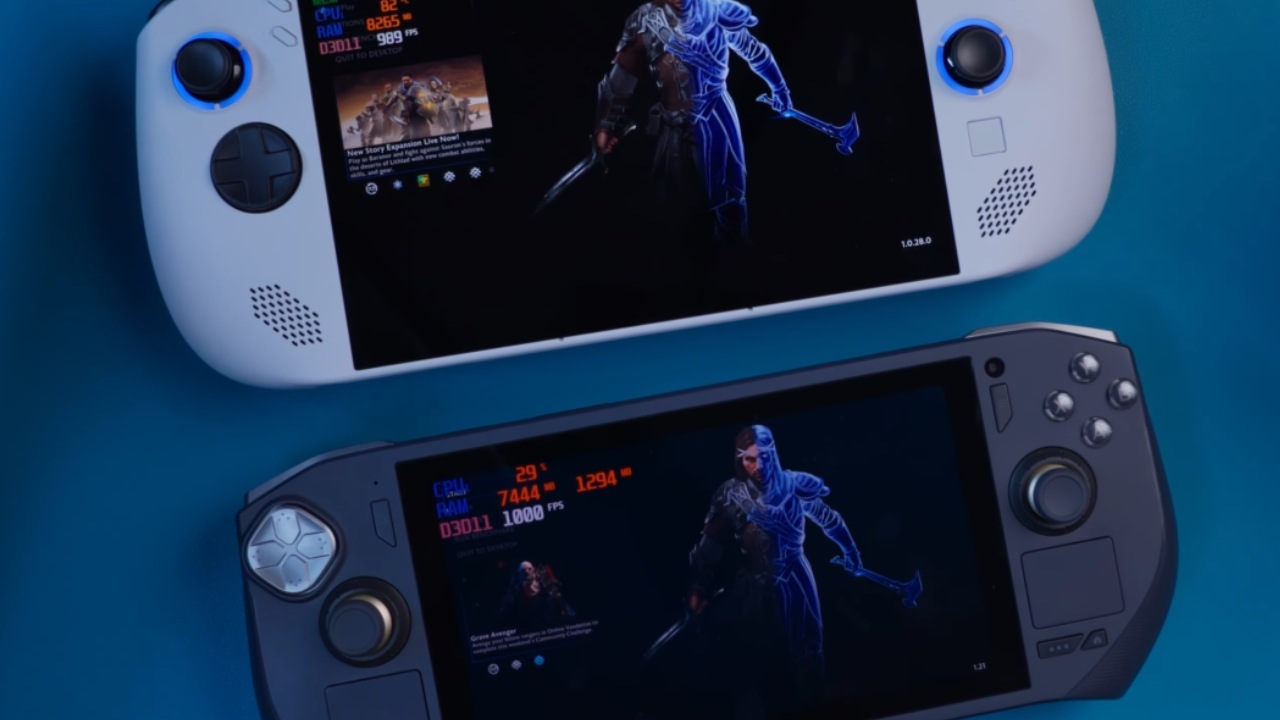
What really makes them stand out is the whole experience they provide, not just the specifications. Comfort, responsiveness, and immersion are what eventually determine which one is the superior gaming partner, regardless of how the devices feel in the hands or how the games appear and function on their screens.
Design and Ergonomics
Side by side, Lenovo Legion Go S immediately appears more premium. It's sleek, futuristic, and surprisingly comfortable. The ergonomic design is well-balanced—not too big, not too small. It solves the size and portability concerns that came with the original Lenovo Legion Go's detachable controllers.
In contrast, Zotac Zone initially raised concerns with its 7-inch screen and bezels. But once we started using it, all doubts faded.
It's compact, with excellent reachability for all buttons, and remains just as comfortable in hand. Both devices feel great ergonomically, and comfort ultimately comes down to personal preference. We'd rate both 10/10 in ergonomics.
Controls and Button Quality
Legion Go S features hall-effect analogue sticks with RGB lighting, adding a stylish touch. However, the d-pad, shoulder buttons, and triggers feel cheap compared to Zotac Zone.
We found the buttons and analog sticks on Zone to be more premium in feel. There's no RGB around the sticks, but Zotac smartly places lighting on the back, giving a more subtle aesthetic.
Both devices support trigger locks for FPS gameplay, offering linear and hair trigger options. But only Zotac Zone comes with a kickstand, which is a useful extra for tabletop gaming or watching movies. Legion Go S's usefulness would have been much improved if it had a kickstand.
.jpg)
Speakers and Port Location
Legion Go S's strategy of positioning both USB4 ports at the top is one that we like. It makes wire management easier, particularly when connected to an eGPU or monitor. In situations involving multiple connections, Zotac Zone feels awkward because it has a port at the top and another at the bottom.
Legion Go S excels in speaker positioning as well. Front-facing speakers produce a more immersive and direct sound. Reaching the maximum volume produces a rich, clear sound that is superior to that of Zotac Zone.
Display Quality
While Legion Go S boasts a large 8-inch IPS display with vibrant colours, Zotac Zone's 7-inch AMOLED panel is in another league. It's brighter, sharper, and simply more stunning.
Zone reaches 800 nits brightness with a 1080p resolution, translating to a high 351 PPI. Legion Go S, with 500nits and a lower PPI of 281, doesn't match that level of crispness.
In practice, the AMOLED display's makes gaming feel immersive despite the smaller screen size. Once immersed, it's easy to forget you're playing on a 7-inch screen. For anyone who values visual clarity and contrast, Zotac Zone holds a clear edge.
Battery Life
Both devices were charged to 100% before testing with the same game, same settings, and maximum TDP. After gameplay, Legion Go S dropped to 56%, while Zotac Zone was at 50%.
Legion Go S houses a 55.5Wh battery, compared to Zone's 48Wh. Despite the smaller battery, Zone held up well, showing efficiency in real-world use.
Gaming Performance
Legion Go S achieved about 34–35 fps while running the same game with the same maximum settings. By contrast, under the identical circumstances, Zotac Zone achieved over 50 fps. There was a difference in both framerate and graphic quality.
The overall experience was enhanced by Zone's apparent brightness and vibrancy.
Price and Value
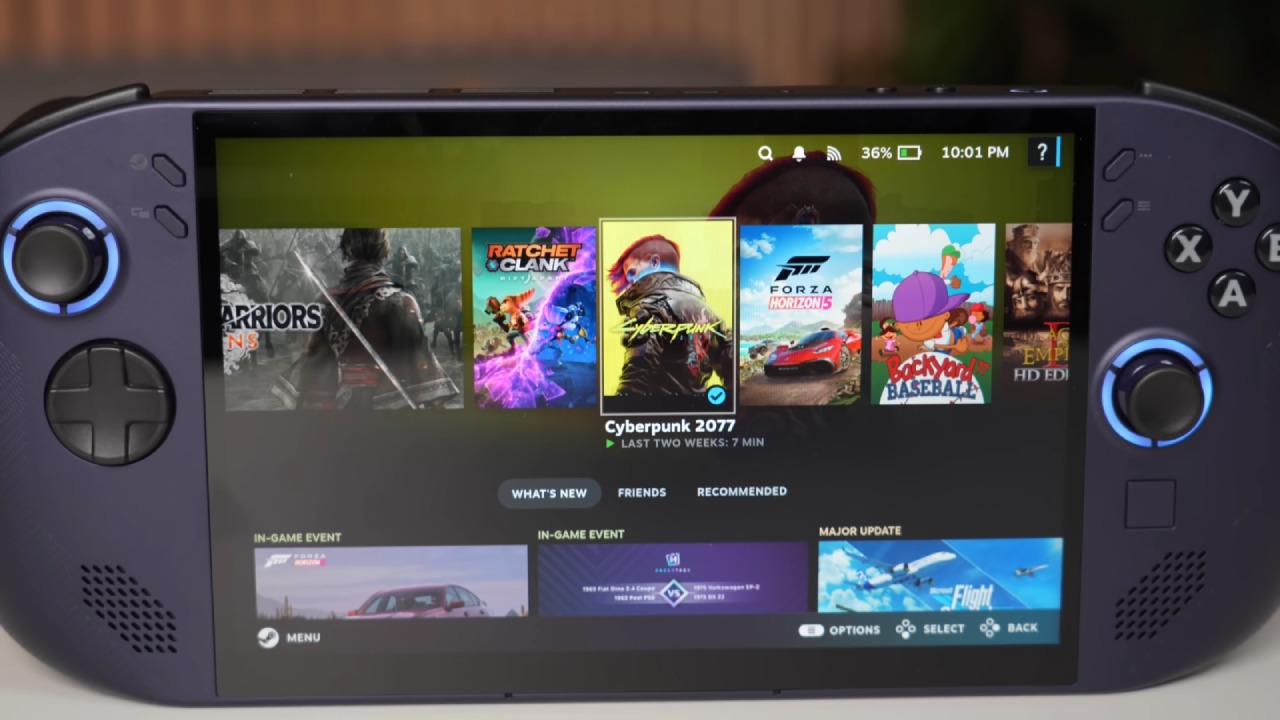
Legion Go S costs $650, but the price goes up significantly when you add 2TB of storage. Its APU is slower than that of the Zotac Zone, which retails for around $750. The performance and visual experience of Zotac Zone alone justify the extra cost.
If you're planning to upgrade storage anyway, Zotac Zone offers better long-term value. And with Zotac Zone 2 on the horizon—featuring an AX370 chipset, Radeon 890M iGPU, 32GB RAM, and 1TB SSD—it's only going to get better.
Final Thoughts
If you're after a balanced, immersive experience with great visuals, comfortable design, and smooth performance, Zotac Zone delivers. While Lenovo Legion Go S shines in design and speaker placement, it falls short in display quality and gaming performance.
We would keep Zotac Zone for the long haul. Zone is a formidable device, even in comparison to high-end handhelds such as Asus ROG Ally X. It provides a more fulfilling experience, even though it lacks a large 80Wh battery and 24GB of RAM.
In the end, what matters most is how the device makes you feel when you're gaming, not its specifications. And the Zotac Zone just does what it promises.
Check our Other Handheld Articles :
- ASUS ROG Ally X Handheld Review: Double the Battery, Double the Comfort
- Nintendo Switch 2 Vs. Original Switch 1: A Full Comparison
- How To Connect A Camera And Join Voice Chat With Nintendo Switch 2
- Nintendo Switch 2 Review: Handheld Performance, Features & Value Breakdown
- ROG Xbox Ally X Vs. ROG Ally X: Display, Battery & Controls
- ASUS ROG Ally X vs. Steam Deck OLED: Display, Battery & Gaming Benchmarks
- MSI Claw 8 AI+ Review: Display, Controls & Gaming
- Nintendo Switch 2 vs. Steam Deck OLED: Gaming, Performance, Battery, Display and Value
- PlayStation Portal Review: Remote Play, Cloud Streaming & Travel Gaming
- PlayStation Portal vs. Lenovo Legion Go: Best Portable Gameplay
- Cyberpunk 2077 Patch 2.3 FPS Test on MSI Claw 8 AI+
Senior Editor, NoobFeed
Gaming Hardware Updates
No Data.