
Lenovo Legion Go S vs. Legion Go: Handheld Gaming Performance Compared
Exploring how the Z2 Go chip holds up against the older but more powerful Z1 in real‑world tests
Hardware by Masaru Hoshino on Jul 20, 2025
The recently launched budget-friendly Legion Go S and last year’s premium Legion Go are now available at almost the same price. Although one is intended to be more affordable and the other was designed as a high-end device, they perform relatively similarly in real gaming use.
Both offer solid handheld gaming experiences, and on the surface, there aren’t huge differences. However, when we take a closer look—comparing design, battery life, display quality, and performance—we begin to see what truly sets them apart.
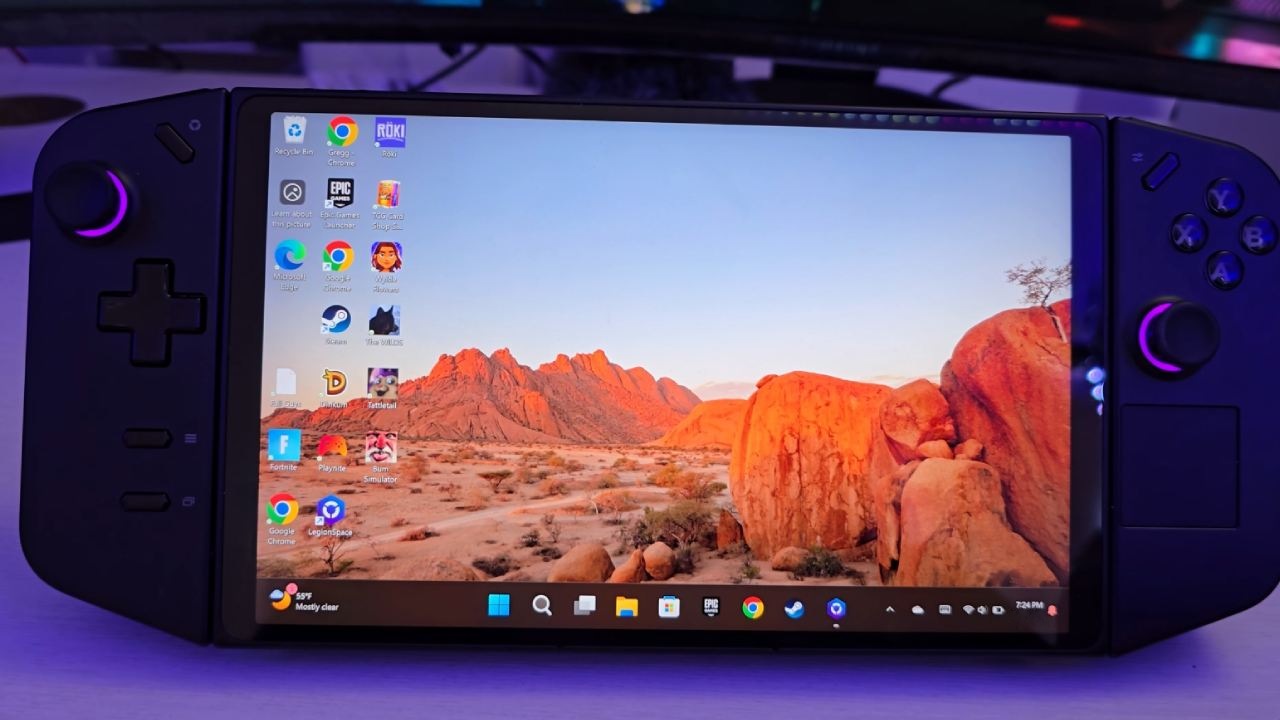
Comparing them side by side makes it much easier to determine which one offers you the best value for your money.
Design and Ergonomics
Physically, Legion Go S and Legion Go share much of the same DNA. Lenovo’s reputation for excellent laptop design extends to both handheld devices. The premium Legion Go features detachable controllers, very similar to the Switch's Joy‑Cons, allowing you to remove and use them as standalone wireless gamepads.
Legion Go S, by contrast, has integrated controllers. Beyond that, its build quality and overall ergonomics are nearly identical, making both devices comfortable to hold during extended gaming sessions.
Battery Life
Battery life presents a notable advantage for the newer, budget model. In a 4K video stream test at 50% screen brightness, Legion Go managed just over 3 hours of runtime, whereas Legion Go S lasted about 4 hours under the same conditions.
The Go S benefits from a slightly larger 55.5Wh battery compared to the Go’s 49.2Wh. Although neither capacity is class-leading—some competitors offer 80Wh batteries—the Go S clearly pulls ahead in endurance.
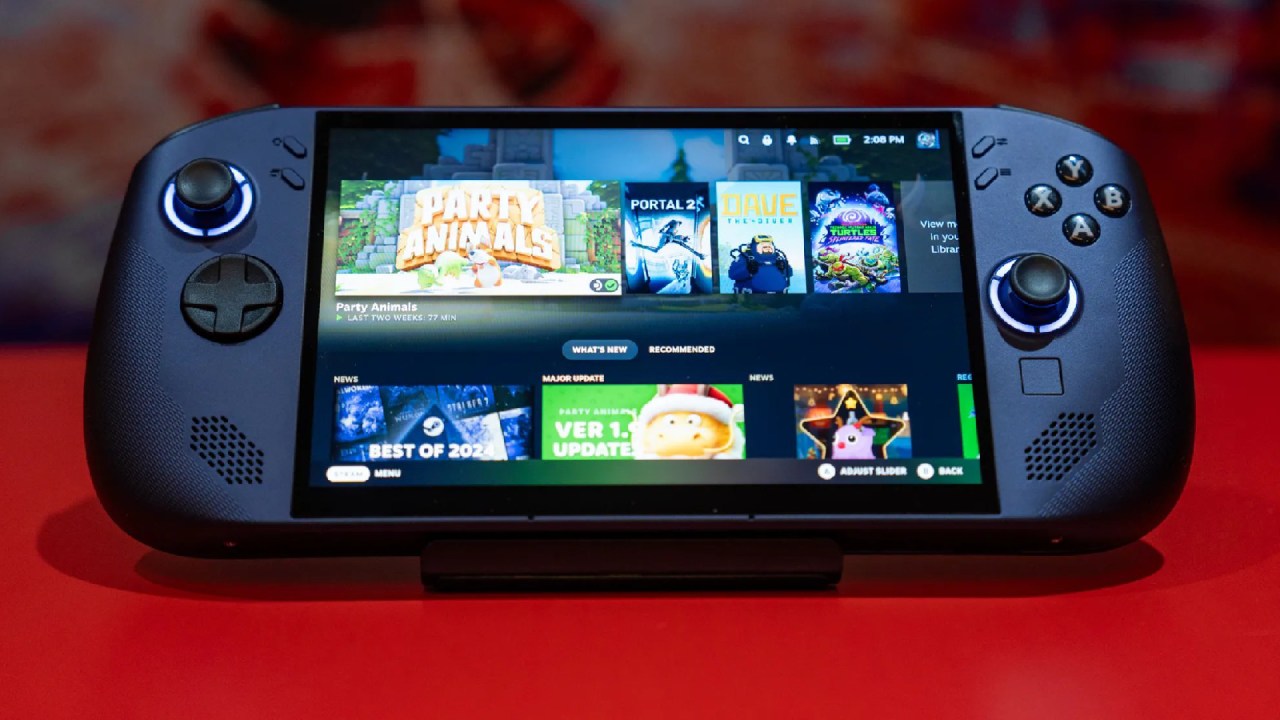
Display Quality
Legion Go S features an 8-inch IPS screen with a 120Hz refresh rate and a 1920×1200 resolution. The Legion Go features a larger 8.8-inch IPS panel with a 144Hz refresh rate and a 2560×1600 resolution.
In practice, both displays look fantastic, offering excellent brightness, contrast, dynamic range, and color accuracy thanks to Lenovo’s high‑quality panels.
While the Go’s higher resolution and refresh rate are technically superior, they also place greater strain on the battery without delivering markedly better visual benefits during typical gameplay.
Chipset and Performance
The biggest technical difference lies in the chipsets. The budget Legion Go S ships with the newer Z2 Go chip, while last year’s Legion Go uses the higher‑end but older Z1 chip.
Benchmarks suggest the Z2 Go delivers about 75% of the single‑core performance of the Z1, and its integrated GPU (680M) is roughly 50% less powerful than the Go’s 780M.
However, real-world testing paints a more accurate picture. In Overwatch 2 at high settings and 1200 p, the Go averaged 90 fps, while the Go S managed 75 fps.
In Call of Duty Zombies at high 960p, we saw 80 fps on the Go and 70 fps on the Go S. That amounts to only a 20–25% real‑world gap, not 50% as benchmarks might imply.
.jpg)
Operating System Options and Value
One of the major changes for Legion Go S is the choice between a Windows-based OS and a Steam OS version. We opted for Steam OS, which is both cheaper and lighter on system resources than Windows. That optimization likely contributes to the Go S’s better‑than‑expected performance.
If you prefer, you can configure the Go S with the Z1 chip—the same chipset as last year’s premium model—to eliminate the performance gap. However, doing so raises the price significantly and negates much of the budget appeal.
Final Thoughts
When comparing this year’s budget Legion Go S with last year’s premium Legion Go, we find minimal real‑world differences across design, battery life, display quality, and performance.
Your decision essentially boils down to whether you value detachable controllers or prefer the flexibility and potential cost savings of Steam OS on Legion Go S. Both deliver excellent handheld gaming experiences at similar price points.
Check our Other Handheld Articles :
- ASUS ROG Ally X Handheld Review: Double the Battery, Double the Comfort
- Nintendo Switch 2 Vs. Original Switch 1: A Full Comparison
- How To Connect A Camera And Join Voice Chat With Nintendo Switch 2
- Nintendo Switch 2 Review: Handheld Performance, Features & Value Breakdown
- ROG Xbox Ally X Vs. ROG Ally X: Display, Battery & Controls
- ASUS ROG Ally X vs. Steam Deck OLED: Display, Battery & Gaming Benchmarks
- MSI Claw 8 AI+ Review: Display, Controls & Gaming
- Nintendo Switch 2 vs. Steam Deck OLED: Gaming, Performance, Battery, Display and Value
- NVIDIA GeForce Now on Steam Deck: Battery Life, Gameplay, Streaming
- PlayStation Portal Review: Remote Play, Cloud Streaming & Travel Gaming
Editor, NoobFeed
Gaming Hardware Updates
No Data.