
MSI Claw 8 Ex AI+ SteamOS Performance Tested With Intel G3 Extreme
MSI Claw 8 EX AI+ shows strong SteamOS gaming performance despite current Linux XMX engine limitations.
Handheld by Shinji Okazaki on Sep 30, 2026
MSI Claw 8 EX AI+ can now boot directly into official SteamOS, bringing Intel's G3 Extreme CPU and Intel Arc B390 graphics to Valve's operating system. The handheld runs Windows 11 out of the box, but SteamOS support lets you use its hardware with Valve's operating system.
MSI Claw 8 EX AI+ has been able to boot SteamOS for about a month, but the main issue has been the XMX engines in Linux with this Arc GPU. While they aren't completely fixed, the G3 Extreme offers enough raw performance to run games in SteamOS at high frame rates.
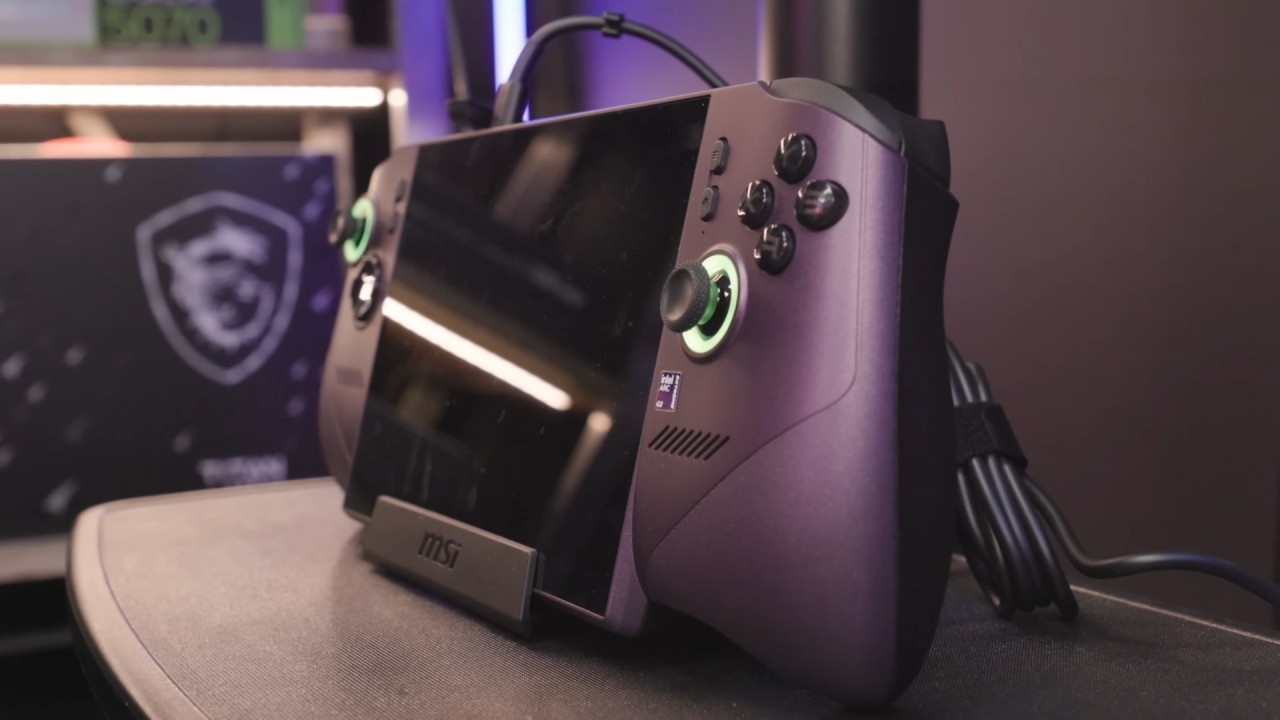
MSI Claw 8 EX AI+ SteamOS Support
For those unfamiliar with this device, this is MSI's handheld gaming machine. Recently, MSI also announced the lower-end variant of the Claw EX with the G3 non-Extreme. Out of the box with Windows installed, these chips can run a handheld gaming PC.
Valve has also released specific updates for the EX to make the controller work: the menu buttons, Wi-Fi, Bluetooth, audio, and the screen work. VRR and adjustable brightness are also working. A few things are missing, including RGB control.
MSI Claw 8 EX AI+ is also missing TDP control in official SteamOS. Again, as with RGB, you can install a third-party plugin to adjust this, and you can go up to 40W TDP. If you're looking to install SteamOS on your device, you will need this. If you want, you can go from 3W up to 40W.
The main thing we need to have enabled here is the CPU governor set to performance. It seems that official SteamOS is having a hard time with this chipset adjusting clocks across the different clusters. We've got performance cores, low-power cores, and low-power efficiency cores.
XMX Engines Remain the Main Linux Limitation
The XMX engines in Windows handle XSS upscaling and XeSS frame generation or multi-frame generation. Since they don't work in Linux, the system falls back to the shader cores. The new XCSS technology is highly optimized for those XMX engines. We can still use XeSS upscaling, but it will use the shader cores.
We cannot use XeSS frame generation or XeSS multi-frame generation. What I've been doing is using FSR upscaling and FSR frame generation. Intel knows this isn't working, and they say they've passed it on to the right department. Hopefully, they are working on a fix because it would increase the G3 Extreme's performance in SteamOS.
In Settings, we're on official SteamOS. I'm actually using the main branch, and I updated the beta, hoping to get those XMX engines working. They are not working yet. This is SteamOS 3.10.
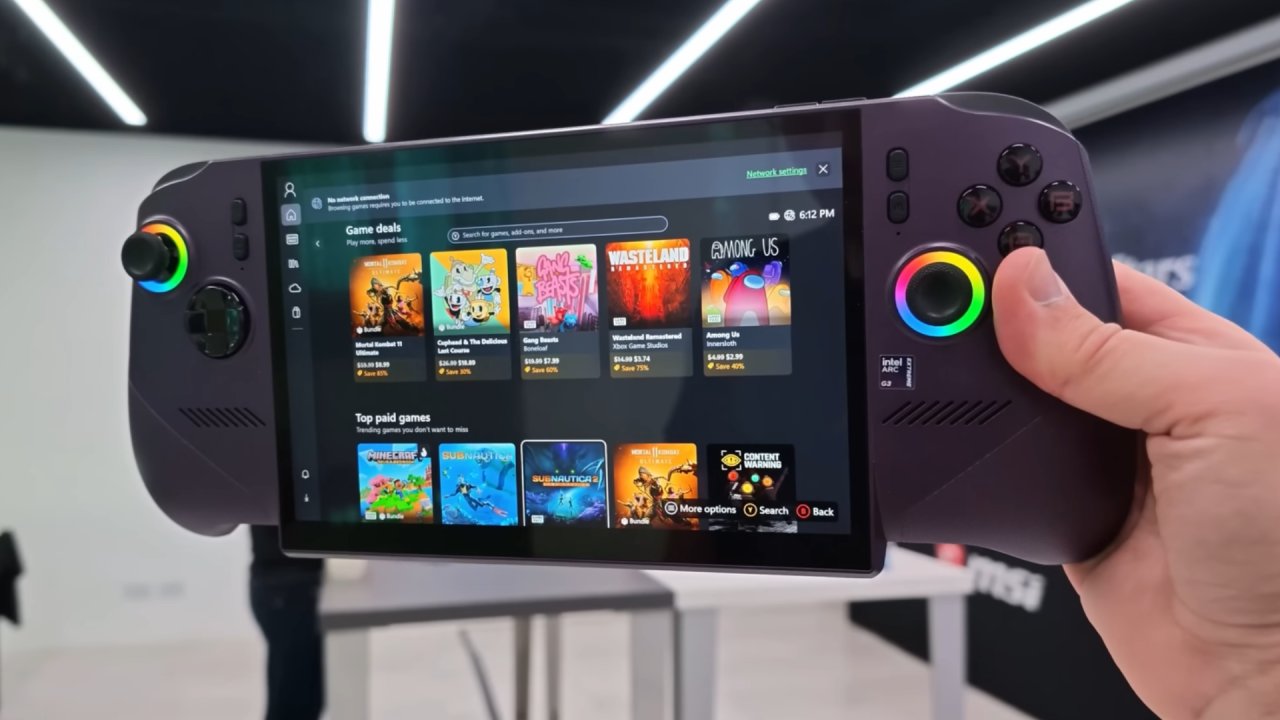
MSI Claw 8 EX AI+ can run games on SteamOS, even though the XMX engines don't work on Linux.
MSI Claw 8 EX AI+ comes with 32GB of unified memory. We have 32GB total, and it automatically allocates 23GB to the B390 iGPU's VRAM. I have also tested Bazzite on this device. Between the two, we're not seeing much of a performance difference, so I figured I'd go with the official SteamOS.
Instead of running at a 16x10 aspect ratio, we're at 16x9, but we won't lose much on the screen. This is at 1080p. A big thing to keep in mind here is that we're at a 40W TDP. That extra TDP is what will push this to run these games better without those XMX engines working properly.
It's the OneXPlayer G3. It's another handheld with the same chip, but it's a bit harder to access the SSD than on the MSI Claw 8 EX AI+, so I went with this one. Obviously, raising that TDP will deliver more raw performance. It will keep the CPU and GPU clocks up, but at the end of the day, these are supposed to be handheld gaming devices.
Editor, NoobFeed
Latest Articles
No Data.