
NVIDIA RTX 5080-Level Performance with an Overclocked RTX 5070 Ti
Overclocking the RTX 5070 Ti significantly narrows the performance gap with the RTX 5080 across both CPU and GPU intensive games.
Hardware by Tanvir Kabbo on Oct 21, 2025
RTX 5080 and 5070 Ti have been making waves lately, with the 5080 boasting higher specs but also a noticeably higher price tag. However, the real-world performance gap between the two isn't as large as their price difference suggests.
By carefully tuning the RTX 5070 Ti through overclocking and undervolting, it's possible to achieve near-5080 performance without spending the extra cash.
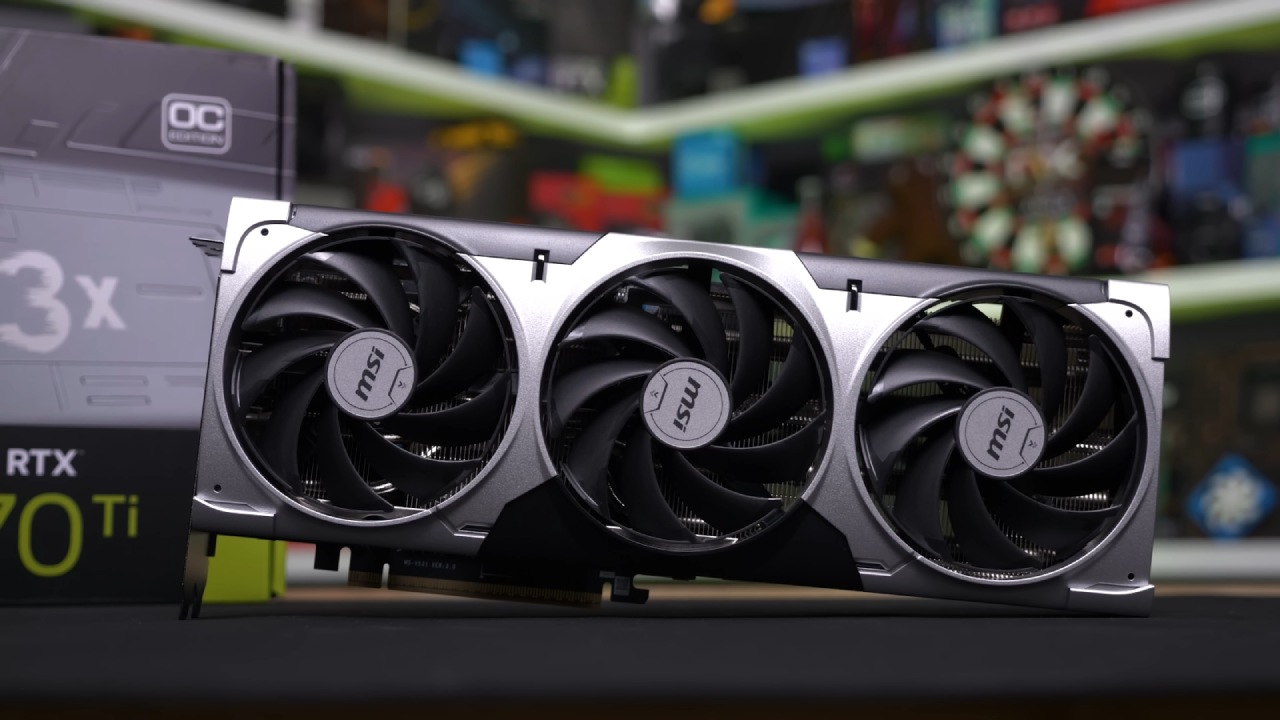
Overclocking Setup and Configuration
We began by overclocking both GPUs for reference, but the main goal was to compare the overclocked 5070 Ti (OC 5070 Ti) against the stock 5080.
Both GPUs were overclocked by +400MHz on the core clock and +1000MHz on the memory clock to close the memory speed gap. Additionally, both were undervolted to lower temperatures and reduce power-limited throttling.
All benchmarks were conducted on a system featuring an Intel i7-14700K processor, 48GB of DDR5 RAM clocked at 7200MHz CL34, and 1440p resolution testing.
Benchmark Results and Synthetic Tests
Starting with 3DMark Time Spy, the OC 5070 Ti scored 29,289 points while the stock 5080 achieved 31,824. The performance difference stood at 8.7%, down from the original 15.8% gap at factory settings. This simple overclock reduced the performance deficit by nearly half.
.jpg)
Game Performance Comparisons
CS2 and Valorant
The OC 5070 Ti did an amazing job in CPU-heavy games like CS2 and Valorant. It got an average of 405 fps in CS2, which is less than the 5080's 420 fps. This cut the disparity from 10.8% to just 3.7%. In Valorant, the 5070 Ti reached 518 fps while the 5080 managed 530 fps, cutting the gap from 9.5% to a mere 2.3%. The differences among these competitive shooters are practically unnoticeable.
Assassin's Creed Mirage
In Assassin's Creed Mirage, the OC 5070 Ti reached 141 fps at native 1440p, just 7.1% behind the stock 5080, improving from a 9.4% gap before overclocking. When DLSS Quality mode was enabled, the OC 5070 Ti even surpassed the 5080, with 158 fps versus 153 fps.
Shadow of the Tomb Raider
Shadow of the Tomb Raider showcased the power of overclocking. The OC 5070 Ti averaged 153 fps, compared to the 5080's 163 fps, reducing the gap from 23.5% to 6.5%. Enabling DLSS Quality further closed the margin to just 2.5%.
Cyberpunk 2077
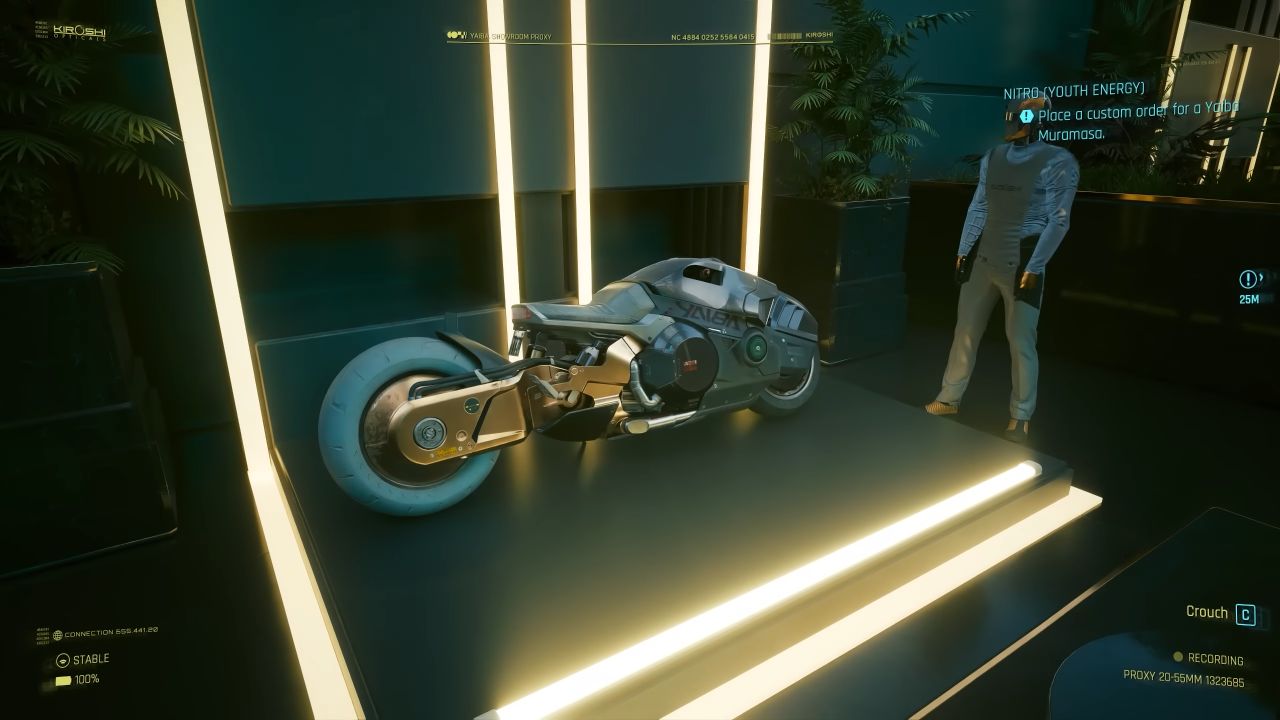
Cyberpunk 2077 was another clear win for overclocking. The 5070 Ti OC reached 57 fps, while the stock 5080 hit 60 fps, reducing the gap from 17.6% to 5.2%. However, when DLSS Quality and Frame Generation were enabled, the 5080 regained some lead due to its higher power ceiling.
F1 24
In F1 24, the OC 5070 Ti averaged 102fps in native 1440p, trailing the 5080 by 11.8%, compared to a 20% gap before tuning. With DLSS Quality enabled, the gap fell to 4.9%, and with Frame Generation, it narrowed further to just 4%.
Forza Horizon 5
Forza Horizon 5 delivered one of the closest results between the two GPUs. The OC 5070 Ti averaged 165 fps, compared to the 5080's 169 fps, only 2.4% behind, down from 9%. With DLSS Quality, the difference was negligible at 1.2%, though it widened to 5.1% when Frame Generation was active.
GTA V Enhanced
In GTA V Enhanced, the results were astonishing—the OC 5070 Ti actually outperformed the stock 5080 by 6.6%, running at 136fps versus the 5080's lower average. Enabling DLSS Quality widened the OC 5070 Ti's lead to 9.1%. However, with 4x Frame Generation enabled, the stock 5080 pulled ahead by 2.2%.
Overall Performance Overview
The overall chart for native 1440p benchmarks clearly shows that the overclocked 5070 Ti performs remarkably close to the 5080 across most titles. In fact, in some games, it even manages to overtake it. The overall performance uplift from a simple overclock and undervolt is impressive, especially considering it took only about 10 minutes to stabilize using MSI Afterburner.
While pushing the GPU further could yield slightly better results, it's not recommended for long-term stability or hardware longevity. Still, achieving roughly 95% of the RTX 5080's performance for around 75% of its price is outstanding value. In most gaming scenarios, you would barely notice any real difference between the two GPUs.
Price-to-Performance and Upgrade Considerations
When budgets are tight, every dollar matters. Instead of spending the extra $250 on the 5080, that money could go toward other essential components. You could, for instance, upgrade your CPU from a Ryzen 9600X to a 9800X3D, or move from an IPS to an OLED monitor.
These upgrades often have a more significant impact on the overall gaming experience than squeezing out a few more frames from your GPU.
Of course, the RTX 5080 still has greater overclocking headroom and a higher TDP, meaning it will always outperform the 5070 Ti when both are pushed to the limit. But for most gamers, the small difference simply doesn't justify the much higher cost.
Final Thoughts
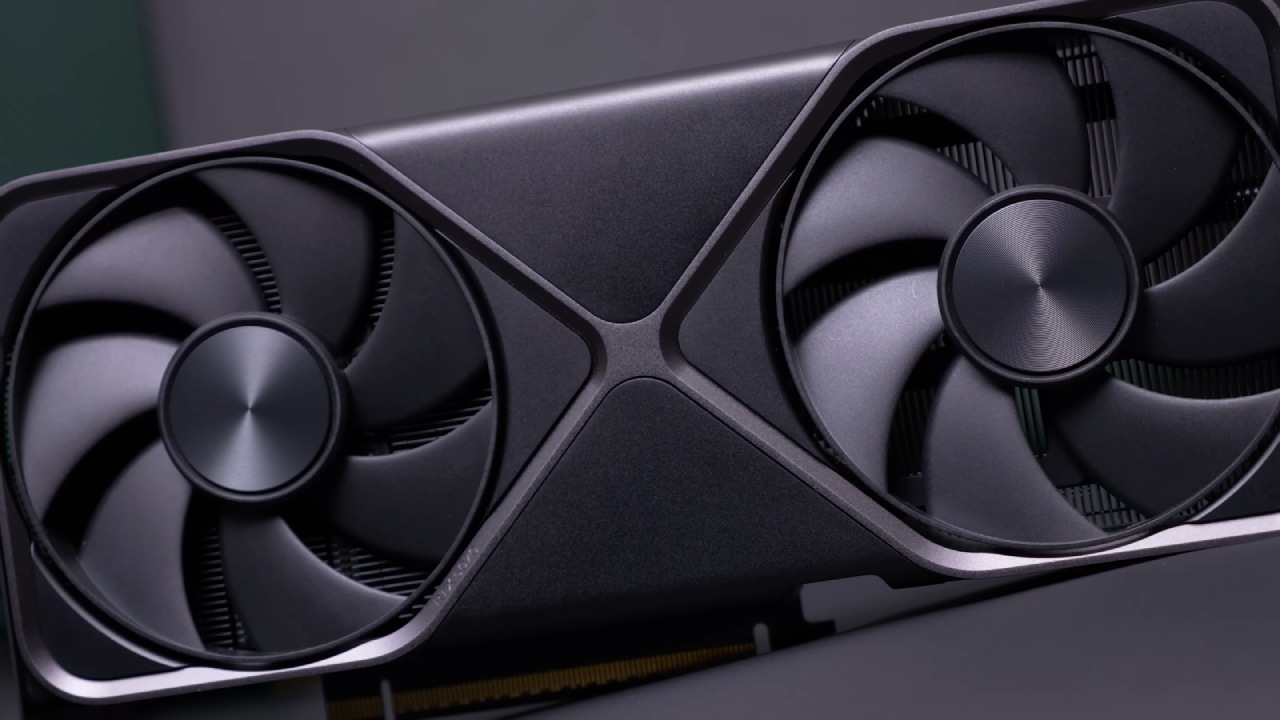
With some basic overclocking and undervolting, the RTX 5070 Ti can nearly match the RTX 5080 in real-world gaming performance. The process is simple, the gains are significant, and the savings are substantial.
For anyone looking to get top-tier performance without breaking the bank, optimizing the 5070 Ti is an incredibly smart choice.
If you'd like a step-by-step guide on how we undervolt and overclock GPUs for maximum efficiency, let us know—we'd be happy to share a detailed walkthrough.
Also, check our other articles NVIDIA below:
- GeForce RTX 5090 Unleashed: Is NVIDIA's New Flagship the Ultimate 4K Gaming GPU?
- NVIDIA GeForce RTX 5080 Review (2025): Still A 4K Gaming Powerhouse?
- RTX 5090 Performance Testing In GTA 5 – 1080p, 1440p, and 4K Max Settings Benchmark
- NVIDIA RTX 5070 Review: Mid-Range Muscle or Marketing Hype?
- RTX 5070 Ti Review: Performance, Thermals & Power Efficiency Tested
- ASUS ROG Astral RTX 5090 OC Edition Review: 32GB GDDR7 & 4K Gaming Benchmark
- ASUS GeForce RTX 5090 LC Liquid Cooled GPU Review: Unmatched Silence & Speed
- MSI GeForce RTX 5090 32GB SUPRIM SOC Review: Power Efficiency, Cooling, and Gaming Performance
- INNO3D RTX 5060 Ti 16 GB X2 Review: Gaming Benchmarks, Temps, and Power Efficiency
- HP Omen 45L Review: RTX 5090 Performance, Thermals, and Value Analysis
- ASUS TUF Gaming GeForce RTX 5060 Ti Review: DLSS 4, Power Efficiency, and Gaming
- ASUS Prime RTX 5060 Ti OC 16GB Review: DLSS 4, Ray Tracing, & Thermals Tested
- NVIDIA GeForce RTX 5060 Review: Specs, Gaming, and Cost per Frame
- MSI GeForce RTX 5090 GAMING TRIO OC Review: A Monster Power GPU
Senior Editor, NoobFeed
Gaming Hardware Updates
No Data.