

Intel G3 Extreme Makes the OneXPlayer 3: One of the Best Gaming Handhelds
Intel's G3 Extreme processor brings balanced gaming performance with efficient power usage and long battery life in a handheld form.
Hardware by Godrics01 on Jun 29, 2026
Gaming handsets are still improving in both capabilities and battery life, with more powerful hardware and bigger screens. The new generation emphasizes performance efficiency over raw power.
OneXPlayer 3 takes that approach and is equipped with Intel's new G3 Extreme processor, a large OLED screen, detachable controllers, and expandable storage, among other features, making it one of the more complete handheld gaming units on the market.
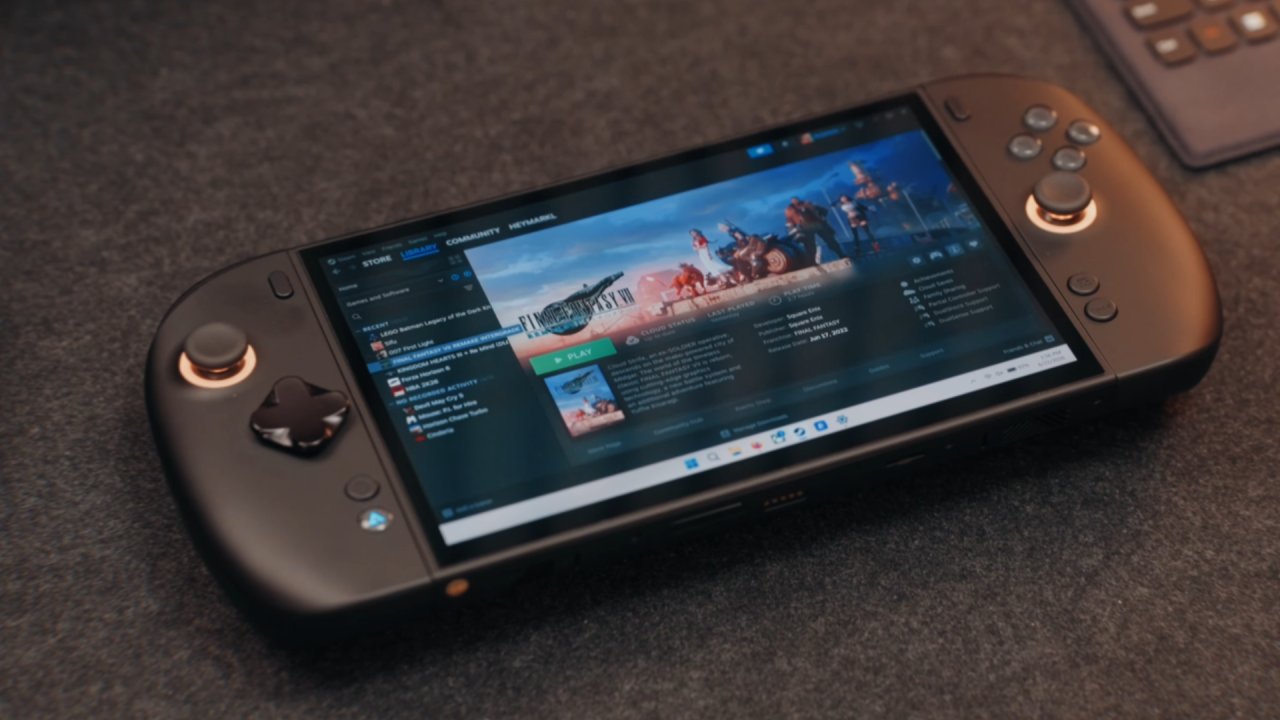
We had been running the OneXPlayer 3 for just a week, and had found that Intel's new G3 Extreme processor is designed specifically for handheld gaming.
While it's not only about processor performance, Intel has fine-tuned the chip to include the same integrated graphics processor. The handset is equipped with the Intel Arc B390 iGPU, and that pairing seems ideal for gaming.
Intel G3 Extreme and Hardware Overview
Our unit has 32GB of 8500 MT/s RAM and 1 TB of storage. One of the largest new features is the addition of microSD and mini SSD slots. The mini SSD is nearly as compact as a microSD card and offers transfer speeds up to 3000 MB/s. The cost of storage is still high, particularly the 1TB mini SSD, but with the option, it's flexible for future expansion.
The handheld also features two USB4 Type-C ports, a single USB Type-A port, a headphone jack, and a fingerprint sensor that also serves as the power button. OneXPlayer 3 is a big, handheld console that functions well.
The controllers can be detached, and a keyboard can be connected via the pogo pins below to turn the device into a small laptop. The keyboard is not included, but there is a small trackpad that lets you navigate Windows with ease.
This ergonomics is distinguished from others. There are no more side buttons or mouse modes to complicate things, and the controller grips feel natural. The face buttons, by contrast, are implemented with microswitches, which give the player a very clear feel of button activation, and the analog sticks are Hall-effect, eliminating stick drift.
The sticks are also tighter than those on other OneXPlayer controllers, allowing for more precise gameplay. A strong kickstand at the rear aids tabletop playing, and we would have liked it a bit wider with more viewing angles. The controllers have no batteries or Bluetooth; they are plugged in via a USB Type-A receiver when not attached.
OLED Display is the Best Option
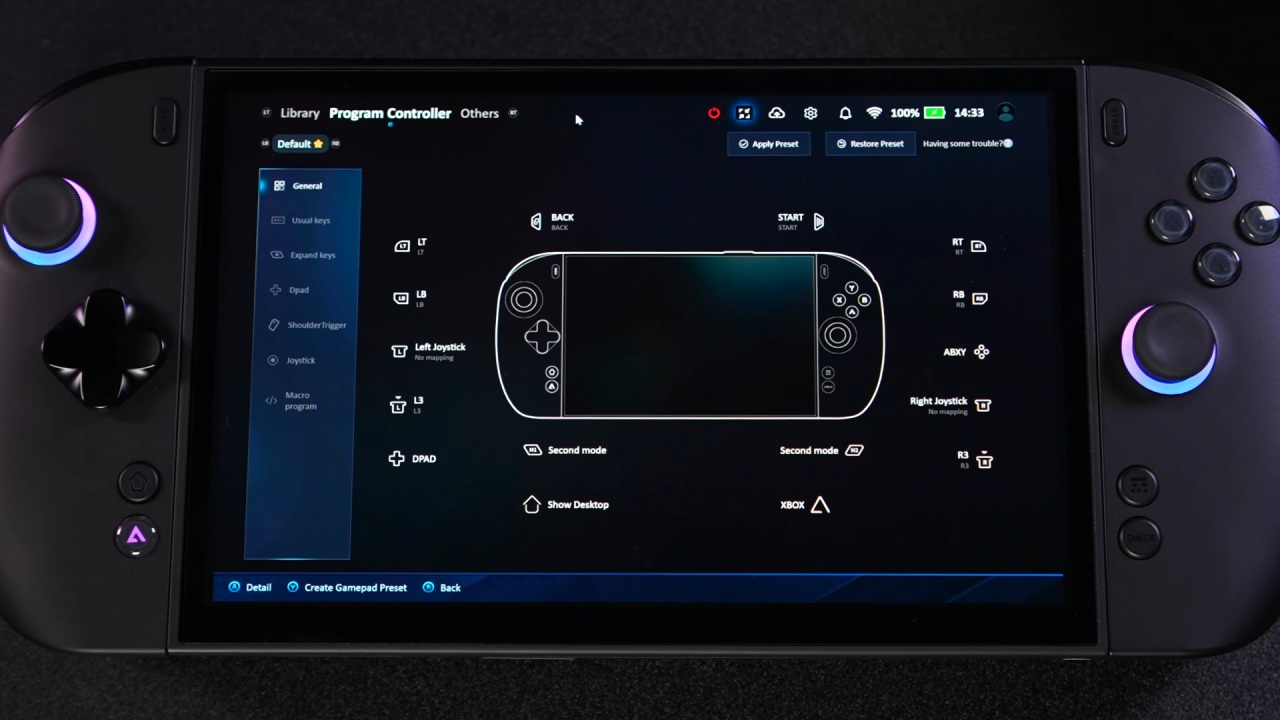
OneXPlayer 3 features an 8.8in OLED display screen among its best features. It has 1200p resolution, a 144Hz refresh rate (VRR-supported), and great color, brightness, and contrast. Another thing we noted is the anti-reflective coating, which also works well compared to a few competitive handhelds in bright lighting conditions.
Thinner bezels would make this even more immersive, but the display is already fun to use for gaming, watching video content, and even when using Windows.
The handheld is quite large but also ergonomic for long gaming sessions. It's heavier than some, but the weight is well distributed, making it easier to hold. For a primary portable, the optional keyboard is a worthwhile add-on.
Intel G3 Extreme shines with its performance. We played lighter 10W games and tougher AAA games with a max TDP of 35W, and the handheld still played smoothly. We were impressed by the 85Wh battery as well.
With a standard TDP of 20–25W, we were able to play for 2-2.5 hours on average. Higher TDP means better performance; for “heavy” titles, it's best to increase TDP; for an average game, 25W might be the better option.
With Forza Horizon 6, we used XeSS and were running at 1200p with no frame generation and medium settings. The game ran at a consistent 60 fps, but we'd rather have it set to 48 for almost no noticeable stuttering, and to be honest, there wasn't much.
Final Fantasy VII Remake also performed well at 1200p at high settings. At 25W, it maintained a steady 60fps with no visible frame drops and provided approximately 2.5 hours of battery life.
One of the highlights was the new LEGO Batman: The Dark Knight game. At 12:00 p.m., with XeSS Balanced and no frame generation, the handheld held steady at 60 fps with approximately 3 hours of battery life.
For lighter games such as The Adventures of Elliot, medium settings at 1200p and 17W offered about 3.5-4 hours of gameplay. A further reduction in TDP may be possible, allowing the battery to last even longer.
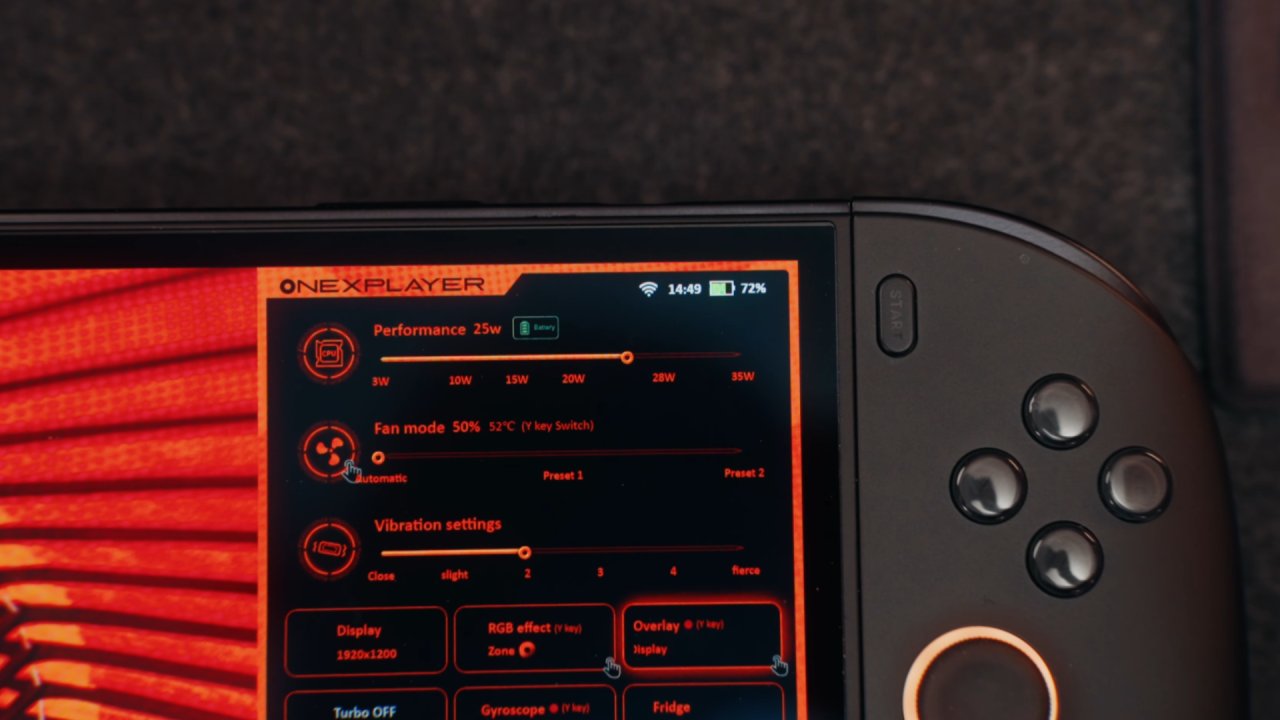
During our testing, cooling performance was consistent.
The fans were set to automatic while playing, at 20W-25W to keep the noise level low, and the handheld remained cool during long play sessions. Overall, Intel's G3 Extreme processor offers top performance and efficiency for handheld gaming. Unless you primarily dock your handheld to an external display, the 35W limit is more than enough for most games.
OneXPlayer 3 has an 8.8-inch OLED display with a 144Hz refresh rate, an easy-to-disassemble controller, an 85Wh battery, expandable memory, and even laptop mode.
We also enjoy the mini SSD slot, which may prove a handy addition to future handhelds, where storage can be easily removed. OneXPlayer 3 is definitely an easy device to recommend for anyone seeking a gaming handheld for Windows games, with steady performance and useful features.
Editor, NoobFeed
Latest Articles
No Data.