
OneXPlayer X2 Mini Pro Review: A 80W Handheld Gaming PC Built for AAA Games
The OneXPlayer X2 Mini Pro combines desktop-class hardware with adjustable 80W performance for demanding handheld gaming.
Hardware by Tanvir Kabbo on Aug 31, 2026
The OneXPlayer X2 Mini Pro is an unusually powerful Windows handheld gaming PC that pushes the boundaries of what a portable gaming device can deliver. With a high-end AMD Ryzen AI processor, Radeon 8060S-class graphics, up to 48GB of RAM, expandable storage, and configurable power limits reaching 80W, it sits closer to a compact gaming PC than a conventional handheld.
OneXPlayer X2 Mini Pro Fan Noise and Thermal Performance
We looked at the OneXPlayer X2 Mini Pro, a $2,400 Windows handheld device. One of the biggest questions surrounding a device like this is how fan noise changes at different TDP levels. The built-in dashboard lets you adjust the performance level, while MSI Afterburner measures the internal graphics card's current utilization.
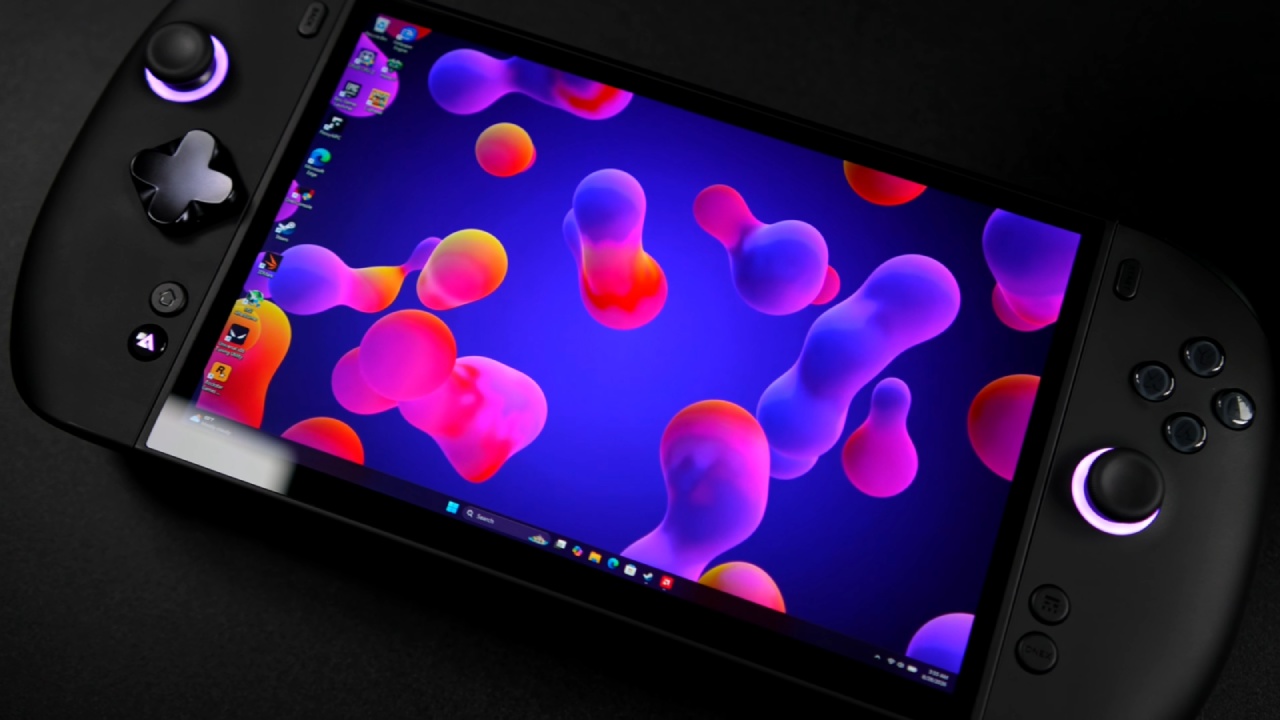
When we move from the maximum configurable 80W down to 6W, GPU utilization drops drastically. In effect, the GPU is being throttled to keep performance in line with power utilization. We can use this to understand what users should expect during actual gaming, because modern AAA games can effectively act as stress tests for these devices.
At 20W, the MSI Afterburner graph rises slightly, but the internal temperature does not increase enough for the fans to become noticeably active. The exhaust temperature remains around 83°F. At 40W, the GPU temperature begins rising to around 53°C, while the fan stays close to 48dB.
At higher power levels, the thermal difference becomes much more noticeable. At 40W, the exhaust temperature reaches around 95°F, while the sound meter reports approximately 49dB. The GPU temperature rises to around 56°C.
At 60W, the internal GPU temperature reaches around 59–60°C, and the fan becomes noticeably audible. The sound level reaches approximately 50dB, while the GPU temperature rises to around 62°C. The screen temperature also increases from roughly 95°F to 99°F.
At 80W, which is the maximum configurable wattage, the fan ramps up even further. The sound level reaches almost 52dB at close range. The internal temperature reaches 86°C, the GPU reaches 72°C, and the screen temperature approaches 106°F (around 41 °C).
If you are using the device in handheld mode, there is probably little reason to push it all the way to 80W. Even when connected to a power brick, 40W or 60W makes more sense depending on the game. At 40W, we can play games at 1080p and still get a very comfortable experience.
Handheld Comfort and Heat
One important aspect of the X2 Mini Pro is how its cooling system is laid out. The intake sits at the back, while the exhaust sits near the top. Because of that arrangement, your hands do not feel the same level of temperature variation produced by the system.
If you place your hand over the screen, however, you can clearly feel the heat rising. At 80W, the screen temperature can reach around 111–112°F. That is obviously warm, but the heat doesn't directly affect your hands during normal handheld use. At lower power levels such as 40W or 60W, the overall experience becomes considerably more comfortable.
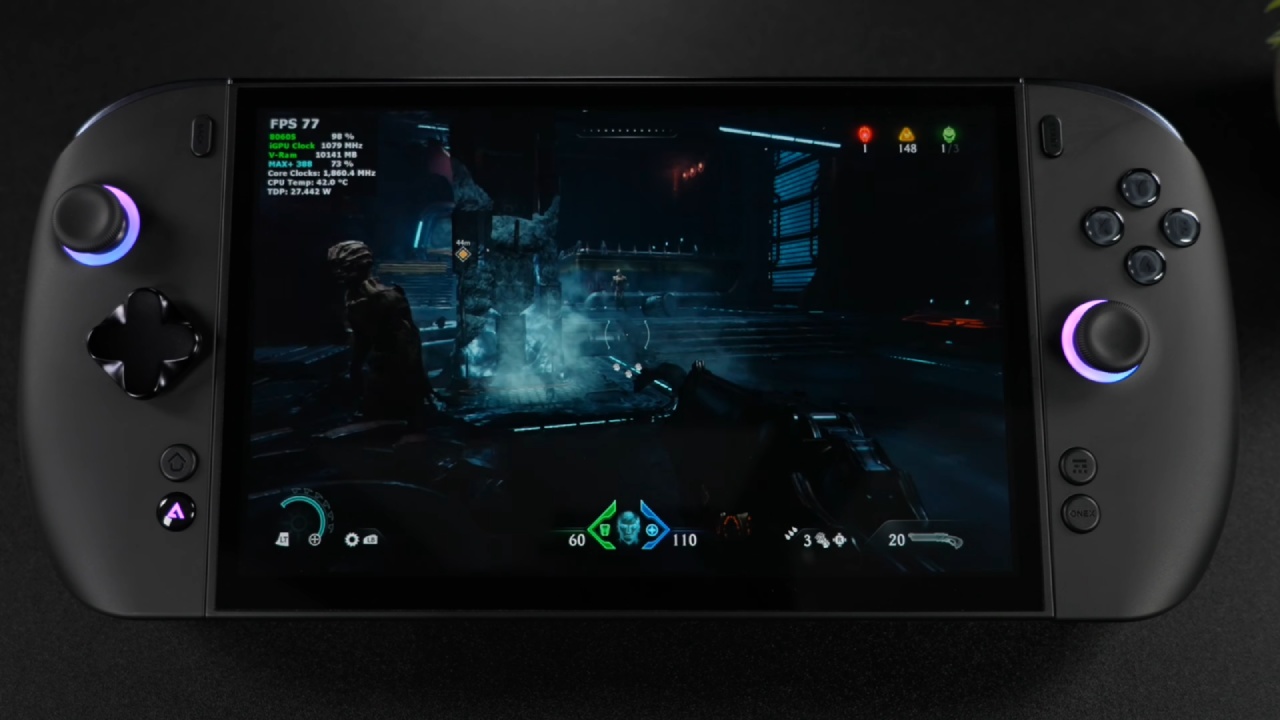
OneXPlayer X2 Mini Pro vs. Lenovo Legion Go 2
When comparing the OneXPlayer X2 Mini Pro with the Lenovo Legion Go 2, the difference in raw handheld performance is actually almost negligible at similar power levels. The Legion Go 2 reaches around 35W in its turbo mode, while the OneXPlayer can operate around 40W.
Both devices use an 8.8-inch OLED display with a 1200-pixel resolution. When games are rendered at 1080p at similar power levels, performance is very similar. The Legion Go 2 may struggle more with the higher pixel count, while the OneXPlayer has a stronger GPU, but at comparable power limits, gaming performance stays close.
The OneXPlayer's real advantage appears when we increase the power limit to 60W or 80W. That extra power lets its newer Strix Halo architecture push significantly further. The downside, of course, is battery life. At those power levels, you will want to remain connected to a power brick or use the device as a docked gaming PC.
At around $2,400, the OneXPlayer enters laptop territory. You can potentially find a $2,000 laptop with an RTX 5060 Ti, which belongs to a different performance class. The OneXPlayer's internal GPU is comparable to an RTX 4060, so its main advantage is the handheld form factor rather than raw performance.
Specifications, RAM, and Storage
The tested X2 Mini Pro is the 48GB model with a 1TB NVMe SSD. The RAM can be configured with up to 24GB allocated as GPU memory, leaving 24GB for system RAM. Since this is mostly a mobile gaming PC, it makes sense to provide extra memory to the GPU for gaming workloads.
The system is powered by a Ryzen AI Max+ 388 CPU, with 8 cores and 16 threads. It has a 3.6GHz base clock, boosts up to 5GHz, and supports configurable power up to 80W. Its Radeon 8060S-class graphics most clearly separate it from older handheld designs.
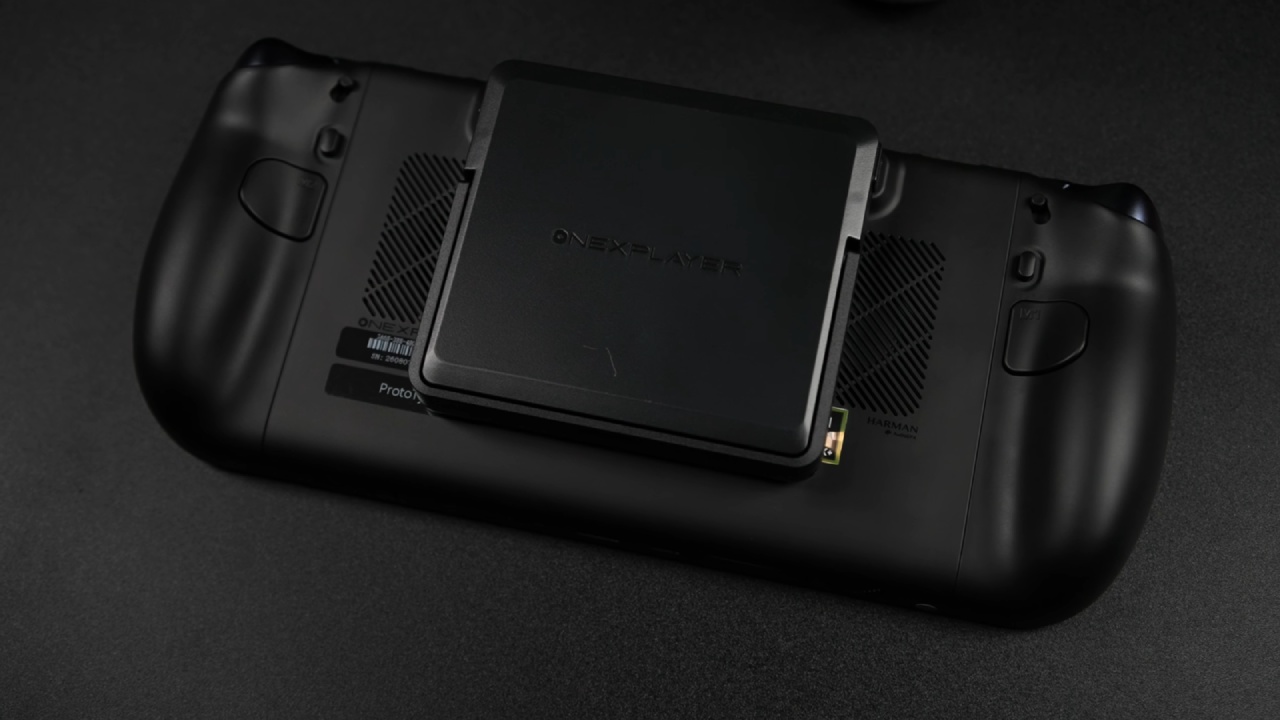
Storage is another major strength. The internal 2280 M.2 NVMe SSD uses PCIe 4.0 and is rated around 7,000MB/s. It also has a microSD slot that supports cards up to 2TB, though it is considerably slower. A mini SSD slot offers another option, supporting up to 2TB and delivering speeds around 3,500MB/s. Combined, the external options provide up to another 4TB without opening the device.
Keyboard, Dock, and Overall Experience
The included detachable keyboard is useful, although its cramped layout takes some getting used to. It works well as a lifeline when you need to enter a password, write a quick email, or make a short note. However, you wouldn't want to use it as a dedicated keyboard to write a long essay.
The controller dock also includes a touchpad, Bluetooth connectivity, USB-C charging, and pogo-pin charging for the controllers. It also features dedicated ports for liquid cooling, providing another approach to boost thermal performance.
For gaming, the X2 Mini Pro is powerful enough to handle demanding PC games and modern emulation workloads. Its biggest selling point is ultimately the combination of desktop-class performance and a portable form factor. The Legion Go 2 remains a powerful and potentially much cheaper handheld. Still, the OneXPlayer X2 Mini Pro's ability to scale toward 60W and 80W gives it considerably more performance headroom for future AAA games.
Senior Editor, NoobFeed
Gaming Hardware Updates
No Data.