
Steam Frame PCVR Streaming Test Reveals Battery Life at 72hz
Steam Frame wireless PCVR testing reveals how refresh rates affect battery life, streaming quality, and extended headset use.
Hardware by Nahe Yan on Sep 23, 2026
I've used the Steam Frame for about 8 to 9 hours over 26 hours of ownership, which has highlighted a few things that may not show up during a short testing session. The headset has good balance and form factor, but you may still need a third-party head strap. This is even with the overhead strap included in Valve’s ergonomic kit.
For shorter VR sessions of around an hour to an hour and a half, the issue may not be noticeable. After around 60 to 70 minutes, however, the elasticated side straps start pressing against the sides of the ears. The facial interface cushioning and the cushioning around the rear battery section remain comfortable, while the headset itself feels lighter than other headsets.
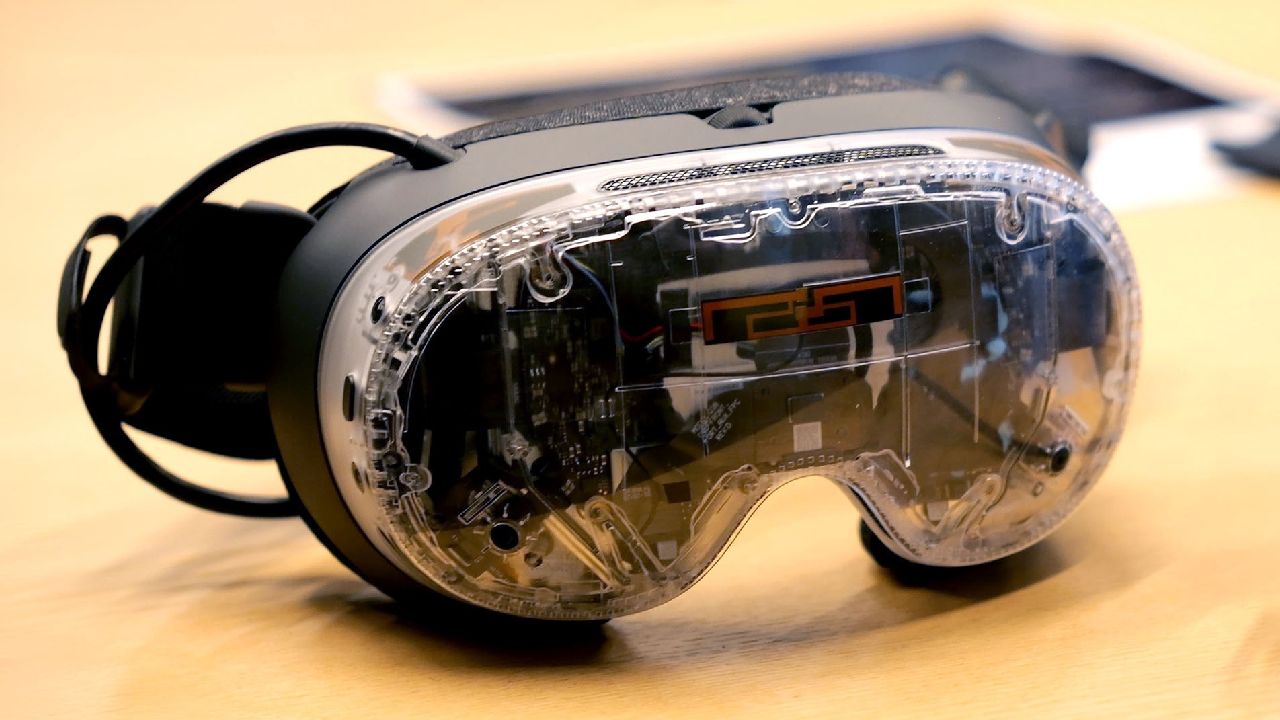
Steam Frame Comfort During Extended Use
The controller straps also bring another consideration. Valve’s official controller straps are useful because of the touch sensors, but the grip buttons can become awkward over time, particularly in first-person shooters and when hands get sweaty. The plastic on the Steam Frame grips, bumpers, and triggers is smoother than the rest of the controller.
MetaQuest Touch controllers use a slightly textured matte plastic finish. They still feel smooth, but the texture provides some finger grip. This issue becomes more noticeable with longer use than in a short review session. To reveal these issues, the hardware needs to be used for hours, including in warmer conditions and in situations that may not be part of a planned test.
The main focus of the testing is wireless PCVR streaming. We tested Steam Frame at both ends of the settings range. One test focused on settings intended to provide the best image quality, while the other focused on extending battery life without reducing settings to a level that would make VR difficult to enjoy.
Steam Frame Wireless PCVR Streaming
For the higher-performance test, brightness was set to 125%, the maximum, while the refresh rate was raised to 144Hz, also the current maximum for Steam Frame. A previous standalone Half-Life: Alyx test provided around 53 minutes of battery life. With brightness and refresh rate both at their maximum, and Steam Frame used only for wireless PCVR streaming, battery life reached 1 hour, 24 minutes, and 23 seconds.
The battery-focused test reduced brightness to 88%. Brightness could technically be reduced to 50%, but the test kept it at a level more realistic for regular use. The refresh rate was then reduced to 72hz, the lowest available setting. At these settings, SteamVR reached 1 hour, 55 minutes, and 22 seconds of battery life.
That means wireless PCVR can run for almost 2 hours without an external battery. One issue came up during testing: the headset audio disappeared completely while streaming PCVR. Restarting SteamVR and Steam Frame restored the audio. Aside from that issue, the 72Hz streaming experience was smooth, with no noticeable jittering, obvious encoding issues, or visible compression artifacts during gameplay.
At 72Hz, Steam Frame delivered the wireless PCVR experience it is designed to provide. The games remained clear, and the combination of image clarity, field of view, wireless streaming, and ease of use made the headset suitable for PCVR streaming.

Steam Frame does not produce the sharpest VR image available.
BigScreen Beyond 2 provides a sharper image, but Steam Frame combines its clarity with its field of view and wireless operation. Testing also showed that lower refresh rates can balance battery life and wireless PCVR performance. At 72Hz and 88% brightness, the headset approached 2 hours of use without an external battery.
The difference comes from how much work the headset does directly. Instead of running a demanding game such as Half-Life: Alyx as a standalone experience, Steam Frame mainly streamed PCVR games, reducing the headset's workload.
Further testing is still needed across different refresh rates, battery settings, standalone games, and the mixed reality Color Pass Through add-on. These tests will provide more information about how Steam Frame performs across different use cases.
Editor, NoobFeed
Gaming Hardware Updates
No Data.