
Intel Arc B580 Shows Strong Local AI Performance in Tests
Intel Arc B580 delivers local AI performance while 12GB VRAM and software support define practical model limits.
Hardware by Nahe Yan on Sep 21, 2026
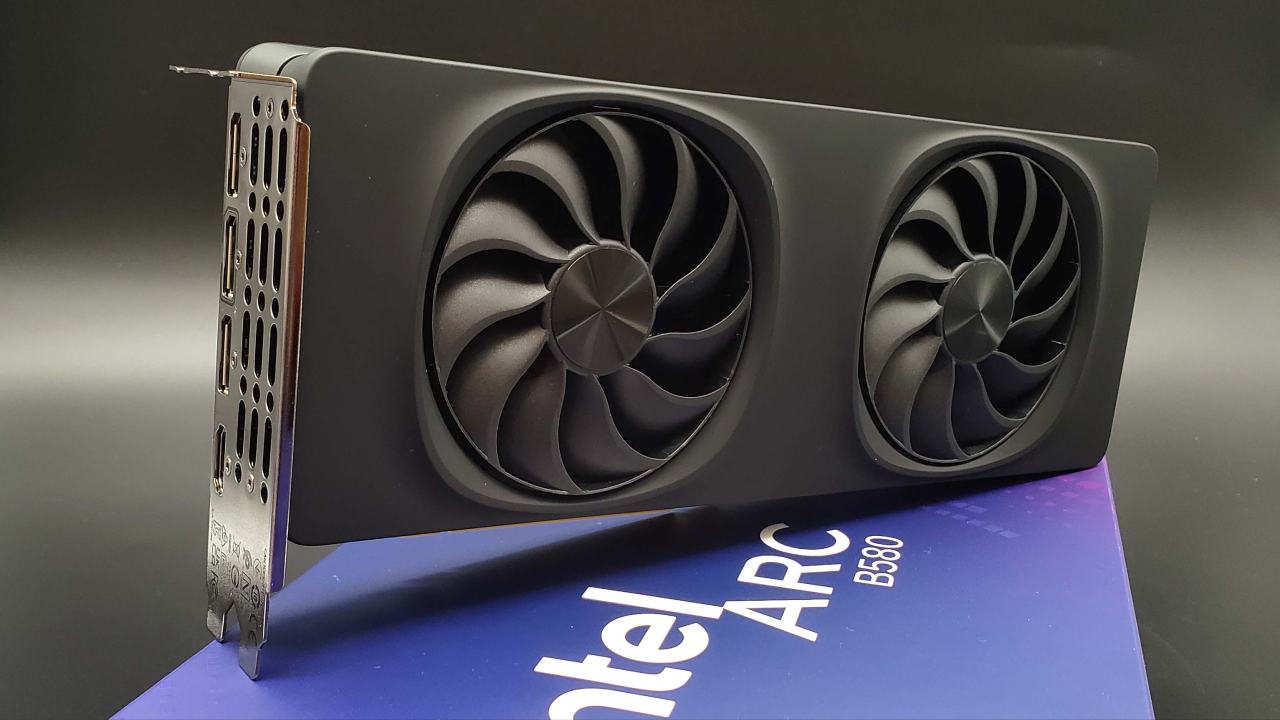
Intel launched the Arc B580 at $250 with 12GB of memory, originally pitched as a budget gaming card. However, published community benchmarks show strong performance for running language models locally. That raises a question for anyone building a budget machine. Can Intel's $250 card handle local AI well enough to replace NVIDIA?
Running AI locally simply means your own computer performs the calculations instead of sending your data across the internet to someone else's servers. To picture how this works, imagine downloading an open-source language model to your PC and asking it to summarize a document entirely offline.
What Running AI Locally Requires
The model file contains billions of learned numerical values that the program uses to predict text. When you start the task, your software loads those values into your graphics card's dedicated memory, known as VRAM. The graphics card reads your document and generates the summary piece by piece, which software tools call tokens.
For the graphics card to handle the whole job directly, two things have to happen. Your software must know how to send calculations to an Intel GPU, and the entire workload needs to fit in the card's memory. Arc B580 gives you 12GB of VRAM. That space must hold the model's numbers, the text of the document you provided, and the working data the software tracks while generating each new word.
If a workload is too large to fit in that 12GB, the program might simply refuse to launch. Some tools can split the job by keeping part of the model in your computer's regular system memory and running those pieces on the CPU, but that depends on software support and usually slows things down. When everything fits on the card, the B580 performs the calculations on its own hardware.
Intel Arc B580 vs A770 Local AI Performance
In real life, how fast is the B580? And how does it stack up against the A770, which came before it? The short answer is that the B580 makes text much faster than the older card in tests that directly compare the two cards. Those results, however, don't show that it has a shorter initial delay while reading your document prompt, that its answers are better, or that it wins every workload.
In December 2025, the channel Compelling Bites revealed that independent third parties tested both cards using Intel's OpenVINO software, which turns model calculations into instructions an Intel GPU can carry out directly. They used a language model named Qwen 2.5 that had 7 billion parameters, which are learned numbers that tell the model how to act.
The exact cause wasn't established, but it shows that processing speed doesn't help if a model cannot launch in the first place. Comparing these figures to an NVIDIA card highlights why software and model formats matter just as much as the chip itself.
In that same report, Compelling Bites compared the B580 running OpenVINO INT4 against an NVIDIA RTX 5060 Ti 16GB running the same 7 billion-parameter model. On Qwen, the B580 reached roughly 89 tokens per second against the NVIDIA card's 84. But on an older model called Mistral version 0.17b, the positions flipped.
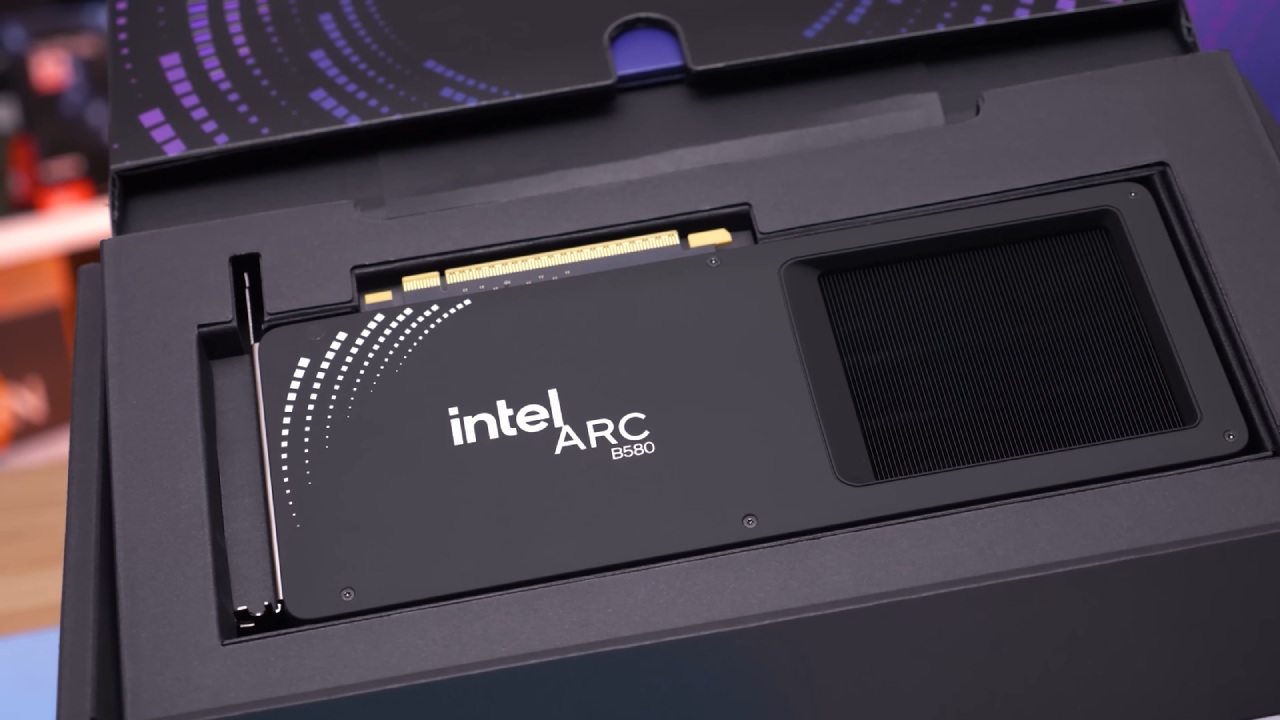
RTX 5060 Ti delivered roughly 84 tokens per second, while the B580 generated 72.
Because those tests use different model compression formats and entirely different software runtimes, they don't show that the B580 matches NVIDIA across the board, and they don't measure prompt reading times or response quality. They simply show reported throughput under those specific setups.
Total memory also dictates what is possible. While 12GB suits an entry-level card, larger models or heavier working contexts cannot fit entirely on the card if they need more memory than it has. Ultimately, Intel's card can replace a more expensive option.
But that decision always depends on your specific model, verified software support, acceptable performance, and total price. That means you should pick your model and application before you ever touch a shopping cart. If your software actively supports Intel hardware, the Arc B580 gives you a local AI option.
Editor, NoobFeed
Gaming Hardware Updates
No Data.