
Best RAM for Gaming 2026 DDR4 vs DDR5 Guide for Performance and Value
Capacity decisions between 16GB and 32GB define system stability, multitasking limits, and long term upgrade flexibility in modern gaming builds.
Hardware by Shinji Okazaki on Apr 13, 2026
For gamers in 2026, it will be harder to find the right RAM because prices change all the time and different configurations offer different amounts of performance.
You need to know about capacity, speed, latency, and platform compatibility so that you don't spend too much and still get good results.
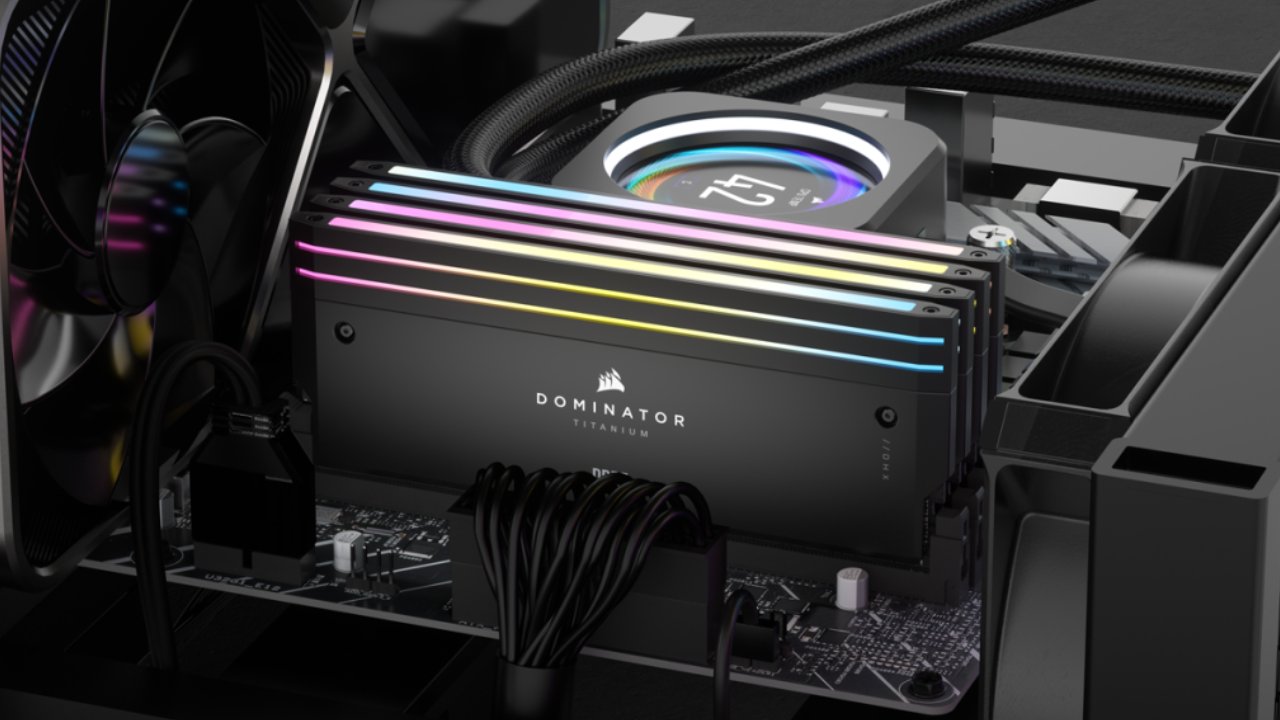
A look at RAM Prices in 2026
RAM prices have been all over the place, but they are starting to come down. A 2-stick 16GB DDR4 kit costs about $125, and a 32GB DDR4 kit costs less than $200. A 16GB DDR5 kit costs about $200, while a 32GB DDR5 kit costs about $370.
These prices may be at their highest right now, but it could take a while for them to return to their previous levels. Also, prices that were very low before may not come back down. But because RAM prices are high, fewer people want to build PCs, and other parts are now cheaper.
We can still get a lot of value from combo offers that include RAM, CPUs, and motherboards. These offers typically reduce the price of RAM back down to where it was before the price spike. A bargain combo with a Ryzen 5500 CPU, B550 motherboard, and 16GB DDR4 RAM costs $254, which is less than buying the parts separately. DDR5 bundles can also significantly lower the effective cost of RAM, especially with higher-end CPUs. For example, a 32GB kit may only cost about $195.
How Much RAM do you Need in 2026?
Testing shows that most games work with less than 16GB of total system memory, but some approach that limit. Most of the time, 16GB is enough, though some AAA games may experience minor stutters. When things get busier, like in busy regions of demanding games, performance reductions and stuttering can become more obvious.
We suggest starting with 16GB for DDR4 systems. Most of the time, these systems can handle four sticks fine. You can add another identical kit later to get 32GB.
We suggest that DDR5 systems only use two sticks. At higher speeds, memory controllers don't work well with 4-stick setups. If you can afford it, 32GB is the best amount. But you shouldn't lower the performance of your CPU or GPU just to get more RAM. A 16GB DDR5 kit is still a good choice, especially if you buy it as part of a bundle.
In the long run, you might need to buy a whole new kit to get 32GB, but by then, prices might go down, and newer CPUs might work better with faster RAM.
We recommend 16GB DDR4 for cheap configurations. For builds in the middle range, 16GB DDR5 is fine. For higher-end configurations, the goal is 32GB DDR5. In 2026, you won't need to spend more than 32GB on gaming.
Picking the Right RAM Speed
When RAM prices were lower, it made sense to invest an extra $20 to $30 for a little greater performance. That method doesn't work as well with the current prices. We suggest choosing the best-value package without going overboard, but upgrading to a better CPU or GPU will improve performance.
For Ryzen AM5 systems, 6000CL30 has been a good balance for DDR5. Intel platforms also do well at this level, but they could use faster kits to do even better. But in the real world, the gap isn't that big.
Tests show that the speed difference between DDR56000CL30 and DDR56000CL40 is about 8.5% at 1080p with a high-end GPU. This gap isn't as big when the GPU is weak or the quality is high. It's possible for DDR56000CL30 and DDR55200CL40 to be only 5.6% different on Intel Hardware.
As a starting point, we suggest DDR55200CL40 or faster. A lot of the kits you can buy are in the 6000CL38 or 6000CL36 range, which is fine. If you can locate 6000CL30 or 6400CL32 for about the same price, those are better choices.
To get the rated speeds, we should also turn on XMP on Intel systems or XMP/EXPO on Ryzen systems. In general, compatibility is good, but it's still a good idea to check before you buy.
3200CL16 is the best choice for DDR4. If you can't find it, 3600CL18 is an excellent choice. Generally, platform compatibility works well.
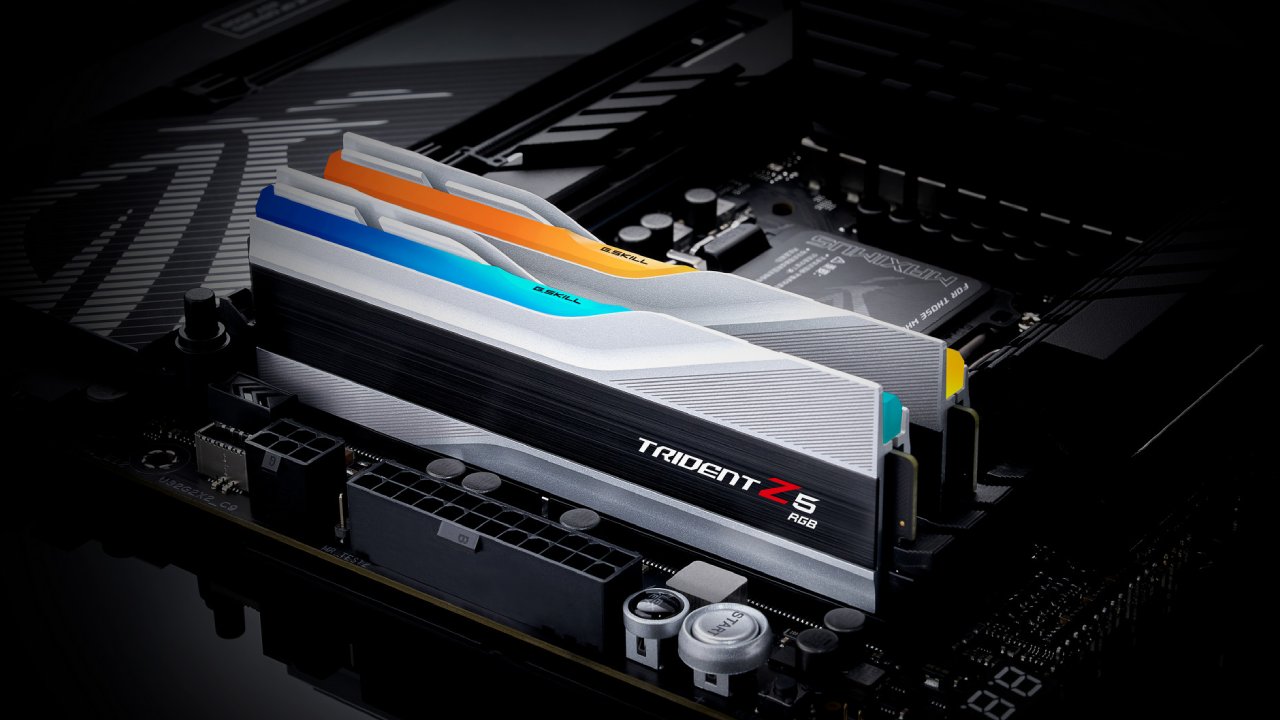
How Many RAM Sticks Do You Need?
For all DDR4 and DDR5 systems, we suggest utilizing two sticks. A single stick impacts speed and bandwidth, especially in DDR4 systems.
You can use a single 16GB DDR5 stick now and upgrade later, but this isn't the best option because it can slow performance and cause compatibility issues.
We don't think that 4-stick setups are a good idea for new builds. DDR4 setups don't get much out of it, and DDR5 systems struggle to stay stable at higher speeds with 4 sticks.
Final Thoughts
Choosing RAM in 2026 is all about finding the right balance between cost and performance. Upgrading the CPU and GPU should come before buying pricey RAM kits. Depending on the build level, we can get good gaming performance with 16GB or 32GB. Instead of pursuing little increases, we should focus on practical speed and latency combinations.
By choosing the right size, sticking to 2-stick setups, and avoiding excessive spending on speed, you can build a balanced system that works well without breaking the bank.
Also, check our other hardware articles:
- AMD Ryzen 9 9950X3D Review: Setting The Standard For 2025 Gaming CPU
- Amazon Luna 2025 Review: Is Prime Gaming's Cloud Service Your Go-To For Casual Fun?
- AMD RX 9070 XT Review: AMD's RDNA 4 Champion for 1440p Gaming
- GeForce Now Ultimate: Ditching Your Gaming PC For Cloud RTX 4080 Power?
- NVIDIA GeForce RTX 5080 Review (2025): Still A 4K Gaming Powerhouse?
- Intel Core Ultra 9 285K Review And Performance Breakdown (2025)
- AMD Ryzen 7 9800X3D Review: 3D V-Cache Goes God Mode with Stunning Gaming Performance
- Intel Core Ultra 9 285K vs AMD Ryzen 7 9800X3D: In-Depth Gaming Performance and Benchmark Comparison
- NVIDIA GeForce RTX 5080 Super Performance In Cyberpunk 2077: Path Tracing & DLSS 4.0 Tested
- AMD Radeon RX 9070 XT In Cyberpunk 2077: Ray Tracing & FSR 4.0 Tested
- Intel Arc B580 Review: The $250 GPU Revolutionizing 1440p Gaming
- Intel Arc B570 Vs. B580: Value, Specs, And Real-World Gaming Performance
- RTX 5090 Laptop Vs. M4 Max MacBook Pro: Ultimate Raw Performance Vs. Battery Endurance
- Intel Arc b580 Vs. RTX 4060: Game Performance And Value Analysis
- RTX5090 Hell Is Us Demo 4K Ultra Benchmark: DLSS Vs. Native Performance Guide
- NVIDIA RTX 5070 Review: Mid-Range Muscle or Marketing Hype?
- Nintendo Switch 2 Review: Handheld Performance, Features & Value Breakdown
- RTX 5070 Ti Review: Performance, Thermals & Power Efficiency Tested
- Samsung Odyssey OLED G81SF Review 2025: Ultimate 32-Inch QD-OLED Gaming Monitor
- AMD RX 9070 Performance Review: Thermals, Clocks, and Real-World FPS
- AMD Ryzen 5 7600 Review: Best Budget Gaming CPU of 2025?
- AMD Radeon RX 7800 XT Review: RDNA 3 Power For Midrange Gaming
- Asus ROG RTX 5090 Astral OC Vs. Founders Edition: The 4K Gaming Benchmark
Editor, NoobFeed
Gaming Hardware Updates
No Data.