
NVIDIA GeForce RTX 3060 Borderlands 4 Performance Benchmarks at 1080p and 1440p
Performance behavior of the RTX 3060 across multiple resolutions and upscaling options demonstrates the game’s current optimization state.
Hardware by Nahe Yan on Dec 09, 2025
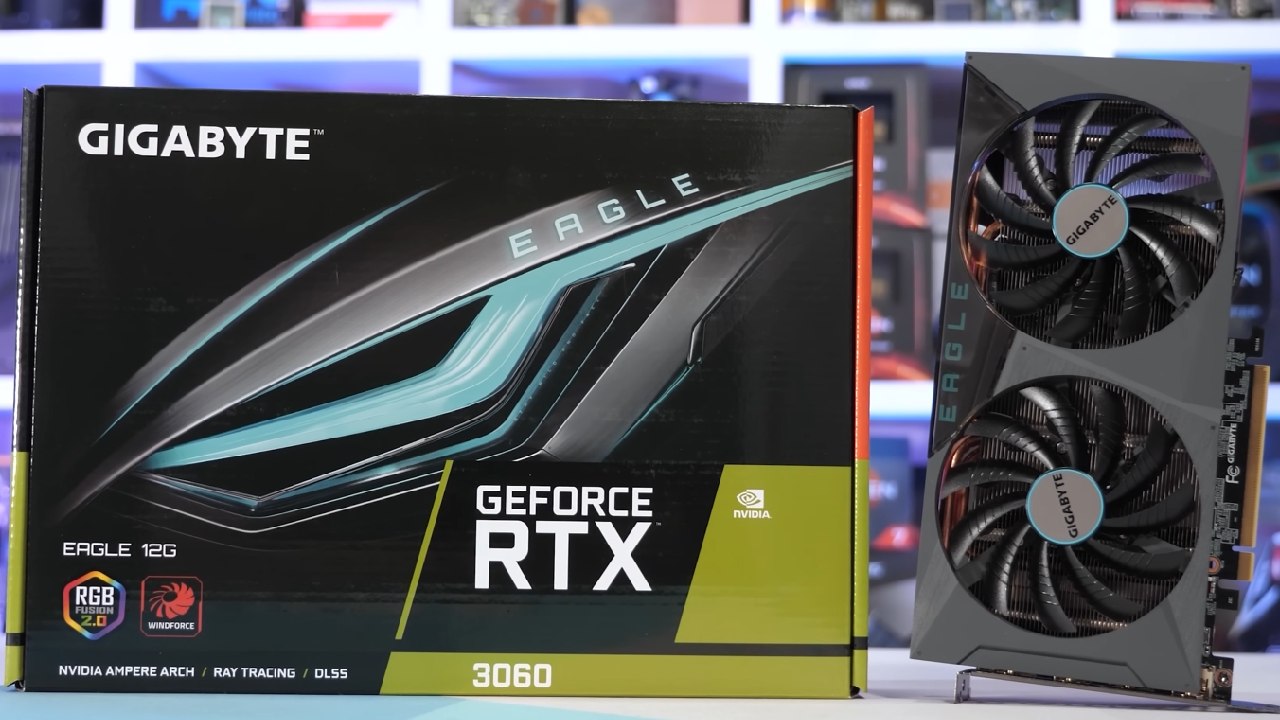
The system has a GeForce RTX 3060 12GB AOX variant with the latest Nvidia drivers, and it doesn't need manual overclocking. You can see the GPU specs in GPU-Z, along with an i5-12600KF overclocked to 5.1GHz and 32GB of DDR5 RAM. The test assesses how well this setup runs Borderlands 4 across different settings and resolutions.
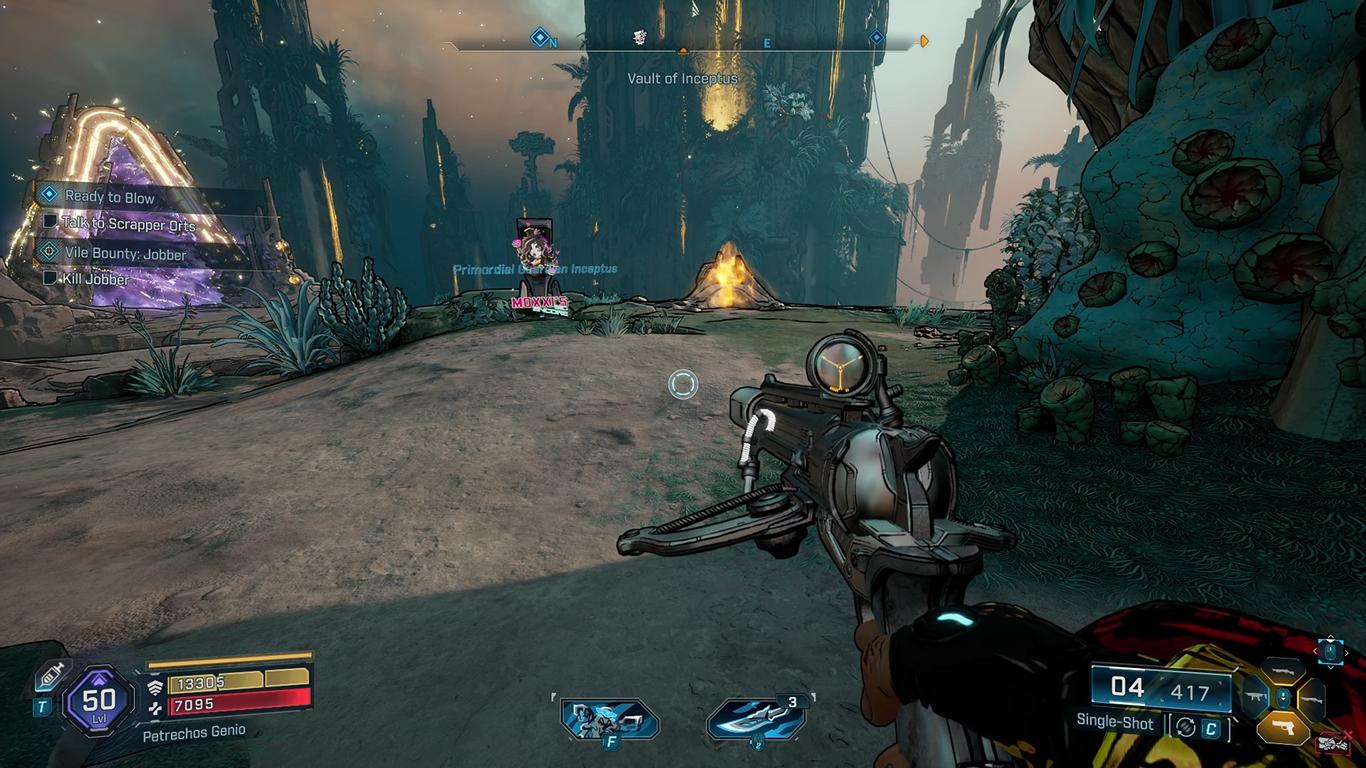
Because the card has 12GB of VRAM, we can play the game at 1080p low settings with high textures. DLSS is running at maximum resolution with DAA, which is still less demanding than without upscaling. We start counting FPS while we explore and see some stuttering at first when new places load, but it gets better after that.
1080p Low Settings with High Textures and Full Resolution DLSS
We fight at about 40 fps, which is still playable and responsive. Mouse movements stay the same even when the FPS is about 40. Compared to prior tests on a GTX 1060, lower frame rates are still tolerable but not ideal.
We get close to our foes, throw explosives, and end the fight with our basic responsiveness still intact. DLSS quality still yields a softer image, but it complements the game's art style, even when it's internally displayed at 720p. You can see the difference in resolution, but the graphics still perform well during gaming.
We think that Nvidia adding frame generation to the RTX 30 series would make them more useful, especially for cards like the 3080, which is still fast but struggles with newer games. It seems like the current requirements for a 3080 are too high for the game's graphics. The 3060 was already disappointing at launch, but its 12GB of VRAM helped make it popular.
There are still some stutters in the gameplay, but it is still fully playable. It is still best to wait to buy until optimization improves, especially regarding stuttering and performance on high-end GPUs. Visual options are still limited because low settings limit the amount of greenery and environmental density.
Testing Frame Generation and FSR 3
We tried enabling frame generation, hoping for DLSS-quality and FSR frame generation; however, the game requires FSR for both upscaling and frame generation. Quality FSR appears pixelated next to DLSS 4, even though this isn't the latest version of FSR.
You can tell that there is more input lag. The reflex appears gray, halting gains in latency. Frame generation raises FPS above 100; however, mouse movements don't feel as snappy. The experience isn't as consistent as DLSS frame creation, which usually works better with greater baseline frame rates.
When FG is on, microstutters decrease, but larger transitional stutters remain. People who play with controllers might be able to handle the added input latency better. Still, the keyboard and mouse make the lag more obvious. In some scenarios, artifacting is easy to see during FG, especially when swimming or touching surfaces that reflect light.
1440p Performance of Native and DLSS Scaling
We changed the settings to low at 2560x1440 with DAA and high textures. For these settings, the GPU has ample VRAM. At around 30 fps, the game starts to get choppy, and during mild combat, it drops into the low 30s. Native resolution makes the picture clearer, but the overall performance is low for simple outdoor settings.
We go through additional sequences to see drops into the 20s, which makes the game less stable. DLSS improves the experience by rendering at 960p and then upscaling to 1440p. Combat is easier to handle, but there are still some troughs. Even when the frame rate drops below 60 fps, input responsiveness remains good.
We keep going through fights with enemies, using ranged assaults, melee blows, and skill-based builds that boost melee damage. With DLSS enabled, gameplay runs at 50-60 fps. Stutters are still there, and they affect 1% of the lows.
We look at places with many trees, where leaves also affect the frame rate. Allowing more plants at higher presets will greatly slow down performance.
Results for Balanced and Performance DLSS
We switch to balanced DLSS, but the benefits are small. This pattern continues with performance DLSS, where the increases are still there but smaller than projected. Even with the resolution set to 50%, the frame rate drops into the 40s during combat. DLSS4 makes things look sharper at low render resolutions, but the GPU still struggles with large scenes.
We take out foes using a mix of weapons, including shotguns and melee attacks. The gameplay stays pretty much the same across all DLSS settings; however, the game's current optimization level limits how well it runs.
FSR Frame Generation at 1440p
We enable FSR with FG, which makes frame timing much smoother. The game runs smoothly, with only big spikes when assets are loaded or when the game changes. Combat feels more stable; however, input lag returns due to the FG limits. FG artifacts appear in some areas; however, overall movement remains smoother than it would be without FG.
We meet both nice NPCs and hostile ones, and we use weapons with unusual reload mechanics, such as guns that explode when you reload them. This keeps the Borderlands name alive while testing.
Final Thoughts
You can still play Borderlands 4 on the RTX 3060 12GB, but performance issues, stuttering, and fewer settings limit the experience. DLSS makes everything look better at both 1080p and 1440p.
However, the baseline performance is still lower than what you would expect for the visual output. FSR's frame generation feature helps smooth out frame time; however, it also increases input lag and degrades image quality. Improvements to optimization will greatly help mid-range GPUs and make the experience more consistent across different settings and resolutions.
Also, check our other NVIDIA articles below:
- NVIDIA GeForce RTX 5080 Review (2025): Still A 4K Gaming Powerhouse?
- NVIDIA RTX 5070 Review: Mid-Range Muscle or Marketing Hype?
- RTX 5070 Ti Review: Performance, Thermals & Power Efficiency Tested
- ASUS GeForce RTX 5090 LC Liquid Cooled GPU Review: Unmatched Silence & Speed
- MSI GeForce RTX 5090 32GB SUPRIM SOC Review: Power Efficiency, Cooling, and Gaming Performance
- INNO3D RTX 5060 Ti 16 GB X2 Review: Gaming Benchmarks, Temps, and Power Efficiency
- HP Omen 45L Review: RTX 5090 Performance, Thermals, and Value Analysis
- ASUS TUF Gaming GeForce RTX 5060 Ti Review: DLSS 4, Power Efficiency, and Gaming
- ASUS Prime RTX 5060 Ti OC 16GB Review: DLSS 4, Ray Tracing, & Thermals Tested
- NVIDIA GeForce RTX 5060 Review: Specs, Gaming, and Cost per Frame
- MSI GeForce RTX 5090 GAMING TRIO OC Review: A Monster Power GPU
Editor, NoobFeed
Gaming Hardware Updates
No Data.