
Intel Core i3-14100F Review 2026: Still Worth Buying for Budget Gaming?
Intel's final Core i3 proves quad-core CPUs still have a place in modern budget gaming builds.
Hardware by Nahe Yan on May 03, 2026
In 2024, Intel laid to rest one of the most recognizable brands in desktop computing. The Core i series provided an easy way to differentiate between entry-level, mid-range, and high-end processors over 15 years. The Core i3 was a purposeful product; it was a significant performance improvement over budget-friendly hardware and delivered aesthetics and functionality to satisfy the needs of everyday users and entry-level gamers.
As Intel introduces its new branding for the Core i3 processor, replacing the long-serving Core i3, it becomes the last processor of that name. This is the extent to which the Core i3-14100F will still be available in 2026. It remains a viable choice among the budget builders due to its support of both DDR4 and DDR5 memory.
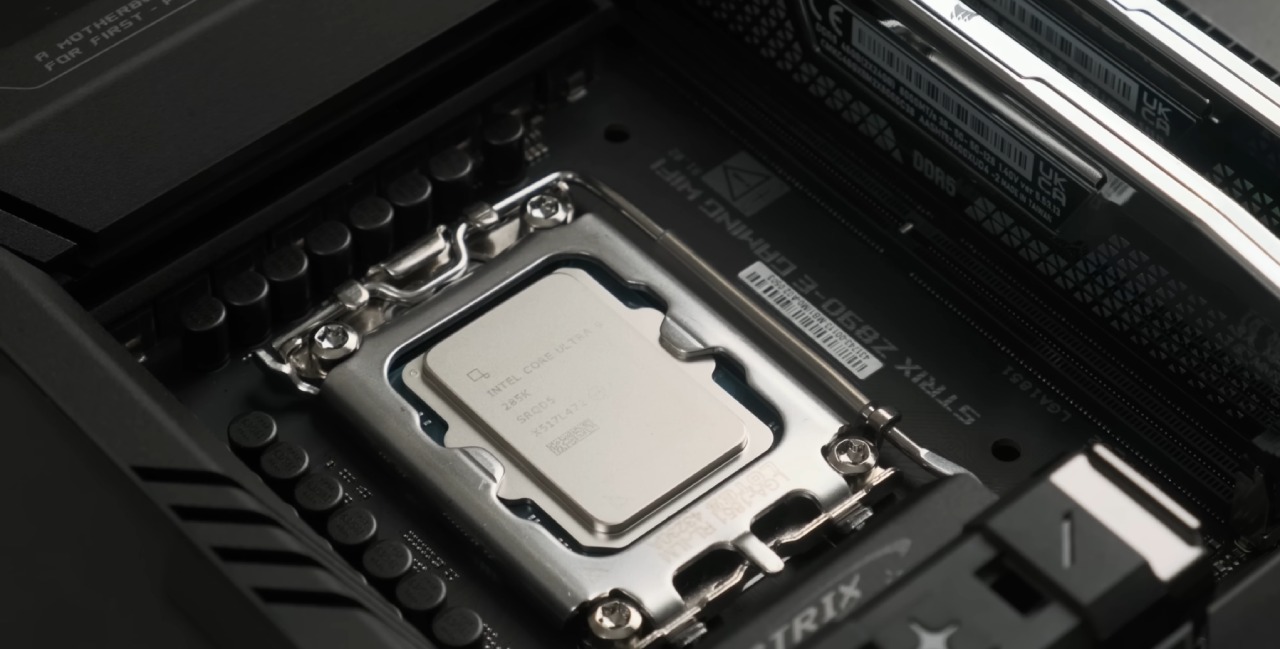
Core i3-14100F Specifications
The Core i3-14100F has specifications that would have been considered premium just 10 years ago. It has four Performance cores, Hyper-Threading, 12MB of L3 cache, and boost clocks of up to 4.7GHz. The 14100F provides a significant boost over older flagship quad-core processors, such as the Core i7-7700.
Nonetheless, most games today are more inclined towards six-core and eight-core processors. That puts a few constraints on any 2026 quad-core processor. To test the Core i3-14100F, we paired it with an RTX 5090. Yes, that is utter overkill, but it will ensure the bottleneck will never be the GPU. A more realistic card, such as an RTX 5060, would have imposed some limitations on CPU use, which would have been masked by a more limited graphics card.
We also tested two different platforms: DDR4 on an MSI Tomahawk motherboard and DDR5 on an MSI Tomahawk motherboard. Both platforms in both the XMP on and off states were tested.
The CPU was configured at stock options, except that the power limits were raised to remove PL throttling. Our stock cooler was also replaced with an inexpensive Thermalright stock cooler because the bundled one was pushing temperatures to 98 °C in Cinebench.
Synthetic Benchmark Results
Cinebench 2024 showed little difference between DDR4-2400 and DDR5-5600. Even the DDR4-3600 and DDR5-6400 were within the margin of error. The CPU Profile from 3DMark showed no difference, indicating only minor variations in memory settings.
Geekbench, however, painted a different picture. The two DDR5 configurations were found to be about 900 points ahead of their DDR4 counterparts, which equates to a 10-13% advantage. With the transition to gaming, these profits were much more visible. Battlefield Performance, hardware upgrades are often encouraged by competitive shooters, and Battlefield remains particularly demanding in large 64-player games.
The Core i3-14100F provides average performance across all memory configurations, with performance remaining above 60 fps. Nevertheless, lows of 1% and 0.1% may decrease significantly. Faster DDR4 is 15-20% faster than basic DDR4, but cannot completely prevent frame drops. DDR5 makes a big difference to the picture. DDR5-5600 CL46 and DDR5-6400 CL38 both provide a significantly smoother experience, making Battlefield truly fun on this processor.
The problem that recurred was revealed by Arc Raiders. As high-detail geometry loads, the loading process can temporarily slow down, as it does in most Unreal Engine 5 games. We observed a greater delay on the Core i3 than on higher-core CPUs. It was not a serious one, but one could feel it.
RPGs that are played by only one player can be less CPU-intensive, but large open worlds can still push a quad-core processor. Under DDR4-2400, average framerates were consistently below 60 fps. The upgrade to DDR4-3600 pushed averages into the 70fps range and also improved lows. Both DDR5 kits performed well, though neither could maintain a perfectly locked 60 fps at all times.
We played Resident Evil Requiem in one of its more dense initial locations, dense with NPCs. While path tracing was turned on, RAM speed became a bottleneck. DDR5 was obviously faster than DDR4, and slower memory configurations could not maintain smooth frametimes. The game was far better played by the Core i3 without ray tracing. All memory kits shipped were playable, but DDR5 was the best.
Death Stranding 2 was much less taxing on the CPU. The average frame rate was over 60 fps across all configurations, even in the slowest DDR4 system. Improved percentage lows were mainly attributed to faster memory. DDR4-3600 provided approximately a 33% improvement in minimum framerates over DDR4-2400.
DDR4 vs DDR5: Which One Makes Sense?
On the Core i3-14100F, DDR5 has consistently improved gaming performance. The elevation is dramatic in certain games. But when you are thinking about a $100 CPU, you may not be the most intelligent by spending considerably more on a DDR5 motherboard and memory.
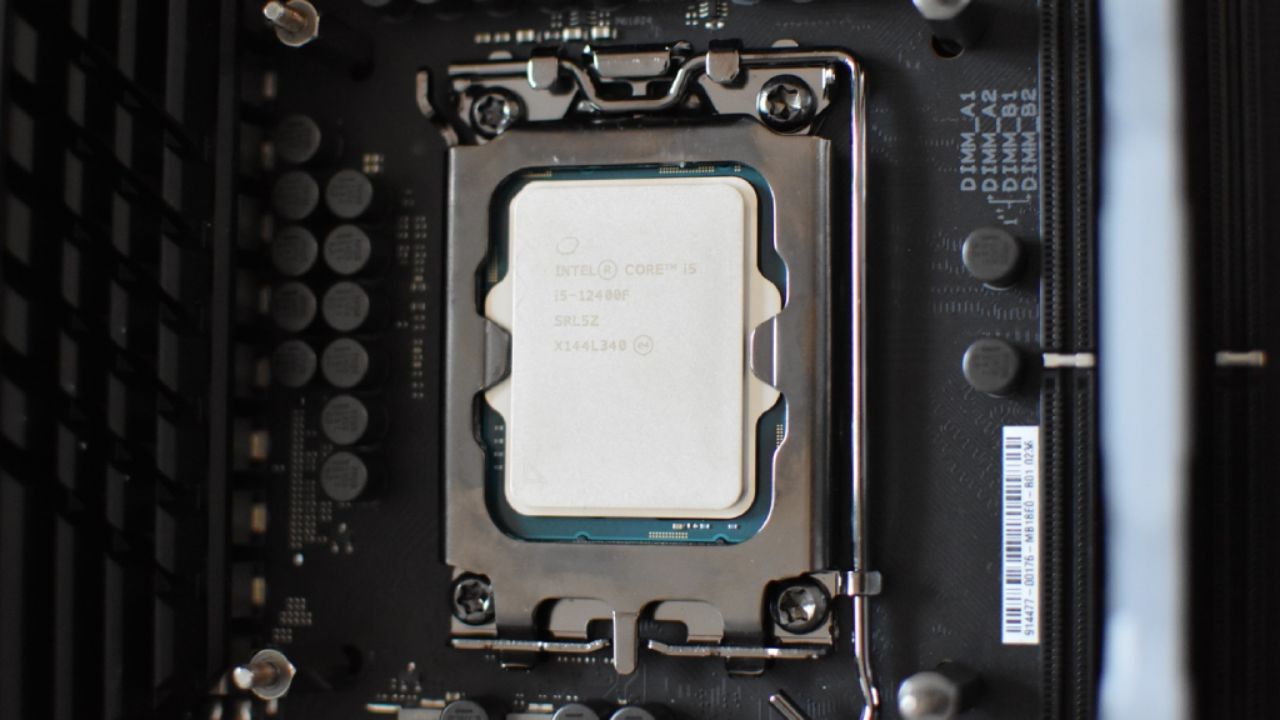
The cost difference between DDR4 and DDR5 could be used to upgrade to a Core i5-12400F. Although the i5 is 2 generations older and hits 300MHz slower, it still outperforms the i7 in many games.
The cost of a DDR5 platform may even include faster DDR4 memory, along with a six-core i5 or an older Core i7.
The four-core Core i3-14100F can still perform, but its age in modern gaming workloads is evident. Certain titles continue to perform well, particularly when paired with fast DDR5 memory. The other ones obviously enjoy the advantage of having additional cores.
When creating a budget gaming PC, we would strongly suggest considering a core alternative. Alth, though DDR5 can make the Core i3 a better performer, investing that money in a more powerful CPU will typically be of better long-term value.
Editor, NoobFeed
Gaming Hardware Updates
No Data.