
Jump Space Beginner's Guide | Gameplay Tips & Tricks
A comprehensive introduction to getting started in Jump Space.
Game Guide by Faviyan Mustafiz on Sep 21, 2025
Jump Space is an intergalactic adventure that lets you explore, fight, and work together. To stay alive, you need to know how the fundamental systems work, whether you're traveling between sectors, fighting other ships, or gathering rare artifacts.
This guide introduces the core mechanics, covering navigation of missions, management of your spaceship, handling of equipment, gathering of materials, and exploration of planetary surfaces. By following these instructions, you will be prepared to face the dangers of the galaxy and make the most of your journey.
About Mission
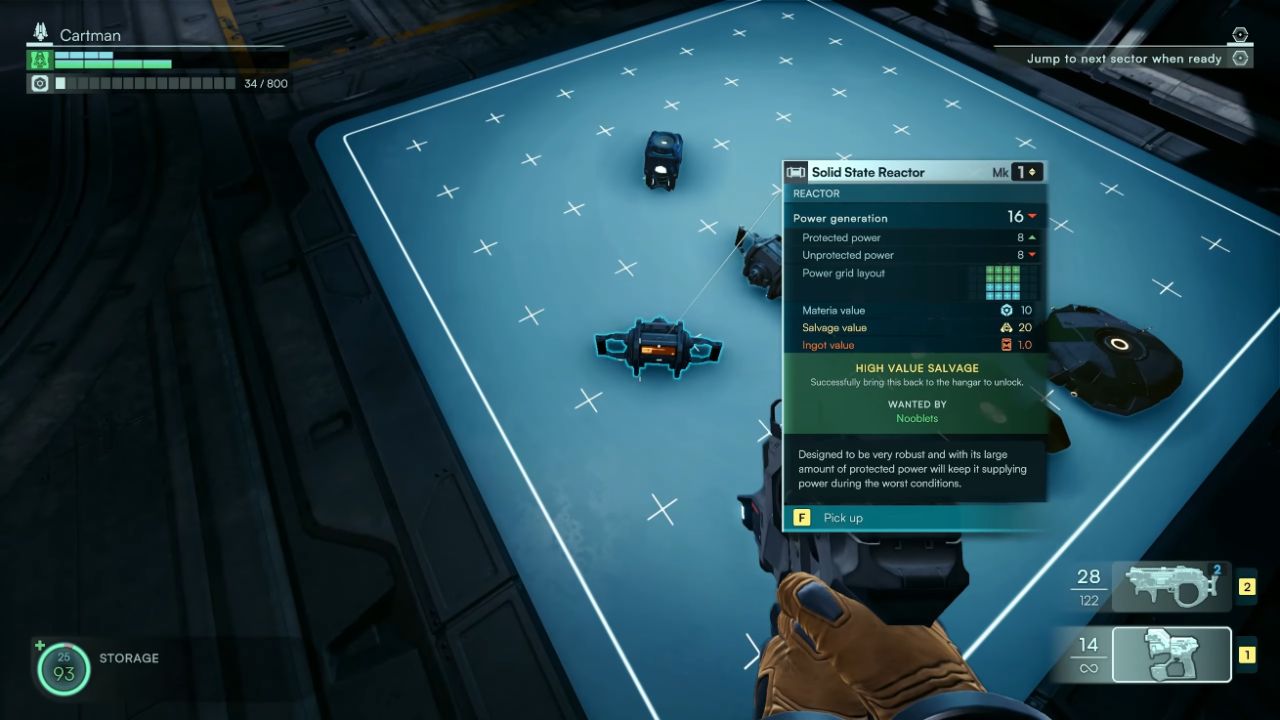
At the Jump Map on the bridge, you can plan the next Sector to jump to. You cannot return to any sector you have previously visited. Most missions require you to gather with your crew in front of the Gate or Terminal and hold down the [F] key together to unlock it.
About Spaceship
The bridge contains one Pilot Seat, two Regular Seats, and one Gunner/Battlestation Seat. During a jump to the next Sector, all members must remain seated.
The ship's pilot can only operate the Pilot Cannon, a fixed weapon that fires wherever the boat is facing. The Gunner, or Buddy Robot, can control the MultiTurret and Special Weapons when playing solo, switching between them using keys [1] through [3].
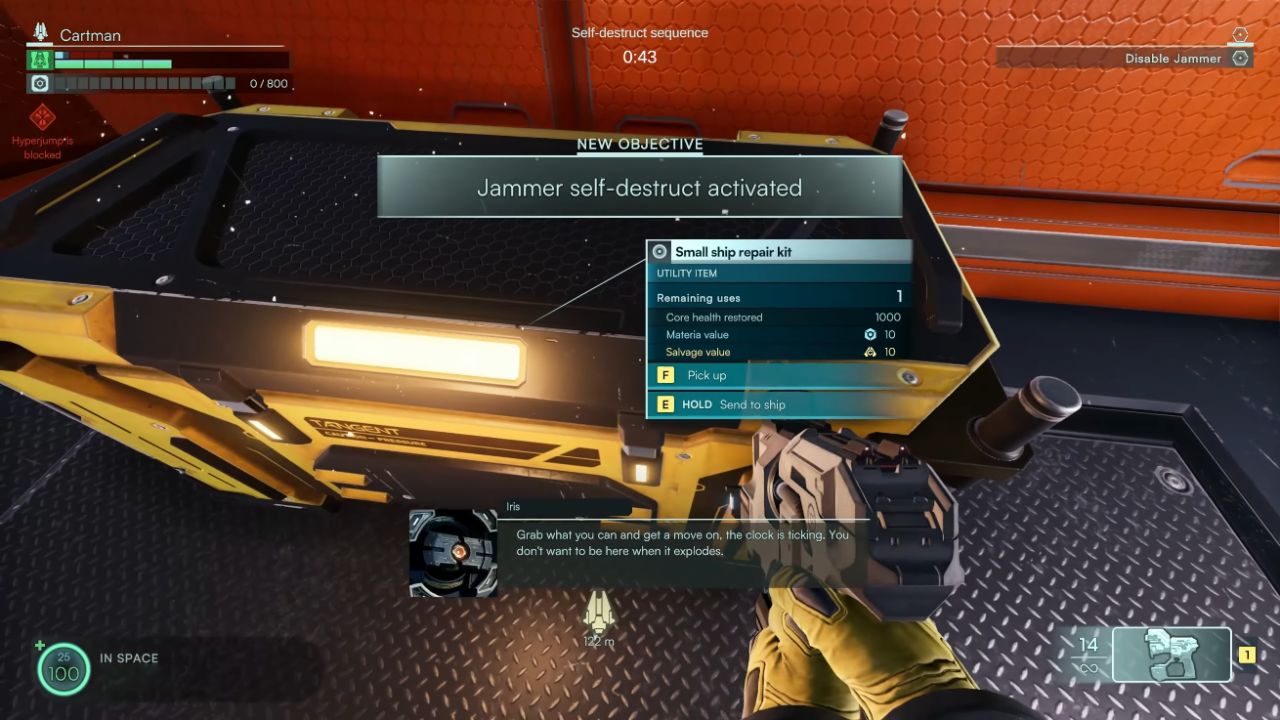
To the right of the Assembler, there is an Ammo Loader where ship ammunition can be reloaded after crafting it at the Assembler. You can repair the ship's hull at the Shipcore by using the Ship Repair Kit.
About Item and Equipment
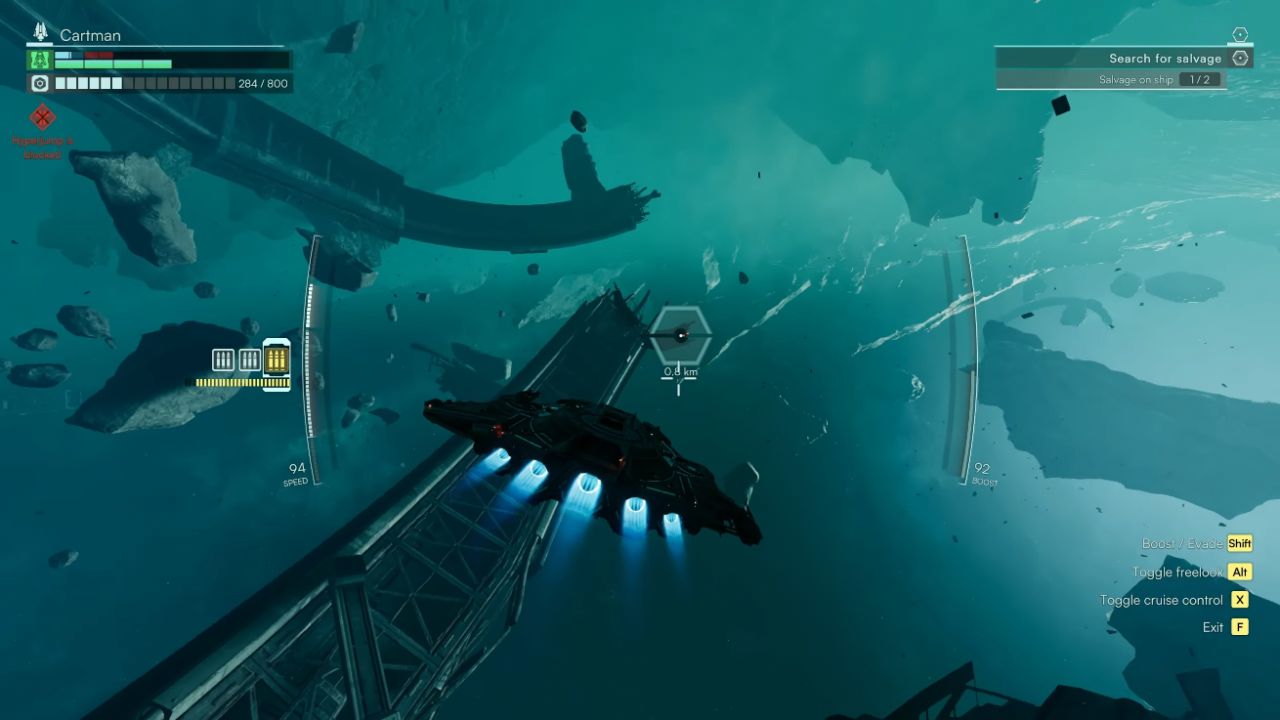
You can only hold four items at once, including weapons, tools, consumables, Quest Items, or ship Components.
When carrying a Heavy Item (usually a Quest Item), you cannot use other equipment. To switch weapons, you must press [G] to drop the item on the ground.
In solo play, holding down [E] allows your Buddy Companion to send any discovered loot directly to the ship's cargo hold, though Quest Items and ship Components cannot be transported this way.
The Ammo Crate for on-foot weapons must be deployed on the ground. Once deployed, you can withdraw ammo from it four times. Near the airlock on the ship's lower level, an Ammo Station allows you to claim ammo using Materials.
On-foot weapons discovered during missions are retained between missions and will even remain available when restarting the game. Special Weapons are said to have their ammunition fully restocked.
About Material
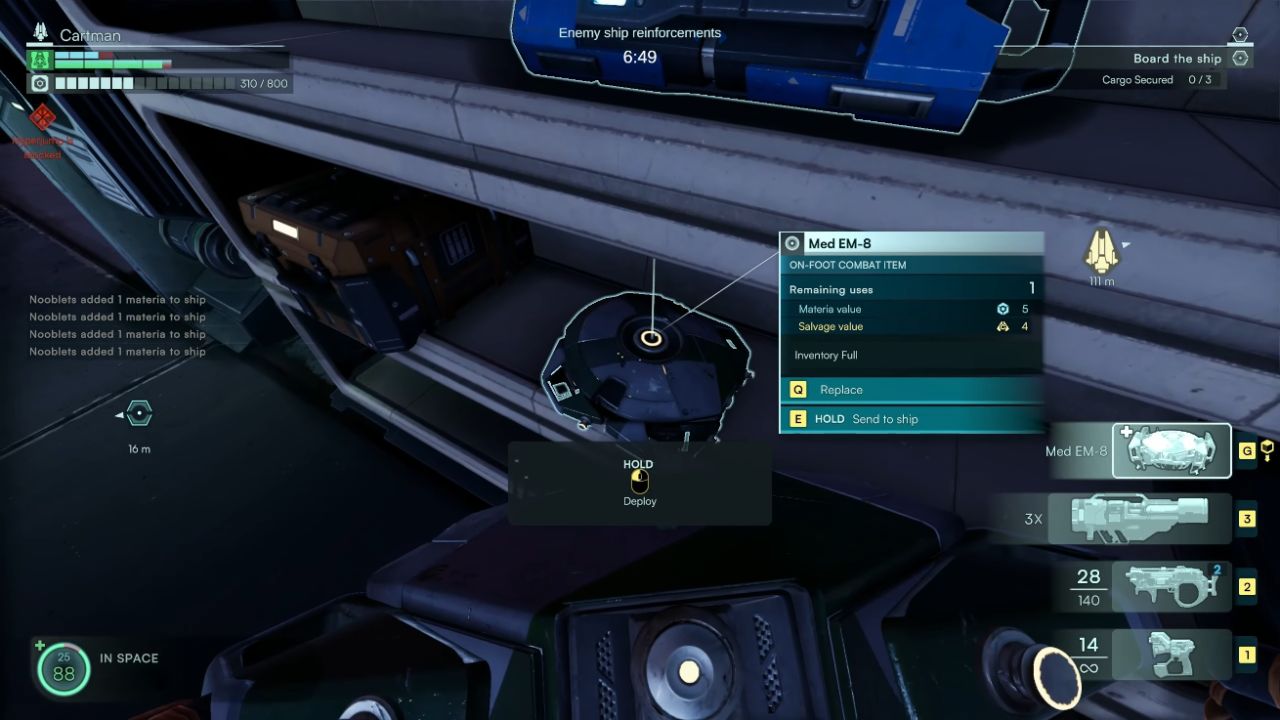
When an enemy ship is destroyed in combat, it will randomly drop Materials, visible as floating blue gas clouds. Flying through them will automatically collect them.
After accumulating a certain amount, you must go to the Material Filter on the ship's deck, located beside the Special Weapon Turret, to collect the stored Material Canisters. These must then be carried manually to the Disassembler to recycle them into usable Materials.
At the Disassembler, items can be broken down into Materials. Items left on the ship's floor at the end of a mission are salvaged into Credits, while ship Components are salvaged into Ingots.
Materials are used at the Assembler to craft items. Credits are spent to purchase equipment and unlock cosmetic items, while Ingots are used to upgrade ship Components.
About Artifact
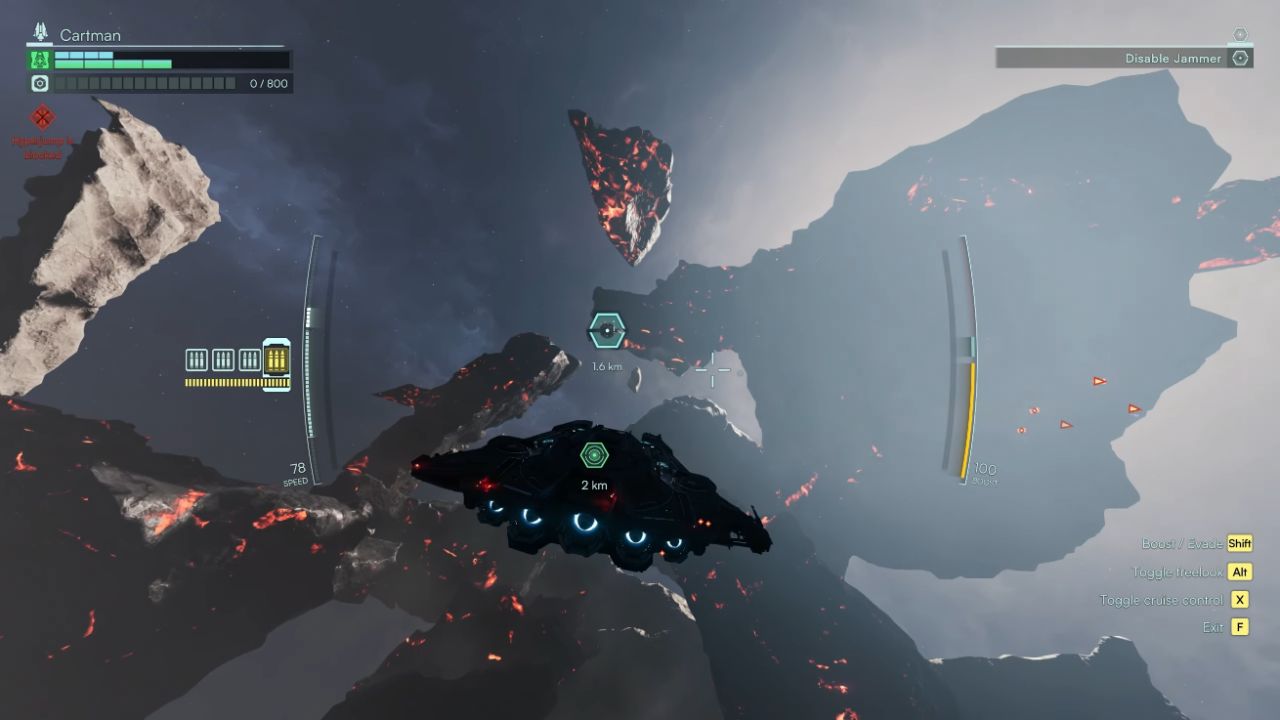
In front of the Shipcore, there are five Artifact Equip Slots where you can install Artifacts found during missions. Each Artifact grants a different bonus effect.
To use Artifacts, the Catamaran must first be upgraded from Mk.0 to Mk.1. Until then, Artifacts should be disassembled into Materials.
Artifacts not installed in slots are destroyed when jumping to the next Sector, unless a specific Artifact is equipped to prevent this. You can upgrade an installed Artifact by equipping another one on top of it. Installed Artifacts can also be removed using the button below the slots.
About Surface
On a planet's surface, double-tapping the spacebar to fly will cause you to drop to the ground. When entering floating wrecks or destroyed enemy Frigates, it is recommended to position your ship directly below the location. This prevents fatal falls when disengaging from the surface by double-tapping.
Contributor, NoobFeed
Latest Articles
No Data.