
DDR5 Single Channel vs. Dual Channel Gaming Performance
Single-stick DDR5 memory can retain most gaming performance while reducing RAM costs across multiple CPUs and demanding games.
Hardware by Shinji Okazaki on Aug 16, 2026
DDR5 prices are extremely high, making memory one of the biggest cost drivers in a PC build. With that in mind, single-stick memory can save money. Testing across different CPUs and games shows how much performance you can retain with a single DDR5 stick instead of a dual-channel configuration. The testing uses a 48GB DDR5-8000 kit and a 32GB Kingston DDR5-7200 kit.
The memory is tested individually in single-channel mode, then together in dual-channel mode, to show whether a single 16GB or 24GB stick can still provide usable performance. A 24GB stick can be harder to find, but you can find one on sites like eBay. The testing starts by installing a single stick of RAM and booting the system into single-channel mode.
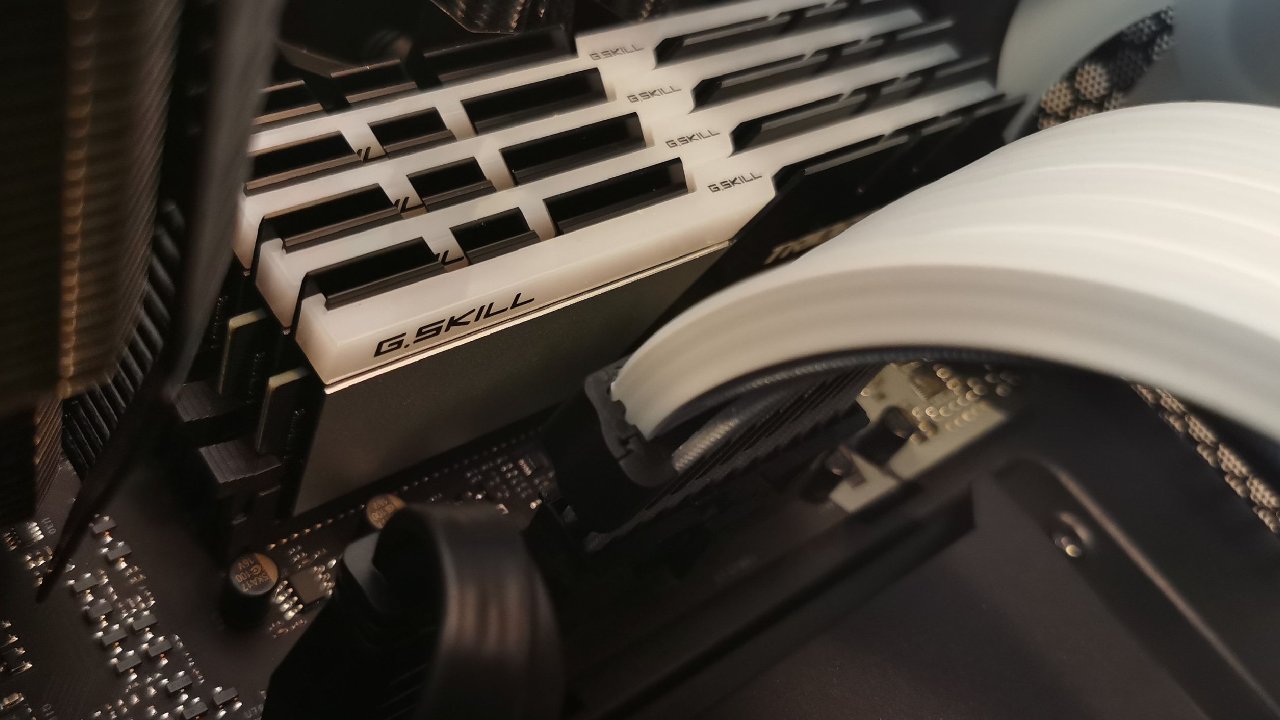
Choosing Hynix-Based DDR5 Memory
To get the performance shown in the testing, we recommend Hynix-based memory. The easiest way to identify Hynix memory is through the XMP profile. For example, 6000 CL30 or lower is Hynix, while 6400 CL32 is also Hynix. The same applies to higher-speed kits such as DDR5-7200 and DDR5-8000.
If the RAM is already installed, you can use ZenTimings to check the memory. After opening the Tools section and selecting DIMM Telemetry, the software shows SK Hynix and whether the memory uses A-die or M-die. You can also use HWiNFO if ZenTimings isn't available. In full mode, you can open the Memory section to check memory information, including SK Hynix and A-die.
The first system uses a Ryzen 9 9950X3D, an X670E Apex motherboard, and an RTX 4090. The system uses a custom loop with two 360mm radiators. The CPU is configured with PBO +200 and Curve Optimizer at -25. The RAM is also configured with the tested timings. If those timings cannot run stably, other configurations can be used depending on how much the CPU can handle.
Call of Duty: Black Ops 7 Performance
Call of Duty: Black Ops 7 produced a similar result. The average FPS was somehow better with the single-stick configuration, while the CPU numbers showed that the average FPS increased with dual-channel memory. Despite the difference, there was no meaningful performance loss from using a single stick.
Cyberpunk showed a more noticeable difference with dual-channel memory. Performance went from 275fps to 290fps, while the average FPS also increased by a small amount. This shows that some games can benefit from dual-channel memory, although the difference still depends on the game and the CPU being tested.
The next system uses the Ryzen 7 9700X. We used the same approach, focusing on gaming benchmarks rather than going through all the system settings again. In CS2, the results were almost the same and remained within the margin of error. The FPS was nearly identical between single-channel and dual-channel memory.
Call of Duty: Black Ops 7 showed better results with dual-channel memory, but the single-stick configuration lost about 20 fps, along with a bit more performance in the lows. Even with that difference, the performance loss was not substantial. Cyberpunk showed a loss of around 25 fps, while the 1% lows dropped by around 29 fps. Even so, the result remained usable, and the performance difference wasn't significant.
Intel Core i9-13900K Testing
Intel system uses a Core i9-13900K paired with an RX 9700 XT. Cooling comes from an Arctic Liquid Freezer 3 420 Pro, while the P-cores run at 5.7 GHz and the E-cores run at 4.8 GHz. The RAM is configured at DDR5-8000 CL26. CS2 again produced an unexpected result: the single-stick configuration showed higher FPS.
This is likely within the margin of error because repeated benchmark runs can produce random differences. Even so, CS2 ran perfectly fine with a single stick of RAM. Call of Duty: Black Ops 7 also showed a similar result. Average FPS rose from 438 fps to 462 fps between the configurations, while the lows were barely affected. On average FPS, the difference was only about 2 fps.
Cyberpunk showed an average loss of around 4 fps with the single-stick configuration. The lows dropped by about 8fps. Again, the difference was not large enough to make the single-stick configuration unusable. The results show that the impact of running one DDR5 stick depends on the game and platform.
The main question is whether 16GB or 24GB of RAM is enough.
If that capacity is acceptable, testing shows you can still achieve around 90% to 95% of performance in the worst case. In some games, the performance can remain exactly the same. That also means you can save money because RAM is expensive. If saving money on RAM is the priority, using a single stick can still be an option.
This works differently with DDR5 due to its memory architecture. DDR5 is split into two 32-bit subchannels, while DDR4 uses one 64-bit channel. As a result, DDR5 technically already uses two subchannels with one stick.
That is why the performance difference isn't as large with DDR5, along with other improvements in the memory standard, including higher bandwidth. For systems where 16GB or 24GB is enough, a single DDR5 stick can therefore provide most of the gaming performance while reducing memory costs.
Editor, NoobFeed
Gaming Hardware Updates
No Data.