
Lenovo Legion Go 2 GPU Driver Update Fixes Adrenaline and Windows Issues
Clean driver installation using DDU enables stable performance and correct update flow for Lenovo Legion Go 2 systems.
Hardware by Nahe Yan on Apr 08, 2026
On Lenovo's website, you can find the original GPU driver update for the Legion Go 2 Z2 Extreme. It's now easy to get drivers and check that software works with them.
We already talked about how Windows was pushing a newer GPU driver on Adrenaline, which stopped it from working right. The update, which was called 26.1.1 or 2611, broke the program and stopped it from getting the right patches from Windows and the Microsoft Store. It made some games run faster and less often crashed, like Elden Ring, but it also made the update process less stable.
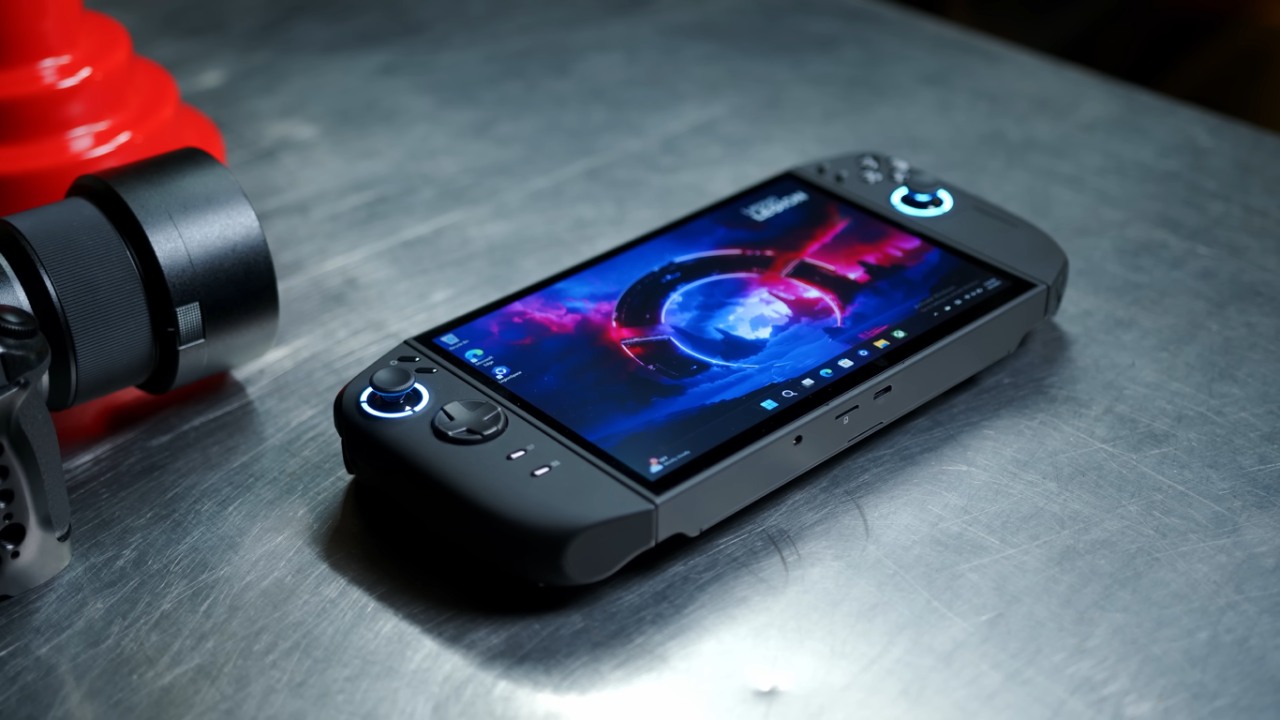
How to Install Without Mess
The driver that came with Windows was thrown out, and testing of the good update began again. DDU cleaned up everything. It got rid of Adrenaline and all the drivers that were set up. It put in an older version from September 2025 instead of the most current one from January 2026 when the computer was turned back on.
Bringing back the Adrenaline Update
After installing the drivers, we opened the Microsoft Store and checked for updates. The Adrenaline update came out as planned. You can do the same thing: install the Lenovo driver, access the shop, update Adrenaline, and start it up like you normally would.
Everything went as planned. The driver and Adrenaline software both worked as they should, restoring the normal update flow without requiring any prior workarounds.
How Windows Update Works
After installing, we checked Windows Update several times to make sure it wouldn't replace the driver. It didn't try to go back to the old version or install a new one. The official Lenovo driver kept the system steady.
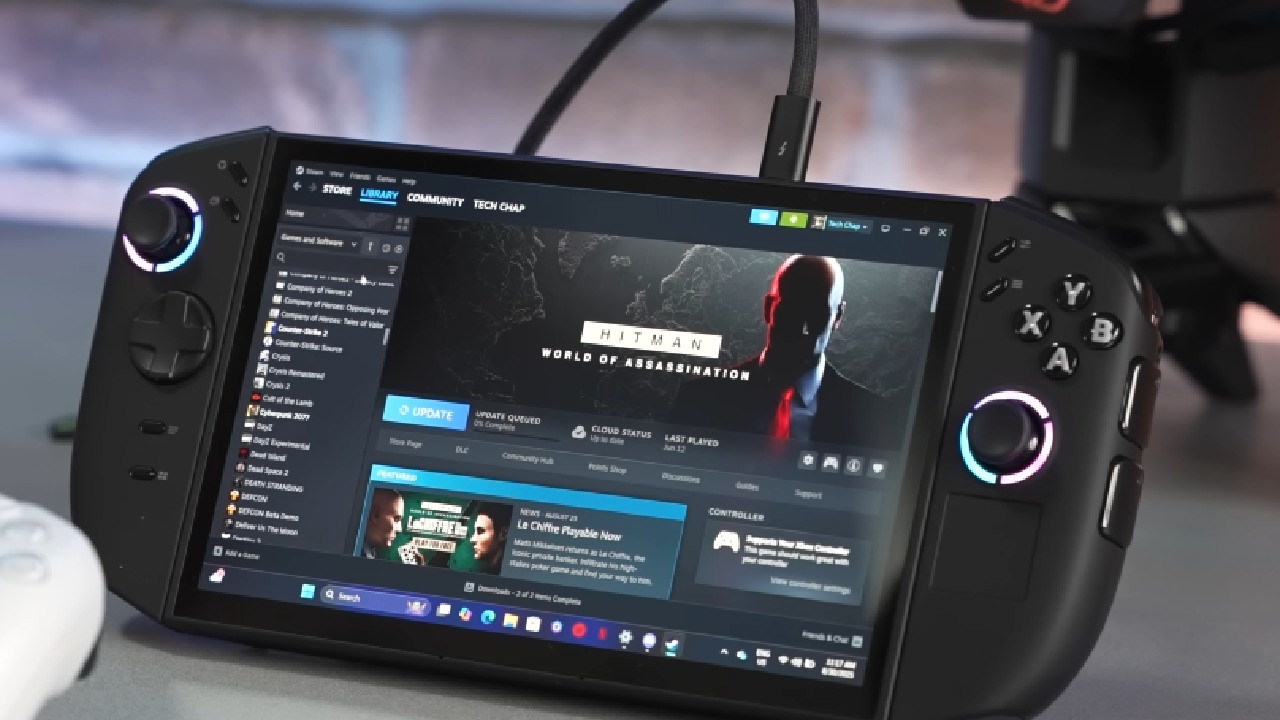
Testing for Stability and Performance
We played several games with the driver for a short while. We played Elden Ring for about 20 to 30 minutes without any problems. Earlier tests with the same driver for nearly 3 hours also showed no crashes, though performance still needs improvement.
There were small performance improvements in Crimson Desert. You might see a slight increase in fps and better frame timing.
Final Thoughts
Installing the official GPU driver from Lenovo is easy, and it fixes Adrenaline's problems. We don't need to use workarounds to fix update problems anymore. Windows Update is no longer causing problems, and the system works as it should.
You can now download the driver directly from Lenovo's website and follow the usual steps to upgrade. The new driver makes things more stable and, in some games, runs them a little better.
Also, check our other hardware articles:
- AMD Ryzen 9 9950X3D Review: Setting The Standard For 2025 Gaming CPU
- Amazon Luna 2025 Review: Is Prime Gaming's Cloud Service Your Go-To For Casual Fun?
- AMD RX 9070 XT Review: AMD's RDNA 4 Champion for 1440p Gaming
- GeForce Now Ultimate: Ditching Your Gaming PC For Cloud RTX 4080 Power?
- NVIDIA GeForce RTX 5080 Review (2025): Still A 4K Gaming Powerhouse?
- Intel Core Ultra 9 285K Review And Performance Breakdown (2025)
- AMD Ryzen 7 9800X3D Review: 3D V-Cache Goes God Mode with Stunning Gaming Performance
- Intel Core Ultra 9 285K vs AMD Ryzen 7 9800X3D: In-Depth Gaming Performance and Benchmark Comparison
- NVIDIA GeForce RTX 5080 Super Performance In Cyberpunk 2077: Path Tracing & DLSS 4.0 Tested
- AMD Radeon RX 9070 XT In Cyberpunk 2077: Ray Tracing & FSR 4.0 Tested
- Intel Arc B580 Review: The $250 GPU Revolutionizing 1440p Gaming
- Intel Arc B570 Vs. B580: Value, Specs, And Real-World Gaming Performance
- RTX 5090 Laptop Vs. M4 Max MacBook Pro: Ultimate Raw Performance Vs. Battery Endurance
- Intel Arc b580 Vs. RTX 4060: Game Performance And Value Analysis
- RTX5090 Hell Is Us Demo 4K Ultra Benchmark: DLSS Vs. Native Performance Guide
- NVIDIA RTX 5070 Review: Mid-Range Muscle or Marketing Hype?
- Nintendo Switch 2 Review: Handheld Performance, Features & Value Breakdown
- RTX 5070 Ti Review: Performance, Thermals & Power Efficiency Tested
- Samsung Odyssey OLED G81SF Review 2025: Ultimate 32-Inch QD-OLED Gaming Monitor
- AMD RX 9070 Performance Review: Thermals, Clocks, and Real-World FPS
- AMD Ryzen 5 7600 Review: Best Budget Gaming CPU of 2025?
- AMD Radeon RX 7800 XT Review: RDNA 3 Power For Midrange Gaming
- Asus ROG RTX 5090 Astral OC Vs. Founders Edition: The 4K Gaming Benchmark
Editor, NoobFeed
Gaming Hardware Updates
No Data.