
RTX 5060 Ti The Witcher 3 DLSS 4.5 Benchmarks at 1080p, 1440p and 4K
Frame generation increases smoothness across 1080p, 1440p, and 4K with manageable latency impact.
Hardware by Nahe Yan on Feb 22, 2026
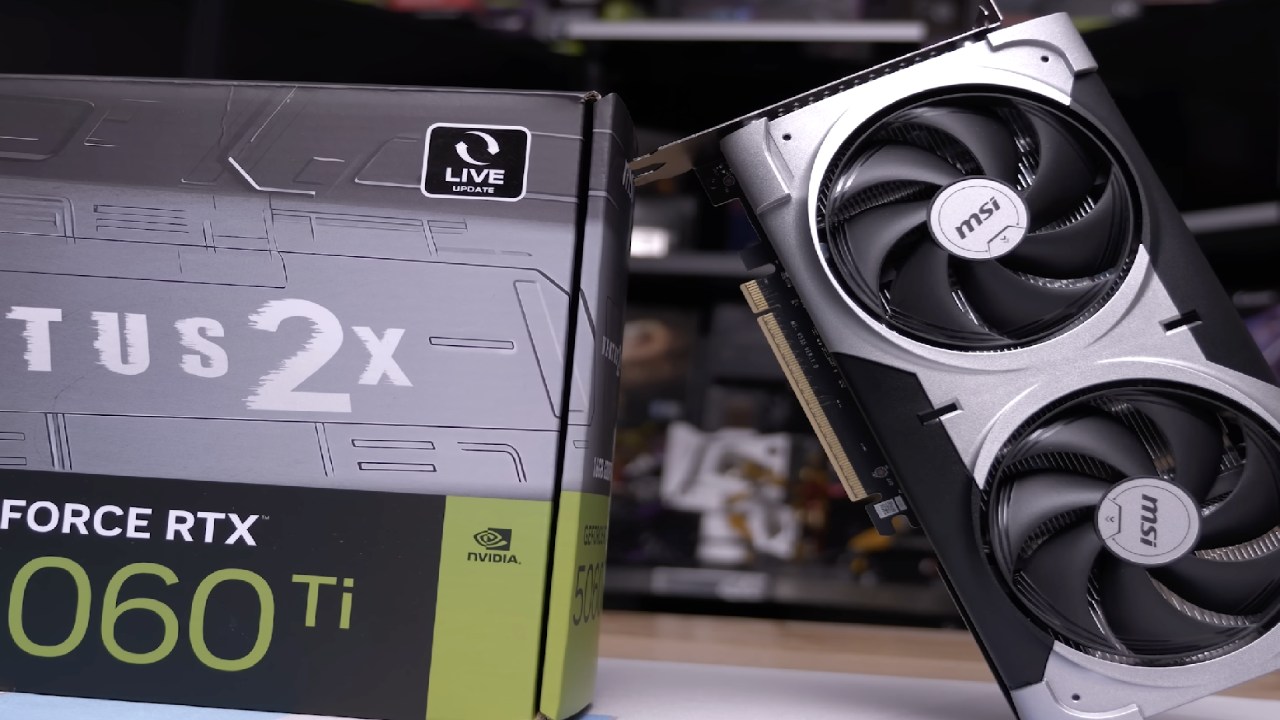
We used the Palit Infinity 3 version of the GeForce RTX 5060Ti to test The Witcher 3 Next-Gen. The machine was using the latest Nvidia drivers, and no manual overclocking was performed. TechPowerUp GPU-Z checked the GPU specs, and the card was used with a Ryzen 7 9800X3D and 32GB of RAM. These specs are higher than they need to be. A lower-CPU system can still achieve the same FPS as long as the GPU isn't the problem.
The tests started at 1080p, then went to 1440p and 4K. At first, DLSS frame creation was turned off. We utilized the Ultra Plus settings and turned off HairWorks and some other capabilities, such as ray tracing. Ray tracing in this game is heavy and has only a small effect on lighting and reflections; it was turned off for baseline testing.
1080p Ultra Plus with DLSS 4.0 LAA
DLSS was set to DAA in-game at 1080p, which works like DLAA using the Nvidia app override. The game always uses DLAA, no matter what the in-game setting is, when you choose preset K in the Nvidia app and turn on DLSS override super Resolution to LAA. Preset K is equivalent to DLSS 4.0 and delivers better image quality than the native version.
In areas with many trees, performance ranged from 90 to 100 fps. FPS stayed above 60 at all times, even in dense foliage. There was no stuttering during testing, and the experience stayed seamless without needing to preload or run for a long period.
Switching from LAA to TAA gave me an extra 5 to 10 fps. Still, DLSS 4.0 LAA maintained steady performance with very little ghosting. Sometimes, the grass detail looked soft, but turning up the sharpening to High made everything much clearer.
Performance at 1440p Resolution
With DLAA turned on, FPS is reduced to the 40fps to 50fps range in forested regions at 1440p. It was playable; however, the frame rate didn't always stay at 60fps. When you switch to DLSS Quality, the average frame rate rises to 60 fps, while the number of drops drops below that level. DLSS 4 or newer at 1440p DLSS Quality looked better than 1080p DLAA.
Allowing frame generation at 1440p made things much smoother. The fps went up from 40 to 70 to 80. The latency went up from about 33ms to about 47ms to 50ms. Even though it was perceptible, the latency stayed around 60ms. It didn't have a big effect on gameplay in a single-player third-person setting.
Options for Scaling 4K Resolution
At 4K with DLAA, the frame rate ranged from 20 to 30 fps, which isn't usable. Turning off the DLAA override and enabling DLSS Quality increased the frame rate by about 20 fps, making it playable.
When I switched to DLSS Performance at 4K, I got above 60 fps in less demanding scenes. Still, performance dropped to the 50 fps range in forest sections. The image quality remained good, especially on high-PPI monitors. When frame generation was enabled at this setting, the frame rate increased to 70-80 fps. Still, the latency increased to about 60 milliseconds.
Changing the settings from Ultra Plus to Ultra increased the frame rate by about 10 fps. When DLSS Performance and frame generation were turned on, 4K gameplay stayed above 70 fps in most situations.
DLSS Quality at 1440p Without Frame Generation
Performance ranged from 70 to 100 fps at 1440p when DLSS Quality was not used for frame generation. 1% lows stayed above 60 fps. The game worked well because latency stayed between 20 and 25 milliseconds. The picture quality was better at 1440p DLSS Quality than at 1080p DLAA. It looked more like original 1440p.
Ray Tracing Speed
Ray tracing was possible at 1080p since DLSS Quality was rendered at 720p and then upscaled to 1080p. In crowded locations, the performance struggled to maintain 60 fps, and frame time spikes were observed. DLSS 4.5 preset M sharpened everything more than preset K, especially in areas of grass in the shade, though performance was still limited.
Frame generation made things smoother with ray tracing on, but the images became even softer. Ray tracing significantly worsened performance compared to visual improvements, making it less useful for this GPU tier.
Preset M and Preset L for DLSS 4.5 at 4K
When I switched to the DLSS 4.5 preset M at 4K, grass detail improved compared to preset K. However, in intensive scenarios, the FPS dropped to 40. Enabling frame generation stabilized performance above 60 fps, with a delay of 60-70 milliseconds.
Preset L made everything sharper, but it made things work even worse. Before frame creation, FPS stayed around 50fps with DLSS Performance and default L. Ultra Performance mode at setting L rendered at 720p and upscaled to 4K, giving about 80fps without frame generation. During motion, the picture remained clear, and the latency was minimal.
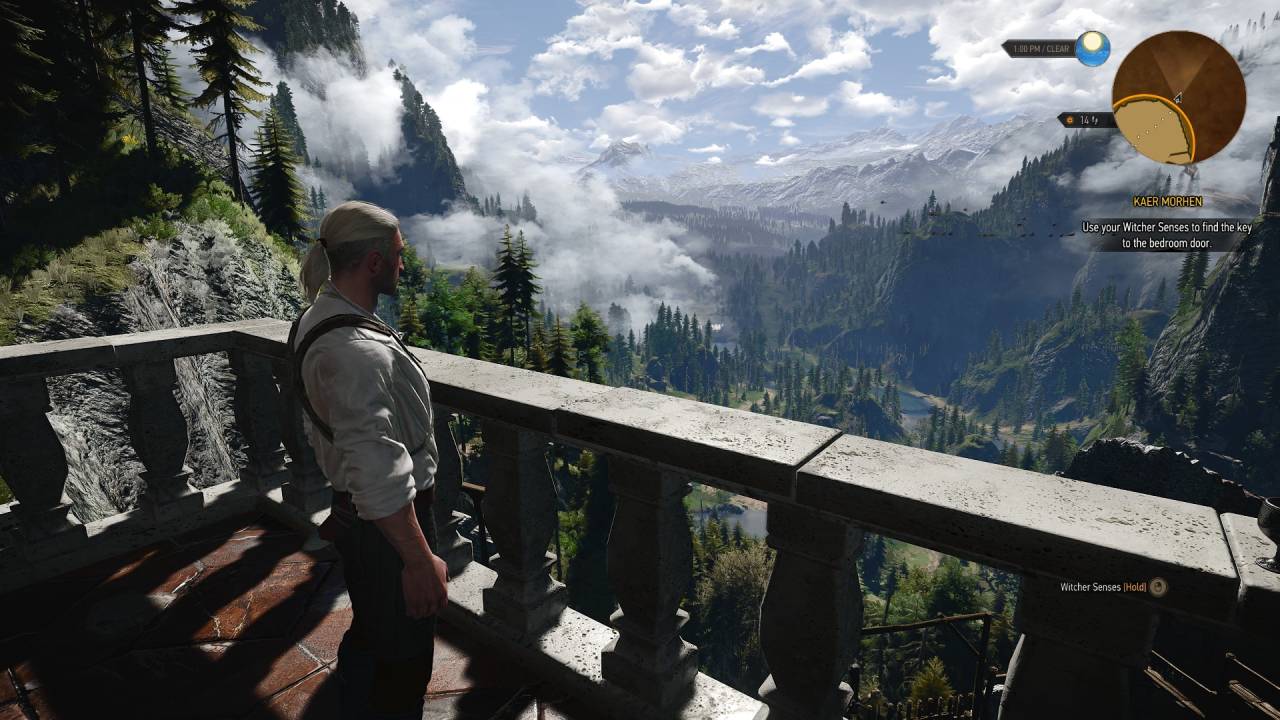
1440p with Preset L
When utilizing DLSS Quality with preset L at 1440p, the internal Resolution was 960p upscaled to 1440p. Sometimes the frame rate dropped below 60. Yet, the picture quality was better than the default K. Turning on frame generation raised the FPS to 90-100, which made the game run smoothly.
Final Thoughts
Ultra Plus without ray tracing with DLAA or DLSS 4.0 preset K runs at a steady 60 fps at 1080p. Frame generation lets you achieve high refresh rates above 120 fps with only a small increase in latency.
DLSS Quality without frame generation keeps 60fps or higher at 1440p, whereas the preset L with frame generation gets 90-100fps in most cases. DLSS Performance at 4K with preset M or L and optional frame generation gives playable performance above 60fps, but this depends on how complicated the scene is.
Ray tracing comes at a significant performance cost and isn't the best choice for this setup. Without ray tracing, Ultra Plus settings deliver good image quality and reliable performance across all resolutions. The Witcher 3 still has a lot of content and is often on sale, making it a good choice for RTX 5060Ti users who want the best DLSS 4.5 settings.
Also, check our other hardware articles:
- AMD Ryzen 9 9950X3D Review: Setting The Standard For 2025 Gaming CPU
- Amazon Luna 2025 Review: Is Prime Gaming's Cloud Service Your Go-To For Casual Fun?
- AMD RX 9070 XT Review: AMD's RDNA 4 Champion for 1440p Gaming
- GeForce Now Ultimate: Ditching Your Gaming PC For Cloud RTX 4080 Power?
- NVIDIA GeForce RTX 5080 Review (2025): Still A 4K Gaming Powerhouse?
- Intel Core Ultra 9 285K Review And Performance Breakdown (2025)
- AMD Ryzen 7 9800X3D Review: 3D V-Cache Goes God Mode with Stunning Gaming Performance
- Intel Core Ultra 9 285K vs AMD Ryzen 7 9800X3D: In-Depth Gaming Performance and Benchmark Comparison
- NVIDIA GeForce RTX 5080 Super Performance In Cyberpunk 2077: Path Tracing & DLSS 4.0 Tested
- AMD Radeon RX 9070 XT In Cyberpunk 2077: Ray Tracing & FSR 4.0 Tested
- Intel Arc B580 Review: The $250 GPU Revolutionizing 1440p Gaming
- Intel Arc B570 Vs. B580: Value, Specs, And Real-World Gaming Performance
- RTX 5090 Laptop Vs. M4 Max MacBook Pro: Ultimate Raw Performance Vs. Battery Endurance
- Intel Arc b580 Vs. RTX 4060: Game Performance And Value Analysis
- RTX5090 Hell Is Us Demo 4K Ultra Benchmark: DLSS Vs. Native Performance Guide
- NVIDIA RTX 5070 Review: Mid-Range Muscle or Marketing Hype?
- Nintendo Switch 2 Review: Handheld Performance, Features & Value Breakdown
- RTX 5070 Ti Review: Performance, Thermals & Power Efficiency Tested
- Samsung Odyssey OLED G81SF Review 2025: Ultimate 32-Inch QD-OLED Gaming Monitor
- AMD RX 9070 Performance Review: Thermals, Clocks, and Real-World FPS
- AMD Ryzen 5 7600 Review: Best Budget Gaming CPU of 2025?
- AMD Radeon RX 7800 XT Review: RDNA 3 Power For Midrange Gaming
- Asus ROG RTX 5090 Astral OC Vs. Founders Edition: The 4K Gaming Benchmark
Editor, NoobFeed
Gaming Hardware Updates
No Data.