
Stream PS5 Games on Steam Deck Without a Console
Streaming PlayStation 5 titles on a Steam Deck becomes accessible through a simple setup process and affordable third-party software.
Hardware by Tanvir Kabbo on Jan 17, 2026
Today's post shows you how to stream PlayStation 5 games to a Steam Deck without owning a PS5 or a PlayStation Portal. If you already have a PlayStation 5, you can also play games remotely with this setup, which is great for PlayStation aficionados.
You can go to your PlayStation Plus Premium cloud library or your PS5 game collection straight now after installing the PS Stream program and logging in securely.
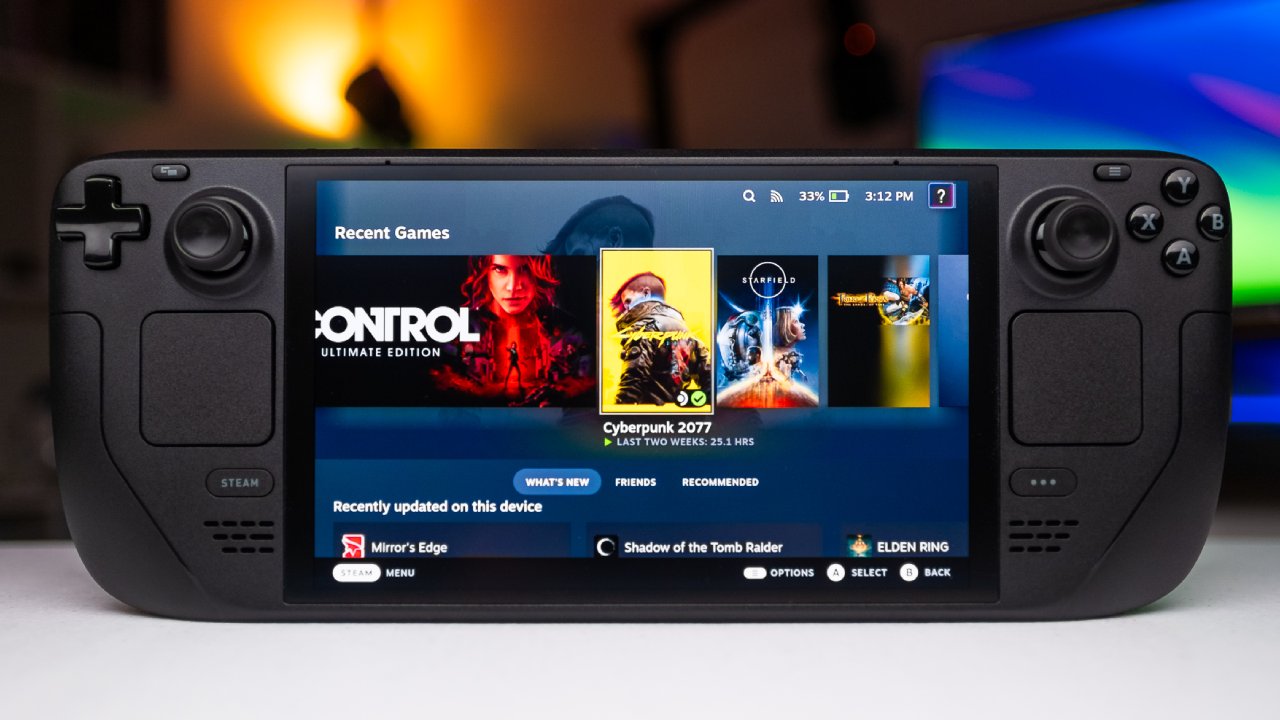
Safety Tips and Requirements
Before you can start, you'll need a few things. You need a PlayStation Plus Premium account to stream PS5 games because this level allows cloud streaming. You will also need to get the PS Stream app from the Steam Store, which costs roughly $5.
A short note about safety: you'll need to enter your PSN information into the program. It's okay to be cautious if you're worried about your account's security. We've been using the app for almost a week without any problems, but it's still crucial to know about this step.
How to Install PS Stream on Steam Deck
You may get the PS Stream app from the Steam Store. Look for "PS Stream," click on the link, and then install it. After the software is installed, open it. You don't need to go into Desktop Mode or download anything more; the app provides everything you need to finish setting it up.
To scan a QR code displayed on the Steam Deck screen, you need a mobile phone. After scanning, do what your phone tells you: go to settings, open the link, copy the code, and paste it into the box on the next screen. When you're done, go back to the app and see if you're logged in. You can go on once the app says you're logged in.
How to Play Your PlayStation Games Without a PS5
Your mobile PlayStation app lets you access your PS5 cloud library. Sign in to the PSN app and go to your games. You may add games to your library right from your phone, like a new sports game that just came out.
Here is how to play PS5 games with the PS Stream app. You may look through all of the PlayStation Plus Premium games by navigating to the Cloud Catalog. It's easy to find a certain game, like Bloodborne, by typing in the first few characters. Games start promptly, and titles stream in real time with minimal wait.
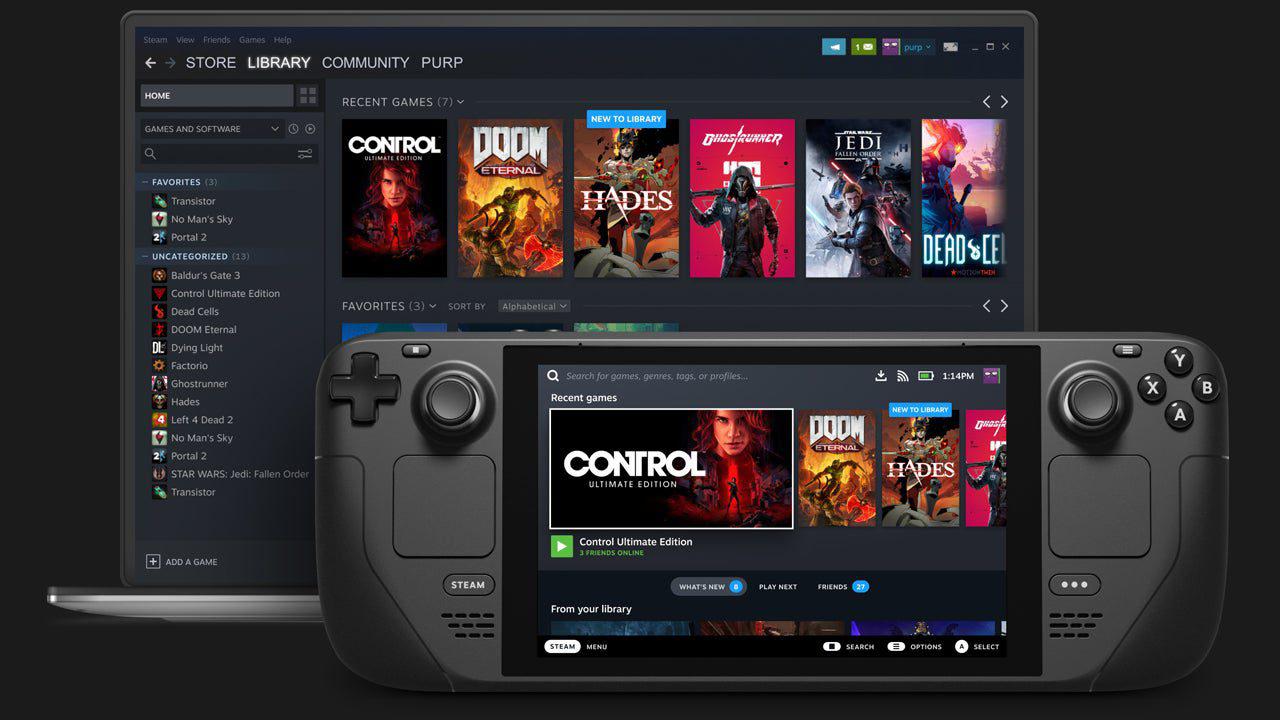
Streaming PS5 Titles on Steam Deck
If you added games to your PlayStation account, they will appear in the app. Most PS5 games can be streamed to the cloud, but not all of them can. Some games, like Death Stranding 2, might not be out yet, but most of them will work.
Launching new games, like Ghost of Yodi, works well and quickly. One of the best things about the Steam Deck is that its trackpad works like the PS5 controller's touchpad, unlike other remote play solutions. There is almost no lag, and movement is very responsive.
Settings & Customization
You can make many changes to the PS Stream app. You can change the haptic feedback and gyro controls in the General settings. You can change the resolution and general quality of your videos in the video settings. The Audio tab offers many options to customize your experience, and the streaming settings let you fine-tune performance even further.
You can also tweak your controller's functions or create your own layouts with key mapping. It's impressive how flexible this program is for such a low price, especially given how many features it has.
How to Use Remote Play on a PS5
You may connect your PlayStation 5 directly to the PS Stream app if you already own one. You can play games on your PS5 from your Steam Deck thanks to this. This is how people got to play games like Spider-Man, which was shown running during testing. The performance is seamless and on par with certified remote play options, but the controls and compatibility are better.
Final Thoughts
For under $5, the PS Stream app offers a lot of great features we really like. The PS5 cloud streaming, remote play capabilities, wide range of customization options, and smooth trackpad performance make it a great complement to any Steam Deck setup. Streaming to a TV from the Deck makes it work like a PS5 console.
For PlayStation enthusiasts who want to play games in more ways, this is a great, affordable option.
Also, check our other AMD articles below:
- AMD Ryzen 9 9950X3D Review: Setting The Standard For 2025 Gaming CPU
- AMD Ryzen 7 9800X3D Review: 3D V-Cache Goes God Mode with Stunning Gaming Performance
- AMD RX 9070 Performance Review: Thermals, Clocks, and Real-World FPS
- AMD Ryzen 5 7600 Review: Best Budget Gaming CPU of 2025?
- AMD Radeon RX 7800 XT Review: RDNA 3 Power For Midrange Gaming
- Sapphire NITRO+ AMD Radeon RX 9070 XT Review: The Ultimate 4K Gaming GPU
- AMD Ryzen 7 7800X3D: Delivers Gaming Performance Far Beyond Expectations
- AMD Ryzen 9 7900X Review: Powering the AM5 Era with DDR5 & PCIe 5.0
- Intel Core i9‑14900K vs. AMD Ryzen 7 7800X3D: Power Profiles & Gaming Benchmarks
Senior Editor, NoobFeed
Gaming Hardware Updates
No Data.