
NVIDIA GeForce RTX 5070 Hogwarts Legacy Performance Test at 1440p and 4K
RTX 5070 testing reveals balanced Performance without ray tracing and improved smoothness through modern upscaling technologies
Hardware by Nahe Yan on Dec 19, 2025
We tested Hogwarts Legacy on a GeForce RTX 5070 Founders Edition with the newest Nvidia drivers and no manual overclocking. We used GPU-Z to check the GPU specs; the machine has a Ryzen 79800X3D and 32GB of RAM.
The purpose was to test Performance at 1440p, 1080p, and 4K resolutions utilizing multiple frame generation technologies, rendering approaches, and upscaling options.
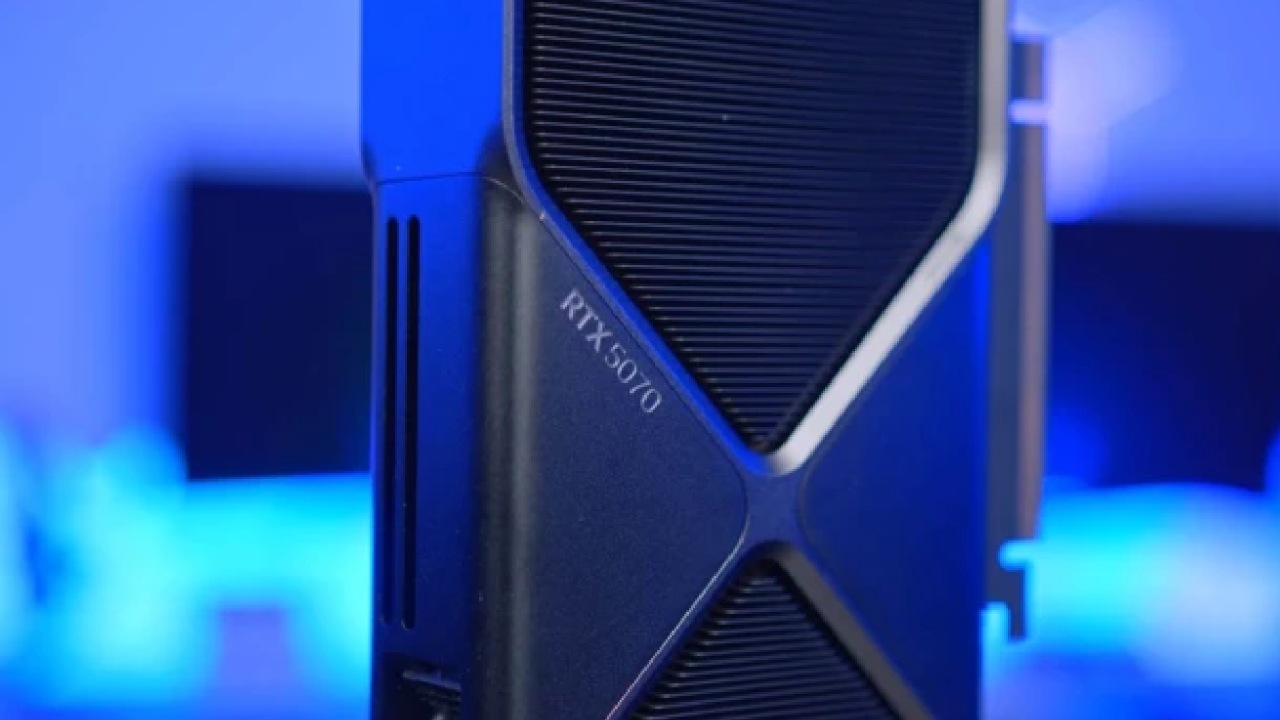
Native Performance at 1440p, not using Ray Tracing
At 1440p with DAA, ultra settings, and ray tracing off, Performance is generally stable. This resolution works well with RTX 5070 and consistently delivers good results. The average frame rate is high; however, the 1% lows can dip due to how Unreal Engine 4 works.
Stutters mainly happen in Hogsmeade and within Hogwarts, which are both CPU-intensive areas with a lot of NPCs. Even with some drops, the experience remains mostly seamless, and frame rates rarely dip below 60.
Ray tracing is not a good idea at this resolution. Tests on several GPUs reveal that enabling ray tracing lowers 1% lows significantly and often causes stuttering, even on high-end hardware. The lighting, shadows, and reflections get better, but the performance trade-off isn't fair.
DLSS and Frame Generation at 1440p
Using DLSS Quality at 1440p lowers the internal resolution to 960p. DLSS4 does improve reconstruction, but vegetation and shadows still show noise and flicker, especially in foliage. For this reason, DLSS upscaling alone is not the best way to achieve a high-refresh-rate 1440p experience.
The best way to do this is to keep native 1440p with DAA on and turn on Intel XCSS frame generation at 2x. This needs a restart, but it speeds things up to about 160 fps. Frame pacing isn't as reliable as Nvidia DLSS frame generation, but overall smoothness improves. Microstutters that happen a lot in Hogwarts Legacy are mostly gone, and the GPU is used more, especially in regions where the CPU is busy.
Using low-latency settings keeps input latency under control, with no perceptible downside. For 1440p on an RTX 5070, the best result is native resolution with XCSS2x frame creation.
1080p Performance and CPU Problems
The game becomes CPU-bound at 1080p native with DAA and extreme settings. When there are many people around, GPU usage drops to 60%–70%, showing that even Ryzen 9 79800X3D has limits. Frame rates change a lot, and they can even drop into the 70fps region, which is why they sometimes go below 100fps.
This means that 1080p isn't the best resolution for this GPU category. RTX 5070 has enough power to take advantage of higher resolutions. But enabling frame generation at 1080p boosts Performance to about 240 fps, which is good for monitors with high refresh rates. The picture quality is still good, with very few artifacts.
Native Performance in 4K
At 4K native with DAA and extreme settings, the average frame rate is around 60 fps; however, frame times are not always consistent. Stutters are easy to see, especially in CPU-intensive areas. Frame rates dip to the 40fps–50fps range in situations that are more GPU-bound. This arrangement is playable, but it's not the best without help from upscaling.
4K with DLSS Quality
When DLSS Quality is set to 4K, the game runs at 1440p and is upscaled to 4K. The visual output is very close to native 4K, with only a slight softness in the leaves. In the same situations where native resolution struggled, Performance increases significantly, reaching about 78–80 fps. This is the best 4K setup because frame rates stay above 60 fps even in challenging conditions.
When DLSS Quality is enabled, RTX 5070 plays this game in 4K without any problems. Visual clarity is better than native 1440p, and overall consistency improves.
Frame Generation at 4K
Turning on Nvidia DLSS frame generation at 2x with DLSS Quality increases Performance to over 100 fps. The picture stays clear, and there aren't many artifacts. Nvidia's method handles motion better than XCSS frame creation, but both work.
Using 4x multi-frame generation yields frame rates close to 200fps; however, it also introduces motion artifacts and blur. 4x frame generation is not a good idea if Performance consistently falls below 200fps. The 2x mode has better balance, the same input latency, and fewer visual problems.
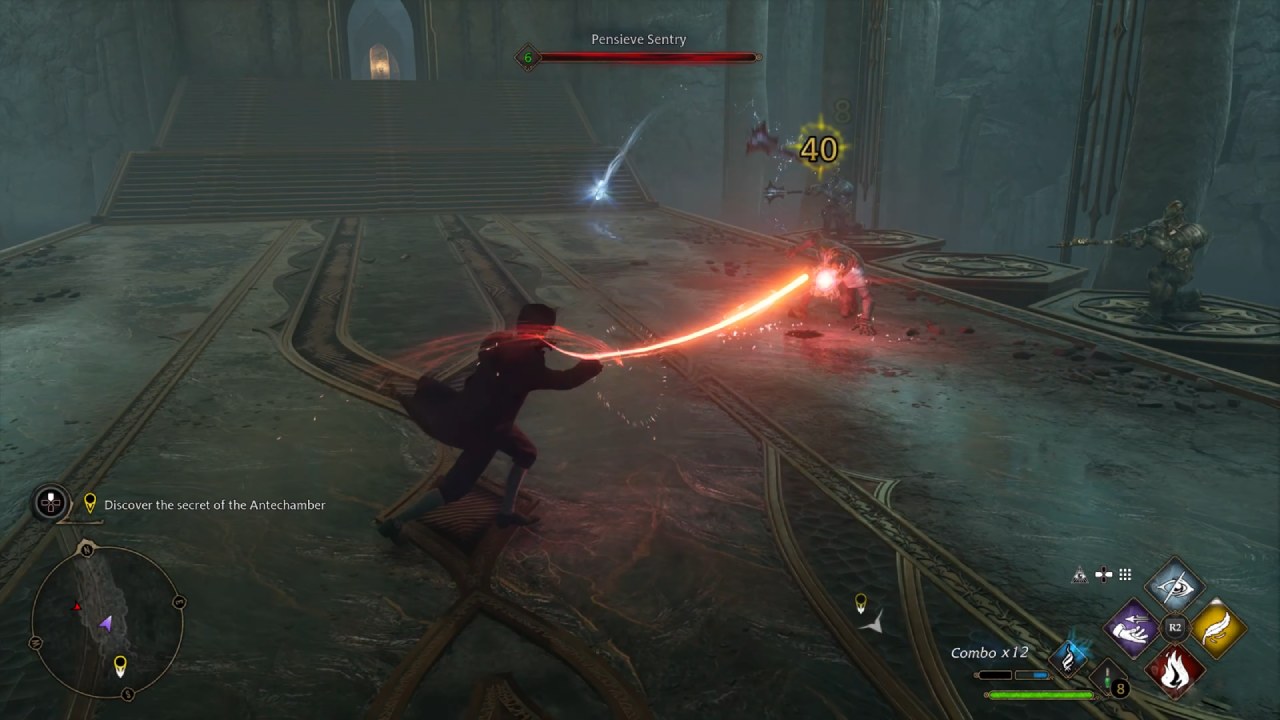
Analysis of Ray Tracing Performance
Ray tracing at 1440p with high RT settings results in a significant performance drop and puts more strain on the CPU. Even with DLSS Quality and ray tracing enabled, frame rates often drop below 60 fps in CPU-intensive locations. Stutters happen a lot, and things don't stay the same.
Frame generation can improve speed to 90-100 fps and reduce microstutters, but larger frame-time spikes still occur. GPU usage stays below 99%, indicating the CPU is still the bottleneck. Input lag also becomes more obvious.
Ray tracing isn't a good idea in Hogwarts Legacy on the RTX 5070, especially on PCs with lower-end CPUs, due to these problems.
Final Thoughts
Ray tracing makes things unstable and puts limits on the CPU; therefore, it's best to turn it off. When settings are chosen properly, with an emphasis on consistency over visual aspects that have a big effect on Performance, Hogwarts Legacy is still fun on the RTX 5070.
Also, check our other NVIDIA articles below:
- GeForce RTX 5090 Unleashed: Is NVIDIA's New Flagship the Ultimate 4K Gaming GPU?
- NVIDIA GeForce RTX 5080 Review (2025): Still A 4K Gaming Powerhouse?
- RTX 5090 Performance Testing In GTA 5 – 1080p, 1440p, and 4K Max Settings Benchmark
- RTX 5090 Laptop Vs. M4 Max MacBook Pro: Ultimate Raw Performance Vs. Battery Endurance
- NVIDIA RTX 5070 Review: Mid-Range Muscle or Marketing Hype?
- RTX 5070 Ti Review: Performance, Thermals & Power Efficiency Tested
- Asus ROG RTX 5090 Astral OC Vs. Founders Edition: The 4K Gaming Benchmark
- ASUS ROG Astral RTX 5090 OC Edition Review: 32GB GDDR7 & 4K Gaming Benchmark
- ASUS GeForce RTX 5090 LC Liquid Cooled GPU Review: Unmatched Silence & Speed
- MSI GeForce RTX 5090 32GB SUPRIM SOC Review: Power Efficiency, Cooling, and Gaming Performance
- INNO3D RTX 5060 Ti 16 GB X2 Review: Gaming Benchmarks, Temps, and Power Efficiency
- HP Omen 45L Review: RTX 5090 Performance, Thermals, and Value Analysis
- ASUS TUF Gaming GeForce RTX 5060 Ti Review: DLSS 4, Power Efficiency, and Gaming
- ASUS Prime RTX 5060 Ti OC 16GB Review: DLSS 4, Ray Tracing, & Thermals Tested
- NVIDIA GeForce RTX 5060 Review: Specs, Gaming, and Cost per Frame
- MSI GeForce RTX 5090 GAMING TRIO OC Review: A Monster Power GPU
Editor, NoobFeed
Gaming Hardware Updates
No Data.