
High On Life 2 Guide | Escape Room Puzzle Solution
Solve the room fast, grab the right items, and open the exit without wasting a restart.
Game Guide by Faviyan Mustafiz on Feb 18, 2026
In the Escape Room, you have to pick up a few important items and use them in the right order. To make progress, you usually have to check every corner, read simple visual hints, and go back to the main Control Panel after each pickup.
Keep going back and forth between the locked door, the puzzle props, and the side shelves until the next trigger shows up.
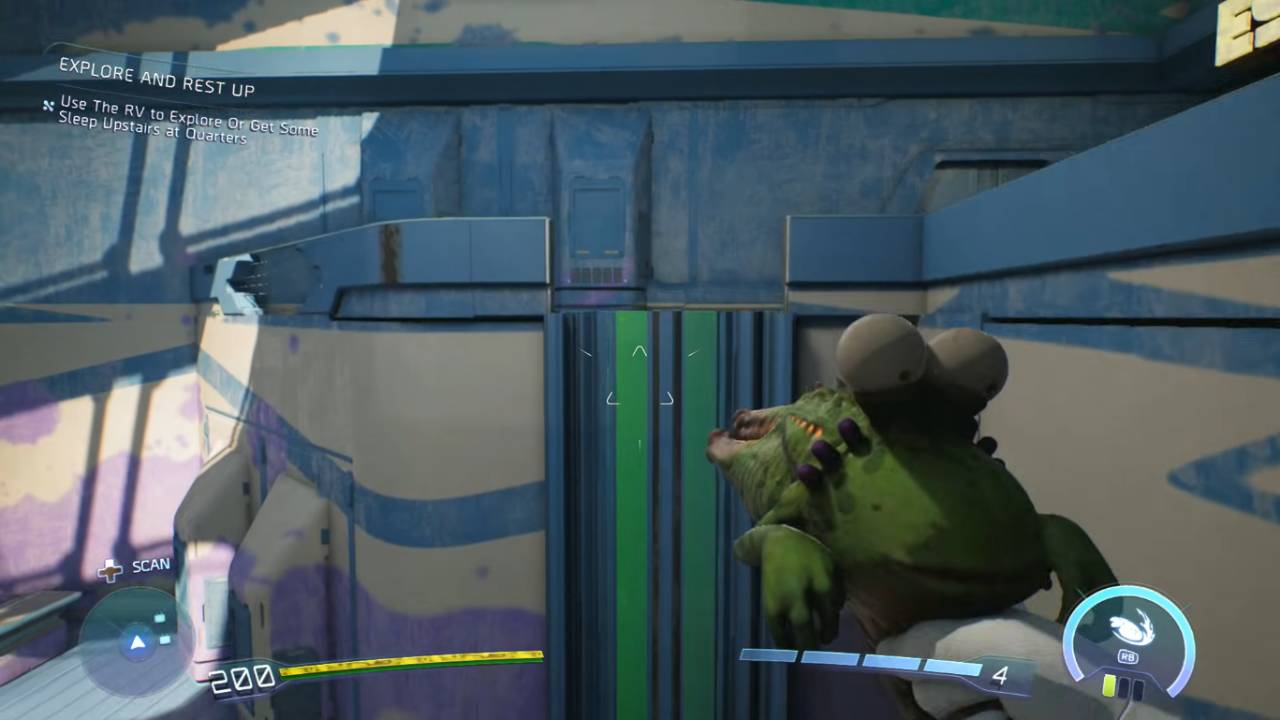
Look in the Corners for the First Key Item
Instead of digging a tunnel through the door, start by sweeping the edges of the room. Check shelves, counters, and wall mounts for anything that stands out. Get the first Key Item you see, and then check the door or the nearest Control Panel again. A lot of escape sequences only update after you have the item in your inventory, so it's important to go back to the main interaction point.
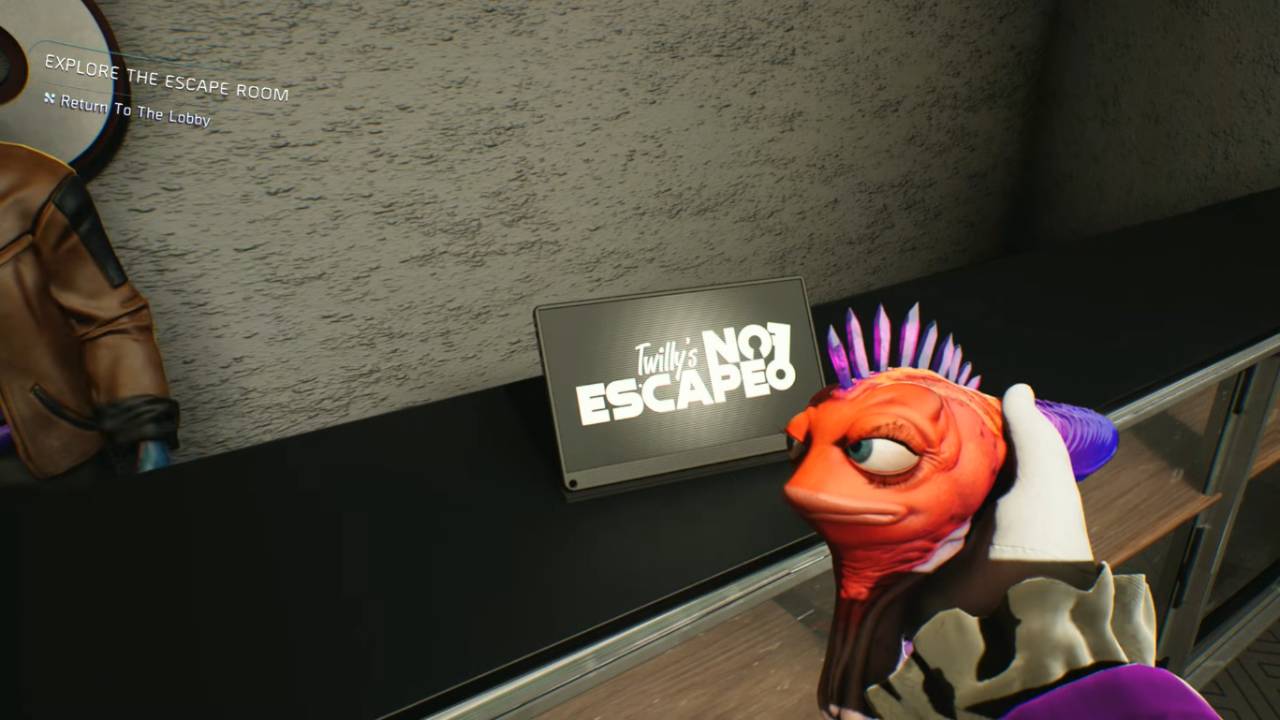
Use the Control Panel and the visual clues to match them up.
After you get the first item, use the Control Panel and compare it to the things in the room. If there are colors, symbols, or numbers, think of them as pieces of a puzzle that need to be put together.
You can rotate, toggle, or type in values to make them look like what the room is showing. If something doesn't work, you probably missed a small interactable that "activates" the puzzle state.
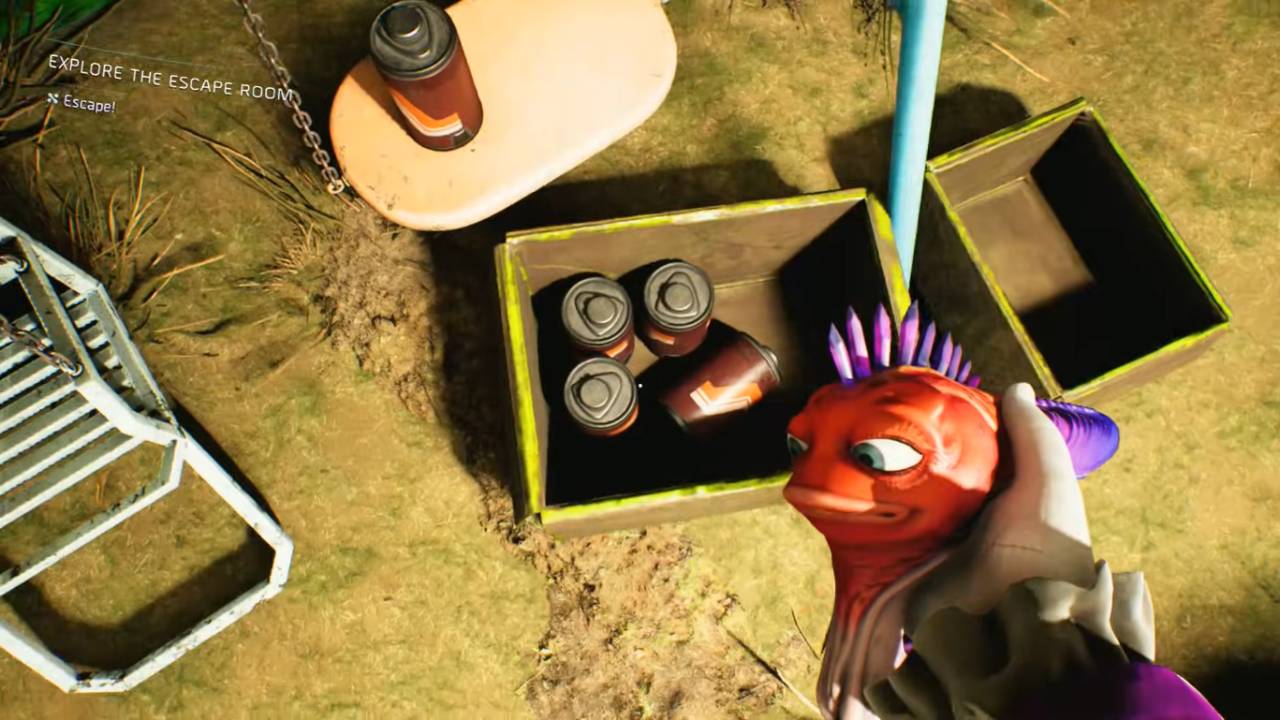
Open the door and pull the trigger.
After you set the right input, wait for the success cue and then check the exit door right away. If the door still looks locked, go back and make sure you used every interactable you needed to.
Some rooms also have a last step that you have to do, like pulling a lever, putting a keycard in, or putting something in a slot near the door. The last trigger should open the door, and the escape sequence should end.
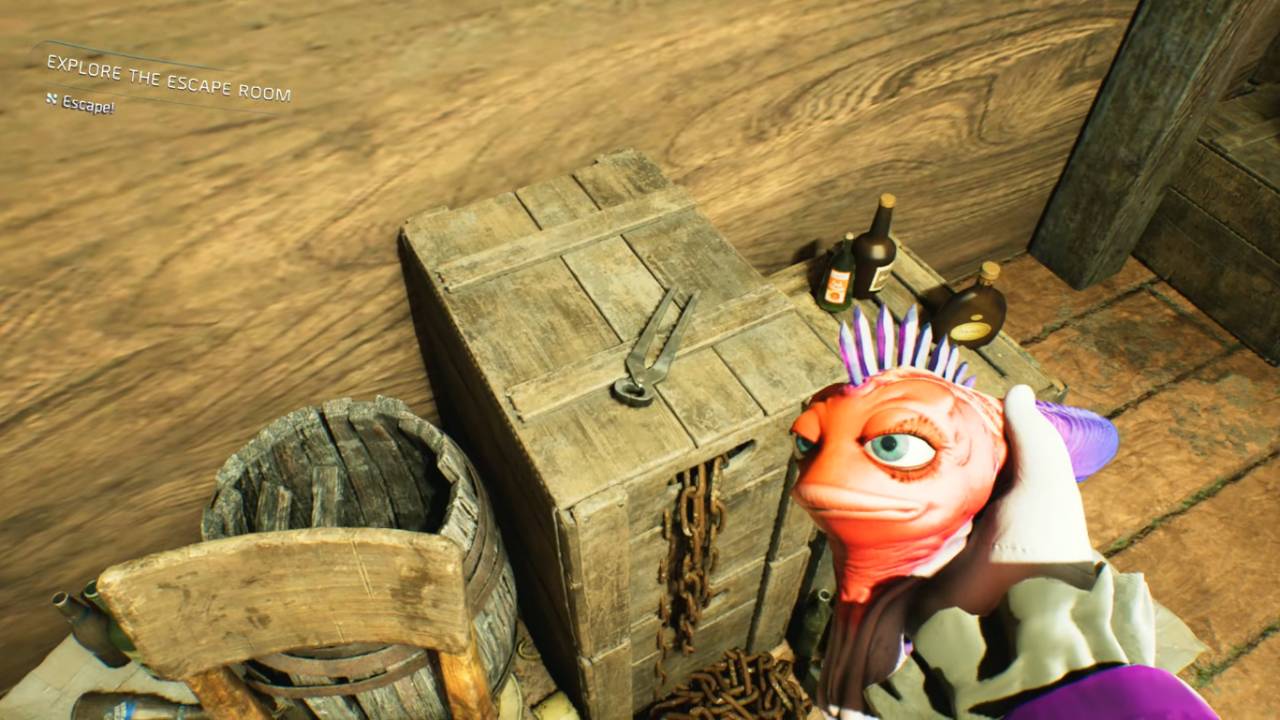
If the puzzle seems stuck, here are some quick fixes:
If you get stuck, look around the room again for something you missed and touch anything that looks a little out of place. Check the shelves, corners, and wall props again.
After each pickup, go back to the Control Panel. The next option usually only shows up after an inventory change. If the door is still locked, make sure that the last item was actually put in or placed, not just picked up.
Also, check our High On Life 2 Review and other guides below:
- High On Life 2 Guide | All Fishing Spot Locations
- High on Life 2 Guide | How to Unlock the Ball Gun
- High On Life 2 Guide | How to Reach Spaceforest Cafe Through the Sewers
- High On Life 2 Guide | Human Exhibit Puzzle Solution
- High On Life 2 Guide | How to Disable Hall H Security
- High On Life 2 Guide | How to Get the Skeleton Skateboard
- High On Life 2 Guide | Brain Drain Upgrade Location
- High On Life 2 Guide | Fight Club Arena Betting
- High On Life 2 Guide | How to Save the Man From Drowning
- High On Life 2 Guide | Should You Press The Red Button For 500 Pesos
- High On Life 2 Guide | Troll Under The Bridge Location
Contributor, NoobFeed
Latest Articles
No Data.